The AzureDump Installer is a streamlined PowerShell script for setting up AzureDump, a robust Azure Active Directory enumeration tool. This installer automates the installation of required AZ modules and essential tools, such as AADInternals, PowerZure, AzureHound, Python 3.7, RoadRecon, and CrowdStrike's CRT.
Designed for use on a fresh virtual machine for each audited tenant, the AzureDump Installer ensures a secure and efficient setup, tested on Windows 11. Ideal for red and blue teams, this installer simplifies the process of assessing and improving your Azure tenants' security posture by quickly configuring a comprehensive toolkit for audits, monitoring, and data gathering.
- Run the installer (Might have to turn off defender)
- Choose what other tools you want to run (RoadRecon, CRT, etc.) by editing the config.json file
- Ensure you put everything onto the Desktop and keep all names the same
- Set the execution policy to bypass/unrestricted and unblock the file
- Run ./AzureHound.ps1
This can be used by both red and blue teams. If you find a low privileged account connected to Azure, it is possible to gather a ton of useful data. It's especially valuable for gathering email addresses and phone numbers for phishing/vishing attacks when you find yourself on a low privileged account. For blue teams, it can be used as an auditing tool to check for misconfigurations and to lock down unnecessary data. Examples of this are the MFA check, legacy protocols check, Global Admin list, and the Applications with credentials. Additionally, the application URLs can sometimes contain interesting information, so be sure to review those.
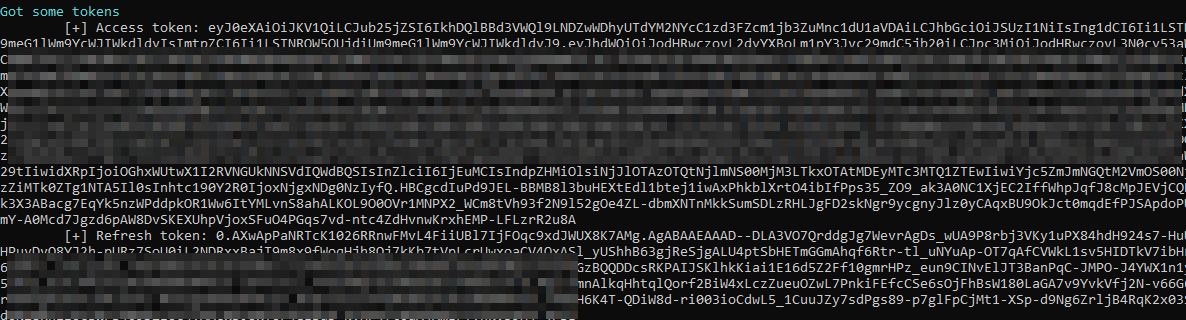
Another feature included is the token grabber from AzureHound. This can be used in a variety of ways, so if the script doesn't work, you can just copy those tokens and try to login. It uses the device code login function.
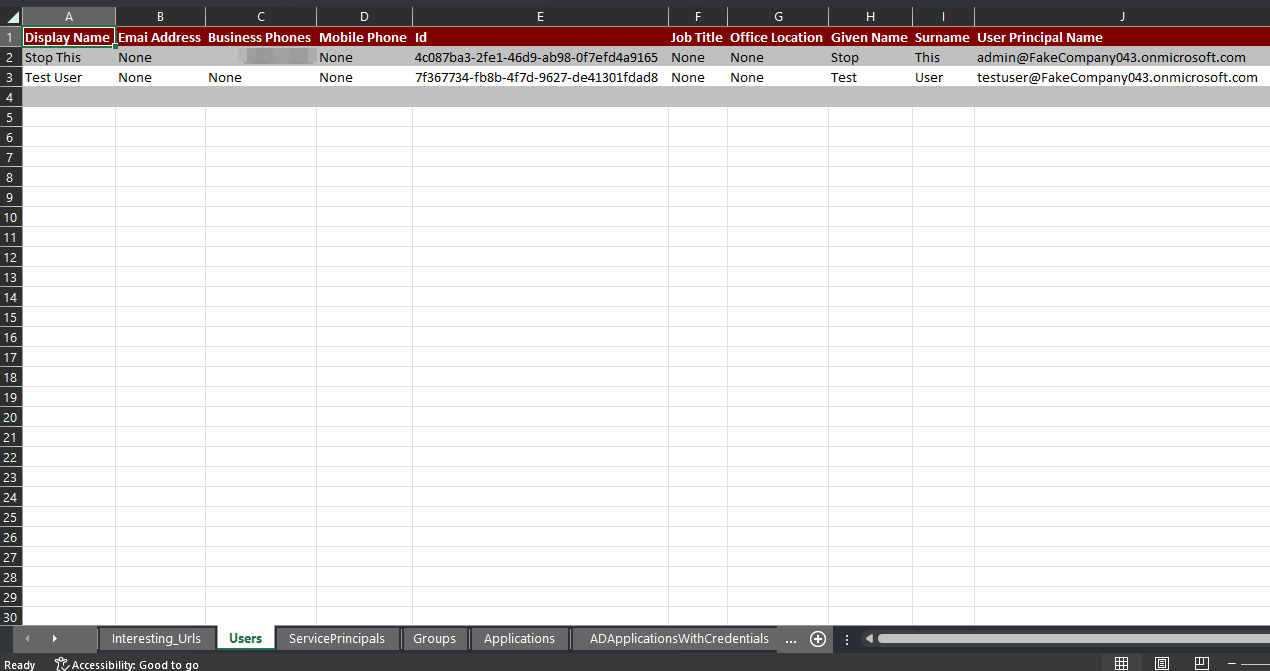
AzureDump generates well-organized Excel sheets containing the gathered data. These reports provide a convenient and easy-to-read format for analyzing and understanding the information, such as user details, group memberships, application configurations, etc.
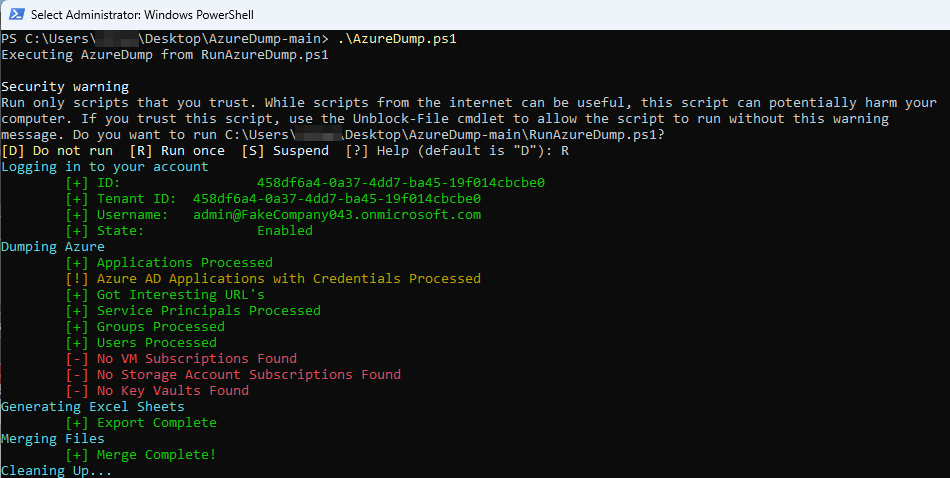
The original version included an option of how you wanted to login (user/pass, device code) but settled on user prompts as MFA seems like it's going to be the norm.
- Users
- Groups
- Service Principals
- Service Principals with credentials
- Applications
- Interesting URL's
- Global Admins
- MFA Enabled Users
- Legacy Emial Protocols
- More to come?
AzureDump allows users to selectively run additional tools by editing the config.json file. Users can enable or disable the execution of specific scripts, making it a flexible and customizable solution for various scenarios.
AzureDump could be extended to support continuous monitoring and auditing of Azure environments. By scheduling periodic runs of the script, blue teams can monitor for potential misconfigurations, unauthorized changes, or unusual activity within their Azure tenant, allowing them to proactively respond to potential security risks.
- Clean up the output
- Fix some functionality
- Reduce login prompts
- Add more tools and features