This is an example pet name generator app used in the OpenAI API quickstart tutorial. It uses the Next.js framework with React. Check out the tutorial or follow the instructions below to get set up.
-
If you don’t have Node.js installed, install it from here
-
Clone this repository
-
Navigate into the project directory
$ cd openai-quickstart-node -
Install the requirements
$ npm install
-
Make a copy of the example environment variables file
$ cp .env.example .env
-
Add your API key to the newly created
.envfile -
Run the app
$ npm run dev
You should now be able to access the app at http://localhost:3000! For the full context behind this example app, check out the tutorial.
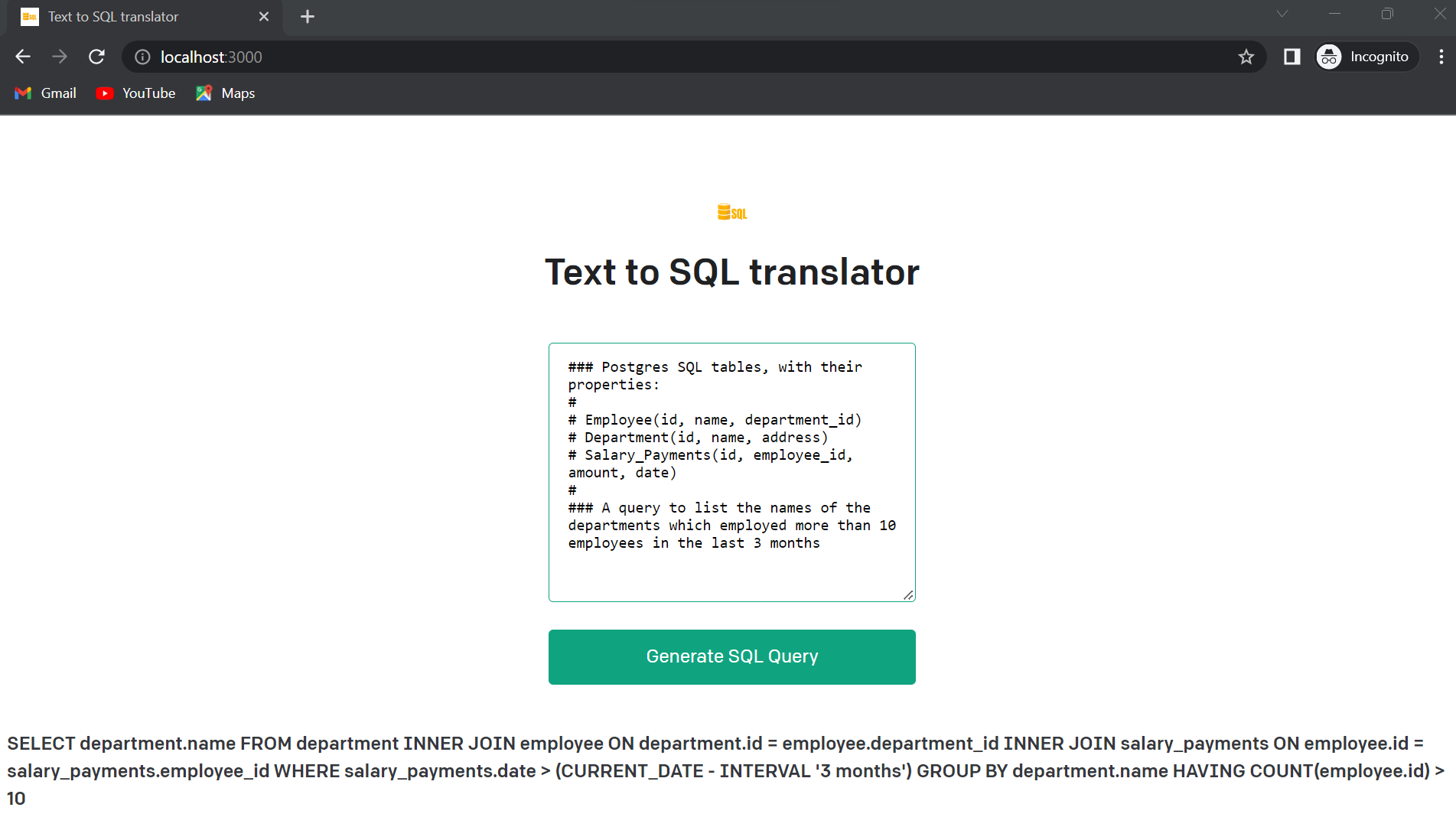
1. The finetuning of the models can be done using the different parameters given in the [OpenAI docs](https://beta.openai.com/docs/guides/fine-tuning)
2. Parameters for fine-tuing:
a) Temperature
b) Max Tokens
c) Top-p
d) Frequency Penalty
5) Presence Penalty
6) Stop Words