
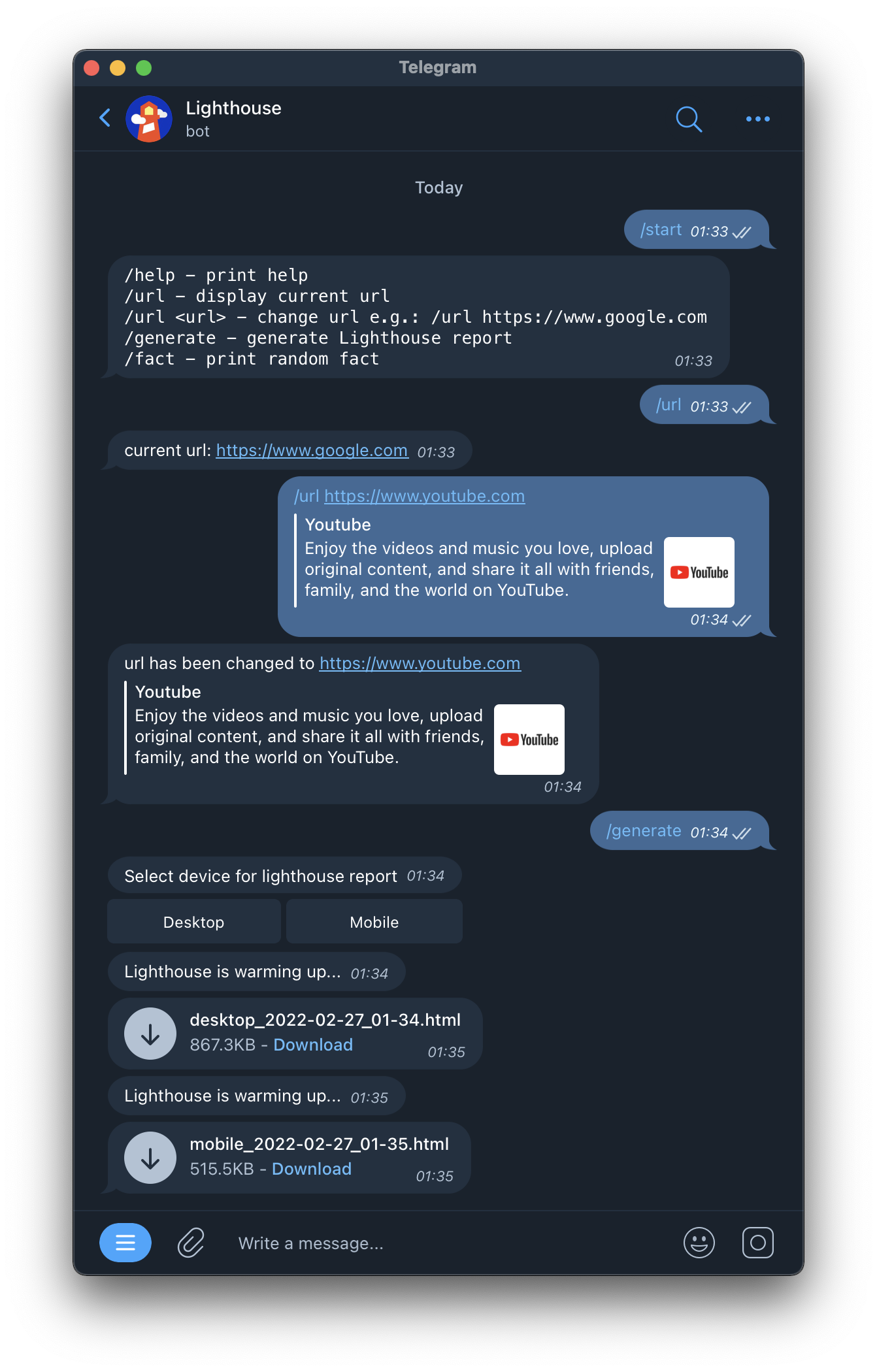
Generate Lighthouse reports with Telegram bot
docker run -d -e BOT_TOKEN=<BOT_TOKEN> -v $HOME/lighthouseTelegramBot:/app/data --restart always marcobaeuml/lighthousetelegrambot
version: '3'
services:
    lighthousetelegrambot:
        image: marcobaeuml/lighthousetelegrambot
        container_name: lighthousetelegrambot
        environment:
            - BOT_TOKEN=<BOT_TOKEN>
        volumes:
            - '$HOME/lighthouseTelegramBot:/app/data'
        restart: always
Create whitelist.json in $HOME/lighthouseTelegramBot/data and add the chat IDs you want to grant access to
echo '{ "chatId": [<chatI>, <chatId>] }' > $HOME/lighthouseTelegramBot/whitelist.json
If no whitelist file is provided, any user will be accepted
https://core.telegram.org/bots
When you send a message to the bot, a log file is created where you can find your chat ID