Introducing an innovative web application that empowers meal lovers to unleash their creativity and experiment with a diverse range of recipes. From simple ingredients to exquisite culinary masterpieces, this platform offers a thrilling opportunity to craft awe-inspiring plates, pushing the boundaries of culinary artistry.
From breakfast to dinner, and everything in between, our app has recipes that can't be beat!
- WHEN I open the app
- THEN I am presented with a webpage made with Bulma CSS framework
- WHEN I navigate on the main page
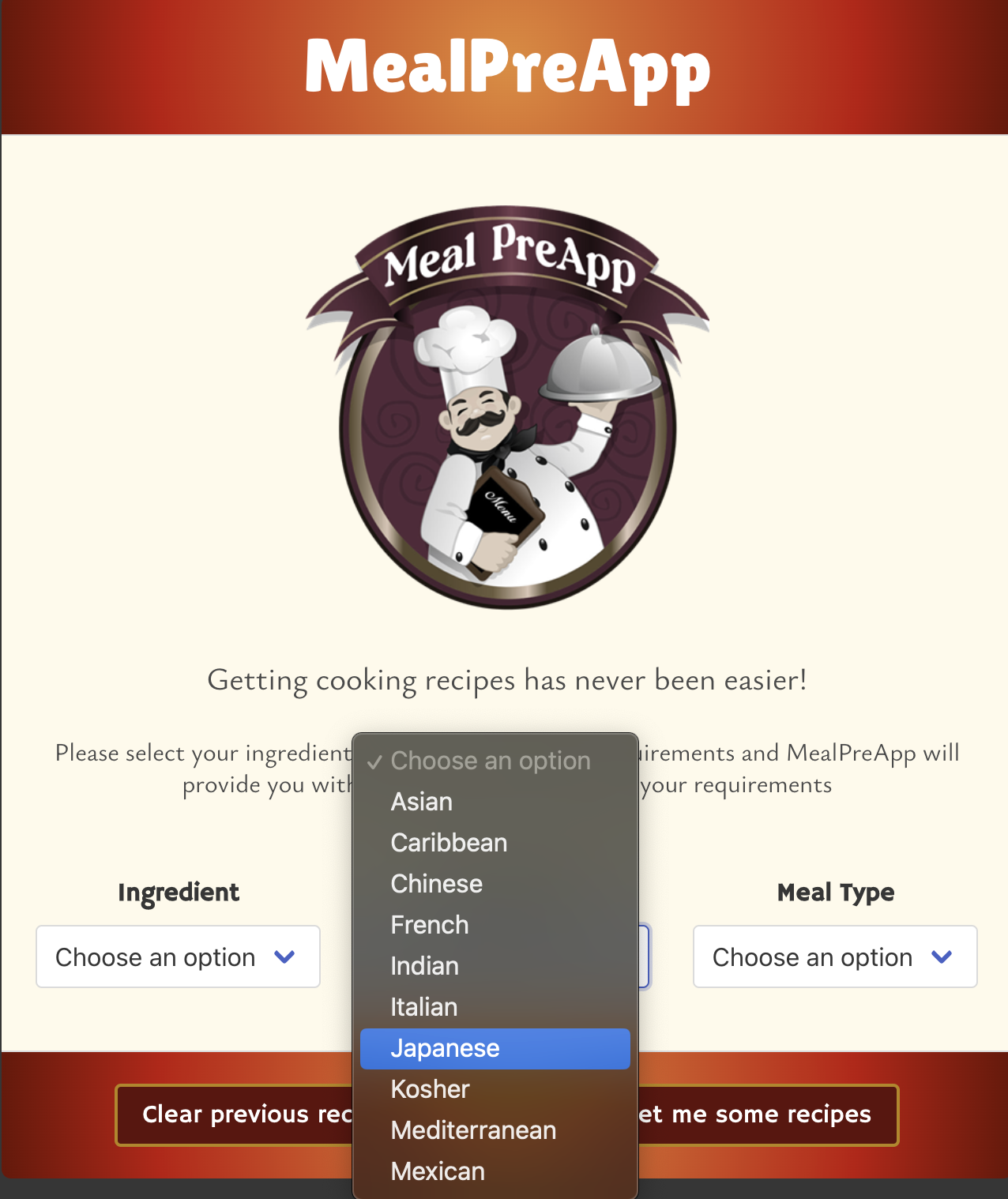
- THEN I am presented with an input text box and two select dropdown lists
- WHEN I click on the button without selecting a value for the text box and dropdowns
- THEN I am presented with a modal warning window, explaining i need to add data in all of them
- WHEN I click on get me some recipes button
- THEN an API call to EDAMAM and USDA is made to retrieve data
- WHEN I click on the button after adding all data
- THEN I am sent to a loading page that lasts 6 seconds
- WHEN I have waited 6 seconds
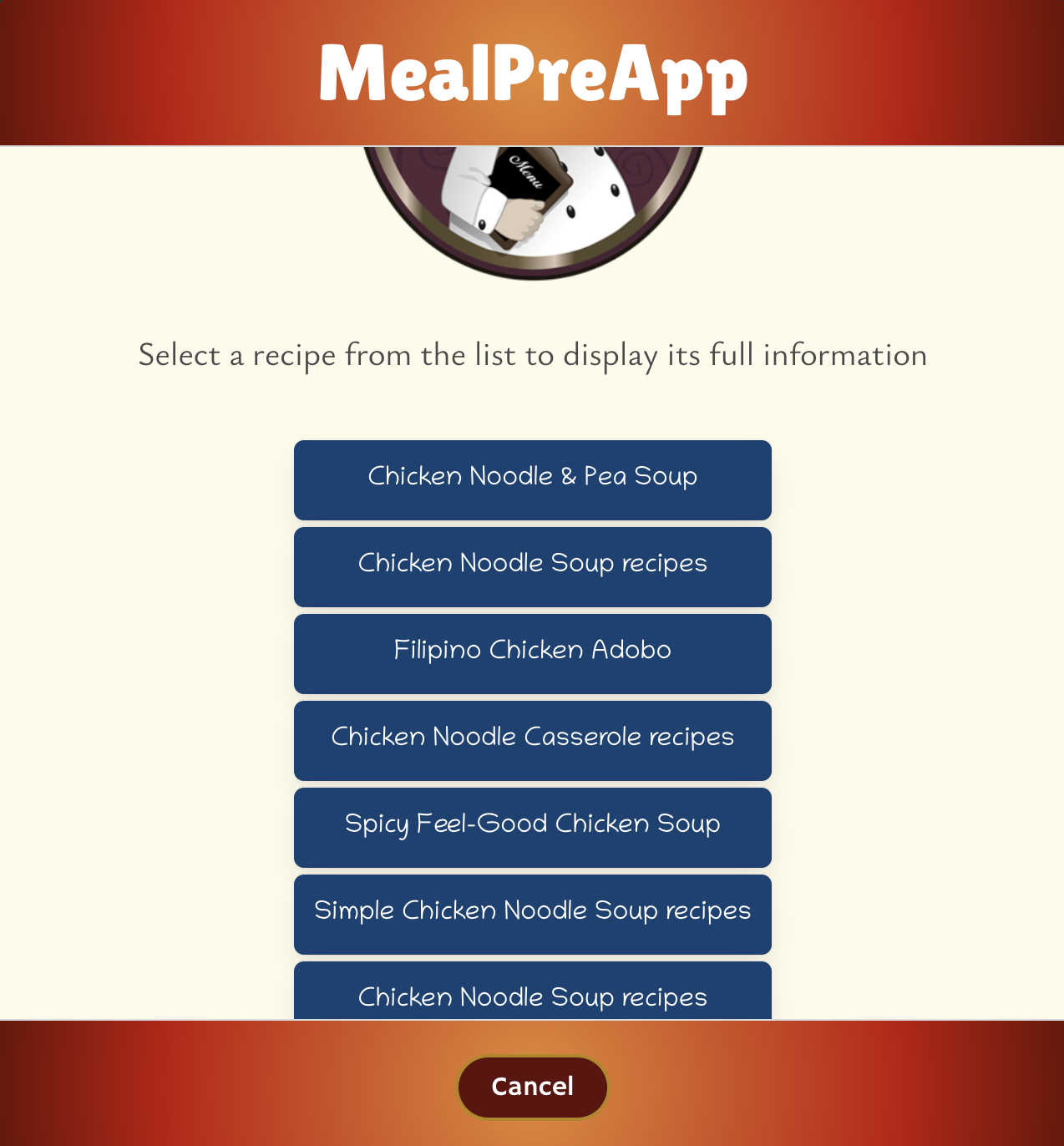
- THEN I am presented with the list of recipes that match the criteria I provided
- WHEN I click on the Cancel button
- THEN the page is reloaded and I am sent back to the main page
- WHEN I click on a listed recipe
- THEN I am sent to a loading page that lasts 6 seconds
- WHEN I have waited 6 seconds
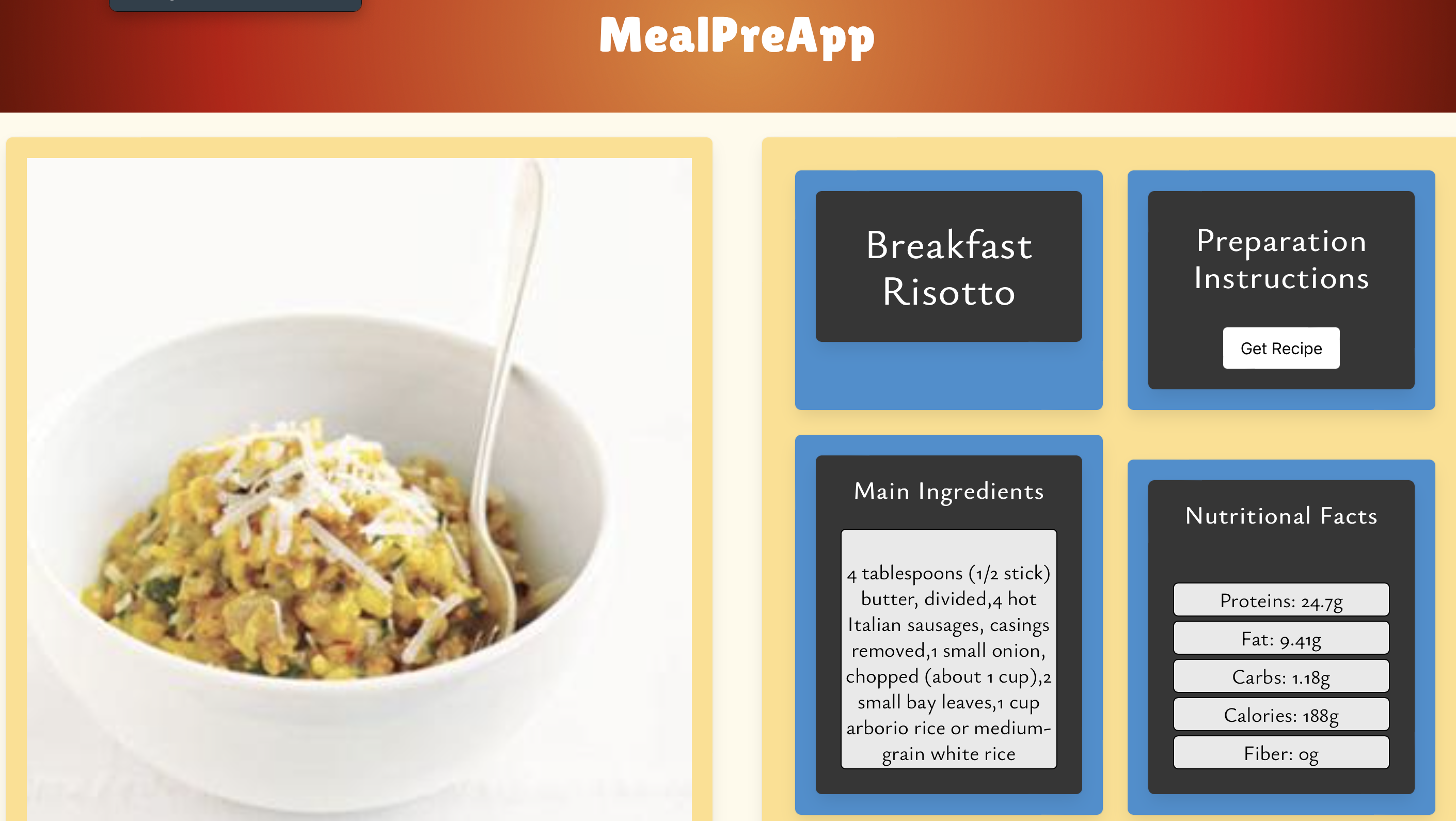
- THEN I am presented with the recipe page where an image, name, list of ingredients, link and nutrients are displayed
- WHEN I click on the Get Recipe Button
- THEN I am redirected to the recipe's orgin webpage
- WHEN I click on the Back to List button
- THEN I am sent back to the recipe's list
- WHEN I click on the Back to Main button
- THEN the page is reloaded and I am sent back to the main page
- WHEN I have searched for a previous recipe and get in the page again
- THEN I am presented with the previously searched recipe and a clear previous recipes button
- WHEN I click on the clear previous recipes button
- THEN the contents of the local storage and the listed recipes are deleted
- WHEN I click on a previously searched recipe
- THEN I am sent to the recipe page and the Go back to list button is not displayed
Installation not required, just open up the MealPreApp html file and follow the next steps:
- Pull down the dropdown box an choose your main ingredient
- Choose your favourite cuisine type
- Finally select the meal type you would like to have
- Wait a few moments while we find the best recipes for you
- You will then be shown a list of possible recipes that you can try according to your preferences.
The github URL containing the code for this challenge is located at:
https://github.com/Maelikah/P1_MealPreApp
The github pages URL containing the deployed webpage is located at:
https://maelikah.github.io/P1_MealPreApp/ to an external site.
Here are some screenshots for reference:
- Maria Eva Longoria https://github.com/Maelikah
- José María Hernández https://github.com/ChemaKing13
- Enrique Schwanke https://github.com/schwankess
- https://bulma.io/
- https://developer.edamam.com/food-database-api-docs
- https://developer.edamam.com/edamam-docs-recipe-api
- https://developer.mozilla.org/en-US/docs/Web/API/Fetch_API
- https://encycolorpedia.com/
- https://developer.mozilla.org/en-US/docs/Web/JavaScript/Reference/Global_Objects/Array/slice
- https://developer.mozilla.org/en-US/docs/Web/JavaScript/Reference/Global_Objects/Array/map
- https://fdc.nal.usda.gov/
- https://blog.logrocket.com/localstorage-javascript-complete-guide/
- https://www.javascripttutorial.net/javascript-dom/javascript-select-box/
N/A