Game Shelf is a website where users can keep track of their board game collection. Users add games to a virtual board game shelf, then search their collection using various criteria such as game category, creator, and player count to find specific games. Users can choose how they want the results to be displayed: alphabetically, by complexity, by game length, or by popularity. The site also includes a game library containing board games from all users, which can be searched to discover new games that suit a user’s tastes. Finally, the friends feature allows users to see the games of others.
This project uses HTML, CSS, PHP and SQL. Since Github only allows for static sites, a working product is not available. Instead, please see the description which contains screenshots of the site.
After logging in, the user is brought to the homepage of Game Shelf.
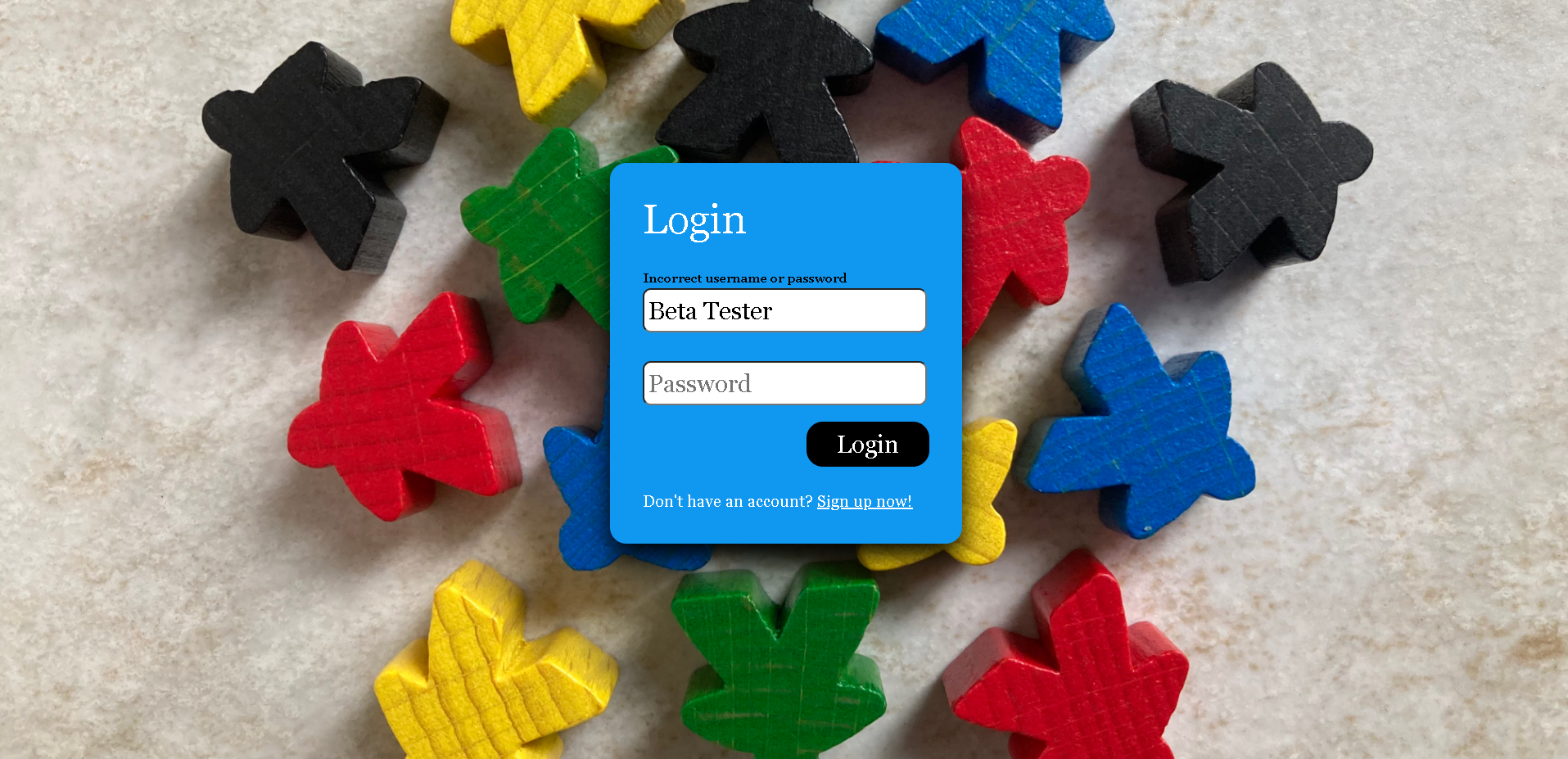
(Screenshot of login.php)
The website is organized into 5 main sections accessible in the navigation bar found at the top of every page.
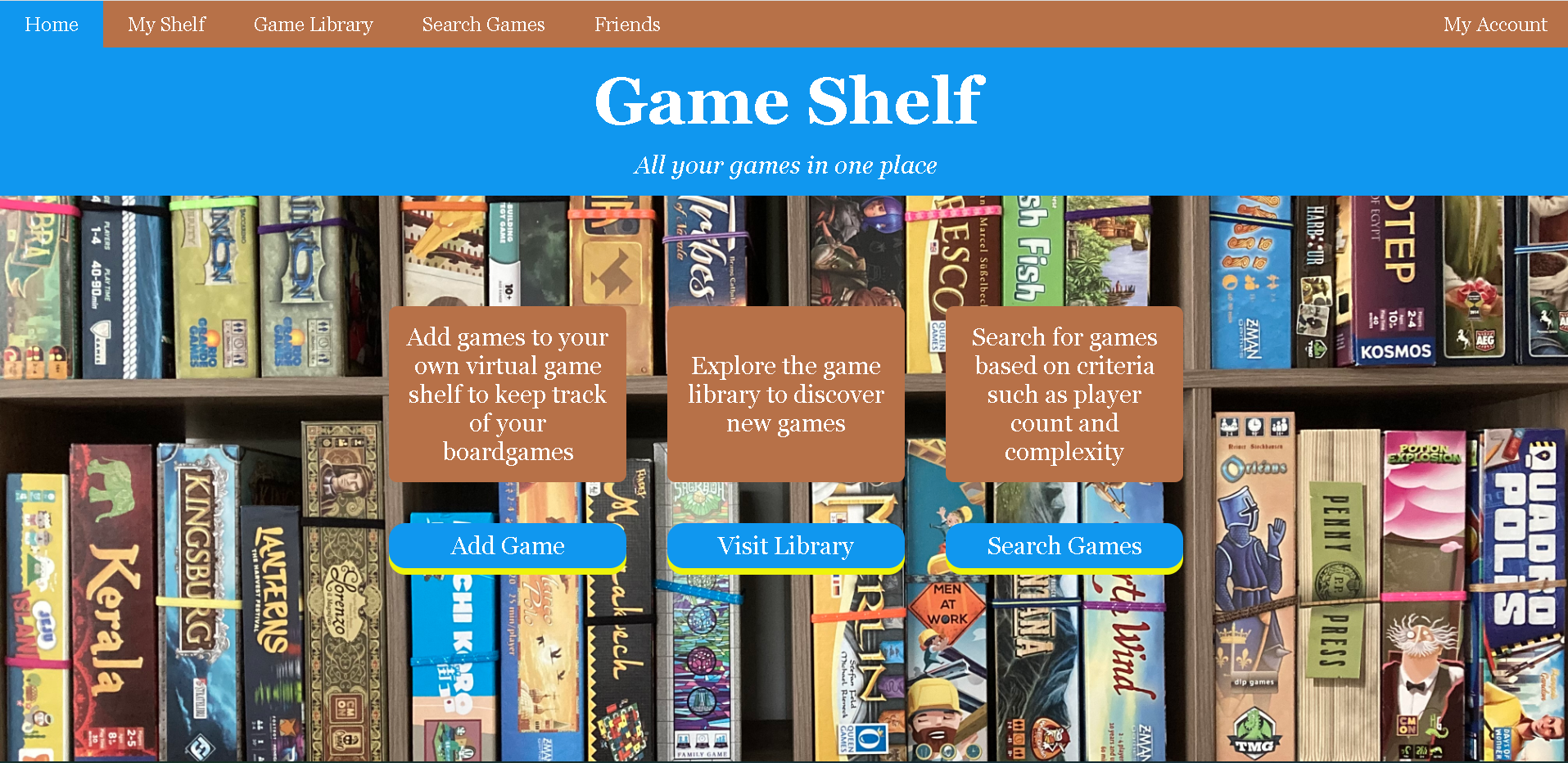
(Screenshot of index.php)
In "My Shelf" => "Add Game", a user can add a game to their shelf by typing the name of the game into the textbox. If the game already exists, it will be added to the users shelf. If it is a new game, the user will be asked to fill out some information about the game. Checks are performed on the inputted data to ensure the information makes sense.
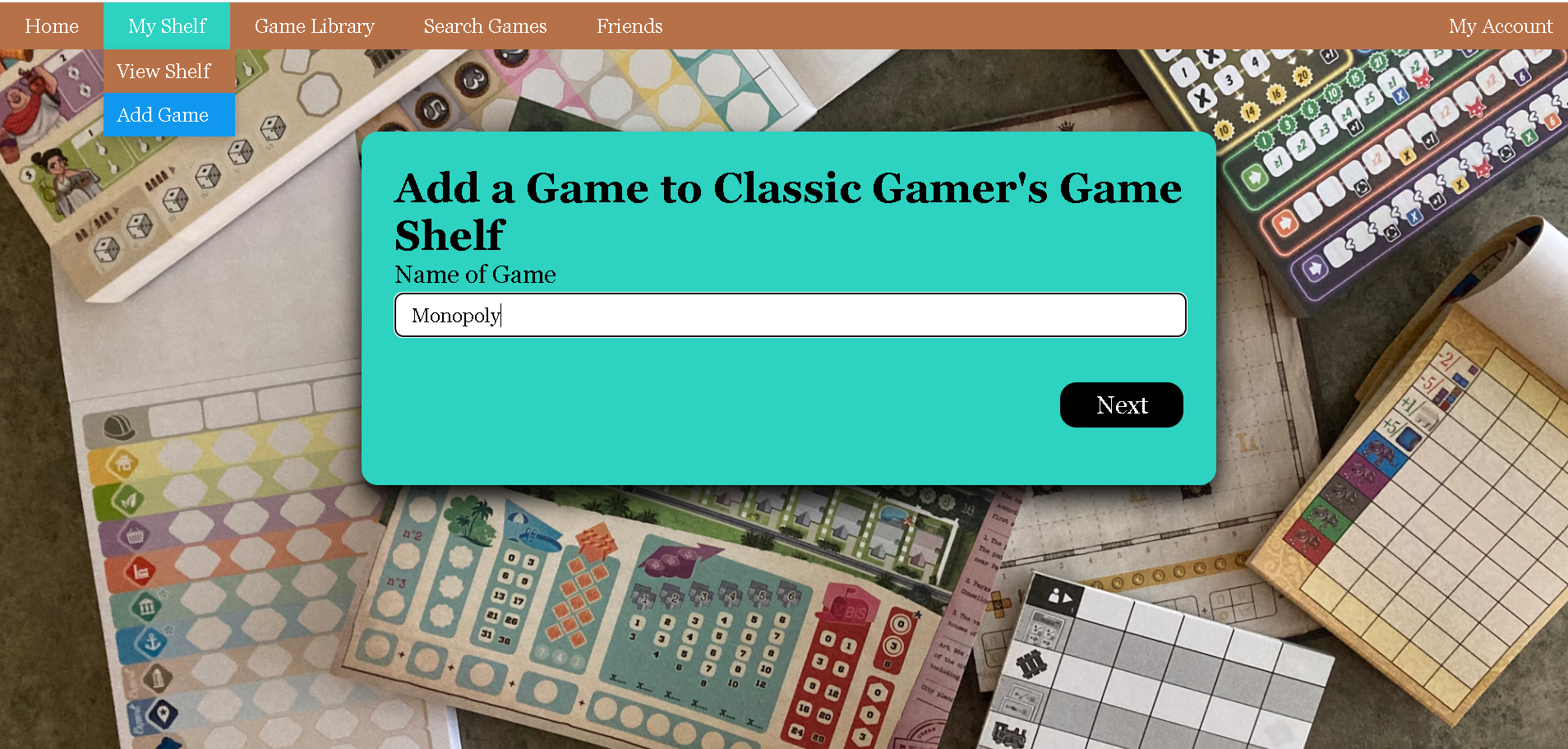
(Screenshot of add_game1.php)
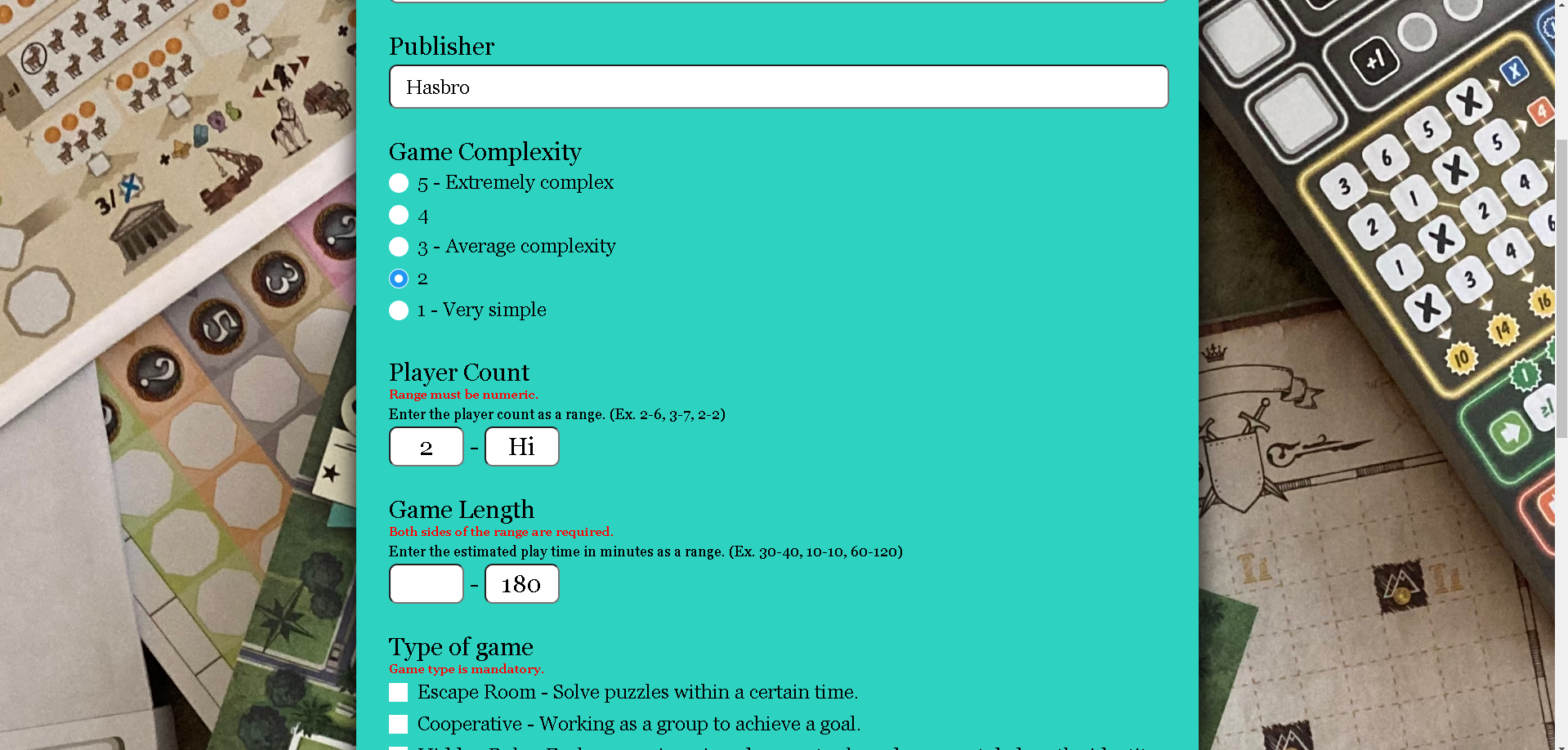
(Screenshot of add_game2.php)
Users can see their game collection in "View Shelf" => "My Shelf".
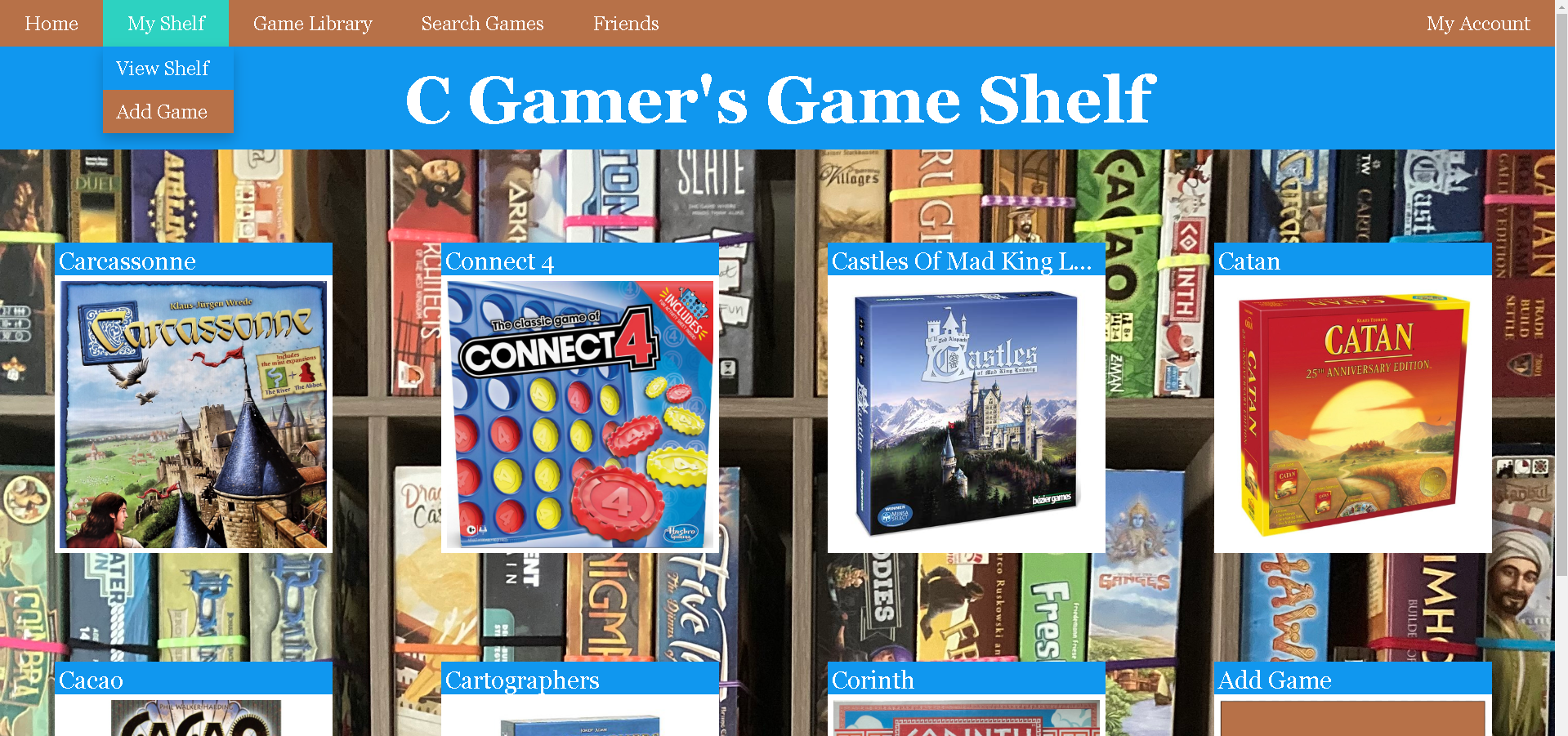
(view_shelf.php)
The Game Library is where users can view games belonging to all users.
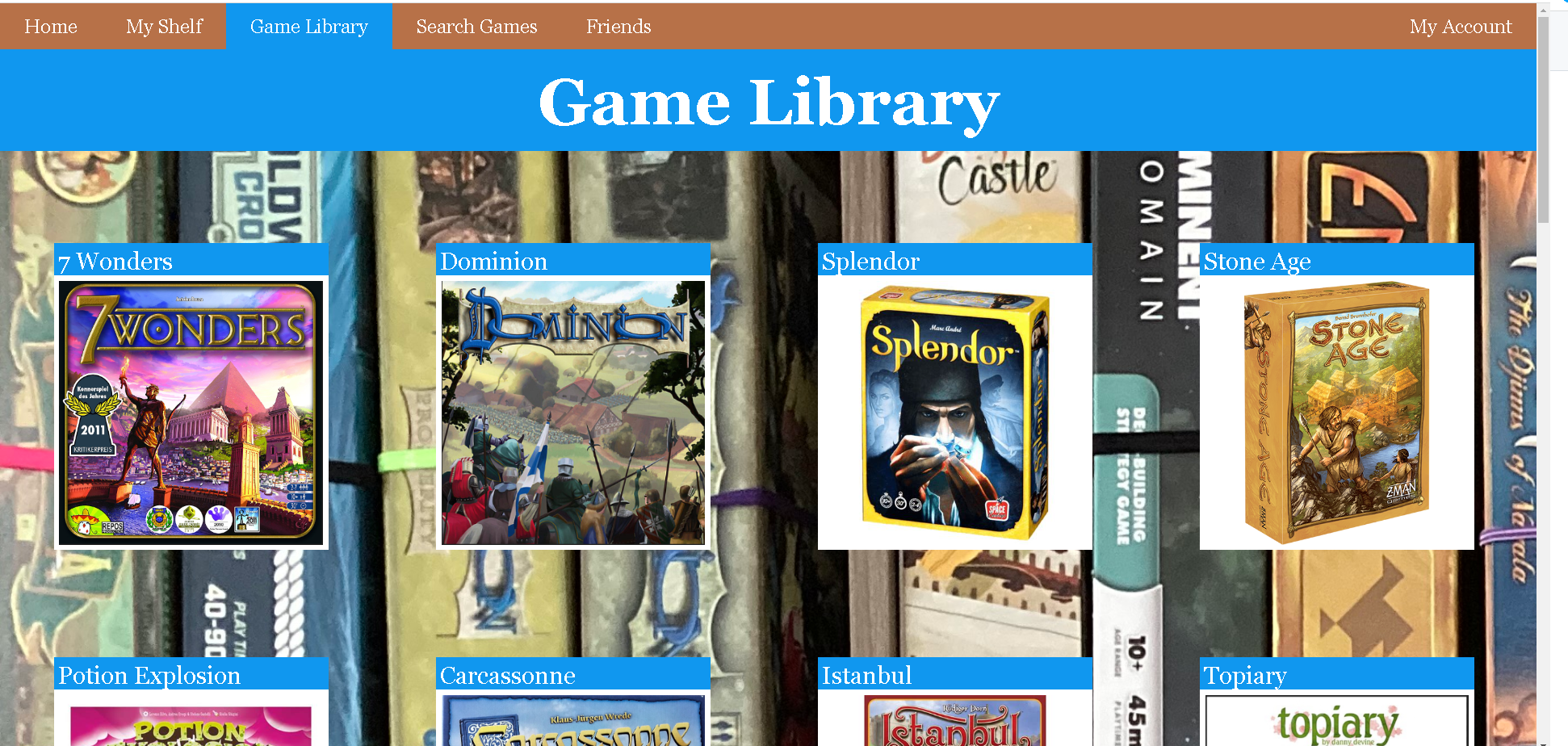
(game_library.php)
Search Games allows users to find specific games. First, users can choose a collection to search: their personal shelf, the game library, or the shelf of a friend. Next, they have the choice to input the following search criteria: game mechanism, keyword, creator, complexity, player count, length. Finally, they have the choice to choose how they wish results to be displayed: alphabetically, by popularity, by complexity, or by playing time.
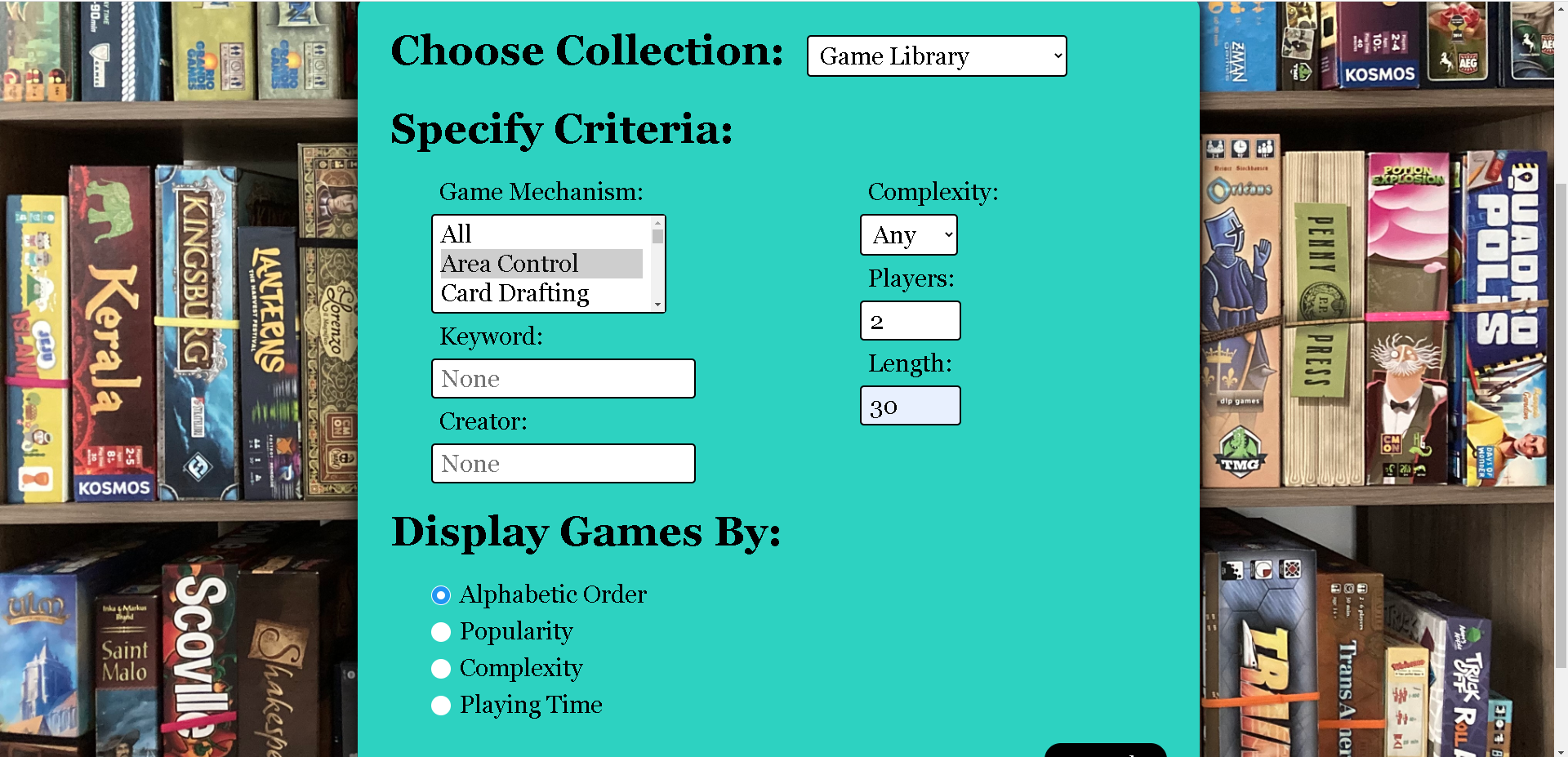
(search_game.php)
The results of the search are displayed above the input form.
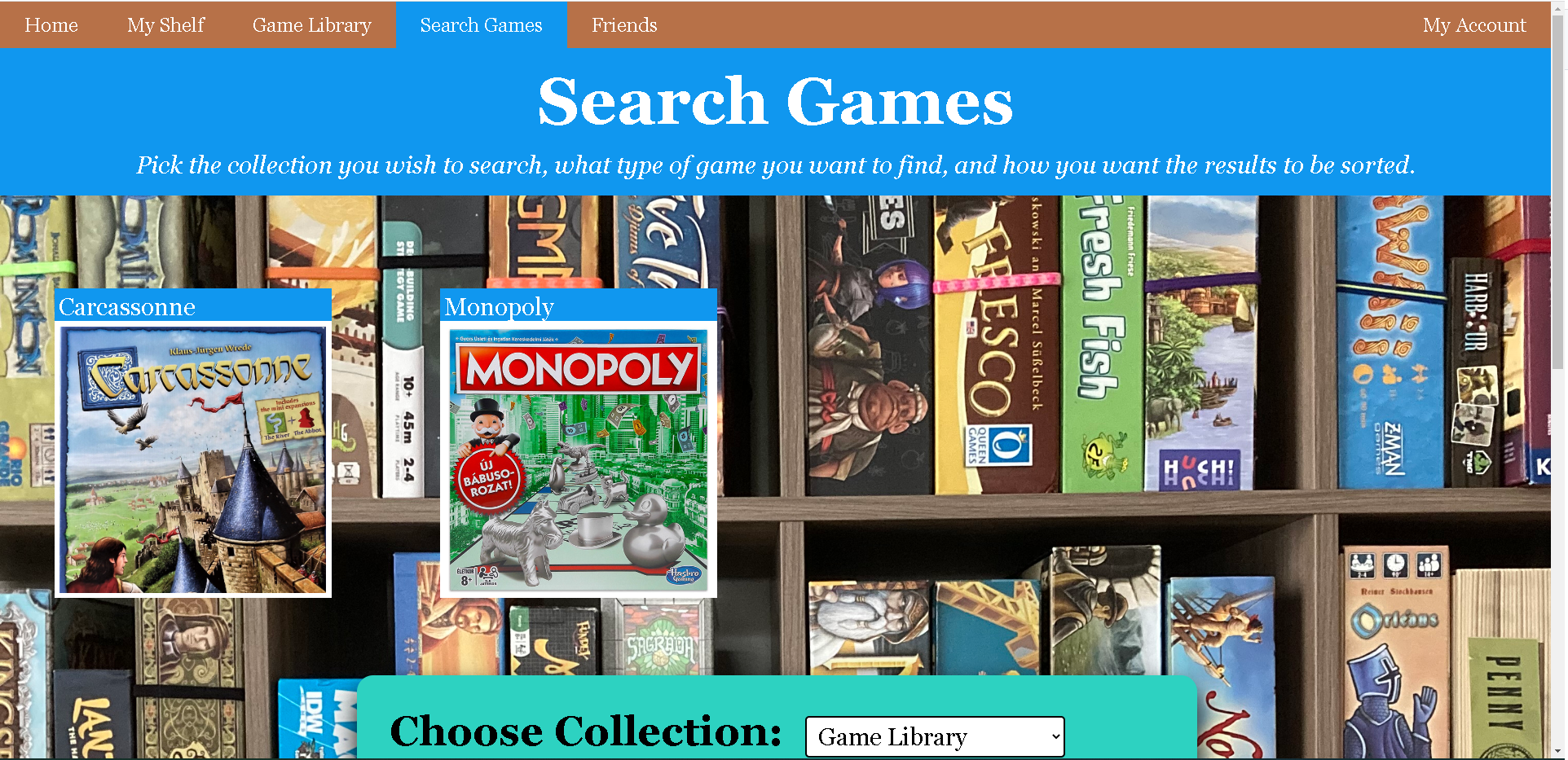
(search_game.php)
In View Shelf, Game Library, and Search Games, if you click on one of the games in the display you will be brought to a page containing specific information about the chosen game. This page also allows users to add or remove the game from their shelf.
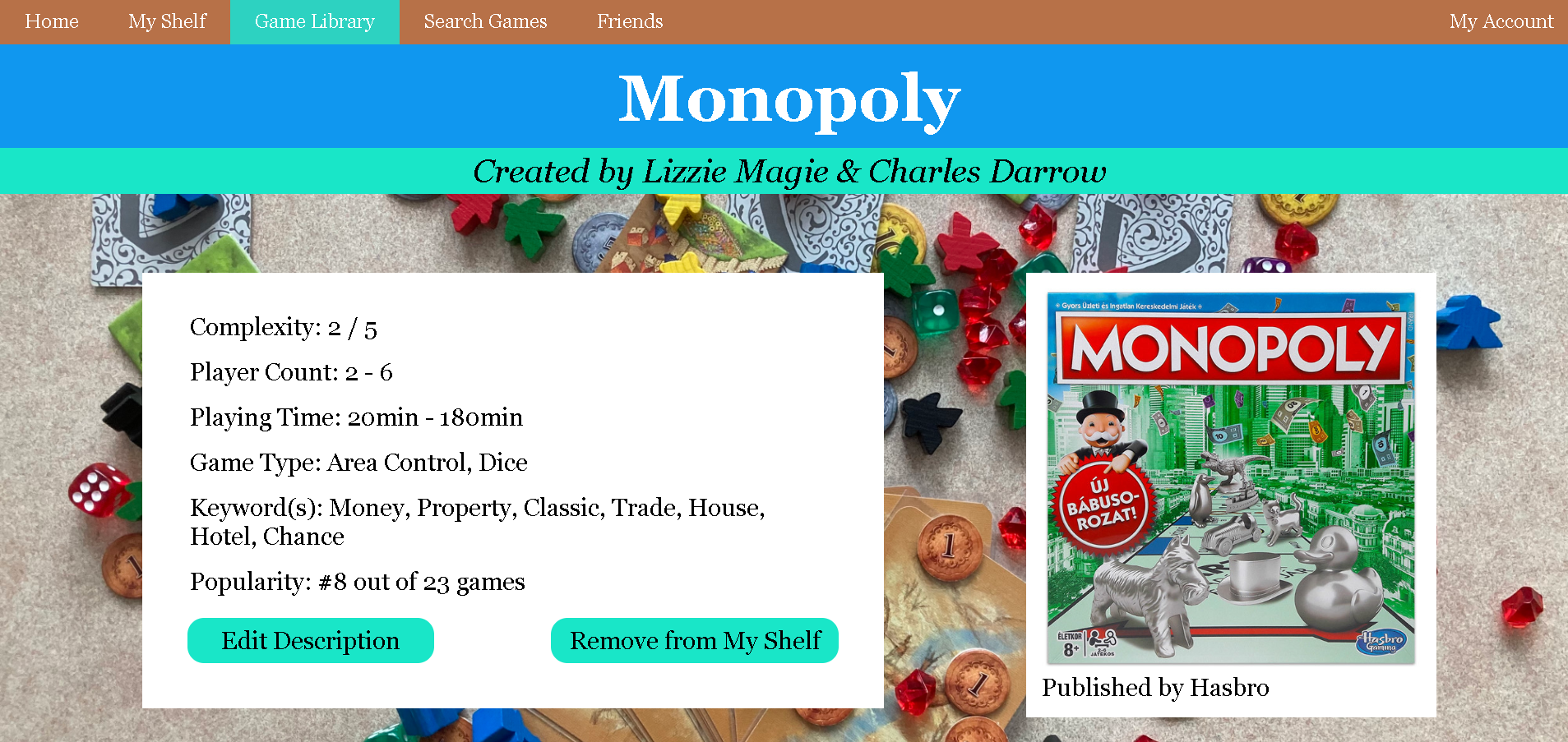
(view_game.php)
In View Game, there is also an edit button which leads you to an editing page where you can change any piece of game information.
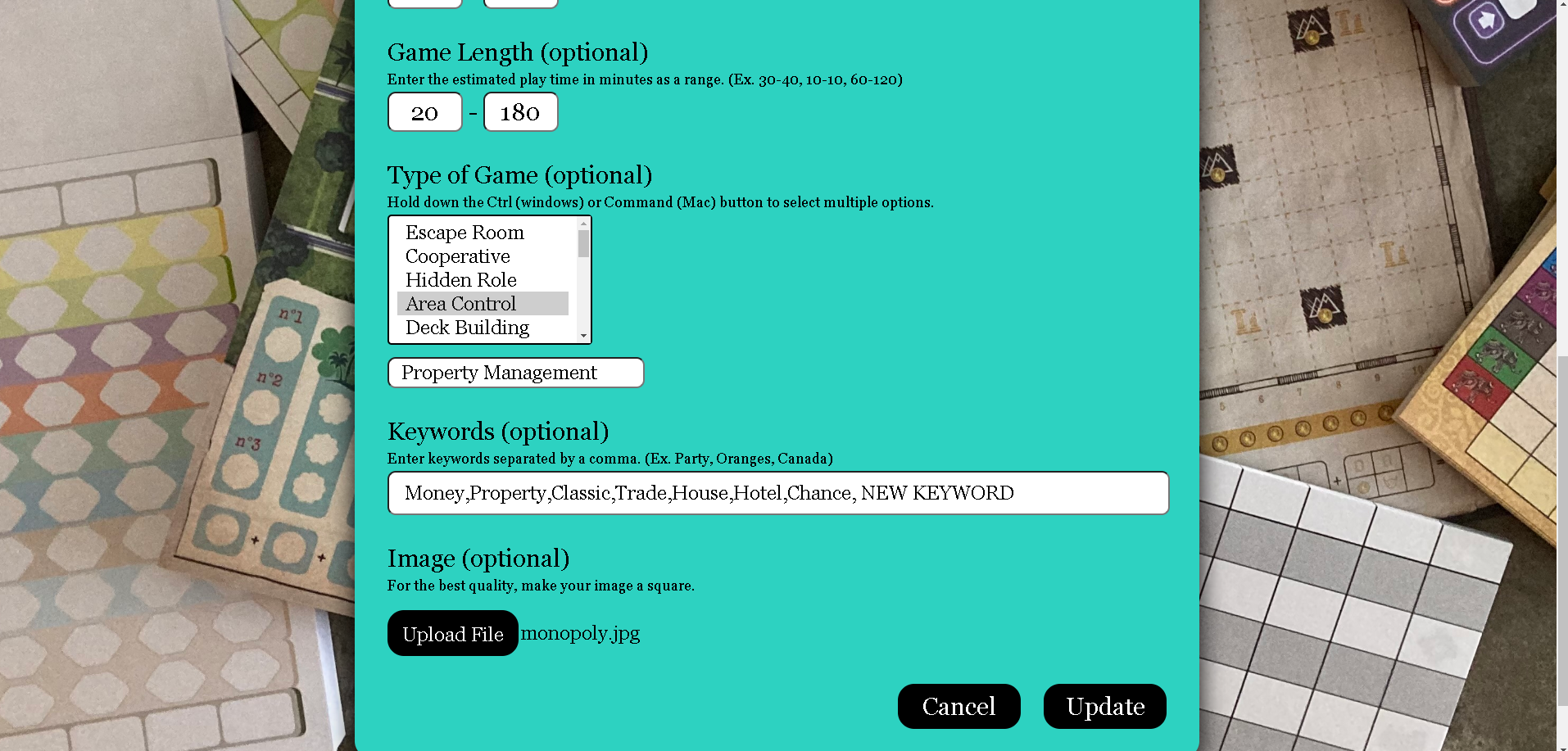
(edit_game.php)
In "Friends" => "Add Friend", you can add a friend by username or click on a profile in the user list to visit the profile page of a player.
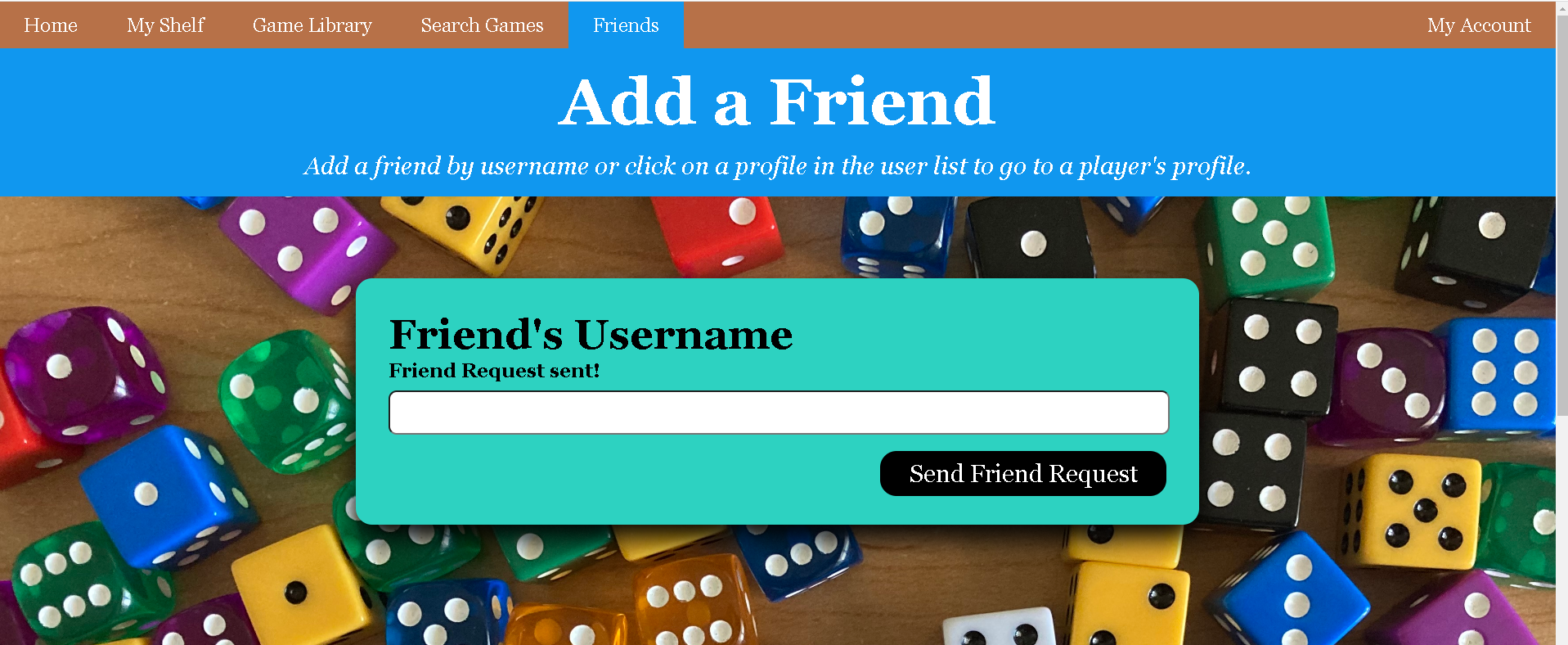
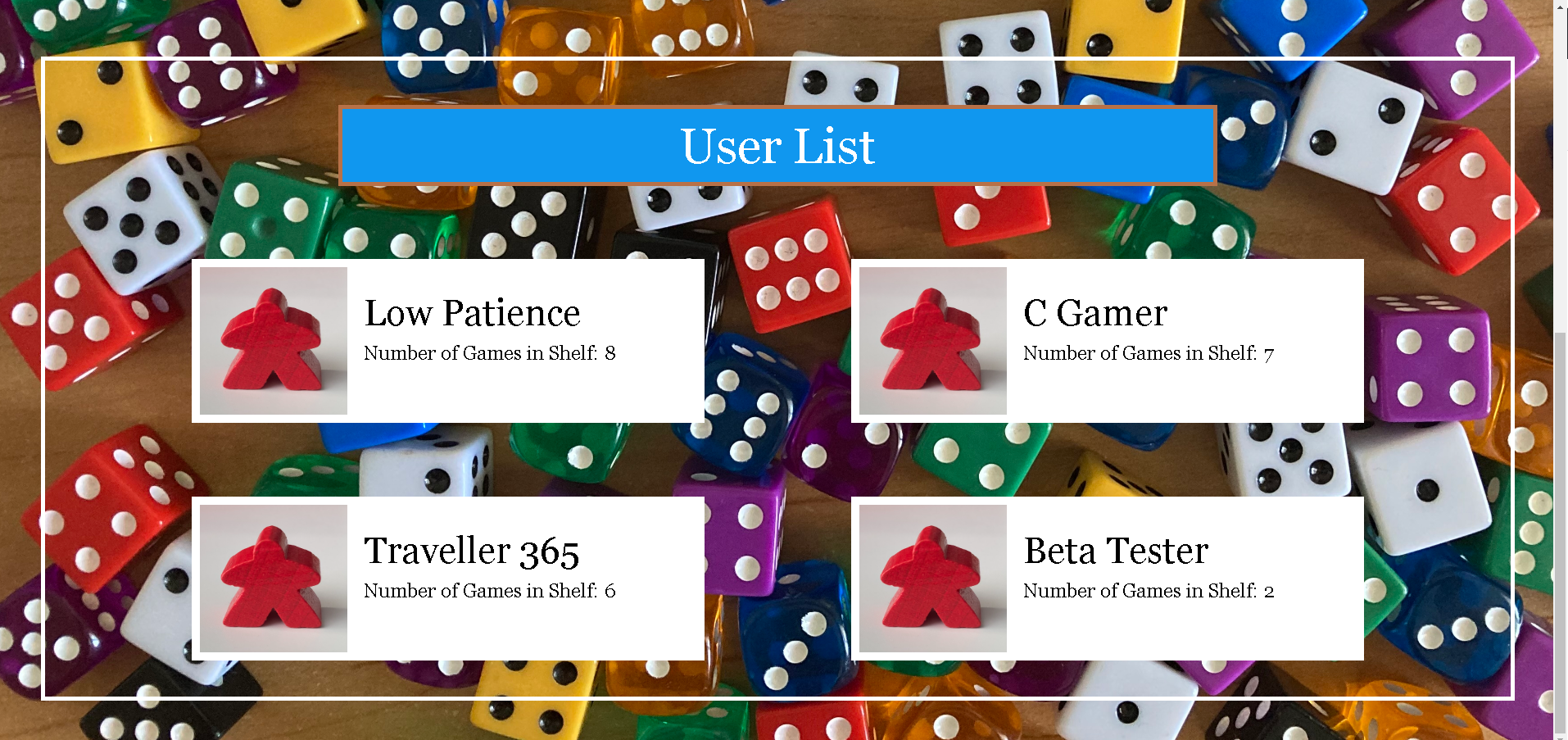
(search_game.php)
When you visit the profile page of another user, you see their user information. If the logged in user is friends with the other user, there is also the option to view that user's game collection. If the user is not a friend, they can be sent a friend request.
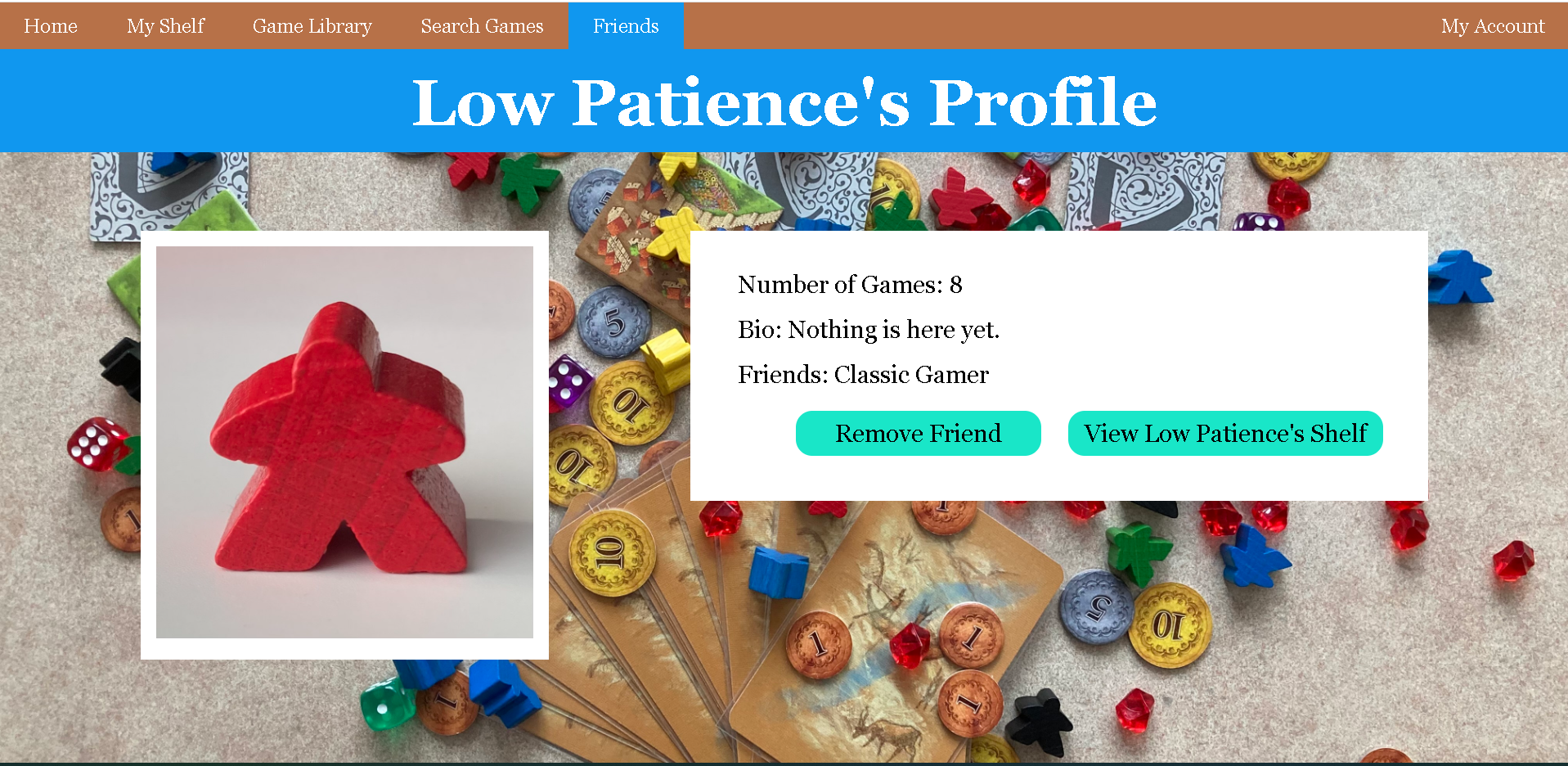
(view_player.php)
If there is a friend request made, a notification will appear in the corresponding account.
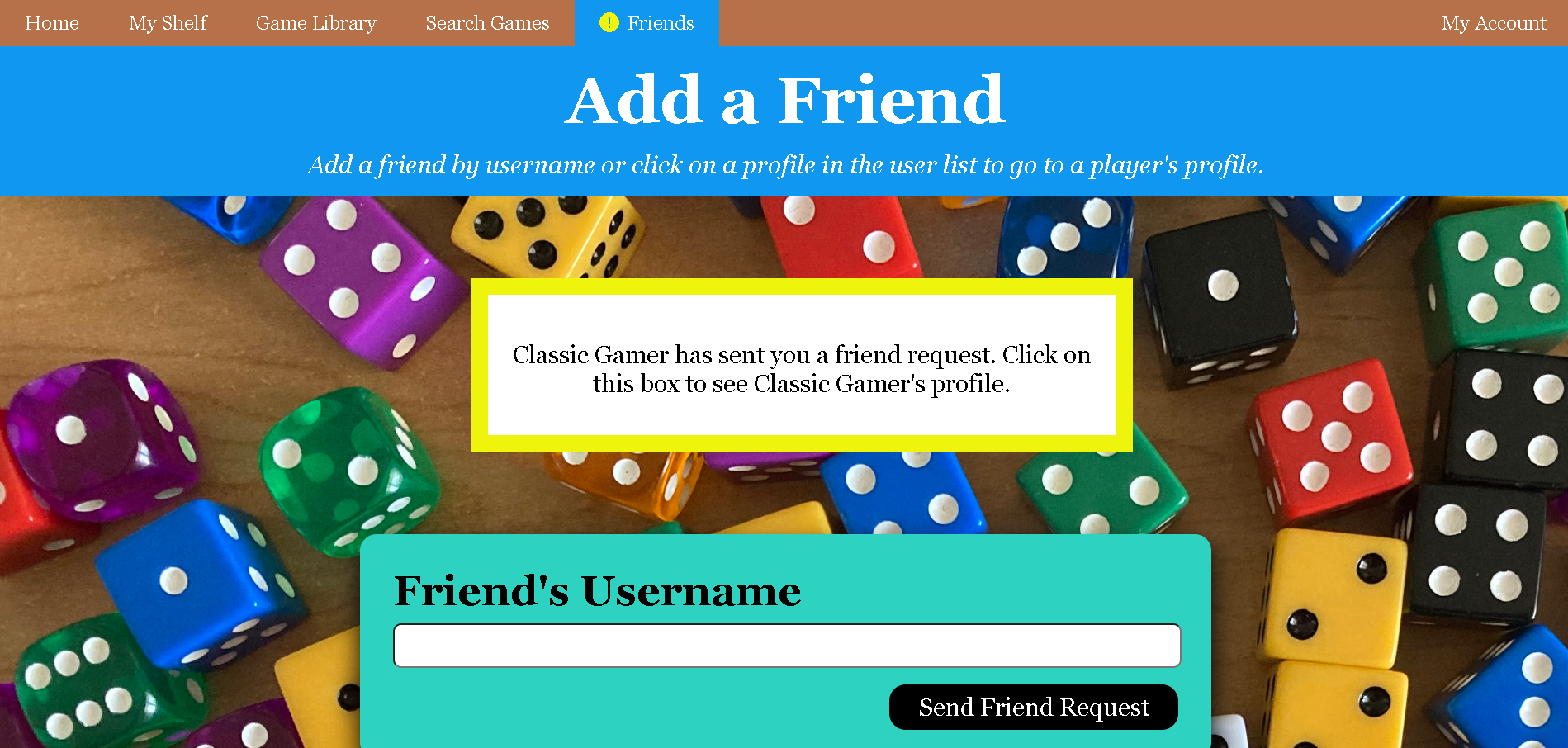
(add_friend.php)
Friend requests can be accepted or declined on the user's profile page.
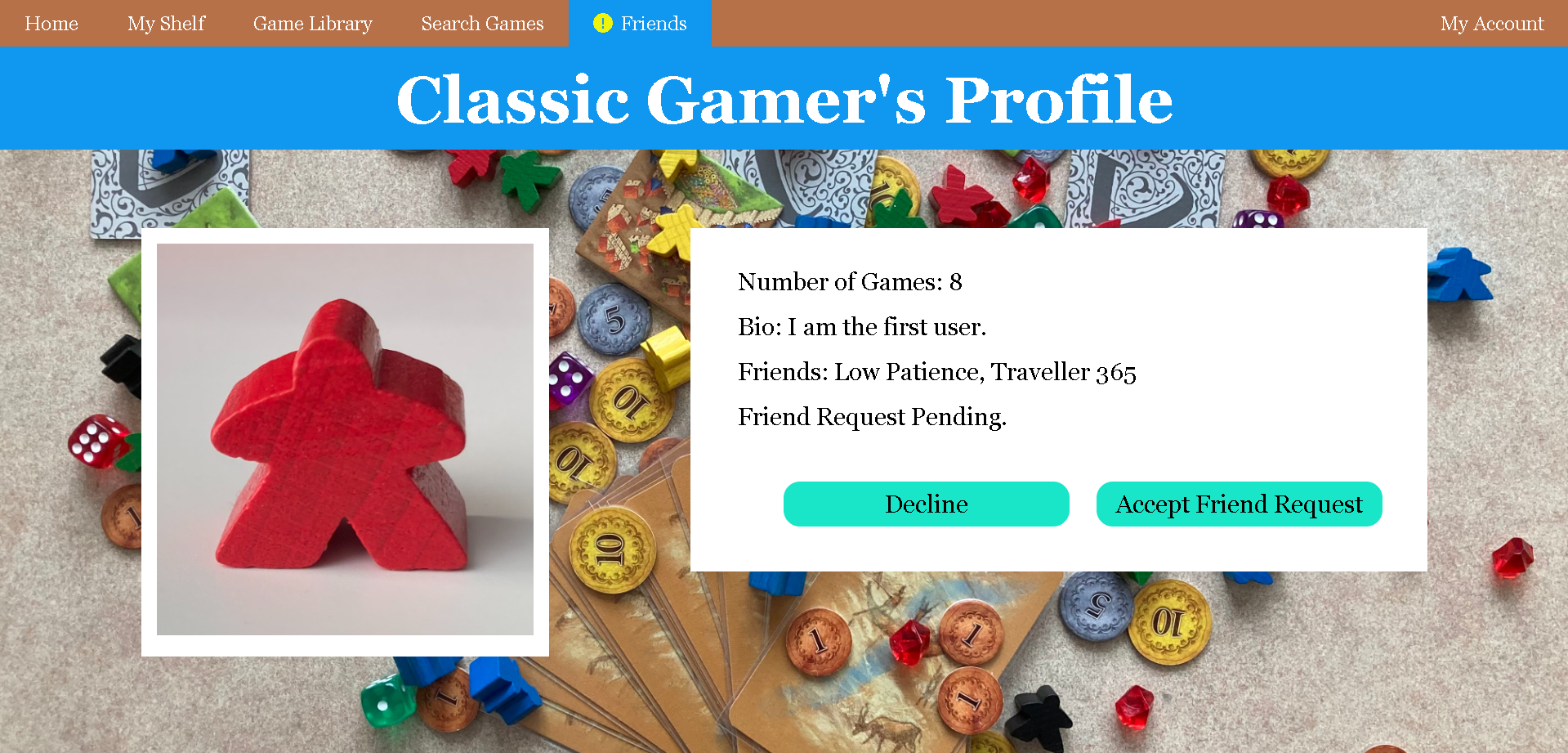
(view_player.php)
Users can view a list of their friends in "Friends" => "View Friends".
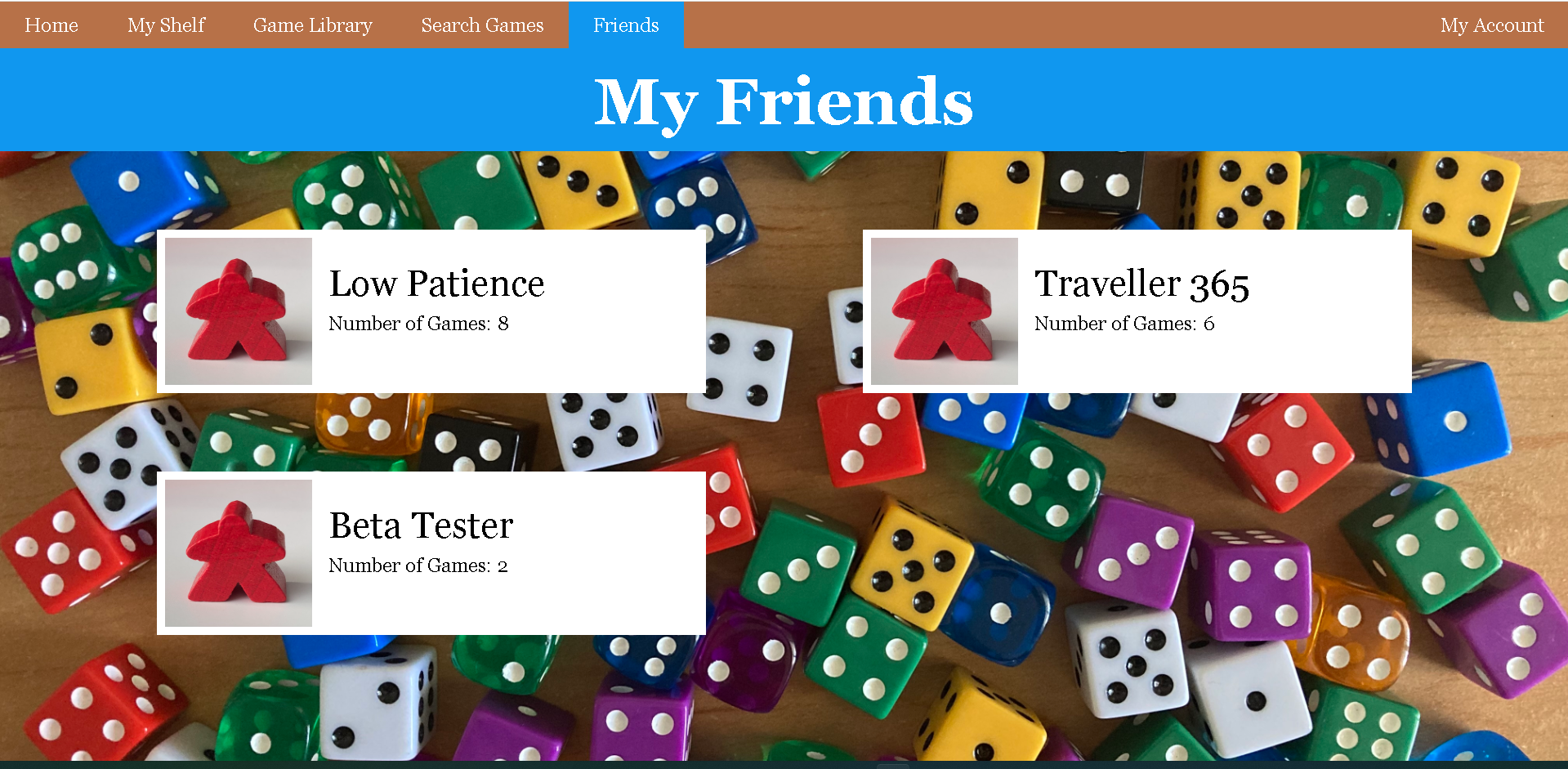
(my_friends.php)
You can view your own profile in "My Account" => "Profile".
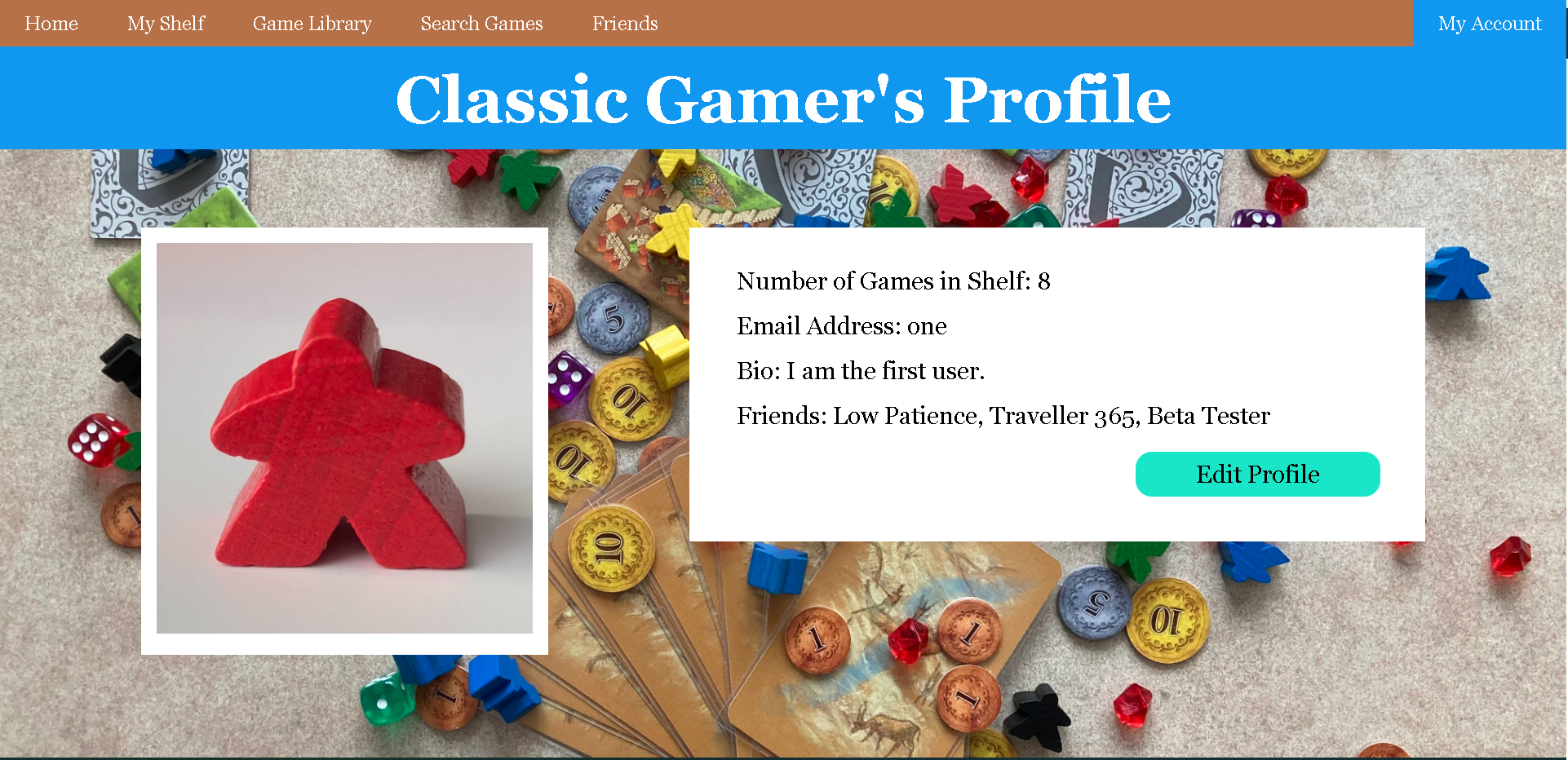
(profile.php)
You can edit your username, email address, bio, or profile picture by clicking on the "edit" button in your profile.
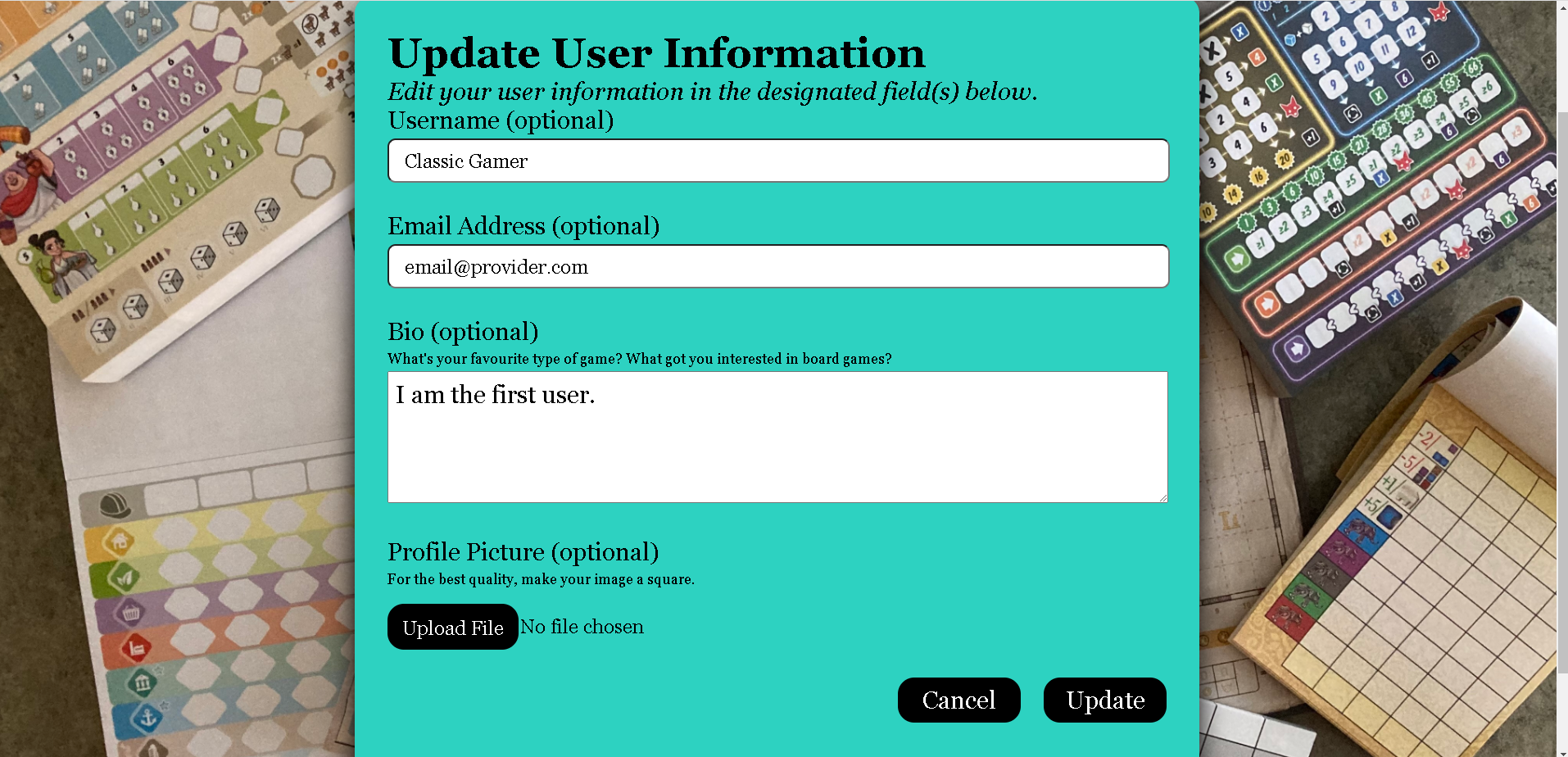
(edit_profile.php)
Developer: Fiona Cheng
Last edit: June 17, 2022