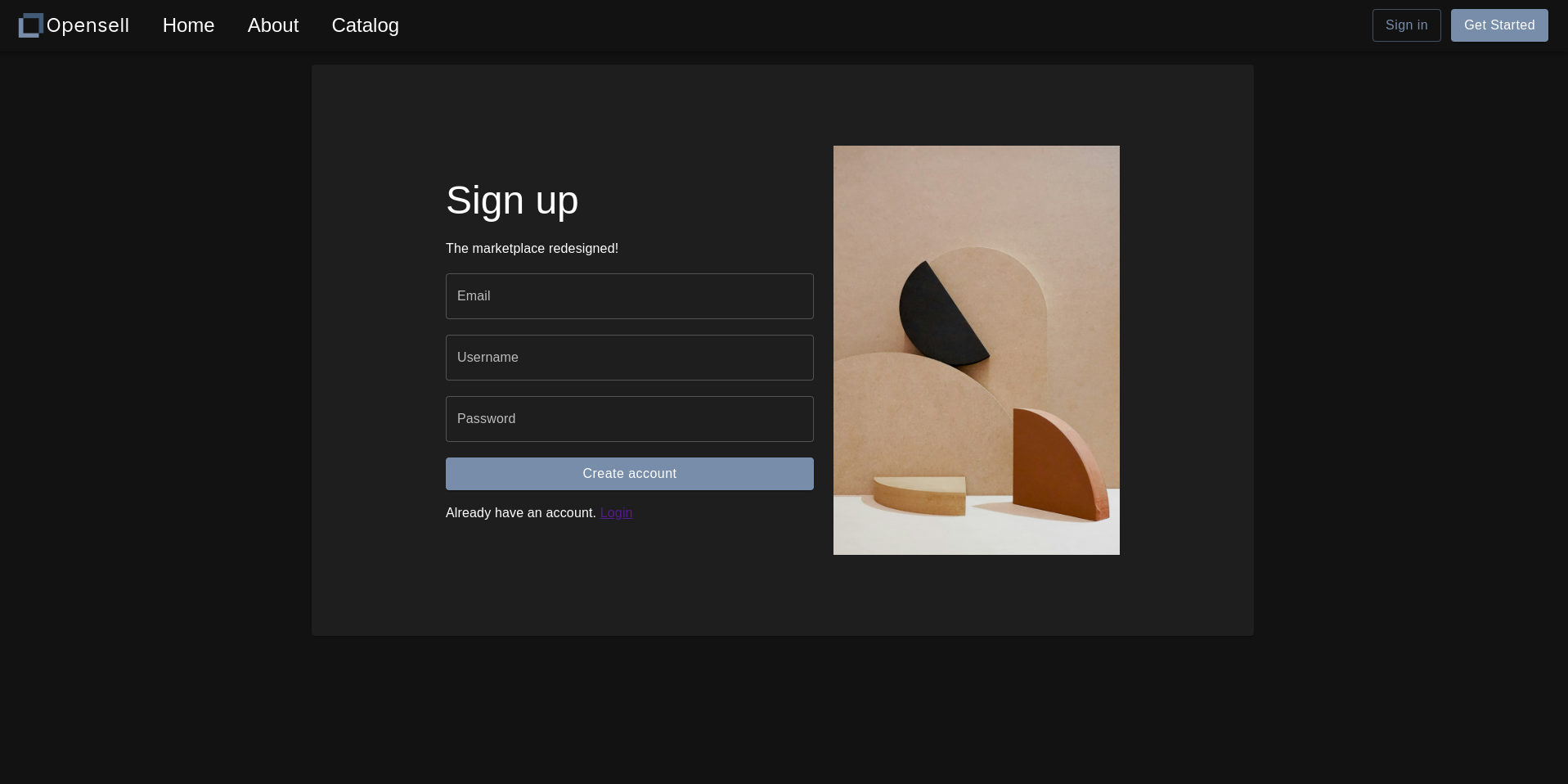
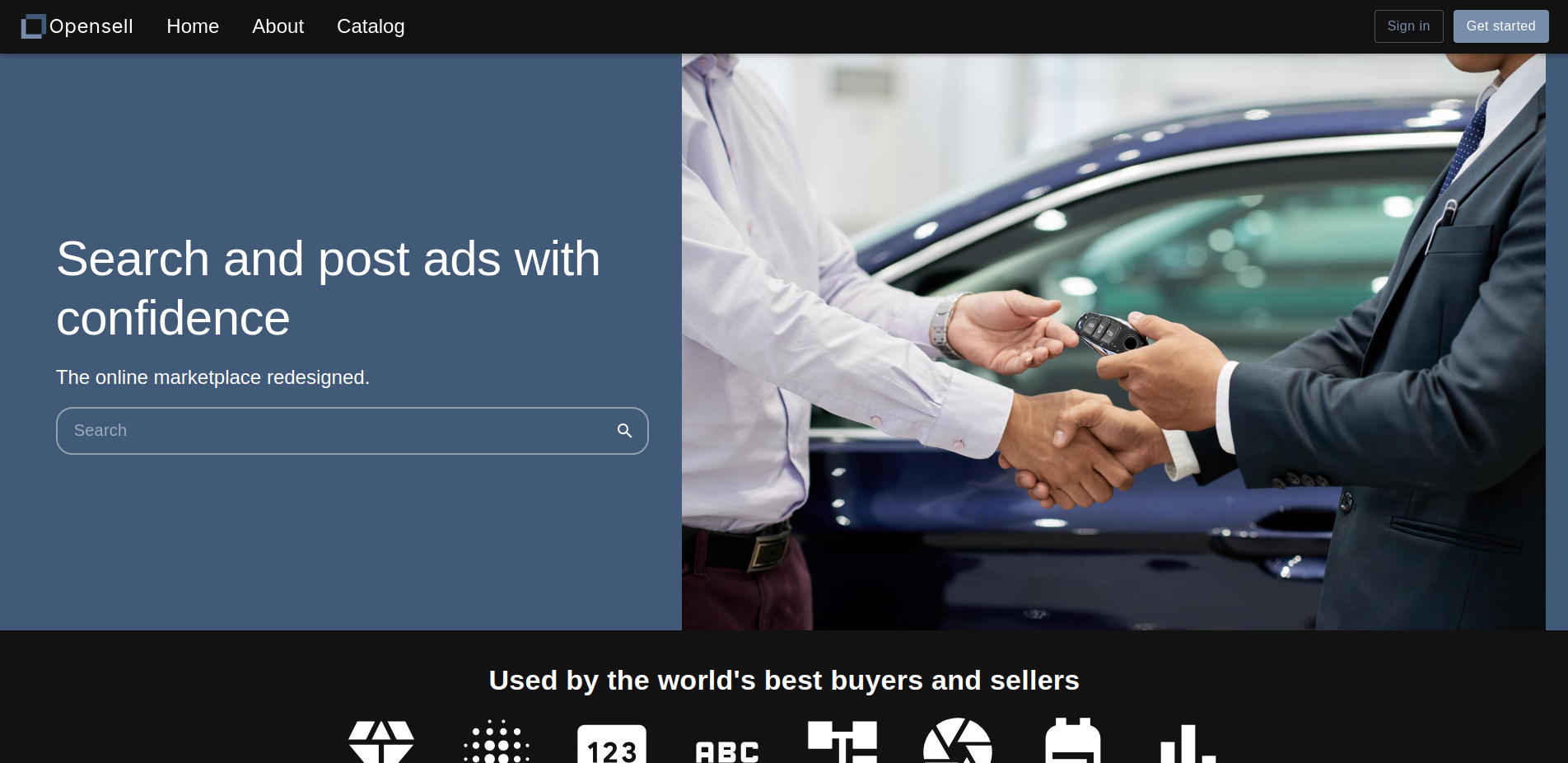
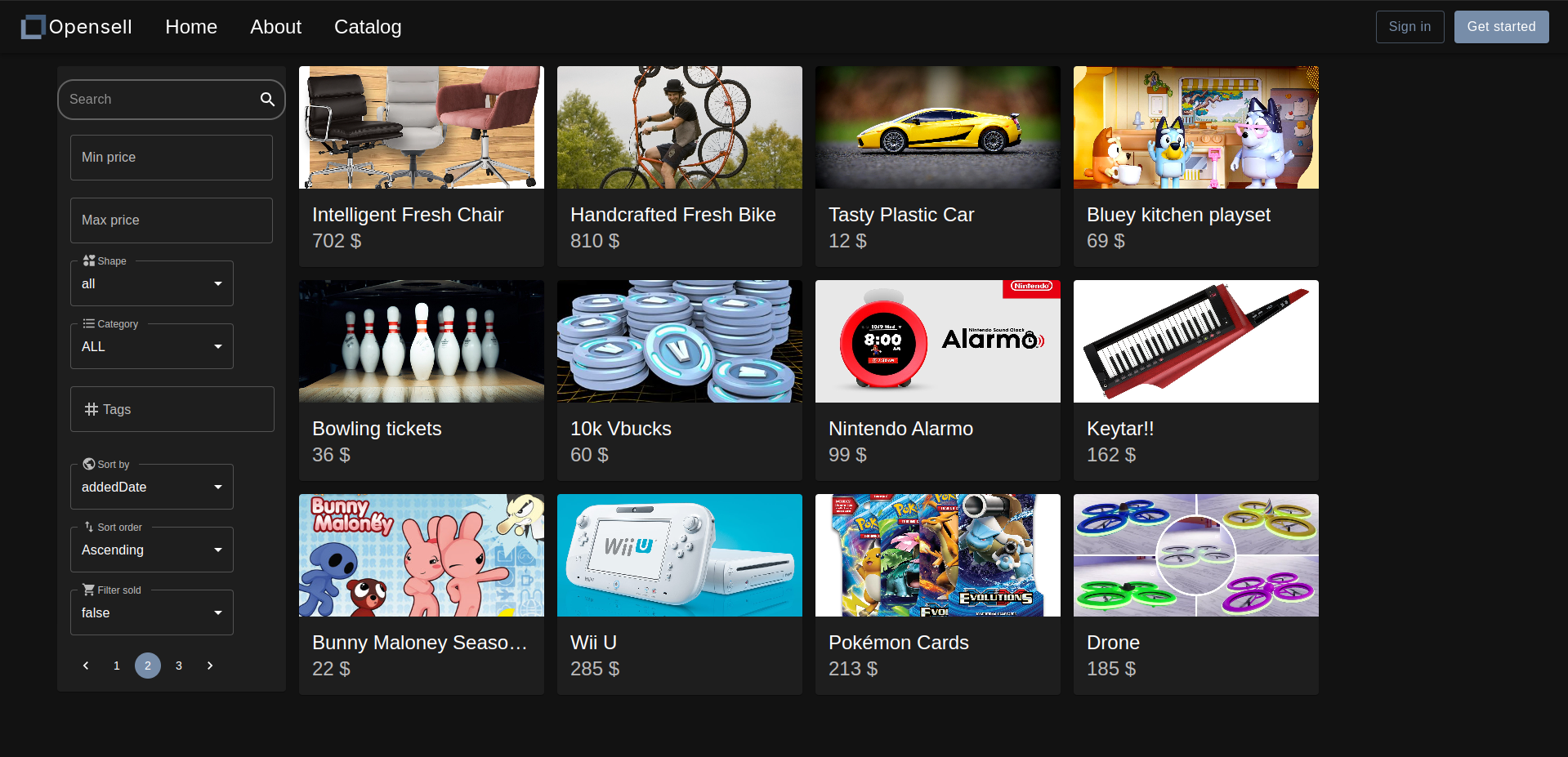
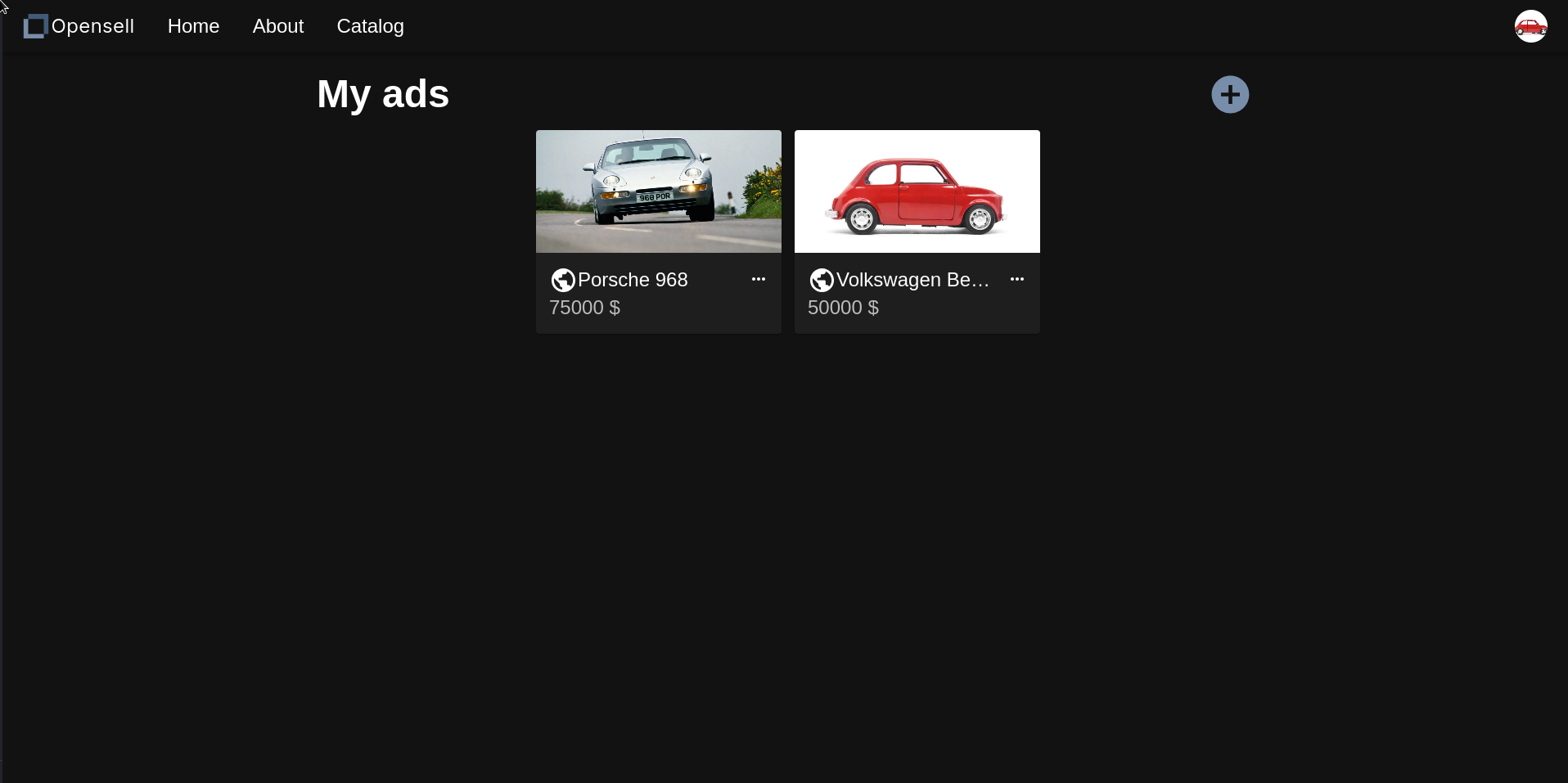
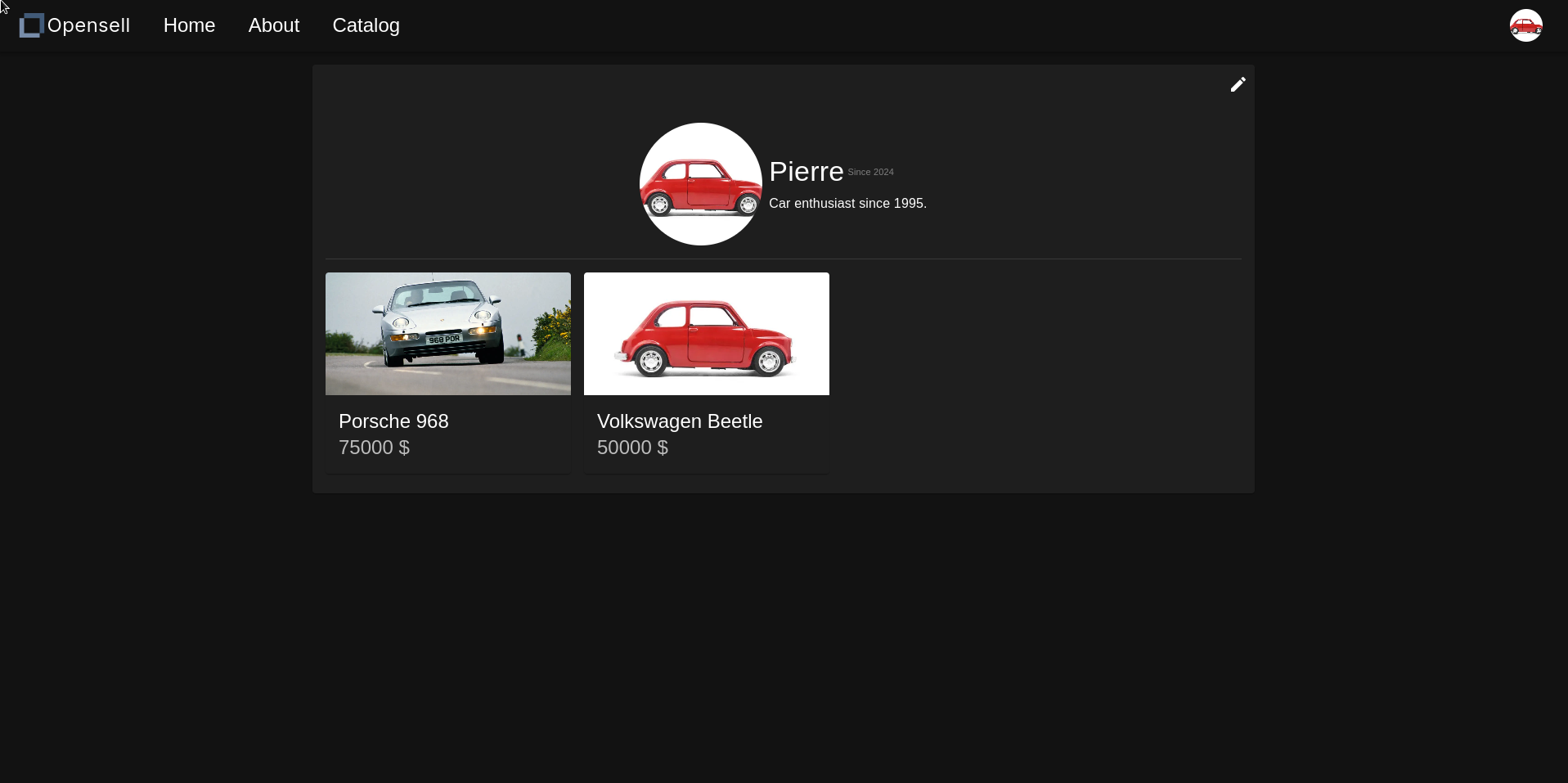
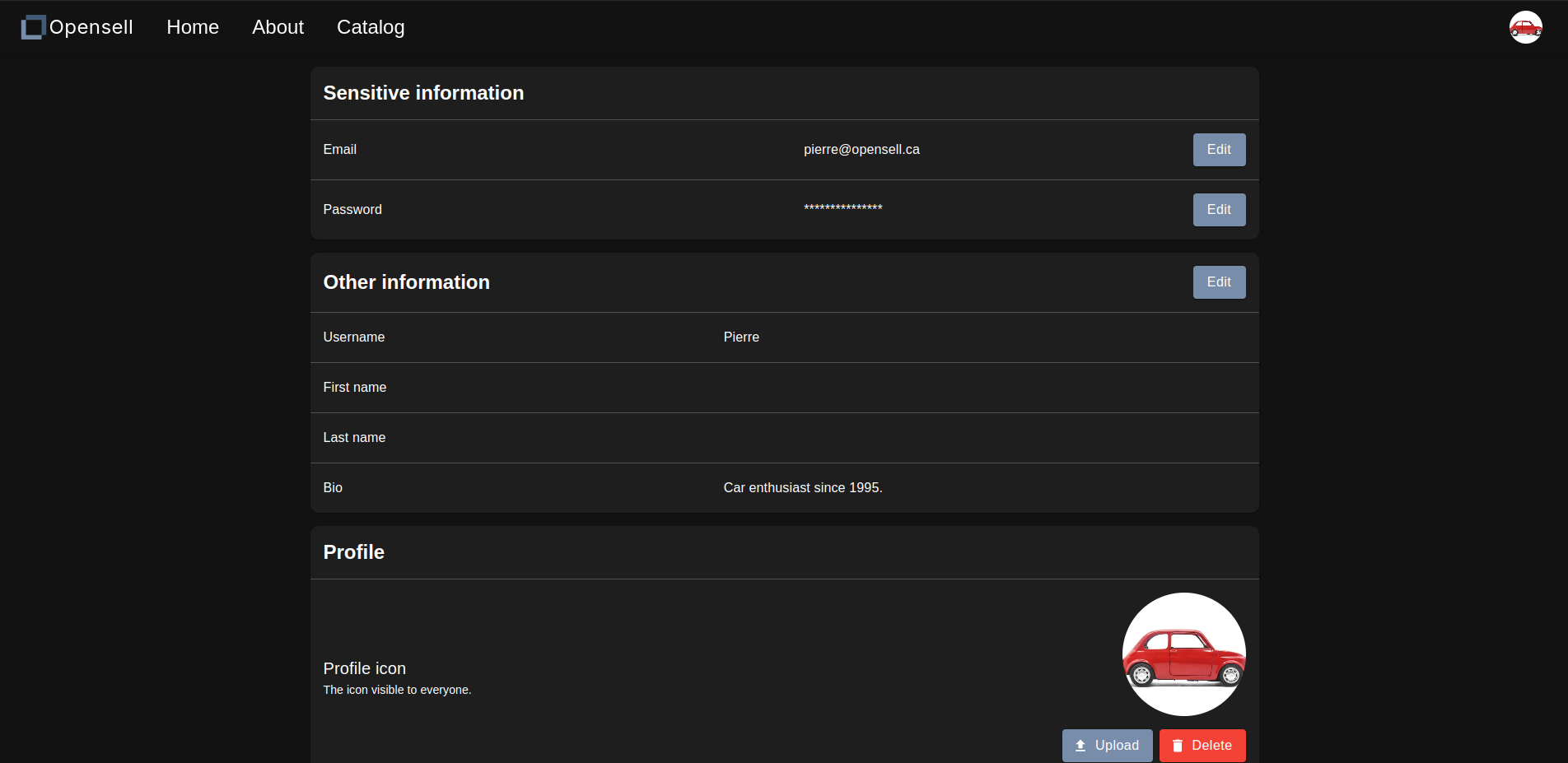
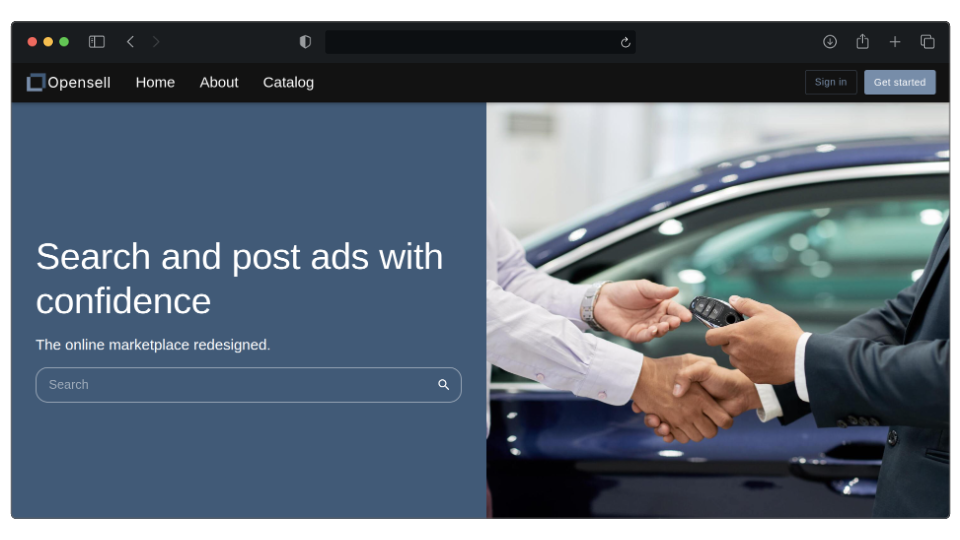
Opensell is a marketplace website that we developed during the course 420-412-MV (Project - Development of a Web Application) at the Cegep Marie-Victorin between January and May 2024. In the summer of the same year, the frontend and backend project structure was modified, the site's UI was optimized and redesigned using the MUI library. The backend was also optimized and the original database (Mariadb) was replaced by MongoDB.
- Log in and register.
- Create and modify ads.
- Search ads with multiple filters such as price range, category, tags, shape and more.
- Change information about our account such as our phone number, bio, picture, etc.
- MongoDB
- Java
- Spring Boot
- Lombok
- docker-compose
- Typescript
- React
- Axios
- MUI
Backend
Clone the repository.
git clone https://github.com/HMDOC/opensell-backend- Create the containers by running
docker compose up -din the terminal. - Connect to the MongoDB container with the credentials locate at
docker-compose.ymlusing MongoDB Compass. Then you need to import the data from the adCategory, customer, and ad collections located at./src/main/ressources/data. The import order is adCategory.json, customer.json, and ad.json. - Clone the image repository(opensell-images). This repository contains the images files that are referenced in the MongoDB database.
git clone https://github.com/HMDOC/opensell-images
- Almost all environment variables are handled by docker compose or the dev profile, so the only thing that you need to change is the
APP_IMAGE_SERVER_PATHenvironment variable, which tells Spring where to access and store images. This environment variable should contain the location on your machine of theopensell-imagesrepository you just cloned before.
Here are the environment variables you need to set in production.
# (Optional) The default port is 8080.
SERVER_PORT=8080

# The profile that the application uses by default is dev.
ACTIVE_PROFILE=prod

# The keystore.p12 password for HTTPS.
SSL_KEY_STORE_PASSWORD=

# (Optional) The location of the keystore file, by default it is keystore.p12.
SSL_KEY_STORE=keystore.p12

# Database URI
MONGO_DB_URI=

# All the information about the SMTP server.
SMTP_HOST=
SMTP_PORT=
SMTP_EMAIL=
SMTP_PASSWORD=

# The urls that have permission to access the backend.
APP_ALLOWED_URLS=

# The application's email that is used to send emails to customers.
APP_SUPPORT_EMAIL=

# The path where the images(ad images, customer profile, etc.) are stored.
APP_IMAGE_SERVER_PATH=
Frontend
-
Clone the repository.
git clone https://github.com/HMDOC/opensell-frontend cd opensell-frontend/ npm install -
Create a file named
.env.localin the root directory with the following content :# Port of the frontend VITE_PORT=3000 VITE_JWT_SECRET_KEY= VITE_BACKEND_URL= # The backend url to get the images(ad images, customer profile, etc.). You only need to change the host and the port if needed. VITE_IMAGES_SERVER_URL=http://localhost:8080/api/file/ # These are used to specify which route to get for each image type. VITE_AD_IMAGES_FOLDER=ad-image/ VITE_CUSTOMER_PROFILE_FOLDER=customer-profile/
# Frontend
npm run dev

# Backend
./mvnw spring-boot:run -Dspring-boot.run.arguments="--APP_IMAGE_SERVER_PATH=${THE_PATH_OF_THE_OPENSELL_IMAGES_REPOSITORY}"