Zego Express Video iOS (Objective-C) 示例专题 Demo
请确保开发环境满足以下技术要求:
- Xcode 6.0 或以上版本
- iOS 8.0 或以上版本且支持音视频的 iOS 设备或模拟器(推荐使用真机)
- iOS 设备已经连接到 Internet
如果仓库中缺少运行 Demo 工程所需的 SDK ZegoExpressEngine.xcframework,需要下载并放入 Demo 工程的 Libs 文件夹中
使用终端 (
Terminal) 运行此目录下的DownloadSDK.sh脚本,脚本会自动下载最新版本的 SDK 并放入相应的目录下。
或者也可以手动通过下面的 URL 下载 SDK,解压后将 ZegoExpressEngine.xcframework 放在 Libs 目录下。
https://storage.zego.im/express/video/apple/zego-express-video-apple.zip
.
├── Libs
│   └── ZegoExpressEngine.xcframework
├── README_zh.md
├── README.md
├── ZegoExpressExample
│   ├── Examples
│		├─AdvancedAudioProcessing
│		│  ├─AECANSAGC                              //--音频3A处理(AEC/ANS/AGC)
│		│  ├─AudioEffectPlayer                      //--音效播放器
│		│  ├─AudioMixing                            //--混音
│		│  ├─CustomAudioCaptureAndRendering         //--自定义音频采集和渲染
│		│  │  └─AudioTool
│		│  ├─EarReturnAndChannelSettings            //--耳返及声道设置
│		│  ├─OriginalAudioDataAcquisition           //--音频数据监测器
│		│  ├─RangeAudio                             //--范围语音
│		│  ├─SoundLevel                             //--音浪
│		│  └─VoiceChangeReverbStereo                //--变声
│		├─AdvancedStreaming
│		│  ├─AuxPublisher                           //--双通道推流器
│		│  ├─H265                                   //--h265编解码
│		│  ├─PublishingMultipleStreams              //--多通道推流
│		│  ├─StreamByCDN                            //--CDN推拉流
│		│  └─StreamMonitoring                       //--推拉流监测
│		├─AdvancedVideoProcessing
│		│  ├─CustomVideoCapture                     //--自定义视频采集
│		│  ├─CustomVideoProcess                     //--自定义视频前处理
│		│  ├─CustomVideoRender                      //--自定义视频渲染
│		│  └─Encoding&Decoding                      //--编解码
│		├─CommonFeatures
│		│  ├─CommonVideoConfig                      //--视频参数设置
│		│  ├─RoomMessage                            //--房间消息
│		│  └─VideoRotation                          //--视频旋转
│		├─Debug&Config
│		├─Others
│		│  ├─Beautify                               //--视频水印+视频快照
│		│  ├─Camera                                 //--相机
│		│  ├─EffectsBeauty                          //--美颜
│		│  ├─FlowControll                           //--流控
│		│  ├─MediaPlayer                            //--媒体播放器
│		│  ├─Mixer                                  //--混流
│		│  ├─MultipleRooms                          //--多房间
│		│  ├─NetworkAndPerformance                  //--网络监测
│		│  ├─RecordCapture                          //--录制
│		│  ├─ScreenSharing                          //--屏幕分享
│		│  │  └─ZegoExpressExample-Broadcast
│		│  ├─Security                               //--安全
│		│  └─SupplementalEnhancementInformation     //--SEI
│		├─QuickStart
│		│  ├─Playing                                //--拉流
│		│  ├─Publishing                             //--推流
│		│  ├─QuickStart                             //--快速开始
│		│  └─VideoChat                              //--视频通话
│		└─Scenes
│		   └─VideoForMultipleUsers                  //--用户视频通话
│		       └─PopupView
└── ZegoExpressExample.xcodeproj
-
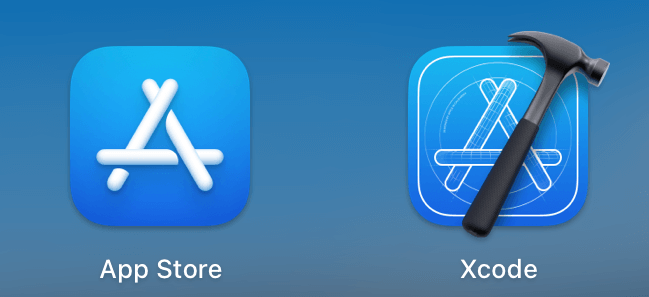
安装 Xcode: 打开
AppStore搜索Xcode并下载安装。 -
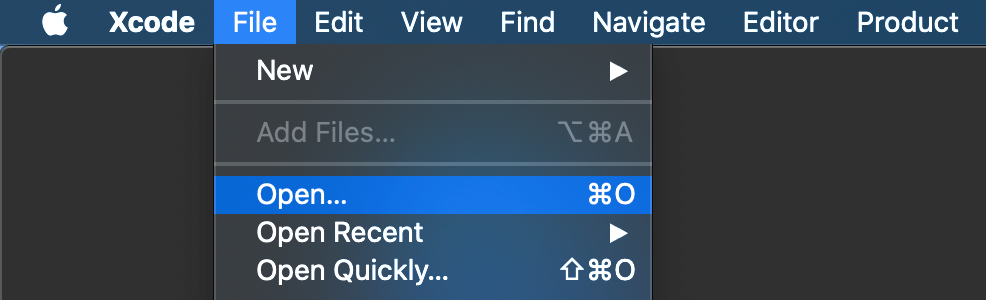
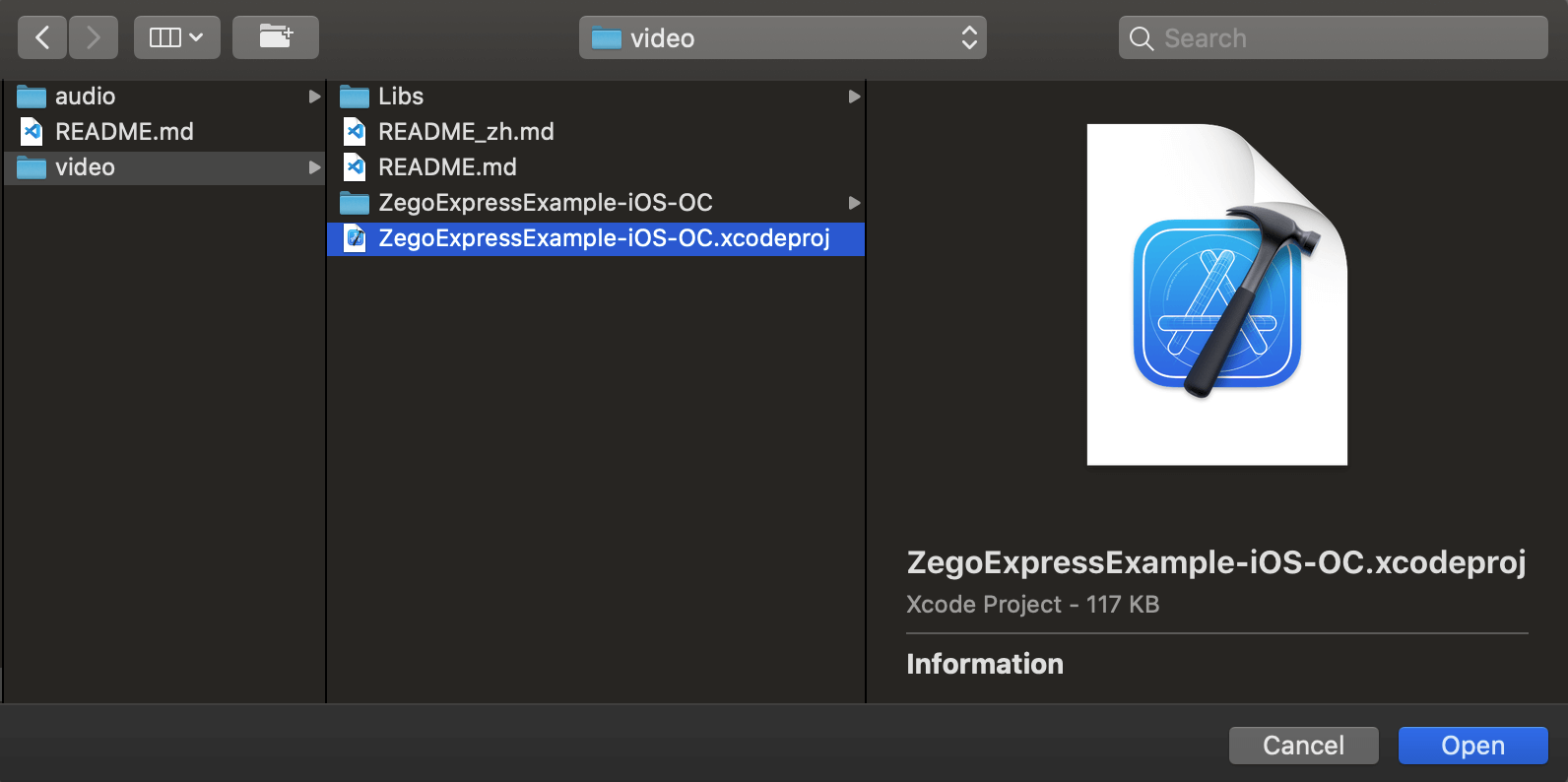
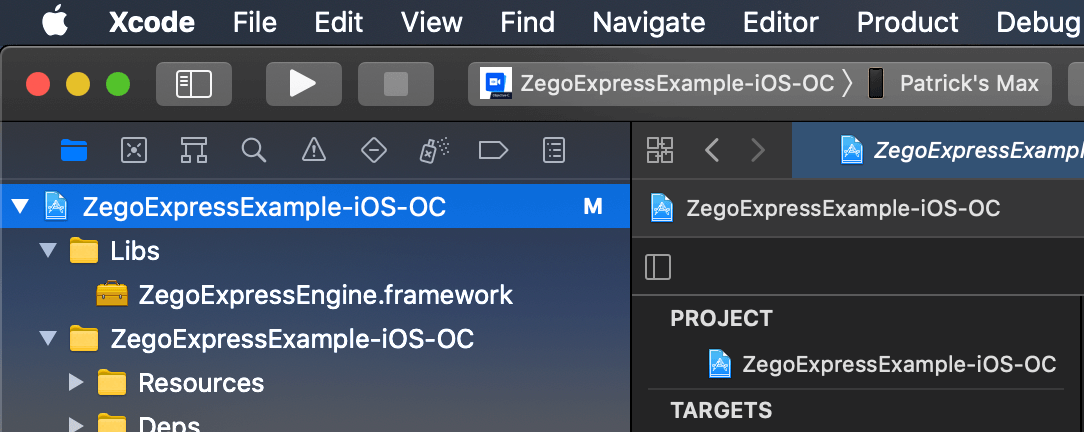
使用 Xcode 打开
ZegoExpressExample.xcodeproj。打开 Xcode,点击左上角
File->Open...找到第一步下载解压得到的示例代码文件夹中的
ZegoExpressExample.xcodeproj,并点击Open。 -
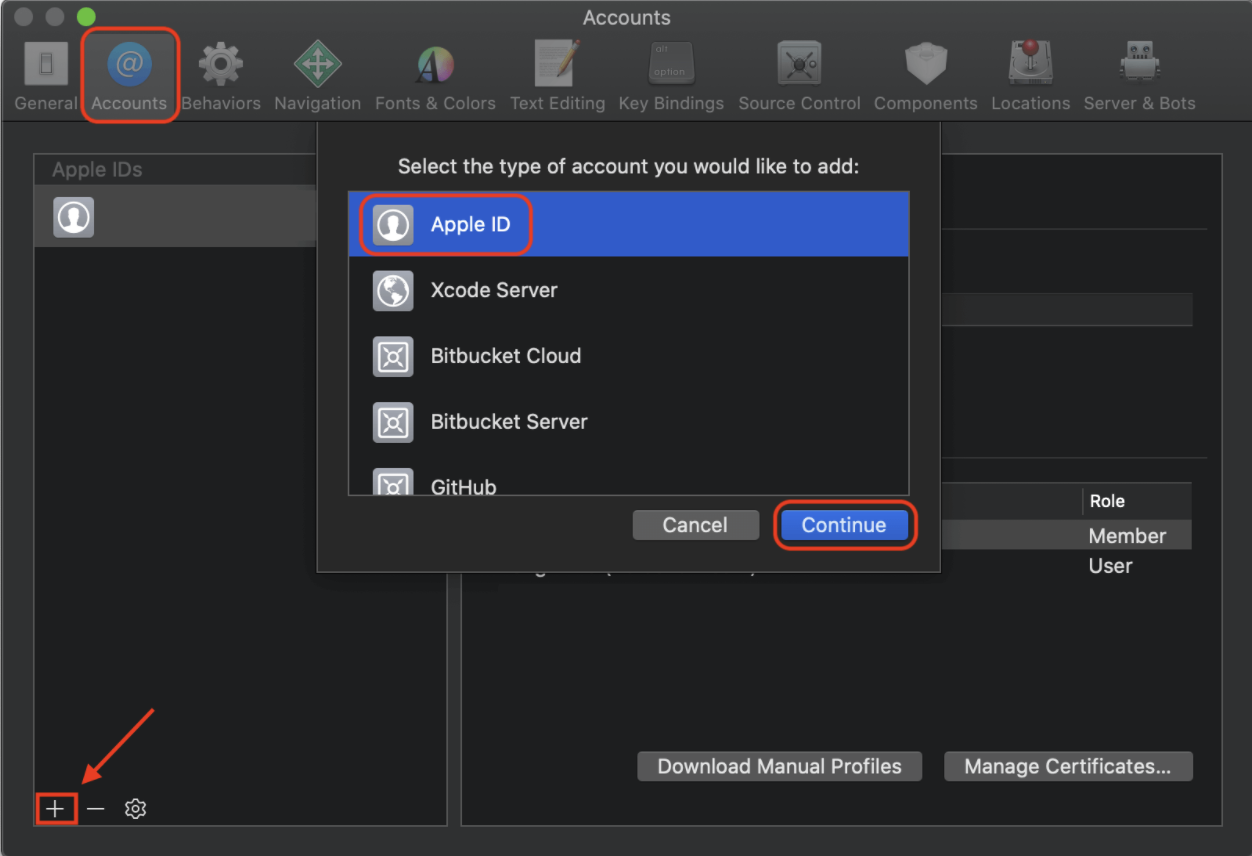
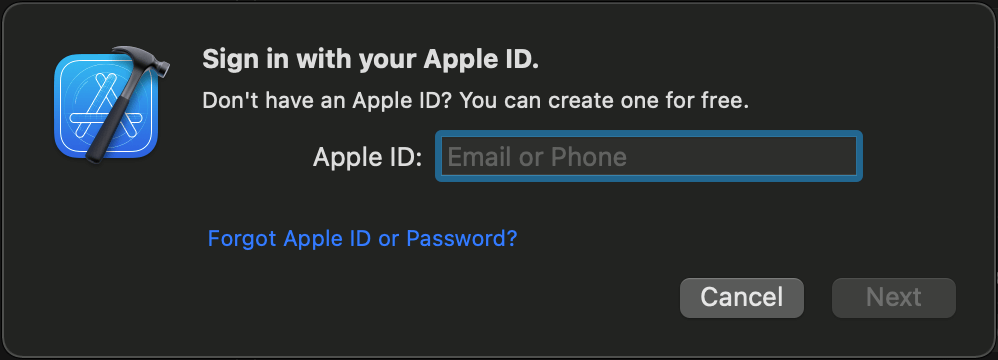
登录 Apple ID 账号。
打开 Xcode, 点击左上角
Xcode->Preference,选择Account选项卡,点击左下角的+号,选择添加 Apple ID。输入 Apple ID 和密码以登录。
-
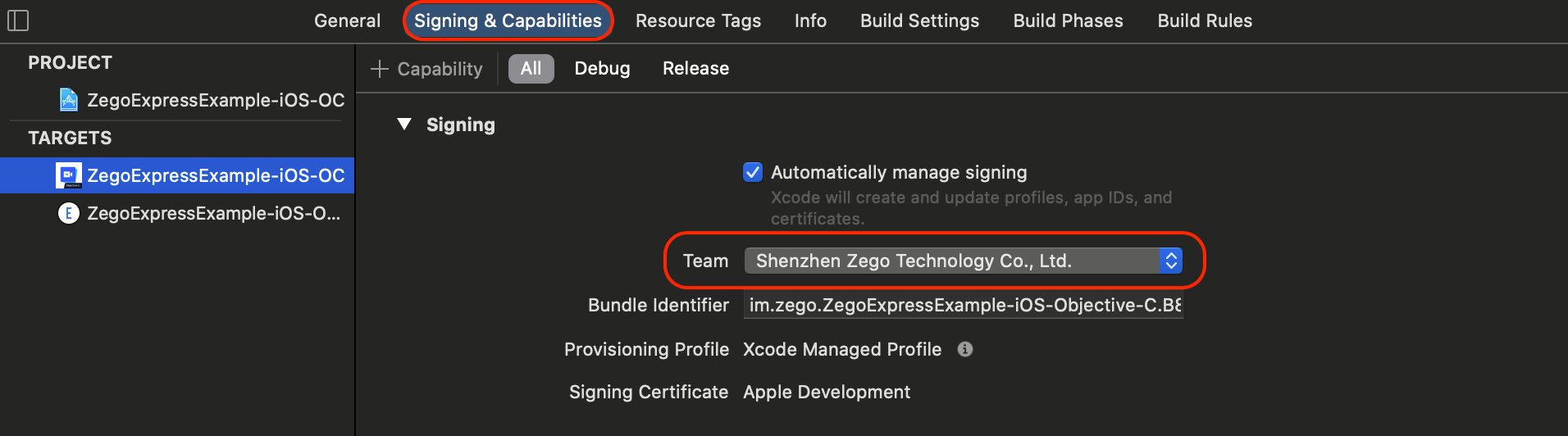
修改开发者证书。
打开 Xcode,点击左侧的项目
ZegoExpressExample点击
Signing & Capabilities选项卡,在Team中选择自己的开发者证书 -
下载的示例代码中缺少 SDK 初始化必须的 AppID、UserID 和 AppSign,到 ZEGO 管理控制台 申请 AppID、UserID 与 AppSign。如果没有填写正确的 AppID、UserID 和 AppSign,源码无法正常跑起来,所以需要修改
ZegoExpressExample/目录下的KeyCenter.m,填写正确的 AppID、UserID 和 AppSign。// Developers can get appID from admin console. // https://console.zego.im/dashboard // for example: 123456789; static unsigned int _appID = <#Enter your appID#>; // Developers should customize a user ID. // for example: @"zego_benjamin"; static NSString *_userID = @"<#Enter your userID#>"; // Developers can get appSign from admin console. // https://console.zego.im/dashboard // Note: If you need to use a more secure authentication method: token authentication, please refer to [How to upgrade from AppSign authentication to Token authentication](https://doc-zh.zego.im/faq/token_upgrade?product=ExpressVideo&platform=all) // for example: @"04AAAAAxxxxxxxxxxxxxx"; static NSString *_appSign = @"<#Enter your appSign#>"; -
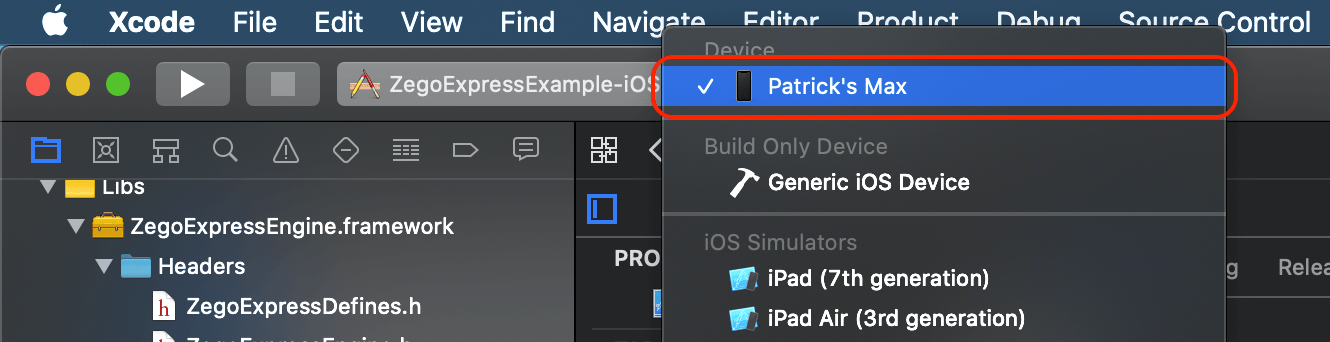
将 iOS 设备连接到电脑,点击 Xcode 左上角的
🔨 Generic iOS Device选择该 iOS 设备(或者模拟器) -
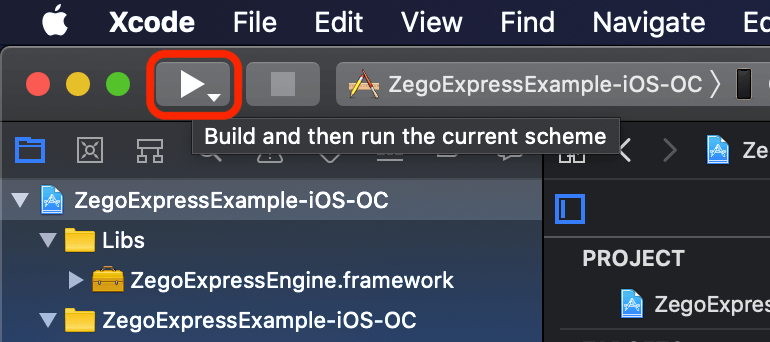
点击 Xcode 左上角的 Build 按钮进行编译和运行。

-
The app ID "im.zego.ZegoExpressExample" cannot be registered to your development team. Change your bundle identifier to a unique string to try again.参考上面的 修改开发者证书和 Bundle Identifier,在
Targets->Signing & Capabilities中切换为自己的开发证书并修改Bundle Identifier后再运行。 -
dyld: Library not loaded此为 iOS 13.3.1 的 bug,请升级至 iOS 13.4 或以上版本即可解决。