This tool assists with automatically solving the final bomb-defusing sequence in Red Faction 1. The mini-game works like a memory puzzle: first you must enter 4 correct digits, and then a second sequence of 7 digits, all under a strict time limit. This program helps automate and speed up that process.
The available time varies depending on the selected difficulty:
- Easy: 1:02
- Medium: 0:47
- Hard: 0:41
- Impossible: 0:30
Make sure you have the following installed:
- Python 3.10 or higher
- Python modules:
pyautoguipynputpywin32pygetwindowpsutil
You can download Python here: https://www.python.org/downloads/
Once Python is installed, run these commands in the terminal:
pip install pyautogui
pip install pynput
pip install pywin32
pip install pygetwindow
pip install psutilFollow these steps to set up and use the tool:
-
Select the Game Window
The dropdown will list all running programs. Choose the Red Faction or Alpine Faction window. -
Select the LED Area
Define the screen region where the bomb LED appear. -
Select the 4th Display
Mark the area corresponding to the fourth display required for the sequence. -
Map the Four Arrow Keys
Configure the directional inputs used during the memory puzzle.
Once everything is configured, you can start the solver.
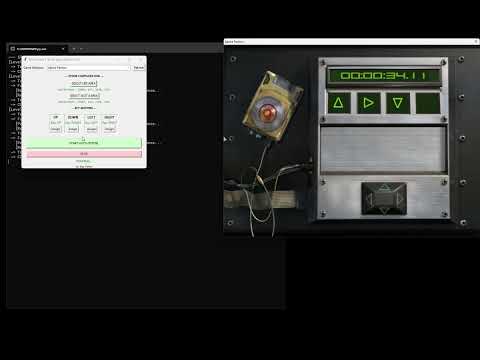
Showing how the tool works:
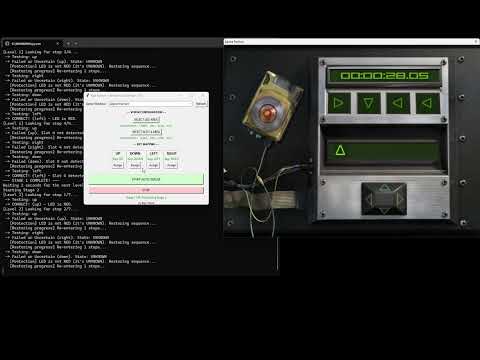
Showing how the tool works when the areas were previously set:
- Make sure the game window is active before using the tool.