Stream overlays for RotorHazard as a plugin. You can use these in OBS or any other streaming software with browser input. These are used and made by Dutch Drone Racing but totally free to use.
Important
This plugin is still a work in progress. The code should be cleaned and a few more overlays should be added. Feel free to help!
- Single Pilot Node
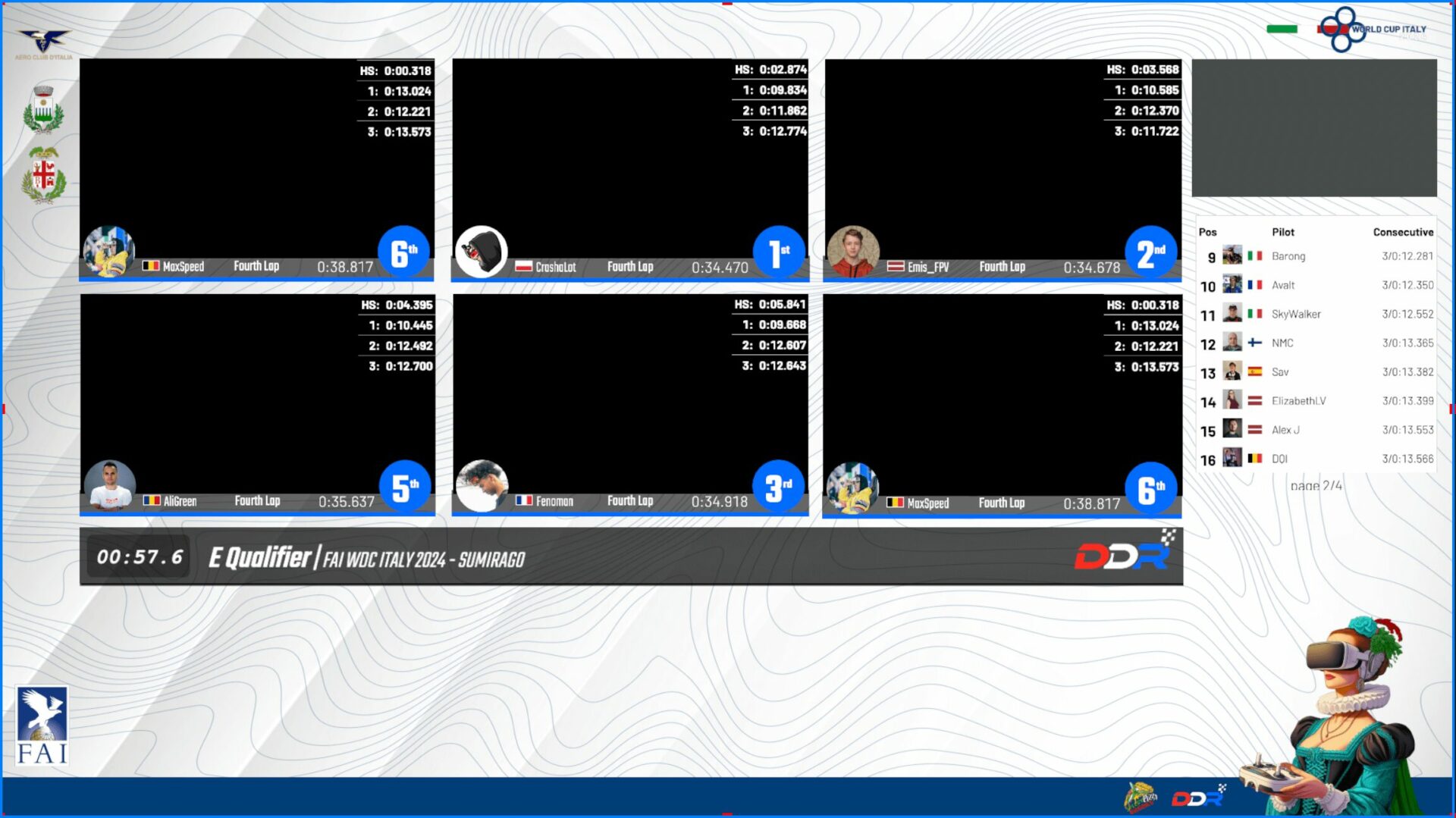
- Live Results
- Race Status Bar
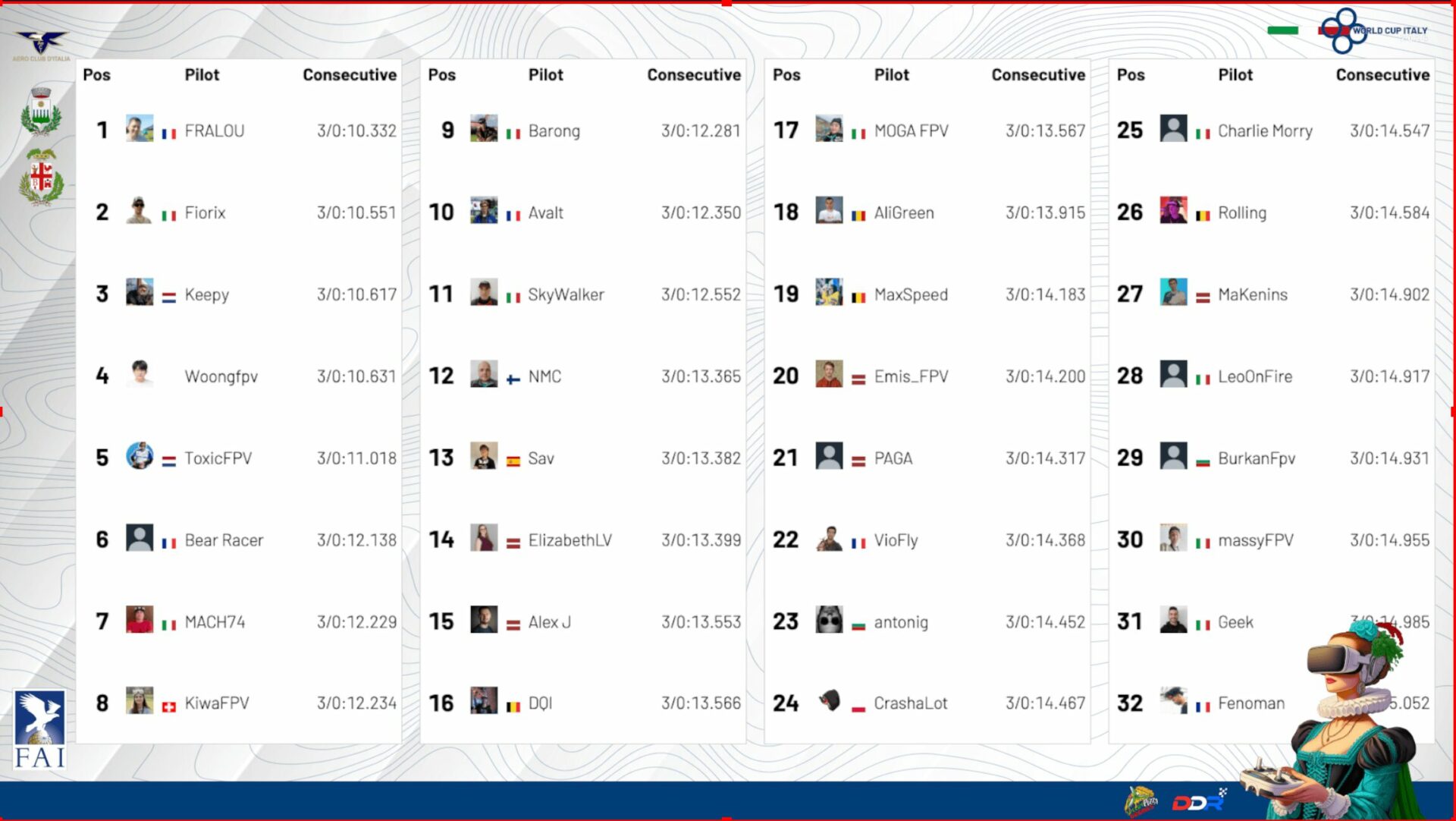
- Qualifier Leaderboard
- Qualifier Leaderboard / 4 pages
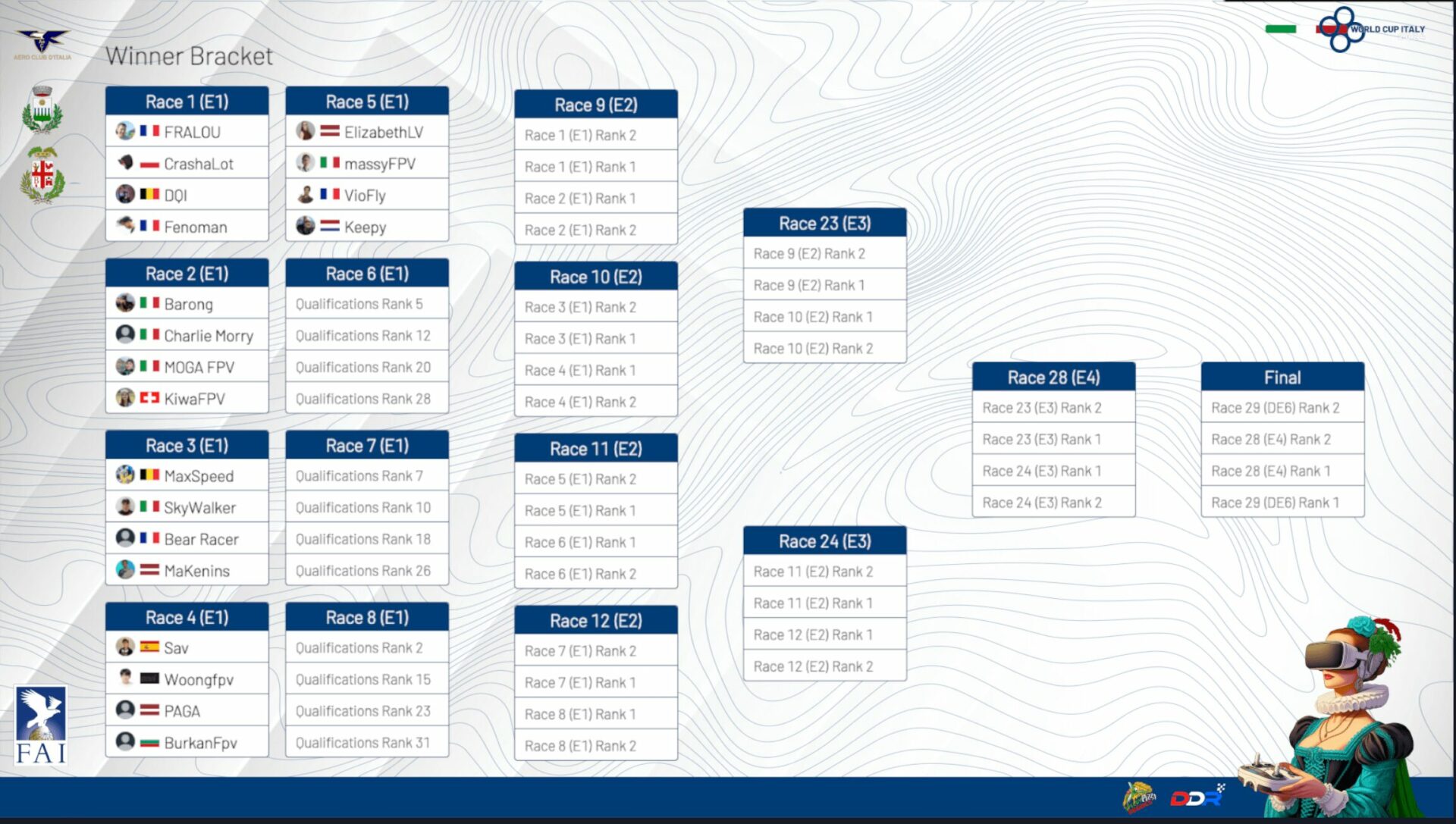
- Brackets
- 'Last Heat' display
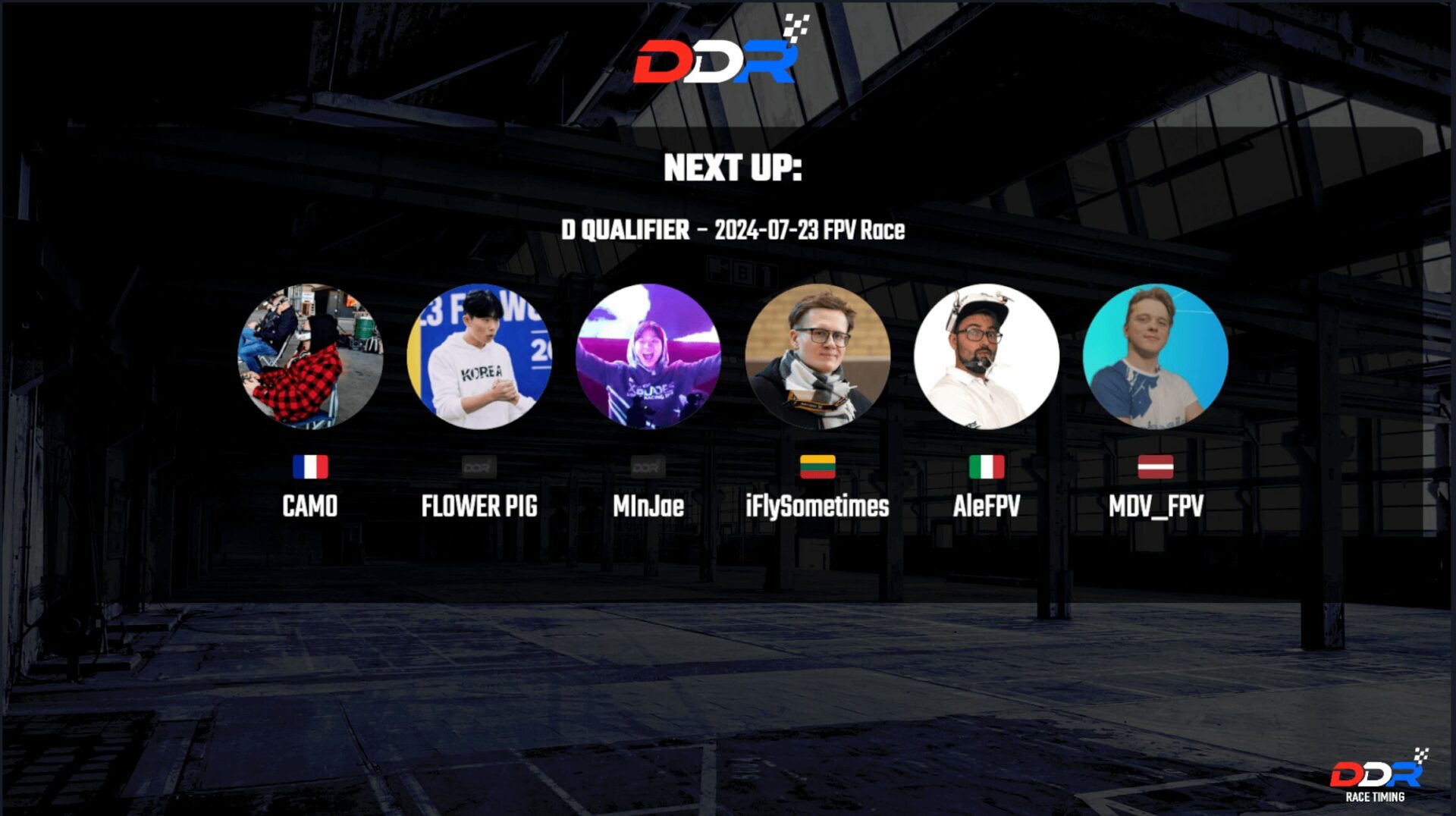
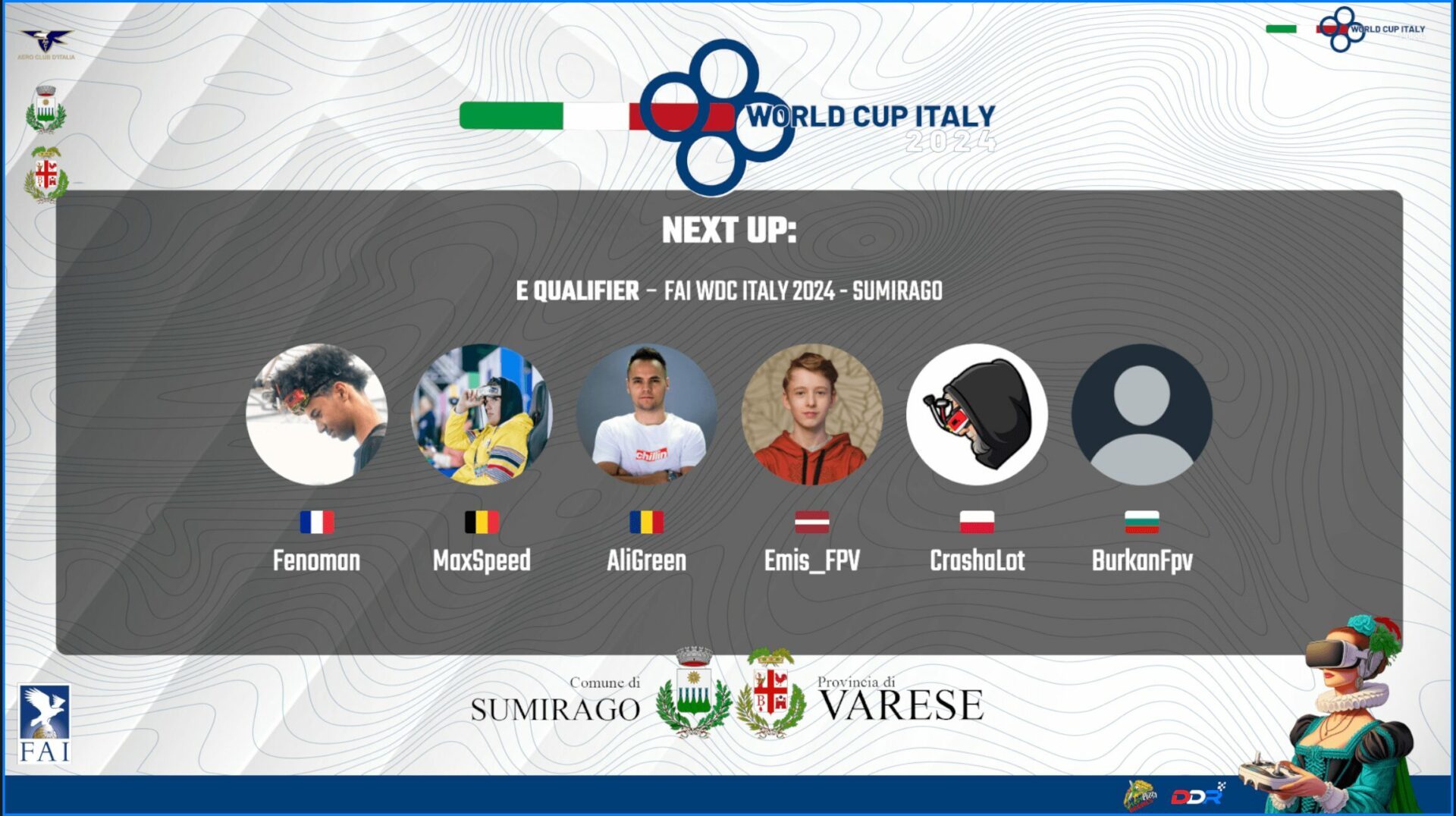
- 'Next Up' display
- Podium
Download the latest release and put the ddr_overlays folder in the plugins folder of your RotorHazard installation. (Re-)Start your RotorHazard server.
On the settings page of your RotorHazard panel the section DDR - OBS Overlays shows up. Press the link, it will bring you to the page with links to the overlays. A friendly menu will let you choose the bracket type and the class used as data source for the content of the overlay: select the desired options then click on the link you want to display. The URL will be generated dynamically on a new browser page according to the selected options.
To setup country flags and pilot avatars refer to the Important Information below.
Pilot avatars are obtained from the /rh-data/shared/avatars/ folder. The file name should be the pilot's callsign in lowercase where spaces has been replaced for underscores (_) and in the .jpg file type. The file should be a square image, preferably 256x256 or 512x612 pixels. If no avatar is found it will show the default avatar.
The page with links to overlays gives the possibility to visualize and upload the pilot avatars directly from the browser without the need to manually copy them into the SD card. Avatars can be uploaded individually for each pilot or in one shot through a zip archive.
A country can be set as pilot attribute in the pilots tab (dropdown). When set it shows the flag icon before the pilot's callsign.
Flags have been downloaded from flagpedia.net (same width 80px, variable height, JPG format).
These are the supported brackets, other will follow:
- 16 double-elimination (MultiGP, 4-up, 16-pilot)
- 16 double-elimination (FAI, 4-up, 16-pilot)
- 32 double-elimination (FAI, 4-up, 32-pilot)
- 8 double-elimination DDR
The advice is to load the whole page as 1 source in OBS and then make 2 scenes, one for the Winner Bracket and one for the Lower Bracket and crop the source accordingly. This way you can easily switch between the two.

If you have any feedback, please create an issue on this repository.