


A wireless mouse solution that turns your smartphone into a fully-functional input device for your computer.
Quick Mouse turns your phone into a precise wireless mouse. No extra hardware. Open the app, connect, and control your desktop with smooth, low-latency gestures. Designed by two University of Cincinnati computer science students and winning first place in the 2025 MakeUC Hackathon, Quick Mouse leverages modern web technologies and native system integration to deliver a seamless experience. By leveraging web sockets and your phone's built-in sensors, Quick Mouse provides a responsive and intuitive way to interact with your computer from a distance.
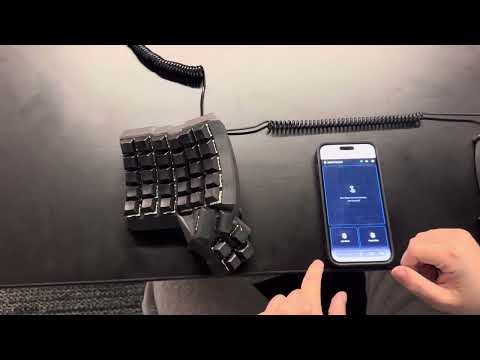

- Multiple Input Modes: Handheld pointer, or trackpad
- QR Code Pairing: Instant secure connection with no manual configuration
- Low Latency: Optimized for real-time control even on shared WiFi networks
- Cross-Platform: Works on Windows, macOS, and Linux
- No Extra Hardware: Uses devices you already have
Run the relevant install command depending on the OS of the system you are controlling.
curl -fsSL https://raw.githubusercontent.com/DerekCorniello/quick-mouse/main/setup.sh | bashInvoke-WebRequest -Uri "https://raw.githubusercontent.com/DerekCorniello/quick-mouse/main/setup.bat" -OutFile "$env:TEMP\setup.bat"; & cmd.exe /c "$env:TEMP\setup.bat"- Start the App: Launch Quick Mouse on your computer by running
quick-mousein your terminal or starting the application - Scan QR Code: Open Quick Mouse on your phone and scan the displayed QR code
- Accept Permissions: Quick Mouse will request necessary permissions for pointer control (gyroscope sensor information)
- Perform Calibration: Follow the on-screen instructions to calibrate your device for optimal performance.
- Start using your phone as a mouse! You can use your phone as a pointer or use the built-in trackpad mode.
- Make Adjustments: Access settings to customize sensitivity, gestures, and other preferences.
- Backend: Go - lightweight service for pairing, event processing, and native pointer control
- Frontend: React - intuitive touch and gesture interface
- Communication: WebSocket-based event streaming for minimal latency
- Security: Encrypted pairing through QR-code exchange
Contributions are welcome! Please feel free to submit issues or pull requests.
MIT License. See LICENSE for details.