


Utility for generating similar FAQs a la RAG-Fusion in a structured format ready for Google's Conversational Agents
Docs deployed at https://collegiate-edu-nation.github.io/chatbot-util
Docs cover instructions and source code reference
Must install Ollama before running anything
Start Ollama server
I recommend running Ollama as a system service to avoid running this all the time
ollama serveDownload the LLM
Only needs to be run if mistral has not already been downloaded
ollama pull mistralBefore the FAQ can be extended by the LLM, download the initial FAQ and a list of teams, employees, phrases to substitute, and answers. An optional configuration file can also be downloaded to enable faster access in the future (see docs for more explanation)
Once downloaded, create the extended FAQ in ~/.chatbot-util/ by
- Launching both the back and frontends (follow one of Nix or Non-Nix)
- Navigating to http://localhost:8080
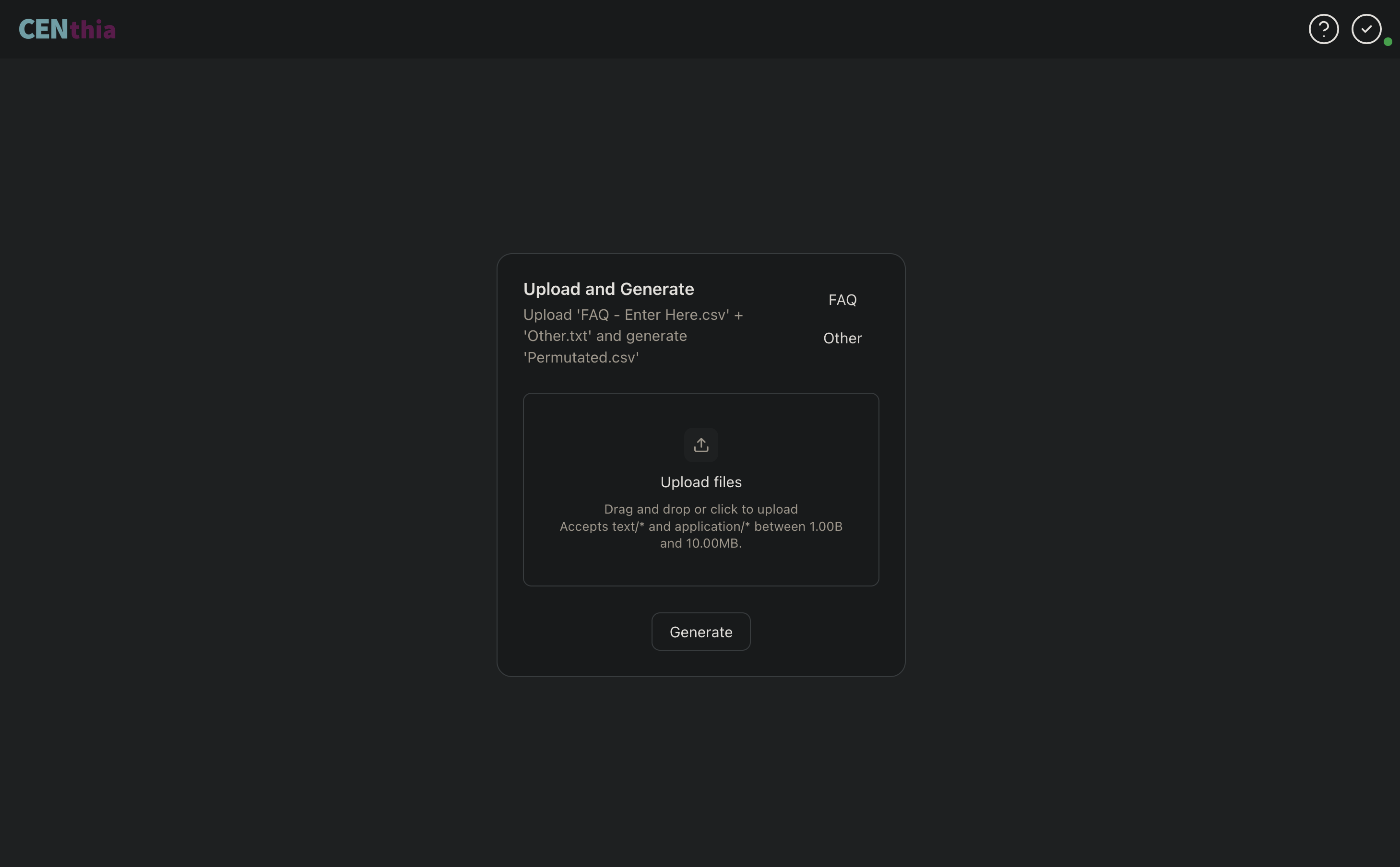
- Uploading these files
- Clicking
Generate
Once the operation completes, the extended FAQ will be available to upload via Google Cloud Console
nix run github:collegiate-edu-nation/chatbot-utilLeverage the binary cache by adding Garnix to your nix-config
nix.settings.substituters = [ "https://cache.garnix.io" ];
nix.settings.trusted-public-keys = [ "cache.garnix.io:CTFPyKSLcx5RMJKfLo5EEPUObbA78b0YQ2DTCJXqr9g=" ];Build the frontend (tested with node v22.20.0)
{
cd front
npm i
npm run build
cd ..
}
Then build and launch the backend (tested with python v3.13.8)
{
cd back
pip install .
chatbot-util
}Add the following to your flake.nix
inputs = {
  nixpkgs = {
    url = "github:nixos/nixpkgs/nixos-unstable";
  };
  chatbot-util = {
    url = "github:collegiate-edu-nation/chatbot-util";
    inputs.nixpkgs.follows = "nixpkgs";
  };
  ...
}
Then, add alc-calc to your packages
For system wide installation in
configuration.nix
environment.systemPackages = with pkgs; [
  inputs.chatbot-util.packages.${system}.default
];
For user level installation in
home.nix
home.packages = with pkgs; [
  inputs.chatbot-util.packages.${system}.default
];As this is currently just an internal tool, we don't have plans to streamline the installation process for non-Nix users
However, wrapping the backend's python executable with the location of the built FRONT_DIR before adding it to your path should do the trick. See the postInstall script in package.nix for further reference
After Generate finishes, chatbot-util will automatically display a toast message if any previous entries in the extended FAQ are missing or modified, indicating the new FAQ is not verified
This can be very helpful for identifying regressions when you're just intending on adding new teams, employees, and/or questions
To edit the code itself, clone this repo
git clone https://github.com/collegiate-edu-nation/chatbot-util.gitModify src as desired and add the changes
The build and format scripts will be helpful here
This app intentionally submits requests to Ollama in a sequential manner as, in my testing, parallelism breaks Ollama's determinism in unpredictable ways
If this isn't important for your use-case, leverage the feat-concurrent-requests branch for an ~80% speedup (this figure was observed on an M2 Pro w/ OLLAMA_NUM_PARALLEL set to 8)