- Gain access to the second virtual machine.
- Install web-server (nginx).
- Download tarball with handson website (OPTIONAL).
- Open the necessary ports.
- Open browser, go to the virtual machine floating ip and verify the installation.
- Open a terminal and connect as user ubuntu to the vm you created.
~: ssh ubuntu@10.2.201.'x'- Install nginx (or apache) web-server.
~: sudo apt-get update && sudo apt-get install nginx- OPTIONAL: Download and untar tarball containing a website with a replica of this guide.
~: wget https://github.com/Cloud-PG/Handson-Openstack/raw/master/web-server.tar.gz

~: sudo tar -zxvf web-server.tar.gz -C /var/www

~: sudo service nginx restart-
Open port 80 as we did for the SSH port in section Port-mapping.
-
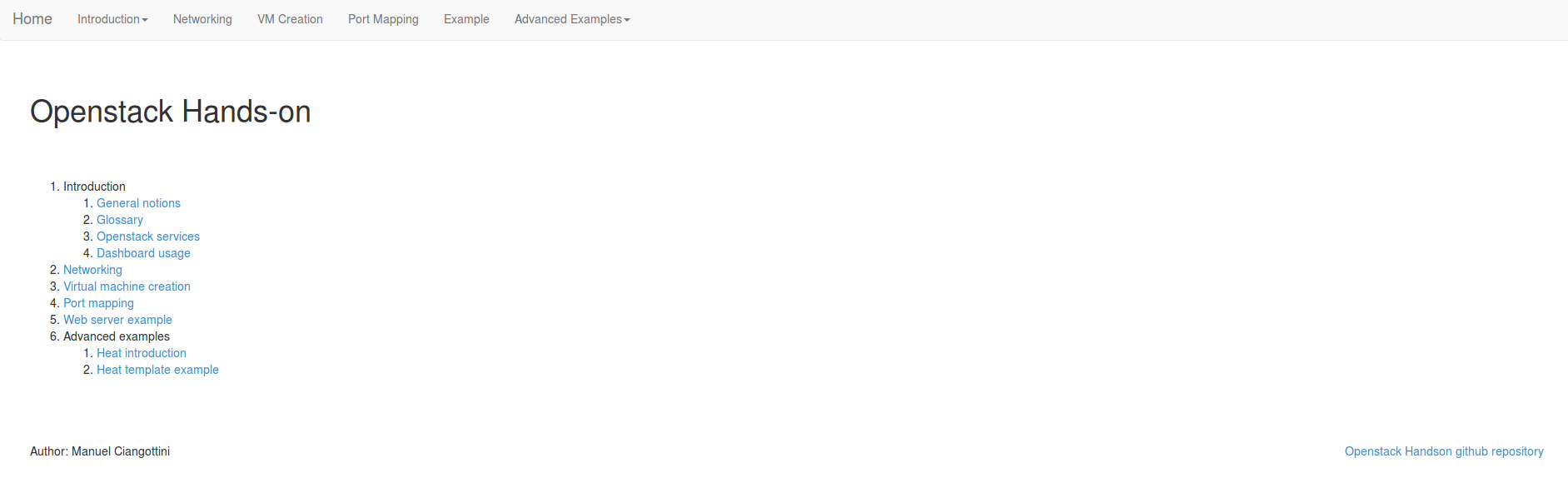
Open your browser and go to the floating ip address of your vm. You should see this page (if you didn't skip step 3):
Note: if you get the error
sudo: unable to resolve host name-of-this-machineyou have to add the value stored in/etc/hostnamein/etc/hostslike that:127.0.0.1 localhost localhost.localdomain name-of-this-machine
Next section: Advanced examples