You signed in with another tab or window. Reload to refresh your session.You signed out in another tab or window. Reload to refresh your session.You switched accounts on another tab or window. Reload to refresh your session.Dismiss alert
📌secret id as it might be used in some undesirable manner if needed ask me for it personally.
📌 Add client id and secret id .
📌 Now LOGIN_REDIRECT_URL='http://127.0.0.1:8000/upload/' is for redirecting you to the page which should appear just after you google sign. The above is what is my redirect page.
📌 This is it we are now able to sign in through google into our site.
How to create an app:-
Python manage.py startapp (appname)
Two http methods are as under:-
📌post and get
📌Get is for fetching the data from server
📌Post is for adding new data to server
To create superuser:-
📌Python manage.py createsuperuser
To start a project:-
📌Django-admin startproject mysite
About
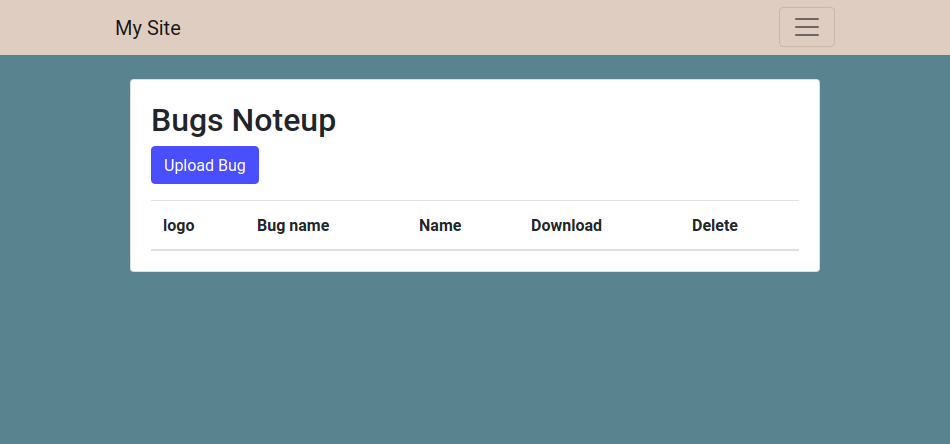
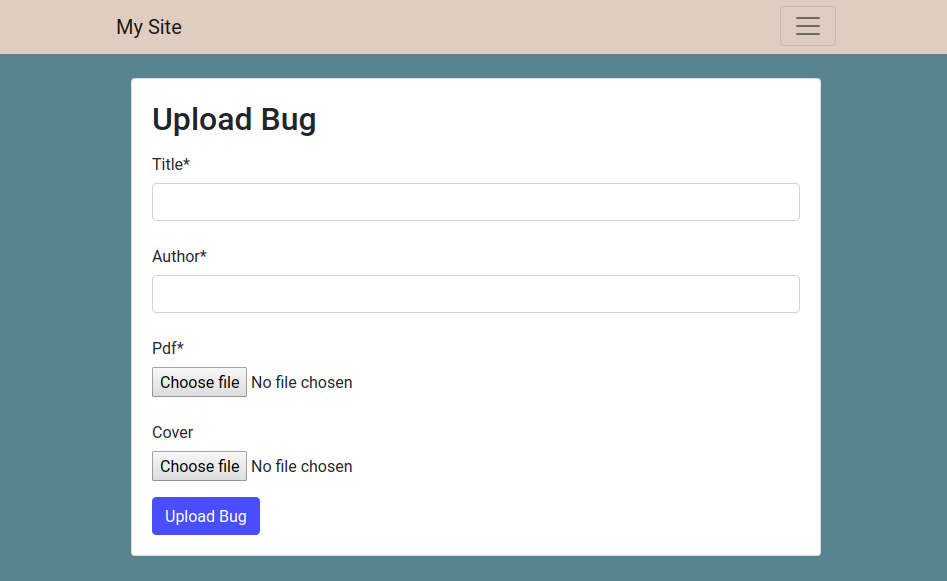
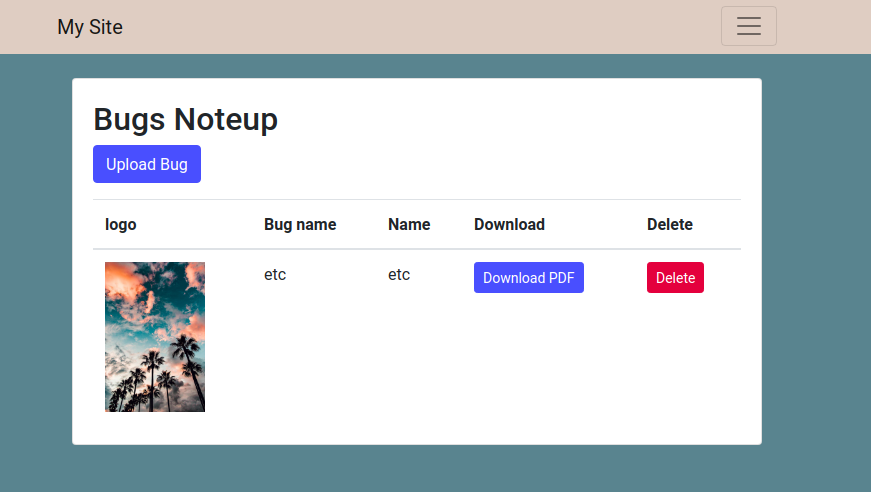
This is Not a actual bug tracker as by name this is a person work loading and he will be uploading his work after loggin in using google.