Before we start, make sure you have the following:
-
Sign up on serverless.com.
-
Node.js and npm installed. You can download them from nodejs.org.
-
Serverless Framework installed globally. Run the following command:
npm install -g serverless
- AWS IAM User credentials for deployment.
Clone the project repository from GitHub:
git clone https://github.com/ArjunMnn/aws-node-http-api-project-dev.git
Navigate to the project directory and install the required npm packages:
cd aws-node-http-api-project-dev
npm install
Run the following command to configure your AWS credentials:
serverless config credentials --provider aws --key YOUR_ACCESS_KEY --secret YOUR_SECRET_KEY
Replace YOUR_ACCESS_KEY and YOUR_SECRET_KEY with your AWS IAM User credentials.
The serverless.yaml file defines the AWS infrastructure for your serverless project. Open the serverless.yaml file and replace the placeholder values in the provider section with your specific AWS configuration.
provider:
  name: aws
  runtime: nodejs14.x
  region: YOUR_AWS_REGION
  iamRoleStatements:
    - Effect: Allow
      Action:
        - dynamodb:*
      Resource:
        - arn:aws:dynamodb:YOUR_AWS_REGION:YOUR_ACCOUNT_ID:table/KaamKaro
Replace YOUR_AWS_REGION and YOUR_ACCOUNT_ID with your AWS region and account ID.
The project consists of several functions, each handling specific API endpoints. The function code is in separate files in the src directory.
-
hello.js: Handles the root endpoint and returns a welcome message. -
kaamBharo.js: Adds a new task to the DynamoDB table. -
kaamDikhao.js: Retrieves all tasks from the DynamoDB table. -
kaamHatao.js: Deletes a task from the DynamoDB table. -
kaamKhatamKaro.js: Updates the completion status of a task in the DynamoDB table.
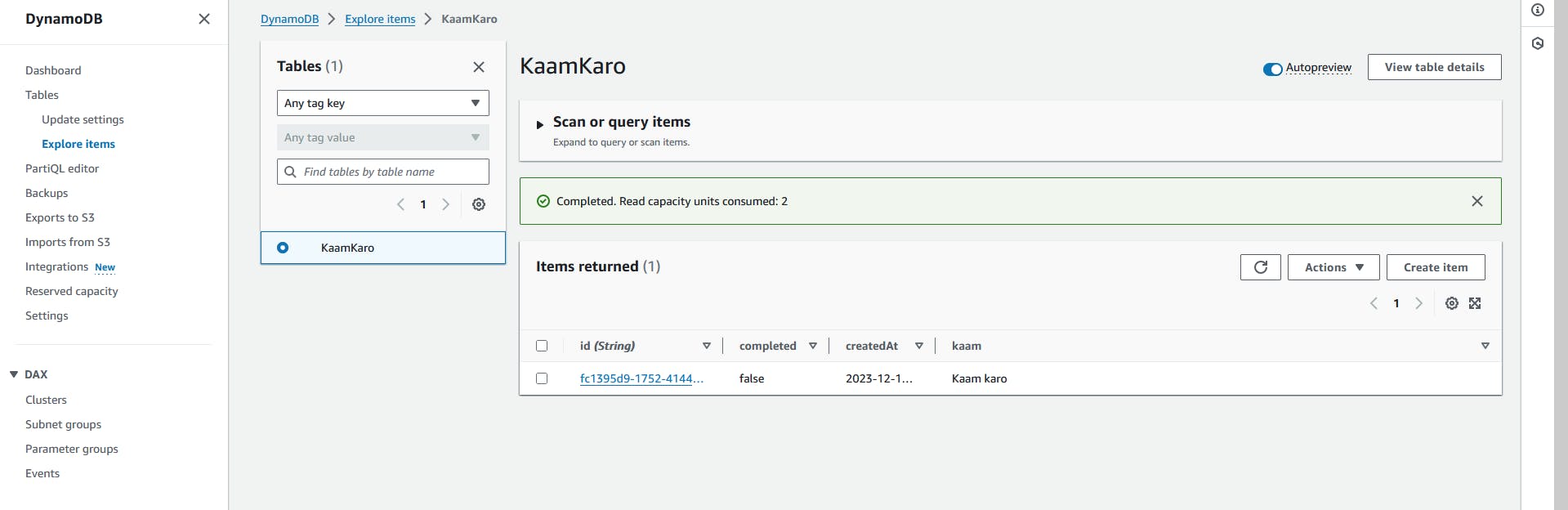
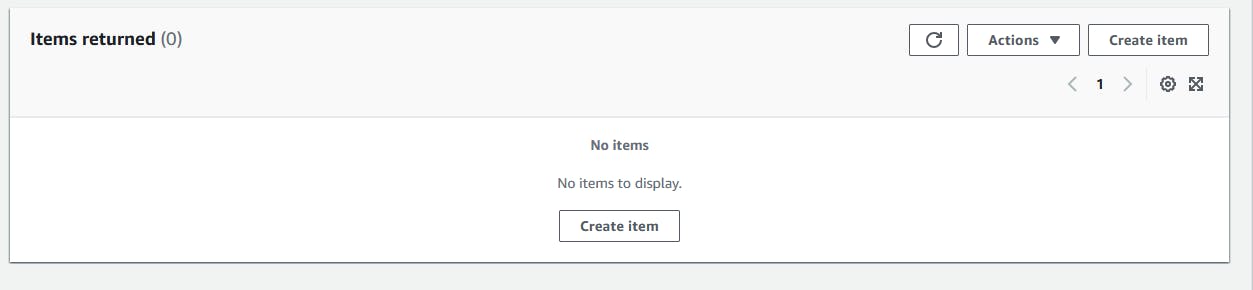
The serverless.yaml file includes a DynamoDB table definition. Ensure that you have the necessary permissions to create a DynamoDB table in your AWS account.
resources:
  Resources:
    KaamKaro:
      Type: AWS::DynamoDB::Table
      Properties:
        TableName: KaamKaro
        BillingMode: PAY_PER_REQUEST
        AttributeDefinitions:
          - AttributeName: id
            AttributeType: S
        KeySchema:
          - AttributeName: id
            KeyType: HASH
Run the following command to deploy the project to AWS:
serverless deploy
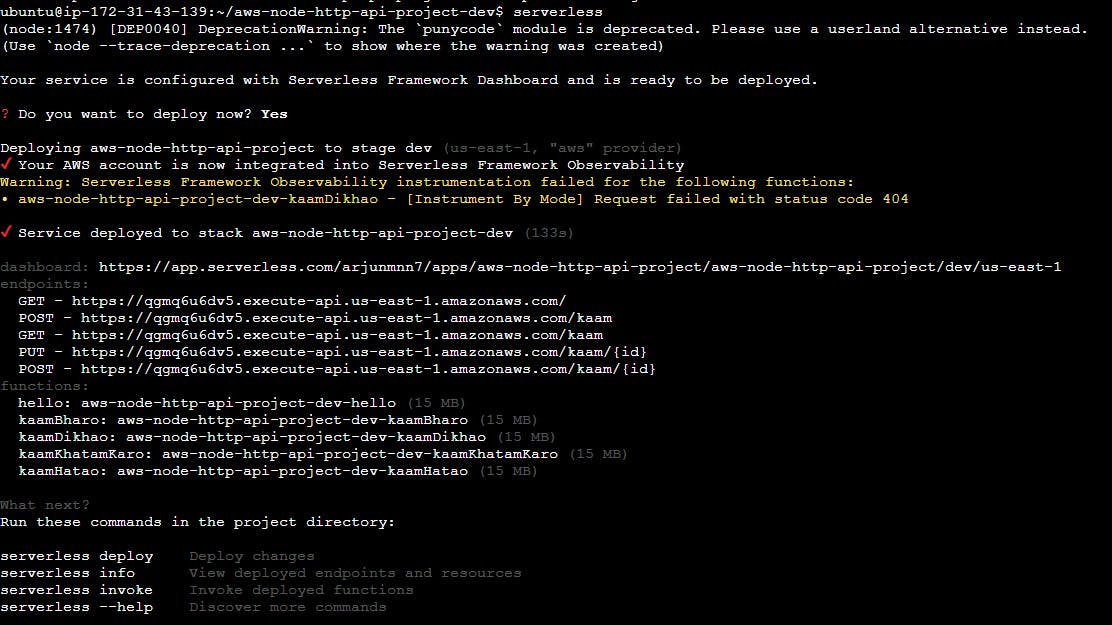
This command will package and deploy your project using AWS CloudFormation.
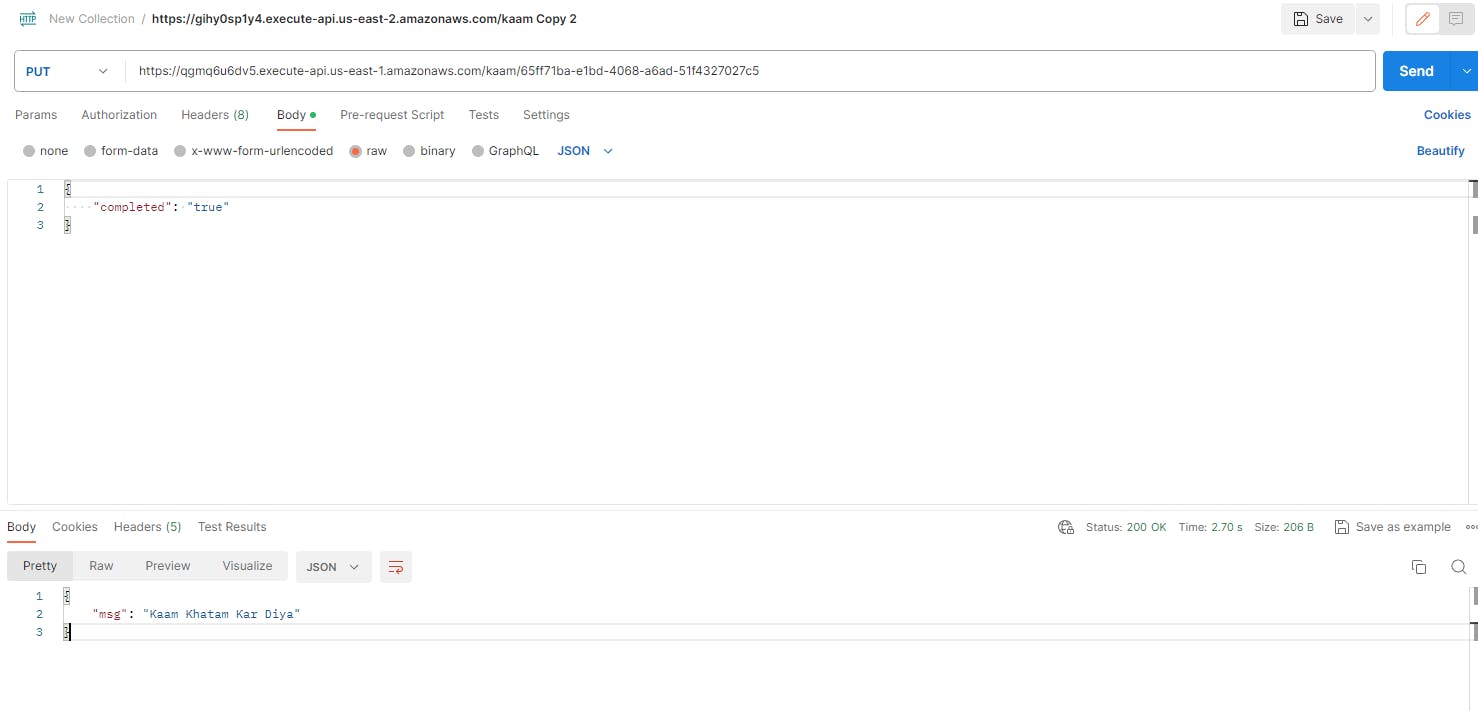
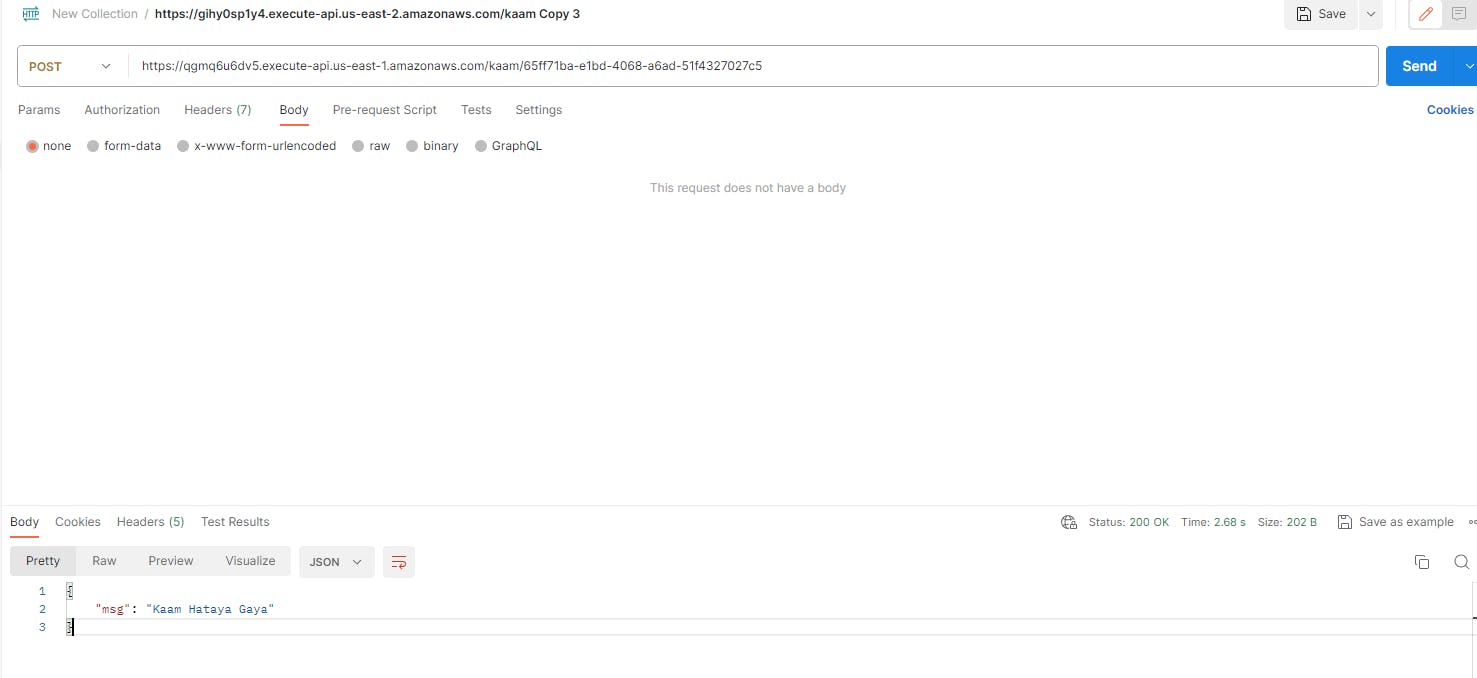
Use Postman to test your APIs. Here are some sample requests:
-
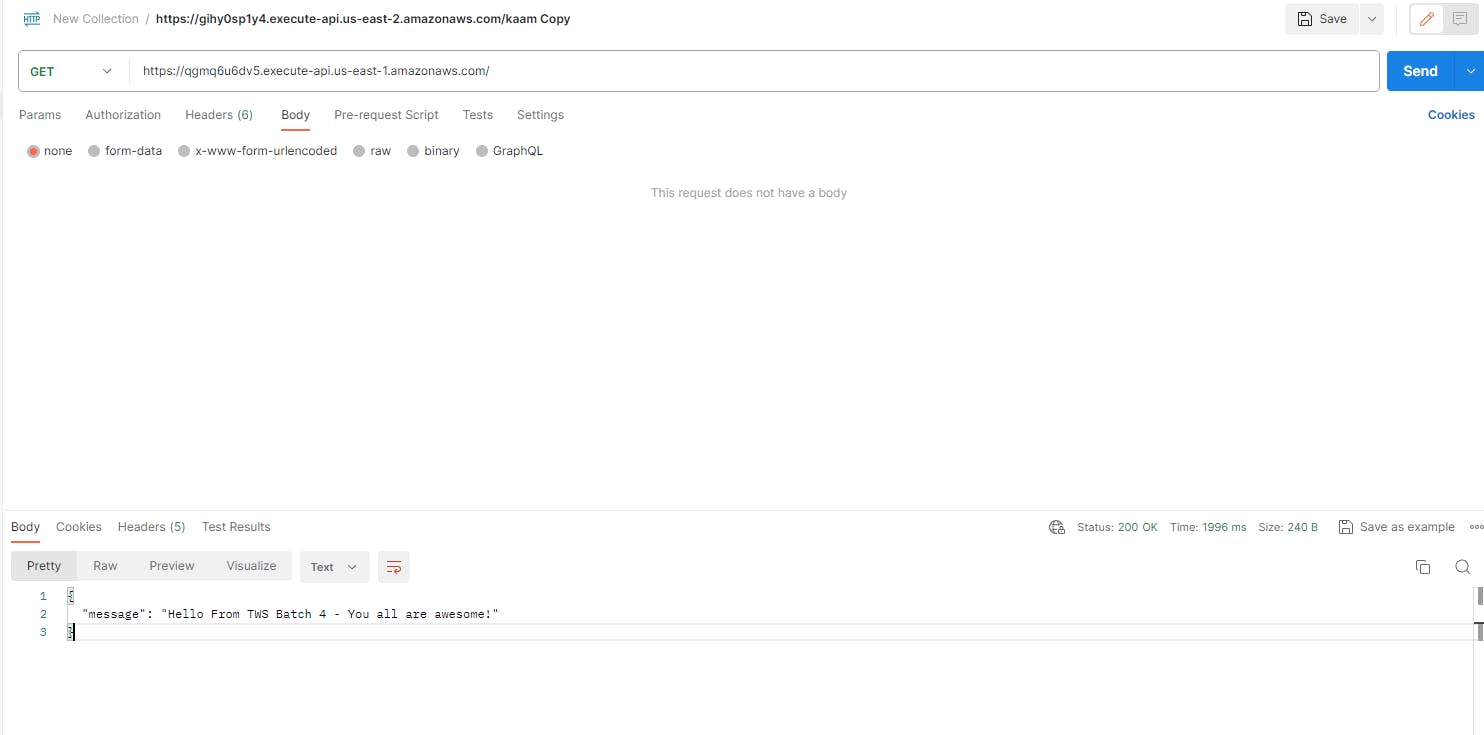
GET /: Retrieve a welcome message.
-
-
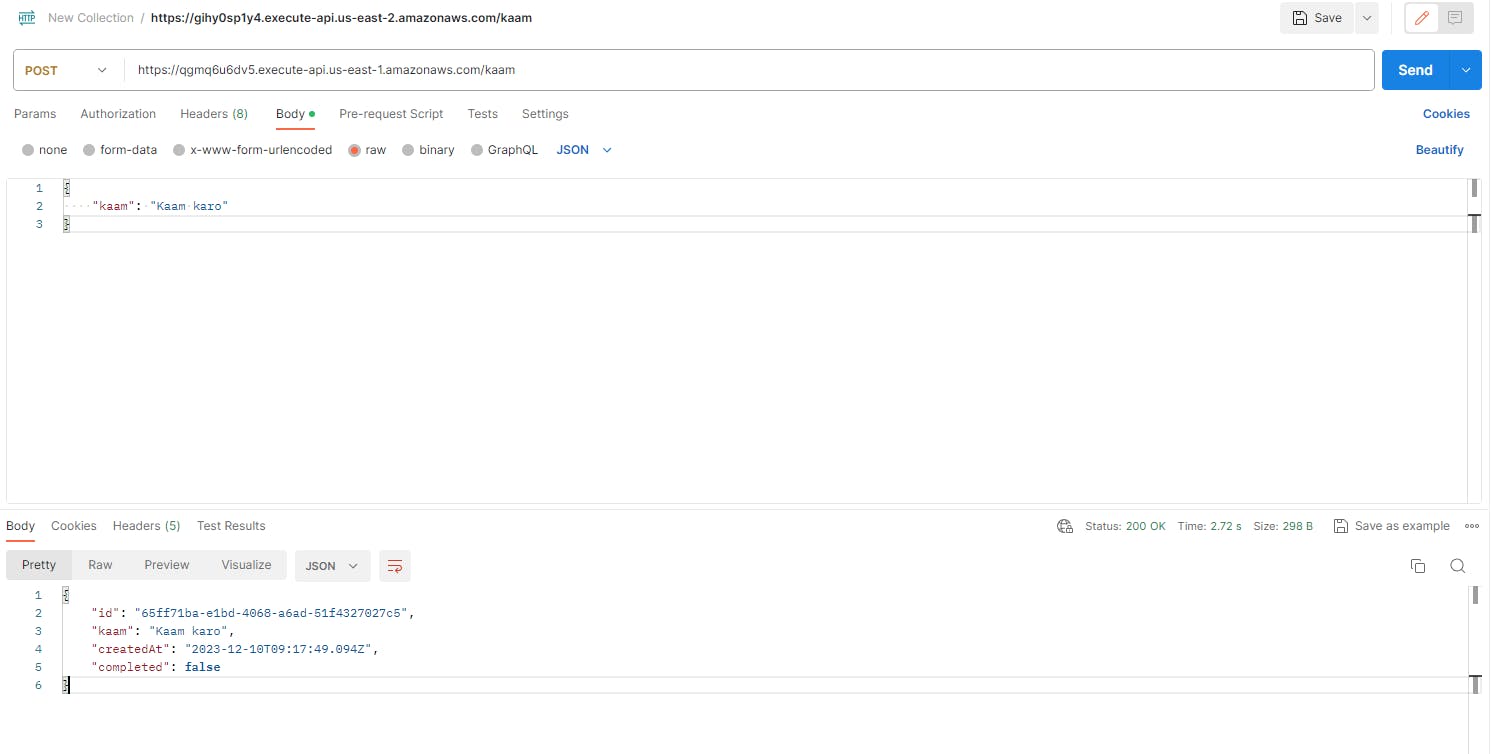
POST /kaam: Add a new task to the DynamoDB table.
-
-
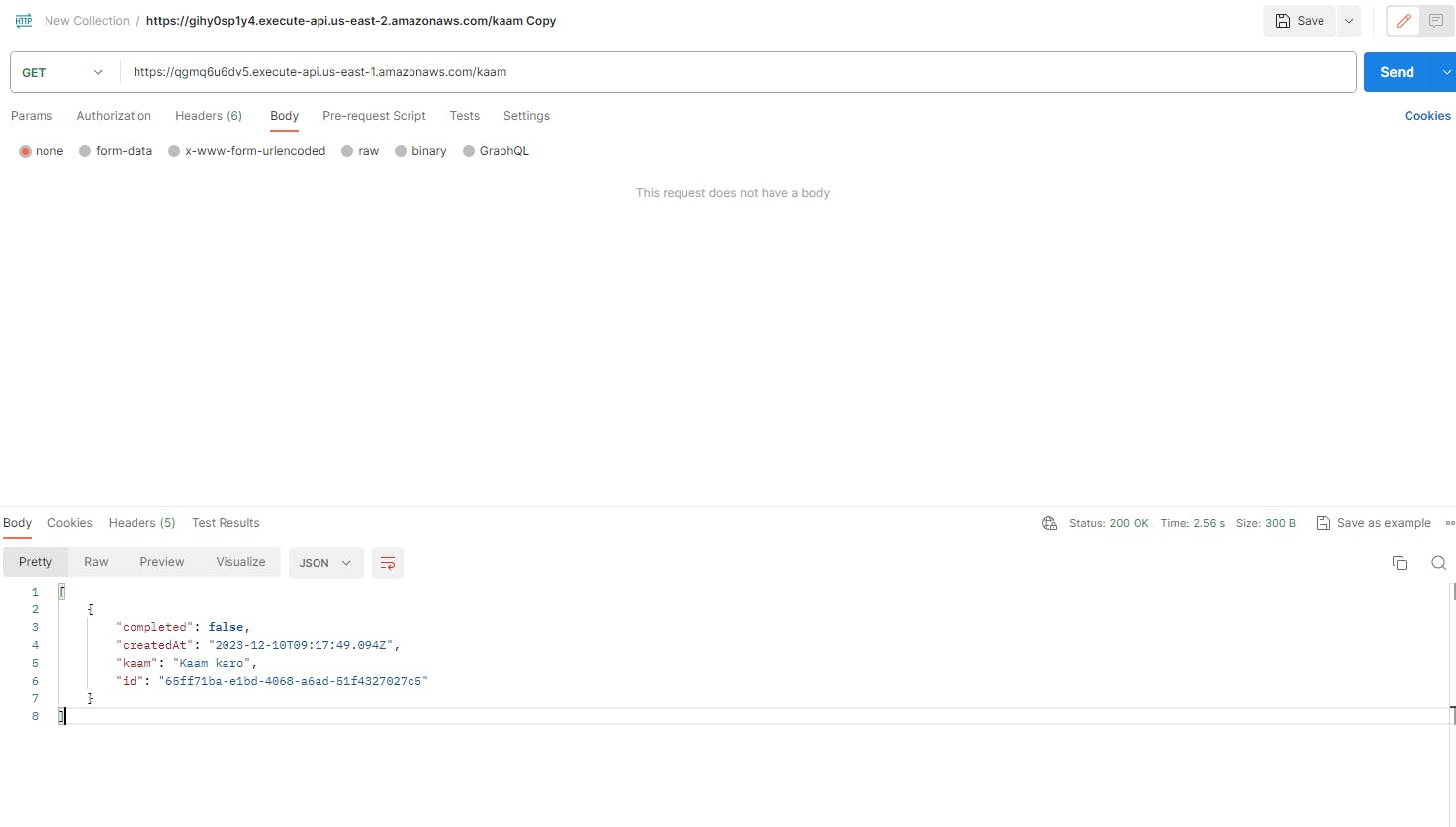
GET /kaam: Retrieve all tasks from the DynamoDB table.
-
PUT /kaam/{id}: Update the completion status of a task in the DynamoDB table.
-
POST /kaam/{id}: Delete a task from the DynamoDB table.