A lightweight Unity Editor extension that lets you pin frequently used folders into custom tabs.
Enhances focus and performance by reducing time spent navigating the Project window.
- Right-click any folder → Pin Folder
- Automatically opens a new Project tab named after the folder
- Custom tab colors and icons
- Tabs persist across Unity restarts
- Drag-and-drop folders in
Folder Tabs Windowto reorder tabs - Context menu: Collapse All / Expand All / Delete All
- Open the Tool:
Go to
Window > Folder Tabsto open thePin Folderswindow. - Pin a Folder:
Right-click a folder in the Project window and click "Pin Folder".
A new Project tab is created and pinned to that folder.
A new Folder section will be added to
Folder Tabs Window - Manage Tabs: Use the Folder Tabs window to rename, reorder, recolor, or re-icon your tabs. Right-click inside the window to Collapse All, Expand All, or Clear All.

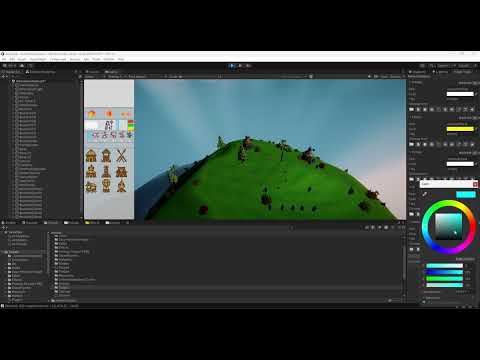
Watch a short demo on how it works:
- This tool is still new and may need improvements.
- Pin Folder will only work from the second column in Project tab it not effect first column folders.
- Some parts of the code may still need rearrangement.
- Unity may cache tabs, so if colors/icons don’t update immediately, they will after restarting or re-build the code.
- Works best in Unity 2022+.
☕ Optional: Buy me a coffee if this tool saved you time
👉 Donate via PayPal
MIT License