Communities
Communities is a core feature of InvenioRDM, it is designed so that different user bases can further customise the portal and manage their community records in a coherent way. It is a relatively new feature, that it is set to expand with future releases.
There is a main community ACDG, all records should be submitted to this, so they can go through a review process.
To submit a record for review:
- select the
ACDGcommunity when creating/editing the record; - save the draft, a new
submit for reviewoption will take the place ofpublish; - when ready click
submit for review
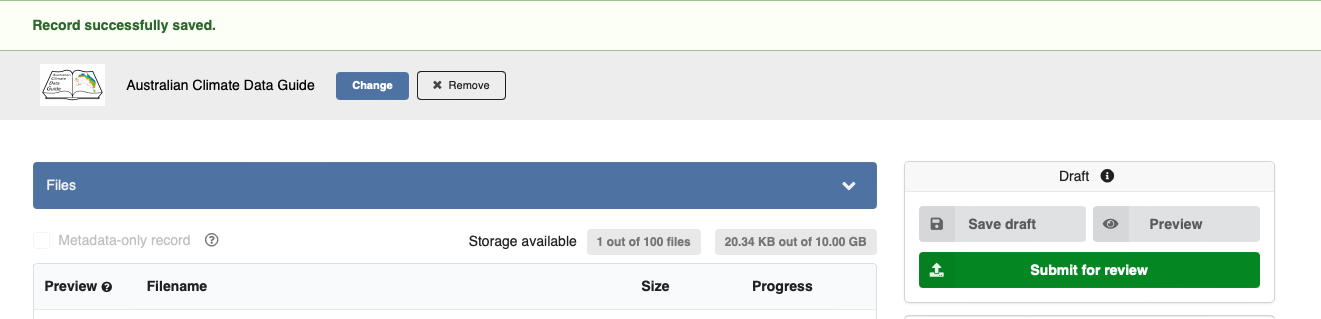
A new panel will appear with a few options to select, which determine the level of permission given to the community reviewers. We suggest to tick both options, so the reviewers can potentially apply corrections themselves. If you want more control you can leave them out, however, this might mean that you will be responsible for all the edits needed to complete the record.
There is also an option to add a comment for the reviewers, it is useful to point out what might need improvement.
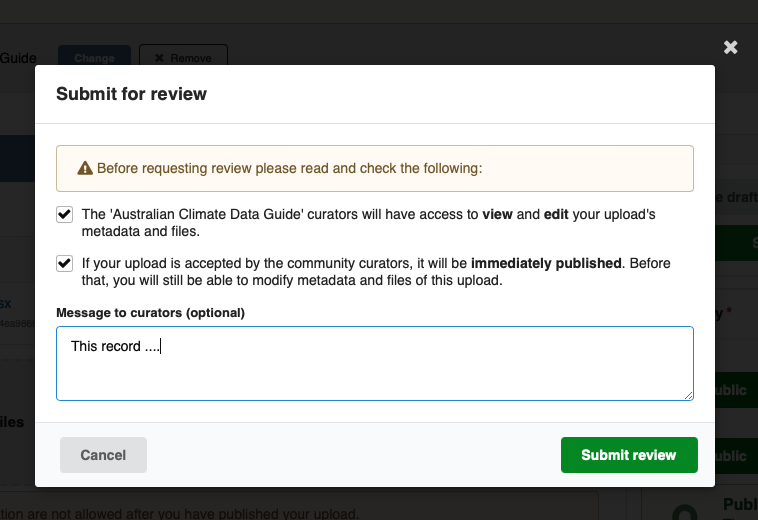
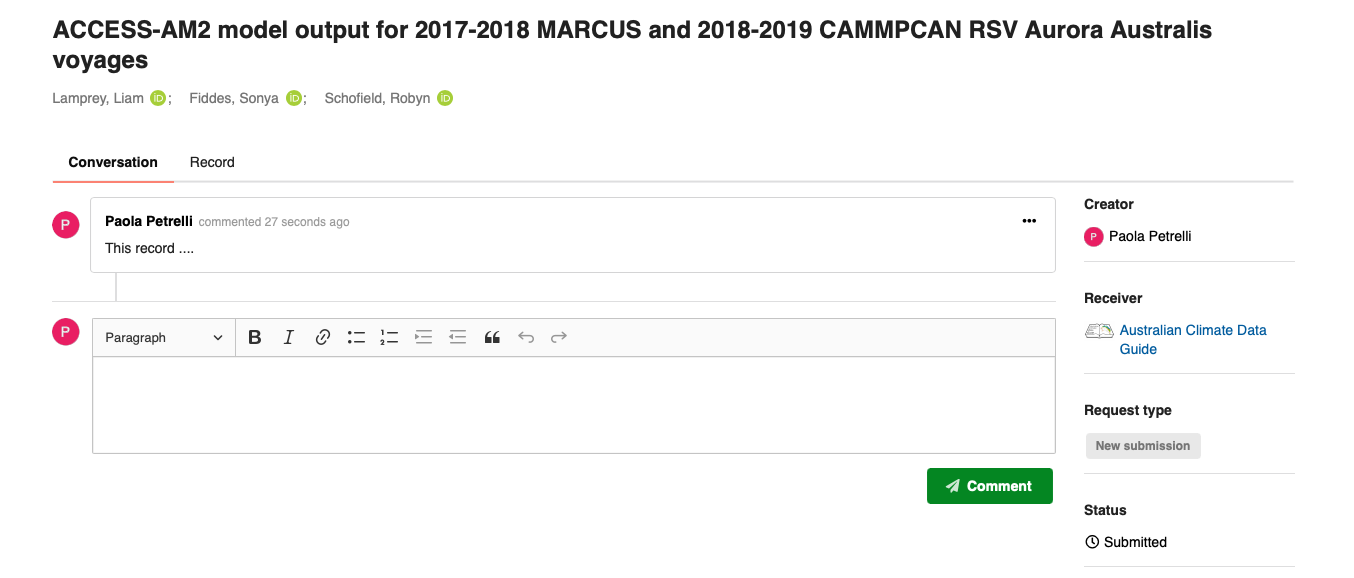
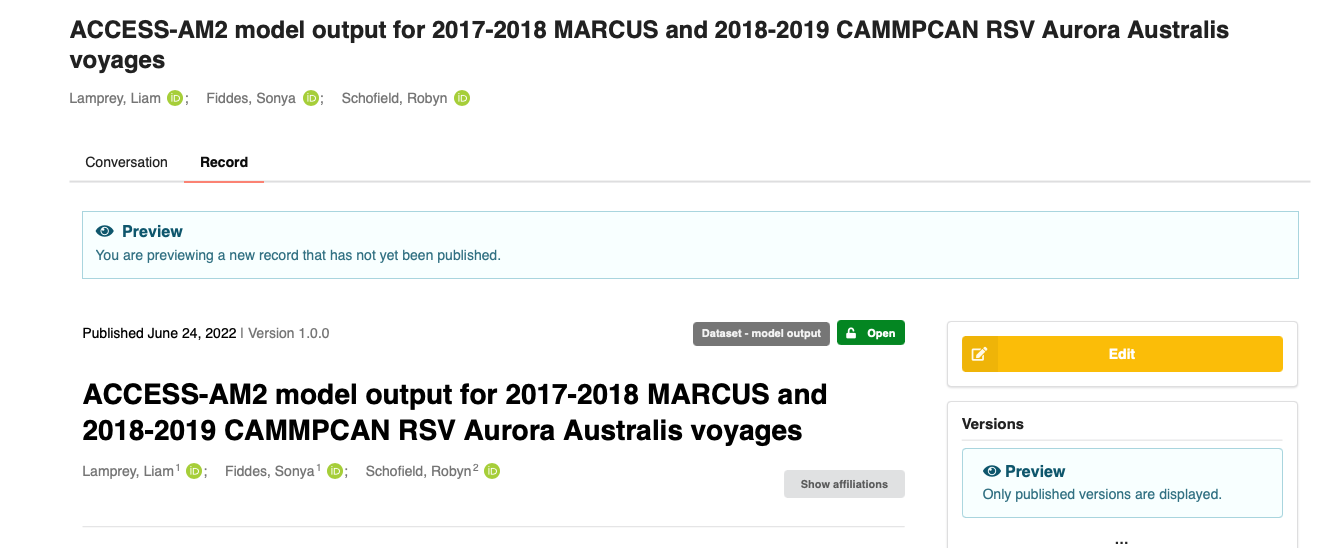
Once the submission is confirmed you have two tabs, both shown below:
-
conversationwhere you can add/review comments;
-
recordshows a preview and gives a possibility to add more edits
Work in progress!It is possible for a record to belong to more than one community, the primary (or default) one is the one used for the review process. Once a record is published, it can then be shown under other communities.
In the current portal version only the administrator can add a record to more communities, as the portal frontend doesn't allow yet to select more than one community (or any) once a record is published.
We are planning to use this functionality, once fully available to allow the creation of records subsets, as an example we set up a community for the NESP2 Climate Systems Hub.
NESP2 CSH has a set list of datasets to be used by their researchers, this community will be used to show only the "approved" data. At the moment only a few records have been added to demonstrate this potential usage for a community.
