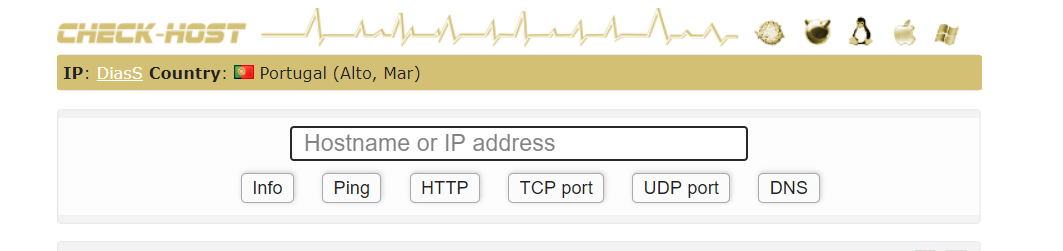
This is a simple script in js to hide your ip in check host.
Tampermonkey --> https://www.tampermonkey.net/
Browser --> Chrome, Firefox, Safari, Opera, or Microsoft Edge.
// ==UserScript==
// @name         Hide IP by DiasS
// @namespace    http://tampermonkey.net/
// @version      1.0
// @description  Script hide your ip in check-host!
// @author       DiasS
// @match        https://check-host.net/*
// @grant        none
// ==/UserScript==

(function() {
    'use strict';

document.getElementById("yourip").innerHTML = "<div id=\"yourip\">\r\n<div style=\"padding-top: 5px; padding-left: 5px\"><strong>IP<\/strong>: <a title=\"your ip address info\" href=\"\/ip-info?host=DiasS\">DiasS<\/a>\r\n<strong>Country<\/strong>:\r\n<img class=\"flag\" src=\"\/images\/flags\/pt.png\" alt=\"PT\">\r\nPortugal\r\n(Alto, Mar)\r\n<\/div>\r\n<\/div>"
})();
-
You will need Tampermonkey installed on your browser.
-
Open your Tampermonkey and "create a new script".
-
Put the code in new script.
-
Enjoy