NestJS modular monolith for platform services, tenant-aware business modules, and server-rendered HTML pages.
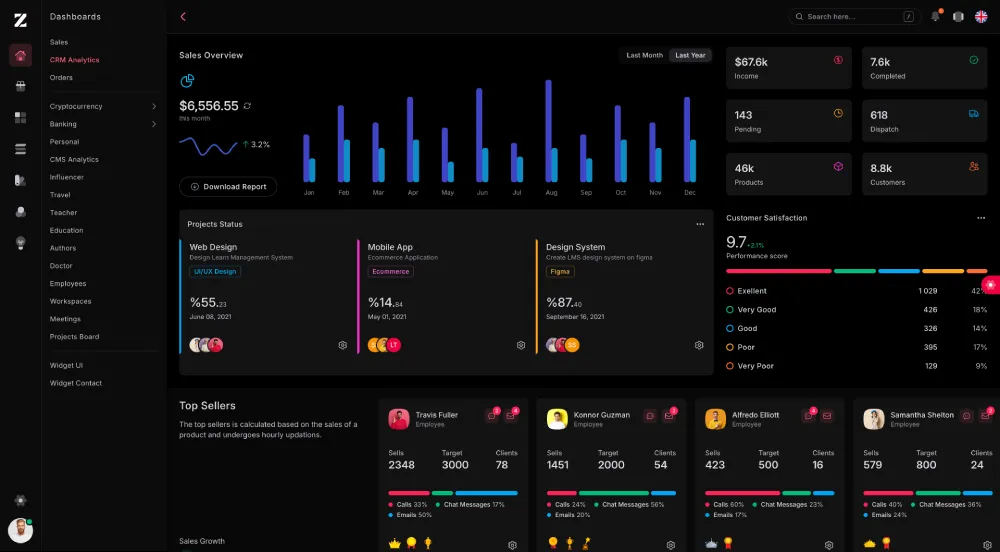
Workless is organized around four top-level runtime areas:
src/app: platform-level auth, users, roles, notifications, home page, and HTML viewssrc/core: module registry, lifecycle, hook/event bus, tenant context, and HTML cache supportsrc/database: TypeORM bootstrap, schema runner, and seeder runnersrc/modules: runtime business modules such ascrm,helpdesk, andorg
The application is a single NestJS process. Business modules are discovered from src/modules/runtime-modules.ts and then mounted into AppModule.
- NestJS 11
- TypeORM
- PostgreSQL
- Redis
- BullMQ
- KITA JSX/TSX server-rendered views
- Tailwind CSS 4
src/main.ts: Nest bootstrap, CORS, Helmet, static assets, global prefixsrc/app.module.ts: root module compositionsrc/app/platform.module.ts: platform controllers, auth, users, permissions, notificationssrc/core/core.module.ts: module lifecycle, module enablement guard, hook/event bus, HTML cache interceptorsrc/database/database.module.ts: TypeORM integrationsrc/modules/runtime-modules.ts: list of business modules to load at runtime
Most HTTP endpoints are prefixed with:
/api/v1
Current public routes excluded from the prefix:
GET /GET /auth/login
Examples:
GET /-> landing pageGET /auth/login-> login pagePOST /api/v1/auth/login-> JSON login endpointGET /api/v1/modules-> module registry endpoint
- Node.js 20+
- npm 10+
- PostgreSQL 14+ recommended
- Redis 6+ optional
- Clone the repository
git clone https://github.com/zairosoft/workless.git
cd workless- Install dependencies
npm install- Create environment file
cp .env.example .env- Configure
.env
Required:
PORTDB_HOSTDB_PORTDB_USERNAMEDB_PASSWORDDB_NAMEJWT_SECRET
Useful defaults from .env.example:
DB_SYNC=truefor local development onlyREDIS_ENABLED=falseif Redis is not runningJWT_EXPIRES_IN=1h
- Start the app
npm run start:devnpm run start:dev
npm run build
npm run start
npm run dev
npm run build:css
npm run db:platform
npm run seed
npm run module:list
npm run module:install -- crm
npm run module:upgrade -- crm
npm run module:uninstall -- crmNotes:
npm run devstarts Nest dev mode and Tailwind watch mode togethernpm run build:csscompilespublic/assets/css/app.csstopublic/assets/css/tailwindcss.cssnpm run testis currently a placeholder and does not run a real test suite yet
src/
  app.module.ts
  main.ts
  app/
    auth/
    controllers/
    dto/
    entities/
    helpers/
    providers/
    services/
    views/
  core/
    events/
    http/
    infrastructure/
      cache/
      database/
    interfaces/
    lifecycle/
    module/
    registry/
    tenant/
  database/
    migrations/
    seeders/
  modules/
    apps/
    crm/
    helpdesk/
    org/
    runtime-modules.ts
public/
  assets/
    css/
Runtime-loaded modules from src/modules/runtime-modules.ts:
crmhelpdeskorg
Current state:
crmis the most complete reference modulehelpdeskandorghave module/lifecycle scaffolding in placeappsis a reserved scaffold and is not currently loaded at runtime
Workless serves static files from public/.
Current CSS pipeline:
- source:
public/assets/css/app.css - output:
public/assets/css/tailwindcss.css - Tailwind config:
tailwind.config.js
Optional tooling present in the repo:
vite.config.tsvitest.config.ts
These exist for frontend tooling and local build workflows, but the primary runtime remains the Nest app serving static assets from public/.
Please review SECURITY.md.
See license.txt.