The SaveAs workflow
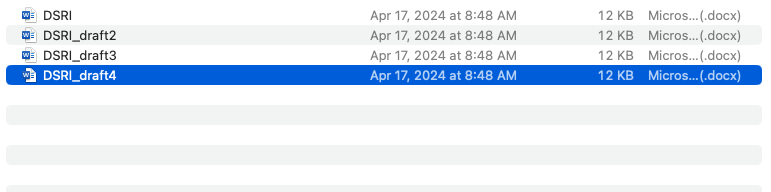
Before GoogleDocs, sharing documents and working on multiple drafts involved saving and resaving the same docx file. In other words, if you wanted to go read or even go back to a previous version of a project, you would just open a previous draft. Originally created to help manage versions of software development, GitHub is now a widely utilized tool accross fields to help manage and collaborate in projects by hosting files in repositories.
A repository is a space where all of the materials related to a project can be stored in the cloud. You can use GitHub to store, manage and publish your work. Every time that you add or change a file in the repository, Github will keep a record of what changes were made and by whom. Github is designed for collaboration. You can make changes to a text while someone else is working on the same document. Different versions (branches) of a text can be developed and then merged. You can easily undo changes. You can choose to make your Github repository open to the public or private.
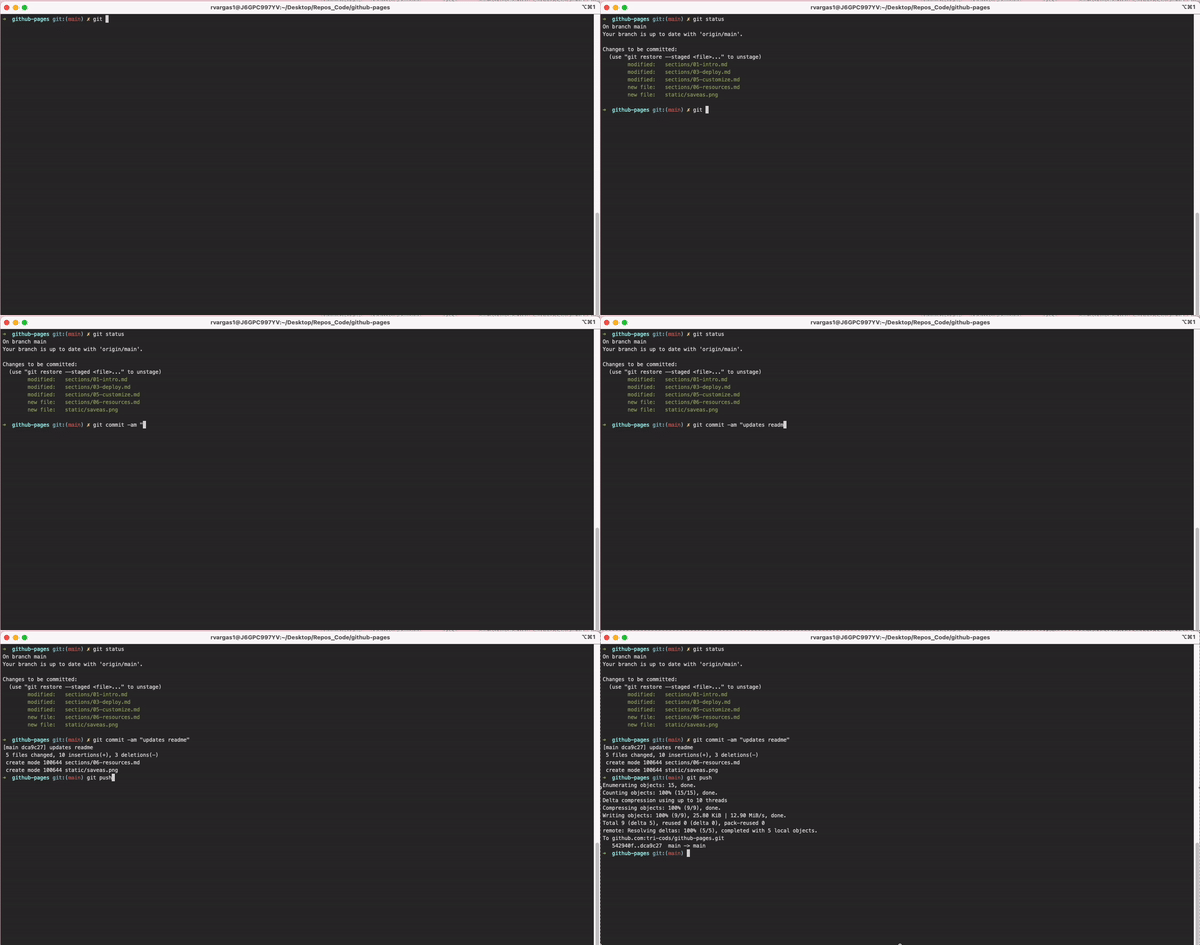
GitHub hosts Git projects. Although Git will not be the focus of these workshop, it remains useful to understand the relationship between Git and GitHub. In a nutshell, Git is a version controll tool that allows you to have a "googledoc" type of functionality in your personal computer. Rather than saving multiple copies of a file using titles like draft1 or draft2, using Git versions your changes by saving a history of them in your computer. Unlike GitHub, to use Git you will need a basic understanding of how to use the Terminal (alhtough more and more text editors come with ways to incorporate Git that bypass the use of the Terminal)
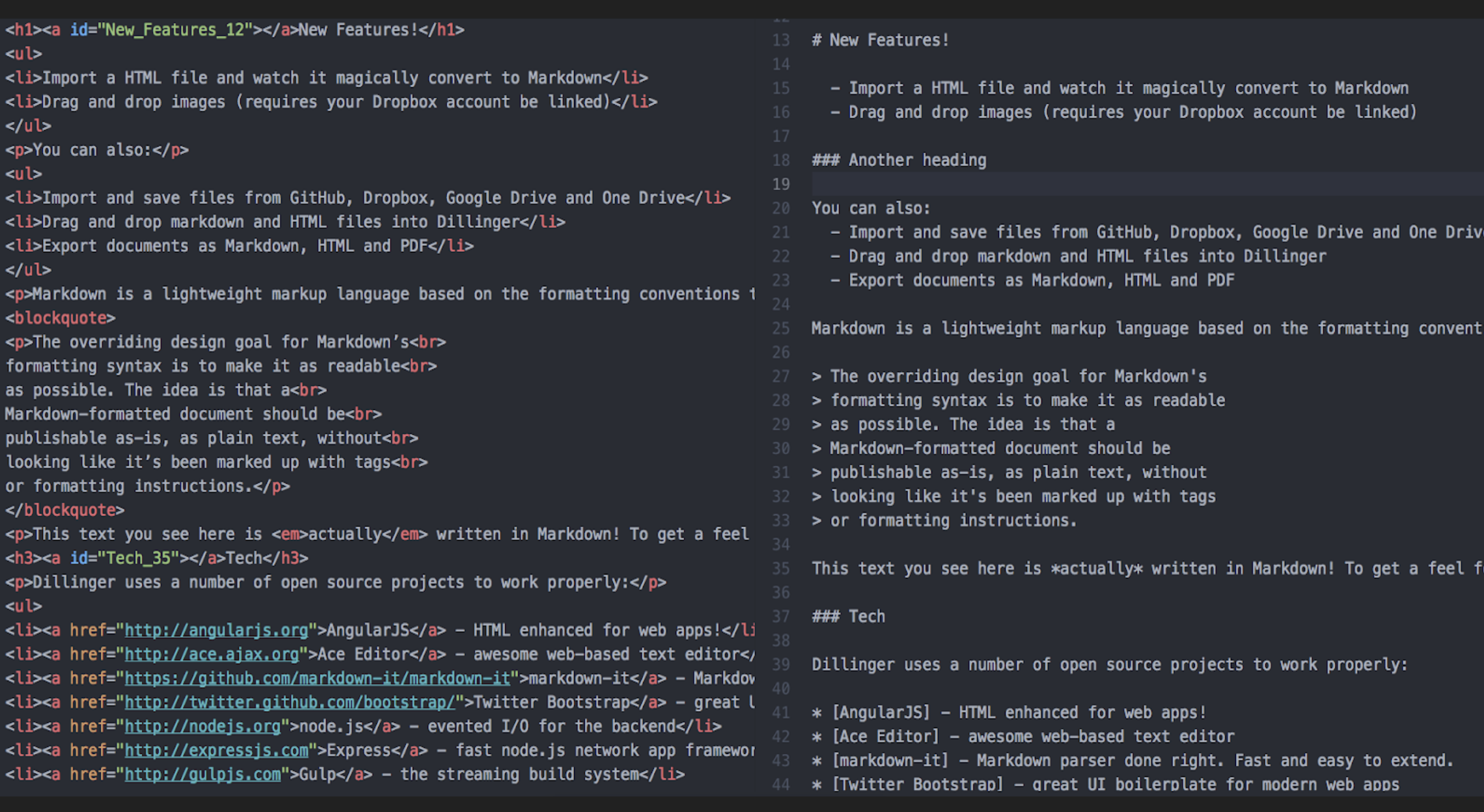
Markdown is a markup language (like HTML, xml, LaTex or SVG) used to format plain text. In fact, the pages in this workshop are written using Markdown. More later...