




AutoOS is a Native AOT WinUI 3 application that automates Windows setup and optimization with a focus on gaming performance, privacy, system compatibility and quality of life improvements.
There are plenty of "Windows Debloat" scripts and apps out there, but most of them rely on basic CMD / PowerShell scripts / commands, apply non-researched tweaks, and end up breaking core Windows functionality or security.
There is also a lot of Discord Servers selling services to apply custom ISOs / playbooks or install poorly coded AI utilities that rely on poor research and public knowledge.
With AutoOS I have completely reimagined the way Windows is installed and used. AutoOS is written in C# and WinUI3 while being fully NativeAOT compatible and utilizing Win32 APIs. It is tailored towards competitive gamers and power users while being fully open source and receiving regular updates that don't require you to reinstall Windows every time.
For the installation, users are provided with the latest 25H2 Professional ISO which is built and updated by GitHub Actions using the uupdump API. Check out my uup-dump-get-windows-iso repository.
The installation bypasses the need for unreliable and slow USB drives and instead relies on a PowerShell Script to create a new partition, apply the install.wim, add the custom unattend.xml file and create the boot entry.
The unattend.xml file does the following:
- Removes and disables 8.3 file names before installing Windows
- Creates a local user account
- Cleans up visual clutter
- Disables automatic driver/app installation via Windows Update
- Removes web results from Windows start menu
- Precompiles .NET assemblies to improve PowerShell loading times
- Pauses Windows Updates for 100 years
- Adds Recycle Bin to Quick Access
- Sets the correct Timezone, Regional format, Keyboard Layout and secondary language for your country
- Downloads and installs the latest version of AutoOS
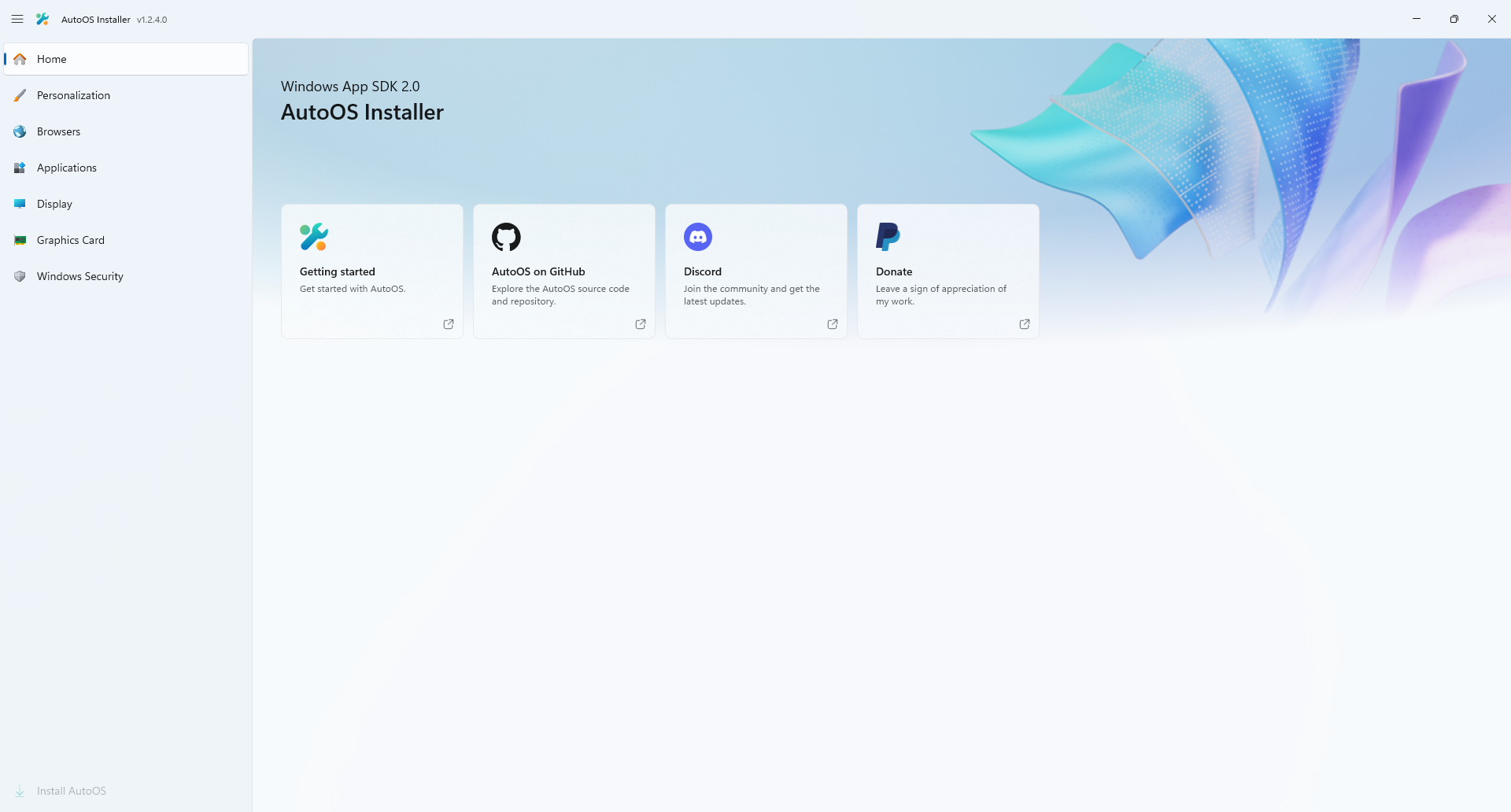
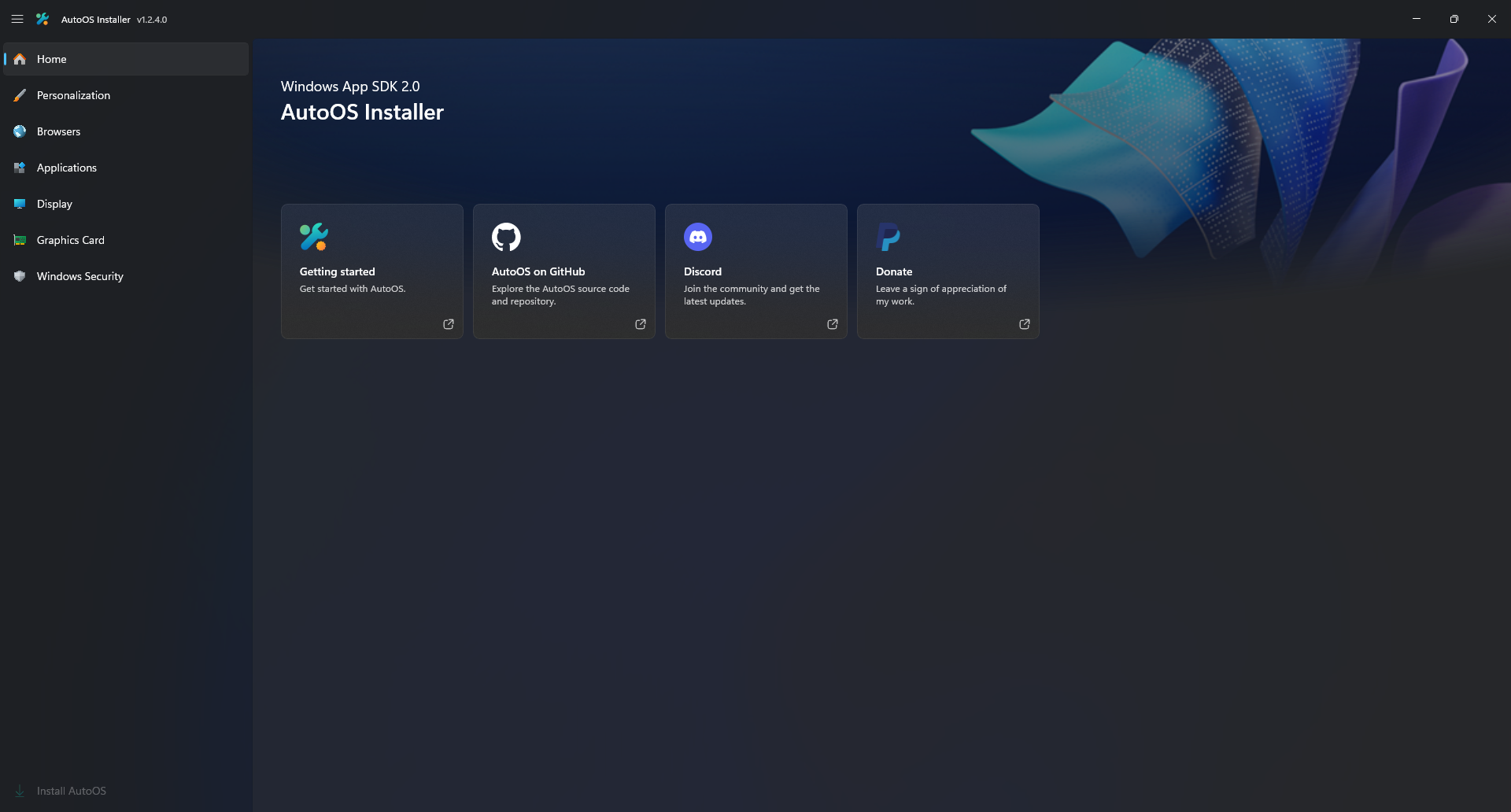
After Windows is installed you are greeted with the AutoOS Installer.
In AutoOS Installer you can:
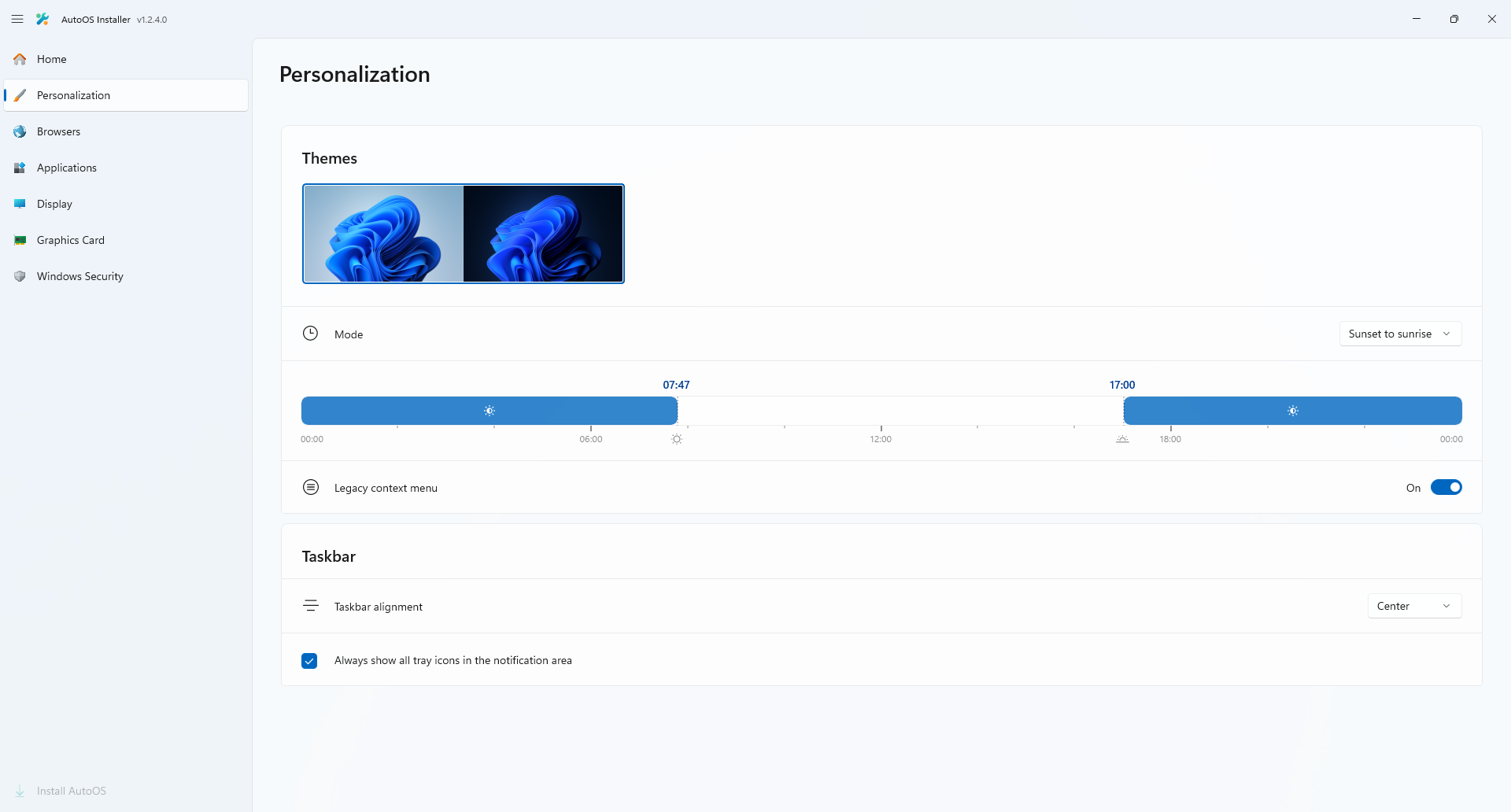
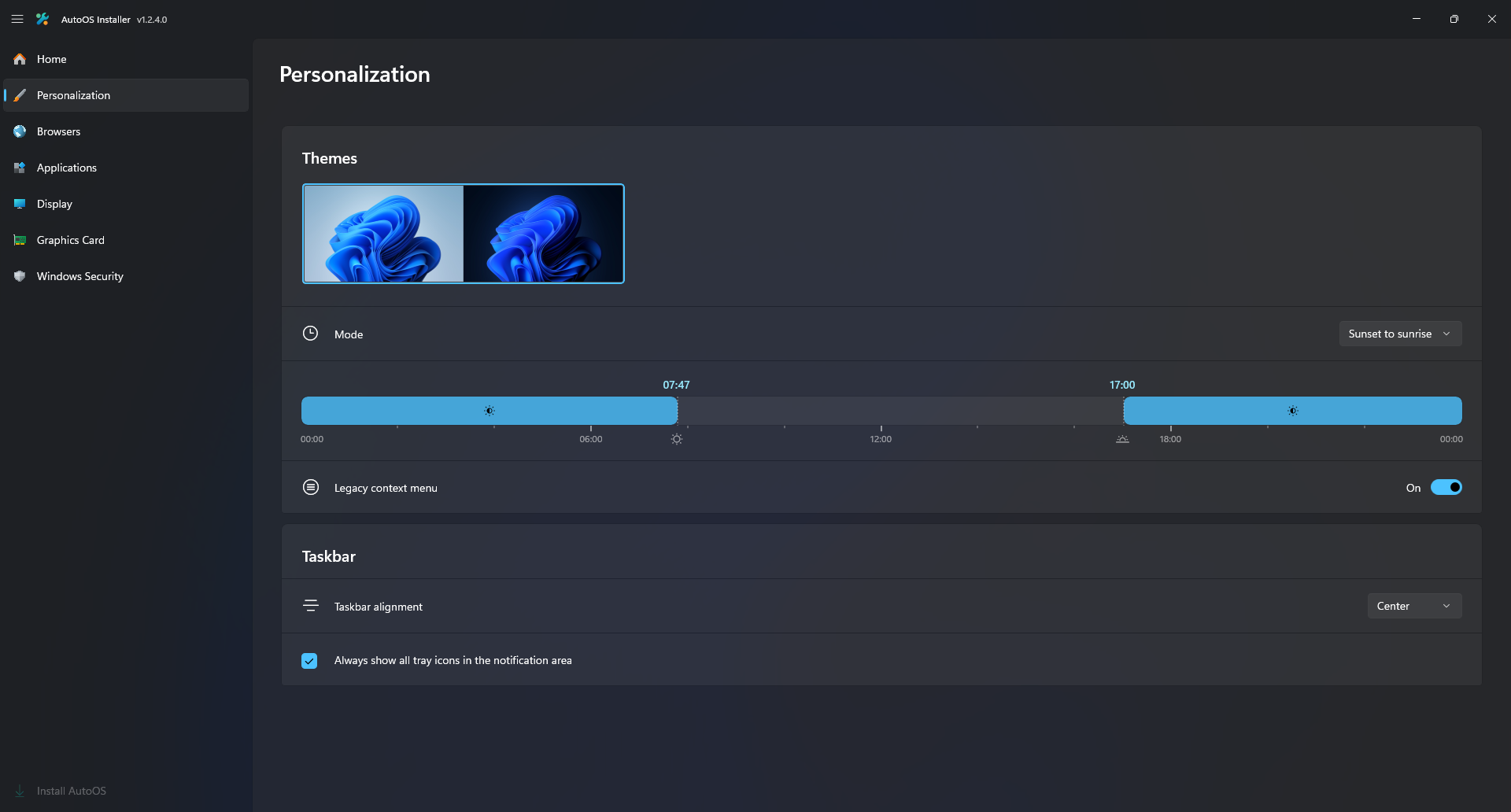
- Personalize your Windows Theme settings which are integrated using my Auto Theme Switcher Windhawk Mod.
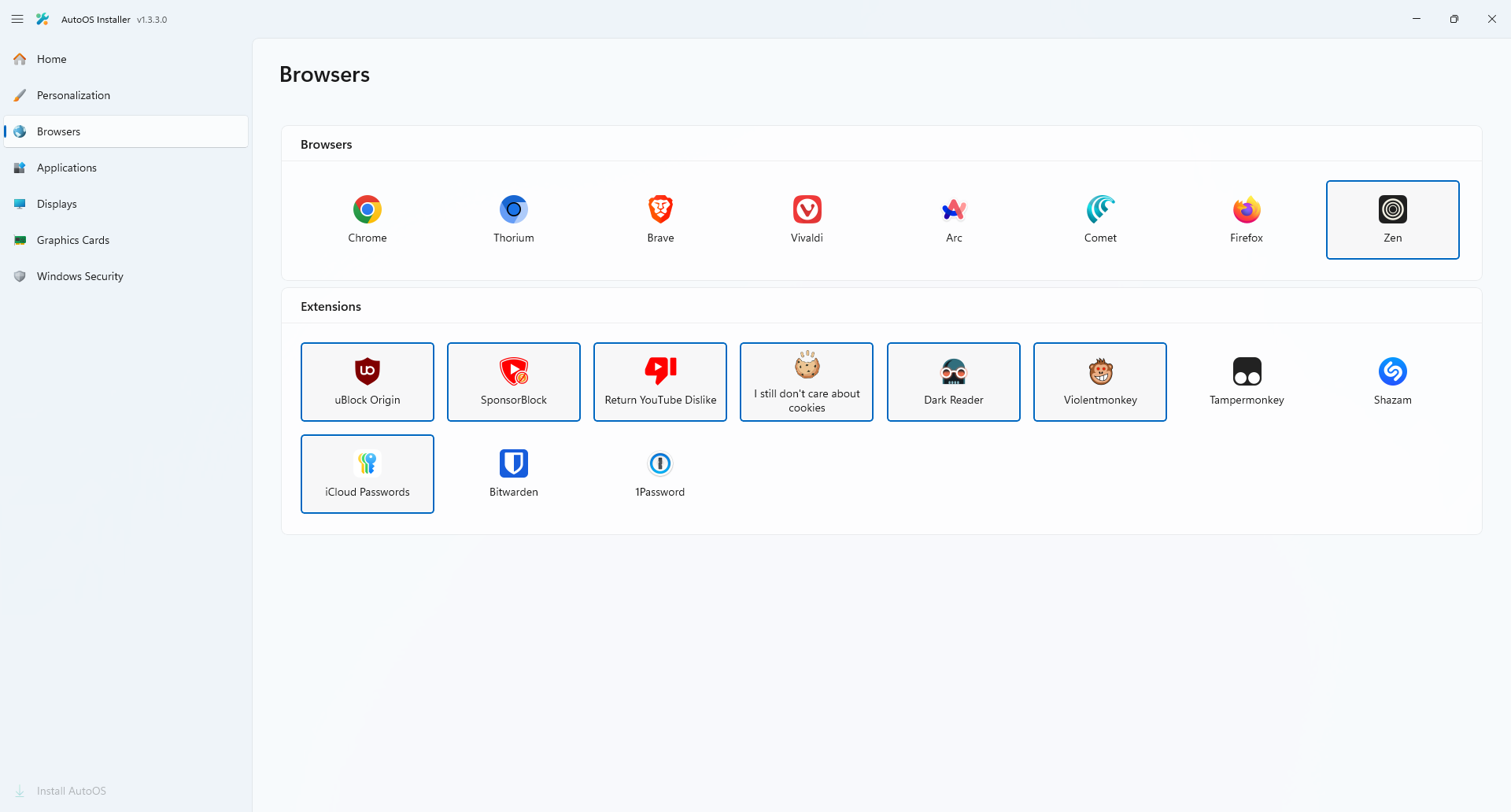
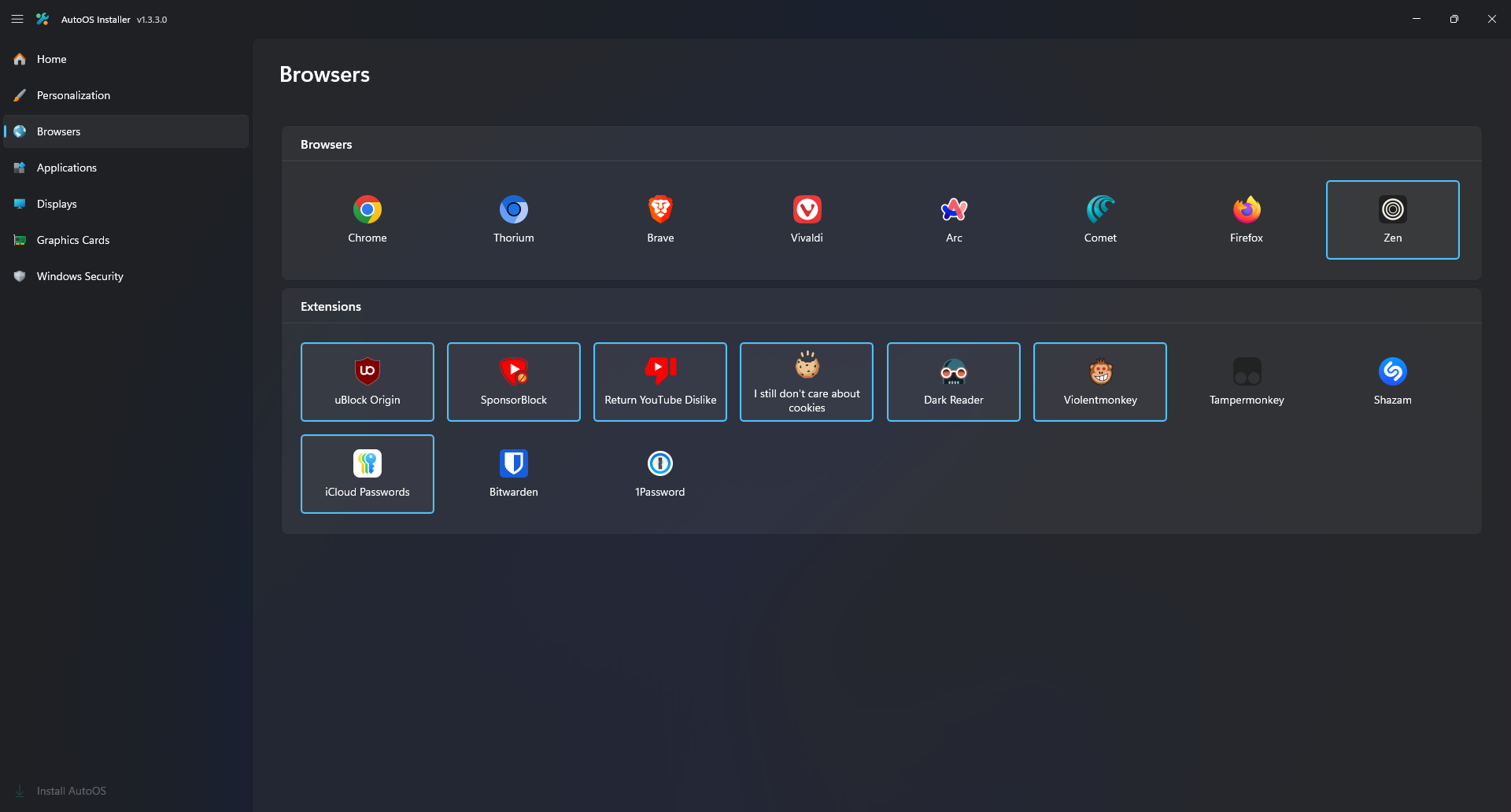
- Select your Browsers and Browser Extensions.
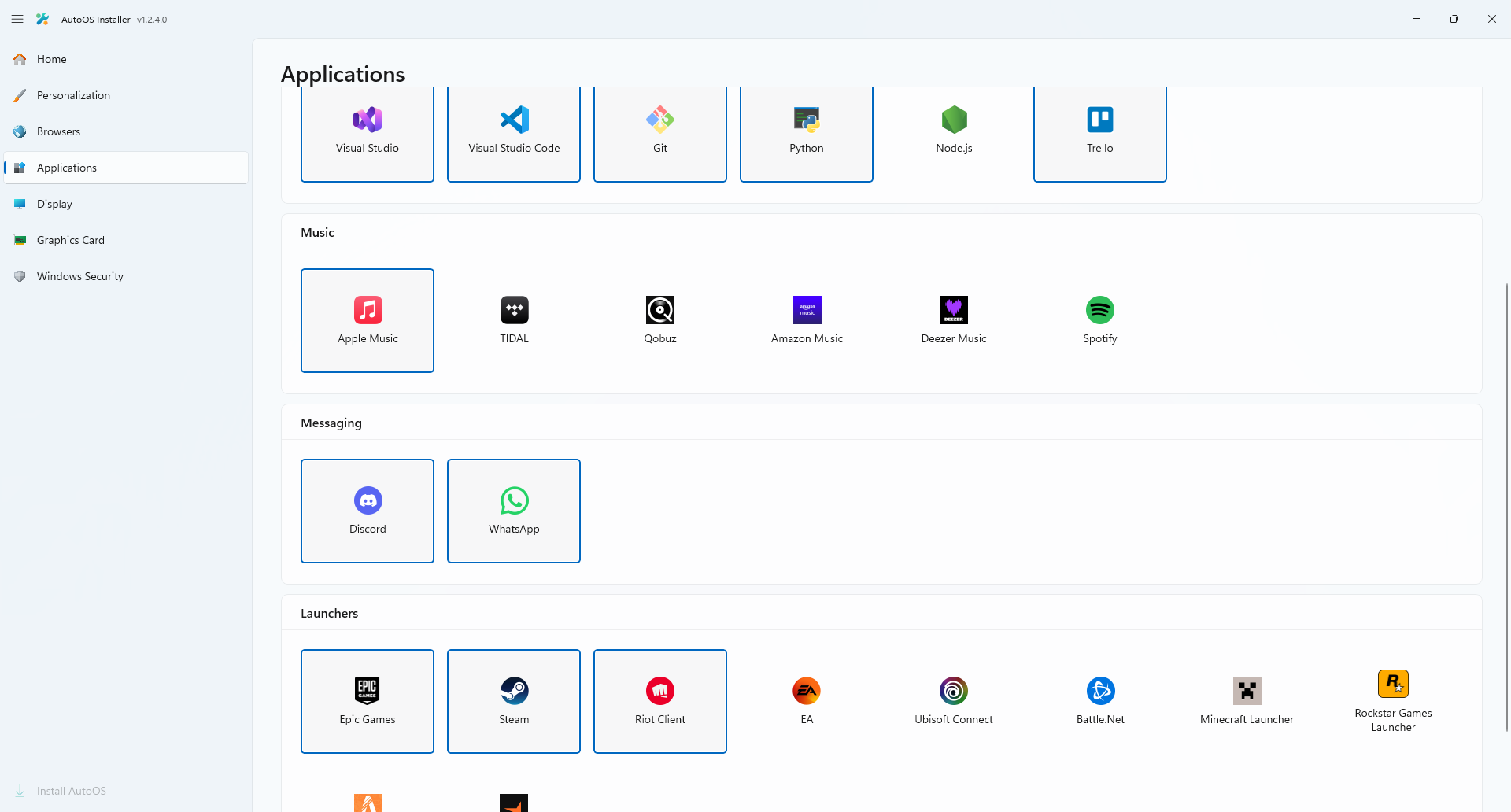
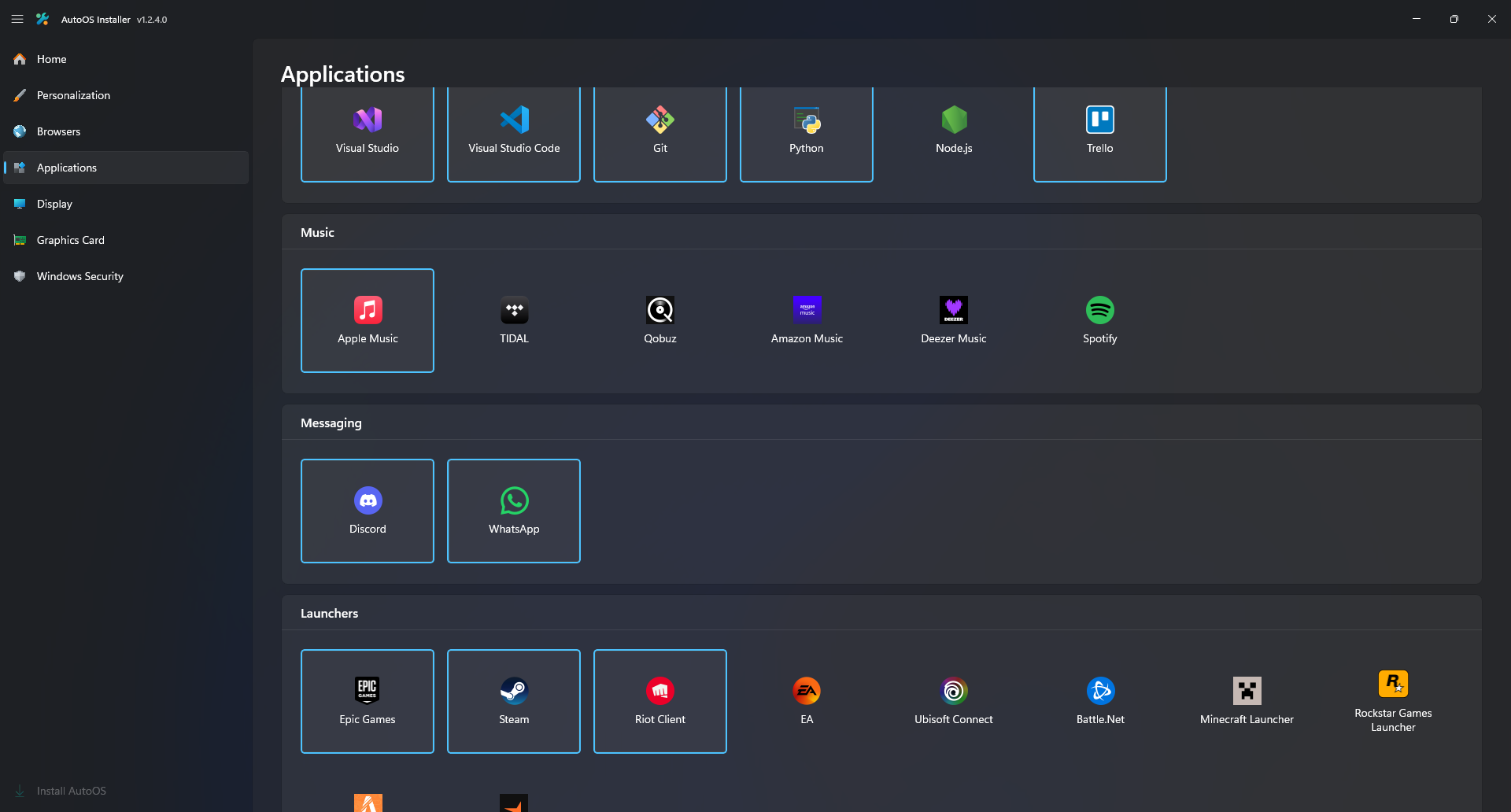
- Select your Applications.
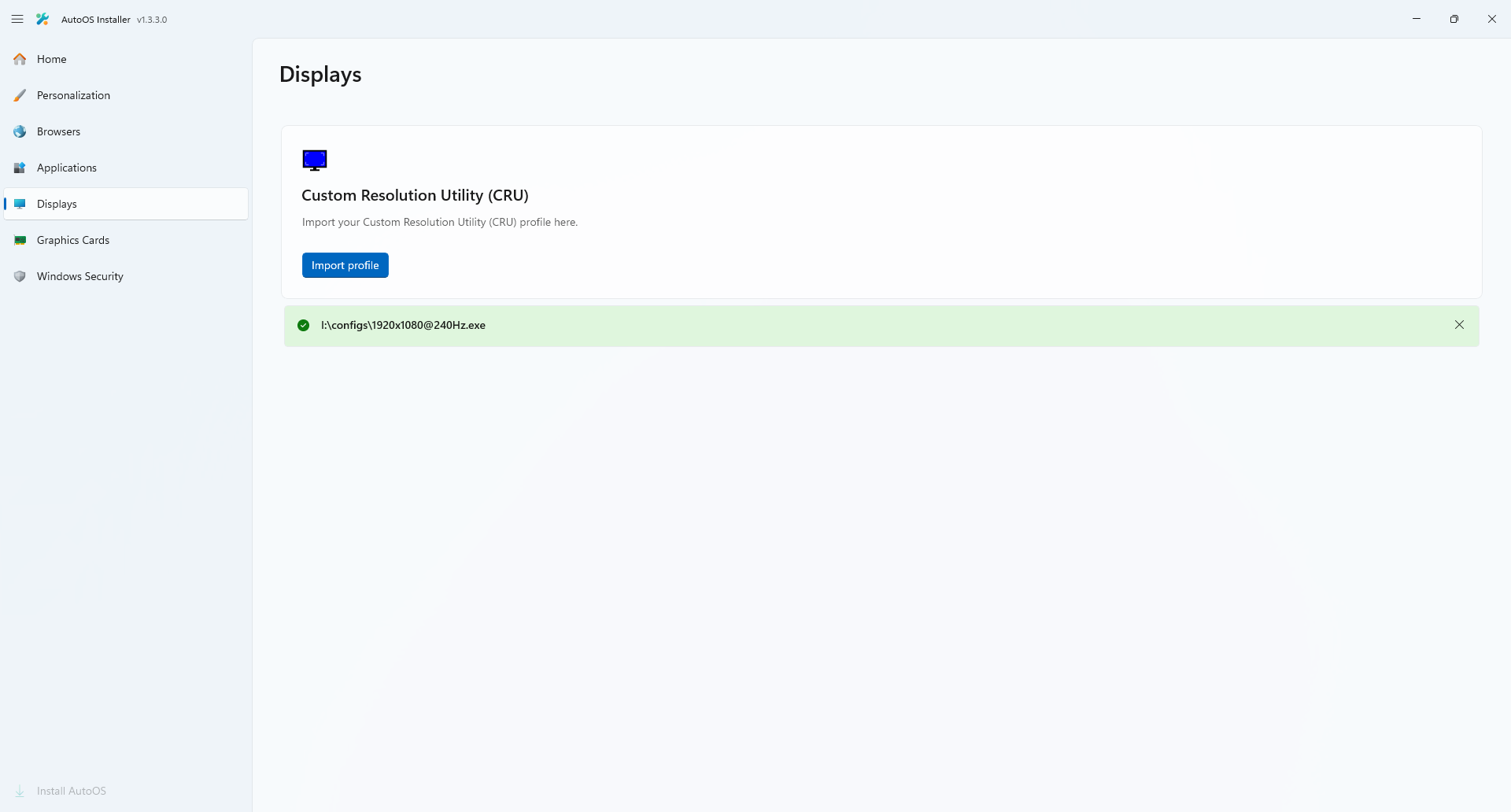
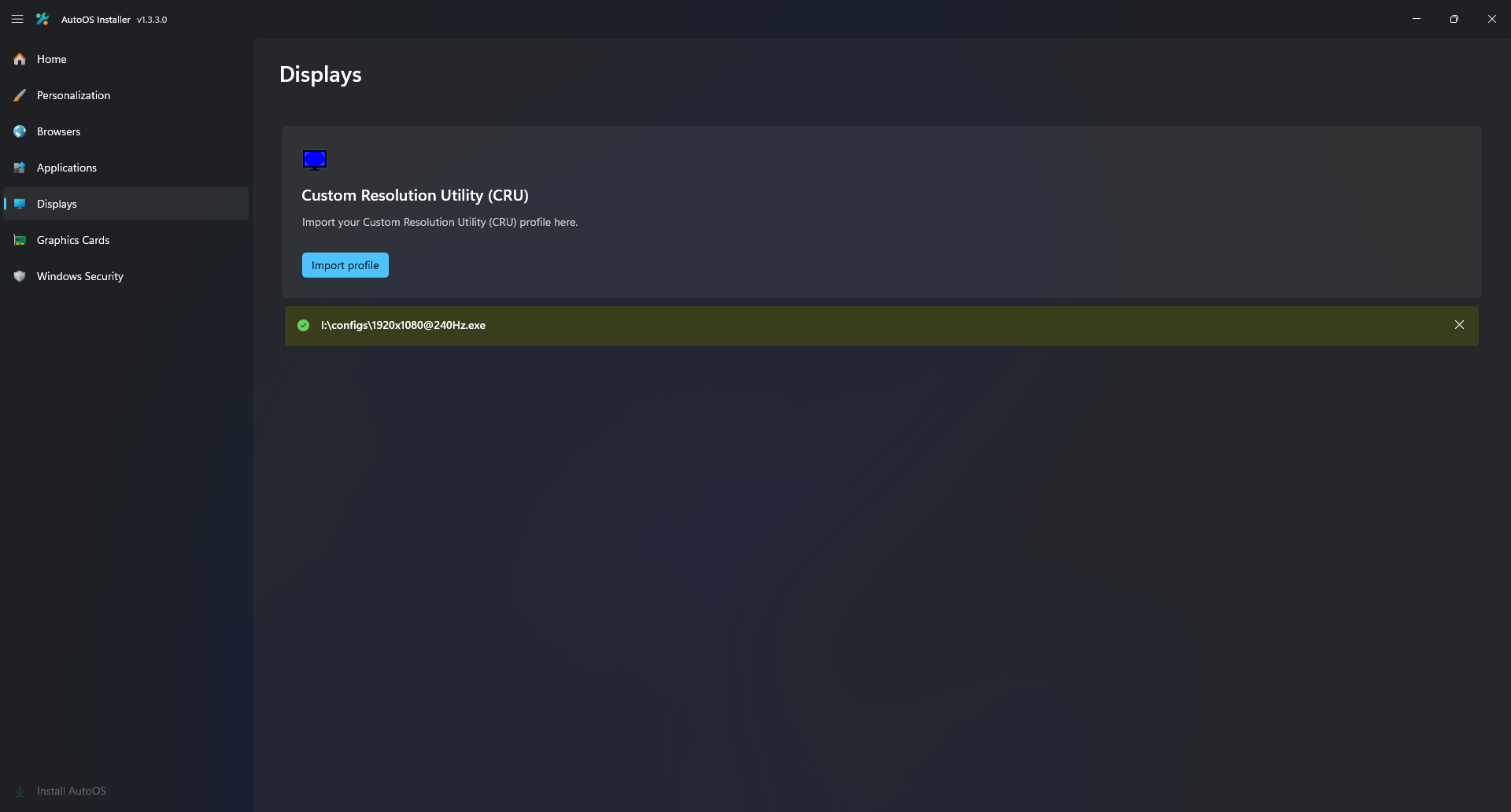
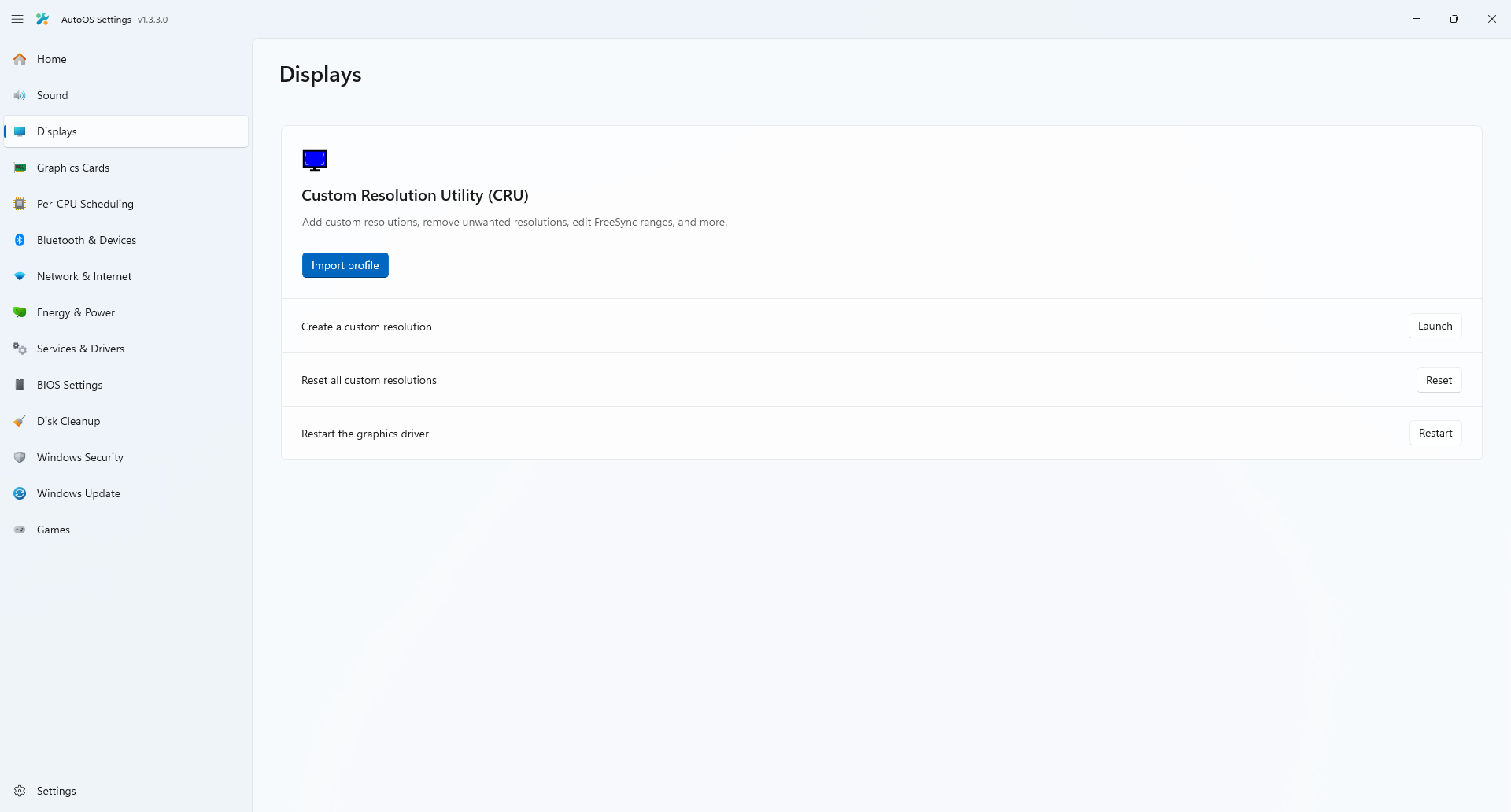
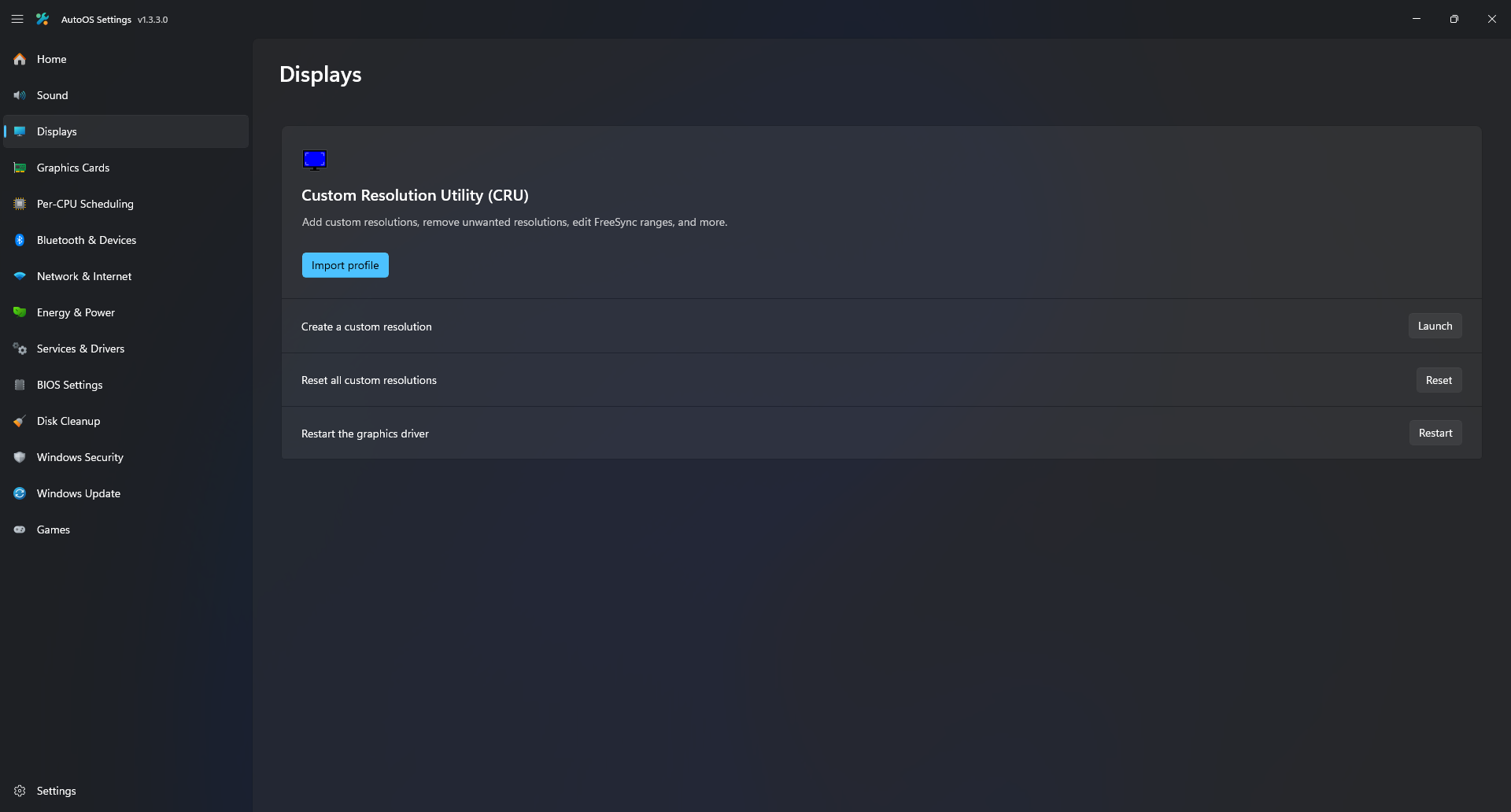
- Import a pre-configured Custom Resolution Utility (CRU) profile.
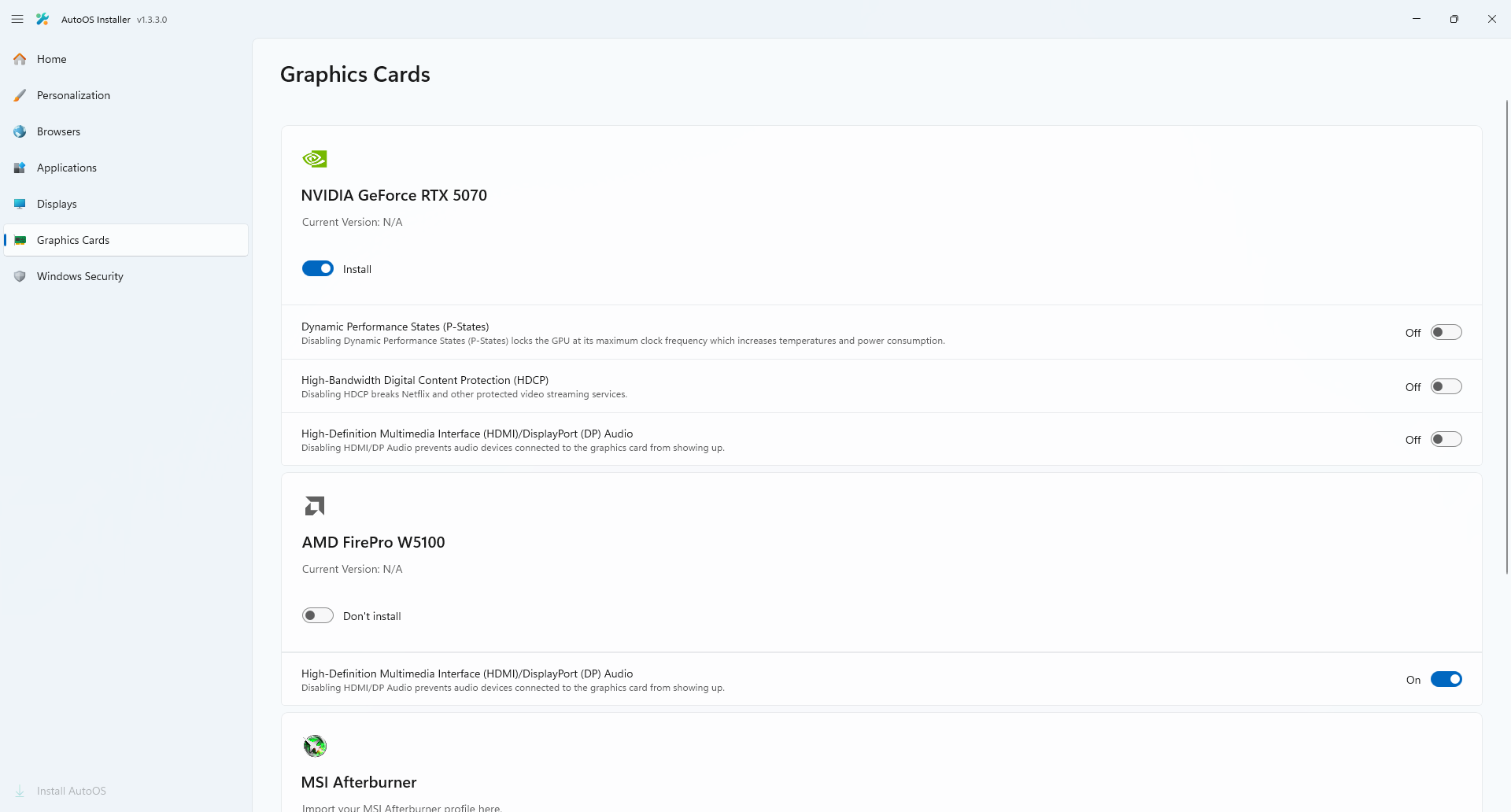
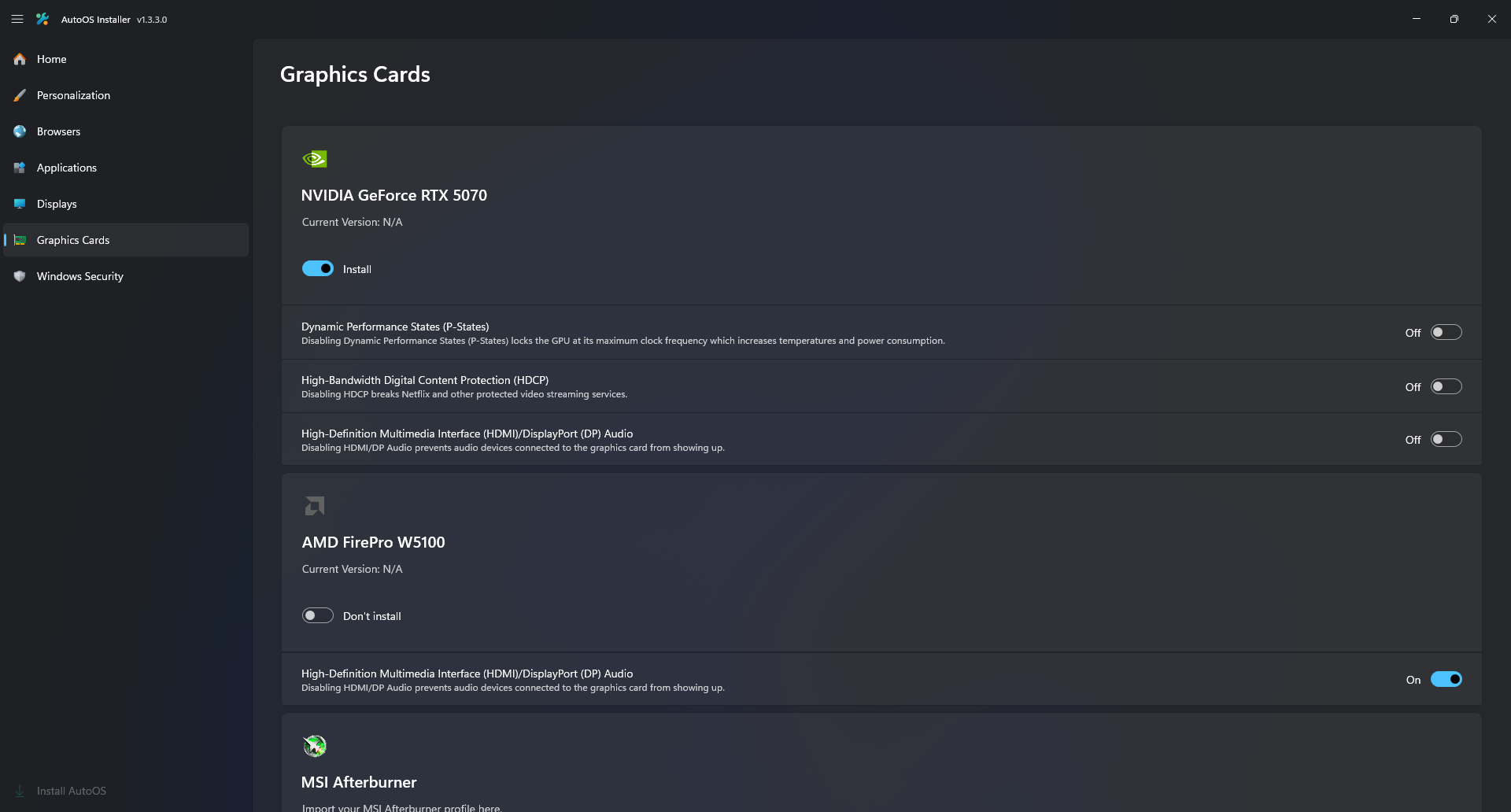
- Select which Graphics Card drivers are installed.
- Import a pre-configured MSI Afterburner profile.
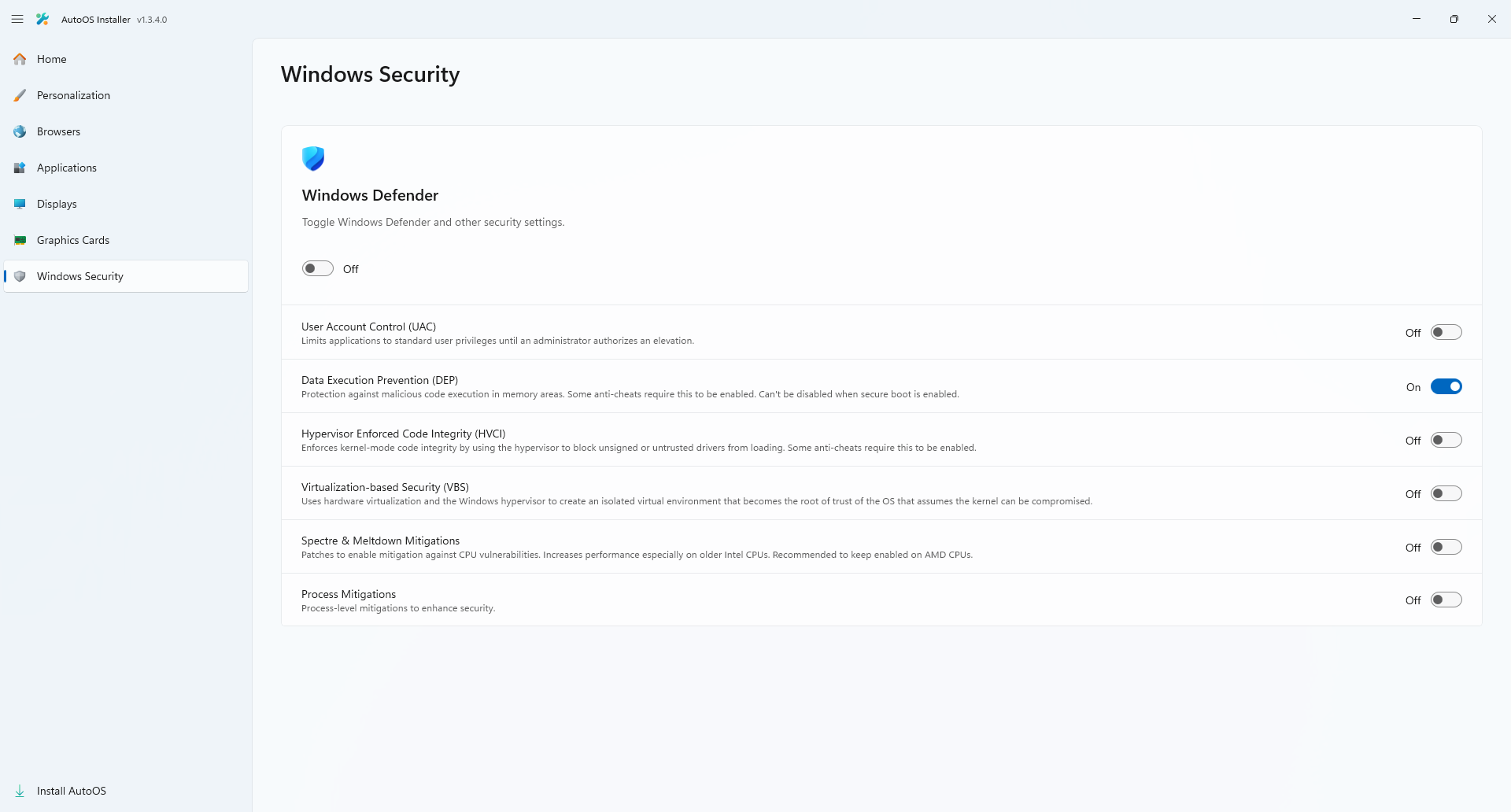
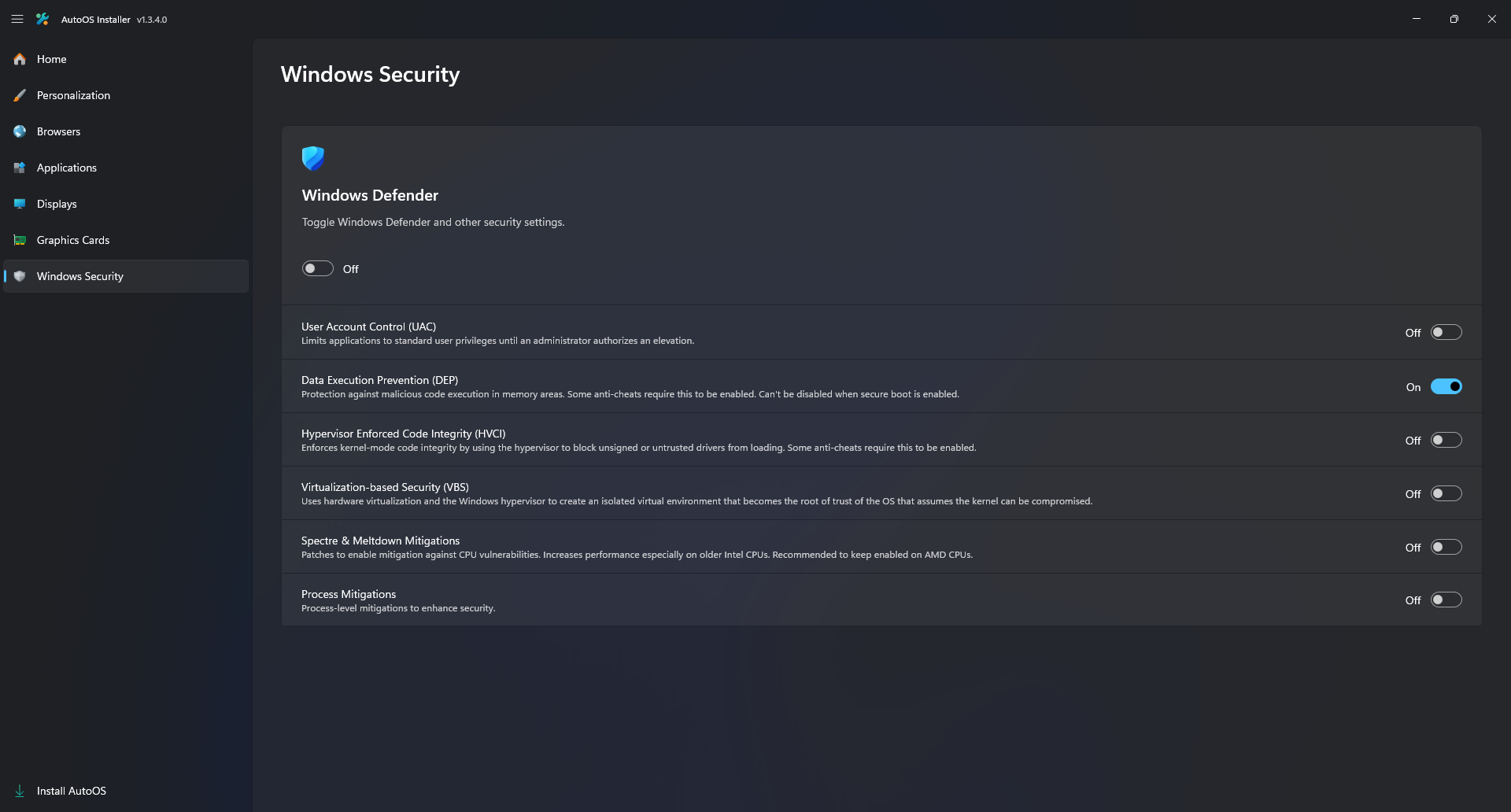
- Select your Windows Security settings.
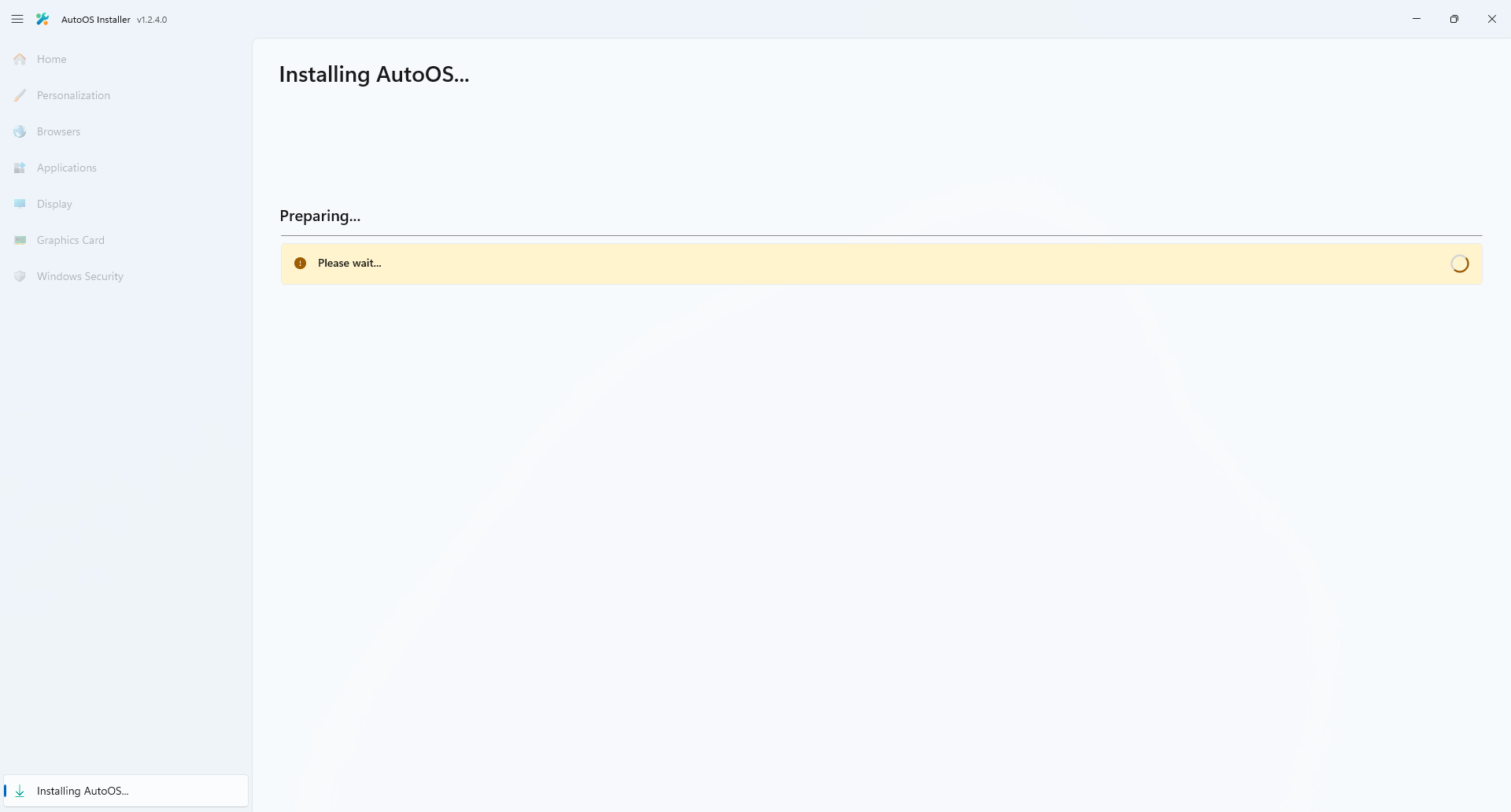
Pressing Install AutoOS in the AutoOS Installer does the following:
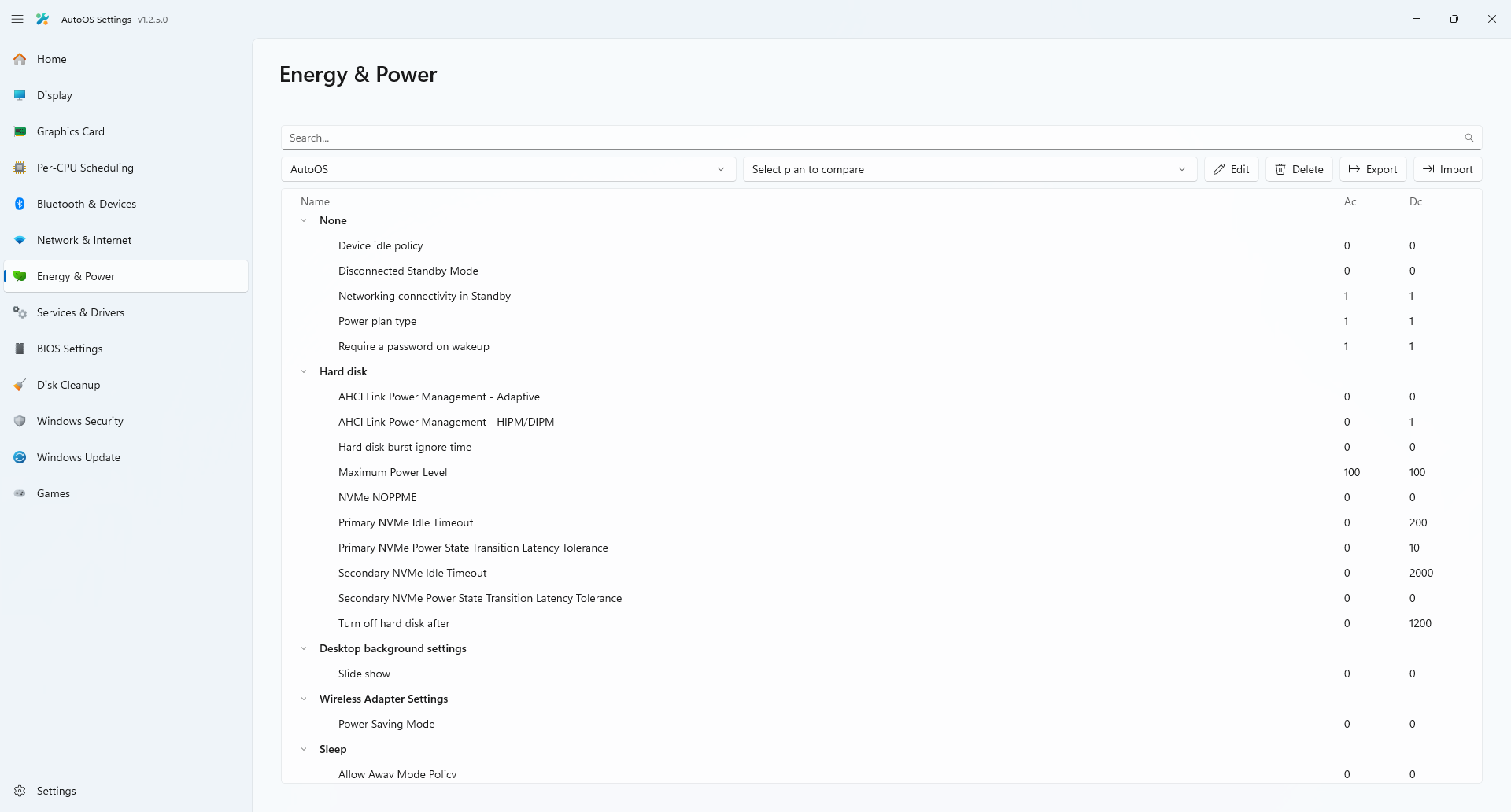
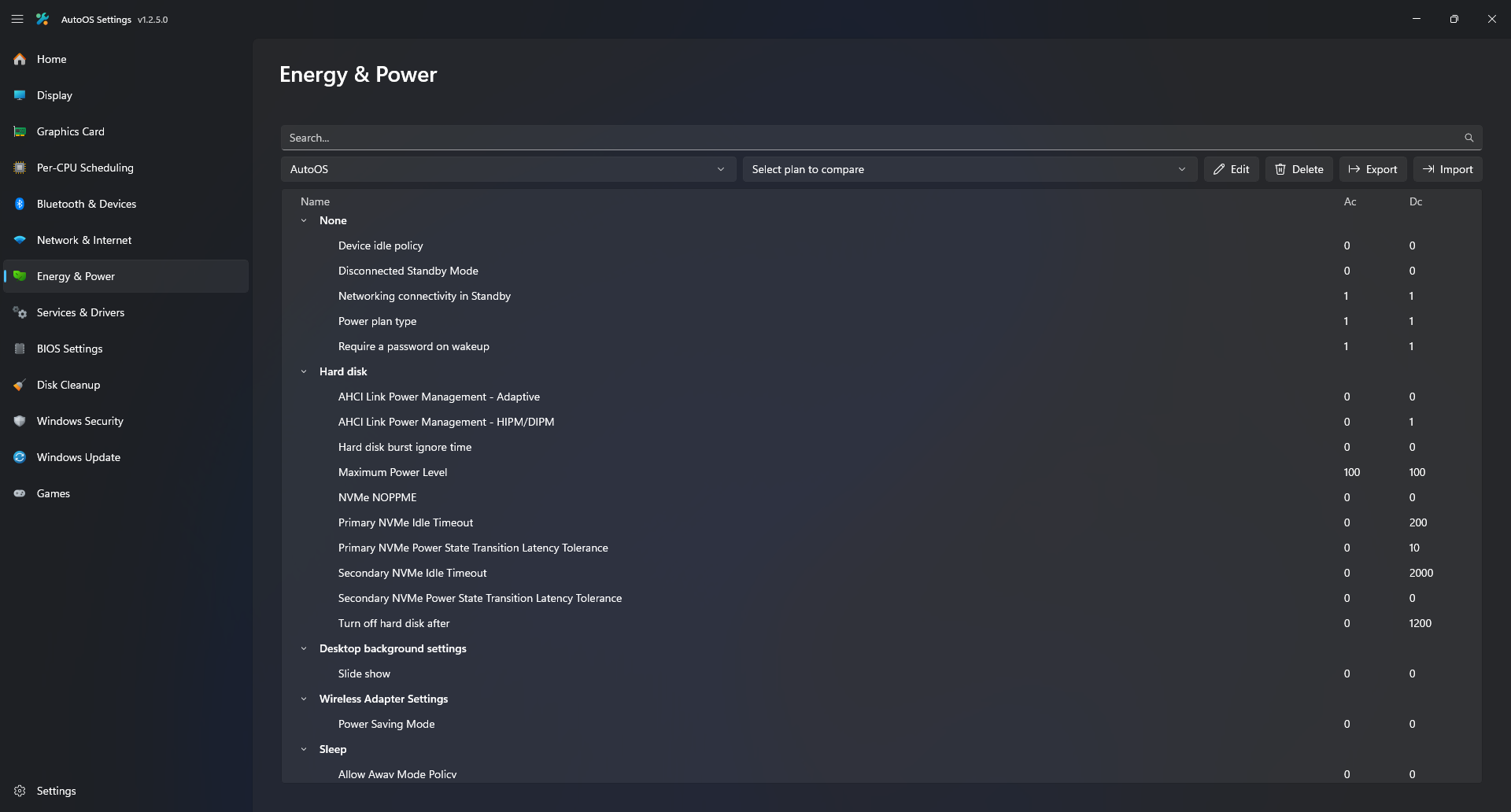
- Creates an optimized Power plan
- Adjusts Registry and Group Policies for Privacy, Performance and QoL
- Disables selected Security features
- Adjusts Memory Management and Prefetching depending on disk type
- Downloads strips, installs and optimizes your selected Graphic Card drivers
- Imports the selected Custom Resolution Utility (CRU) profile
- Automatically sets your Monitors to their highest supported refresh rates
- Imports the selected MSI Afterburner overclock profile
- Installs OBS Studio with optimal settings depending on your GPUs
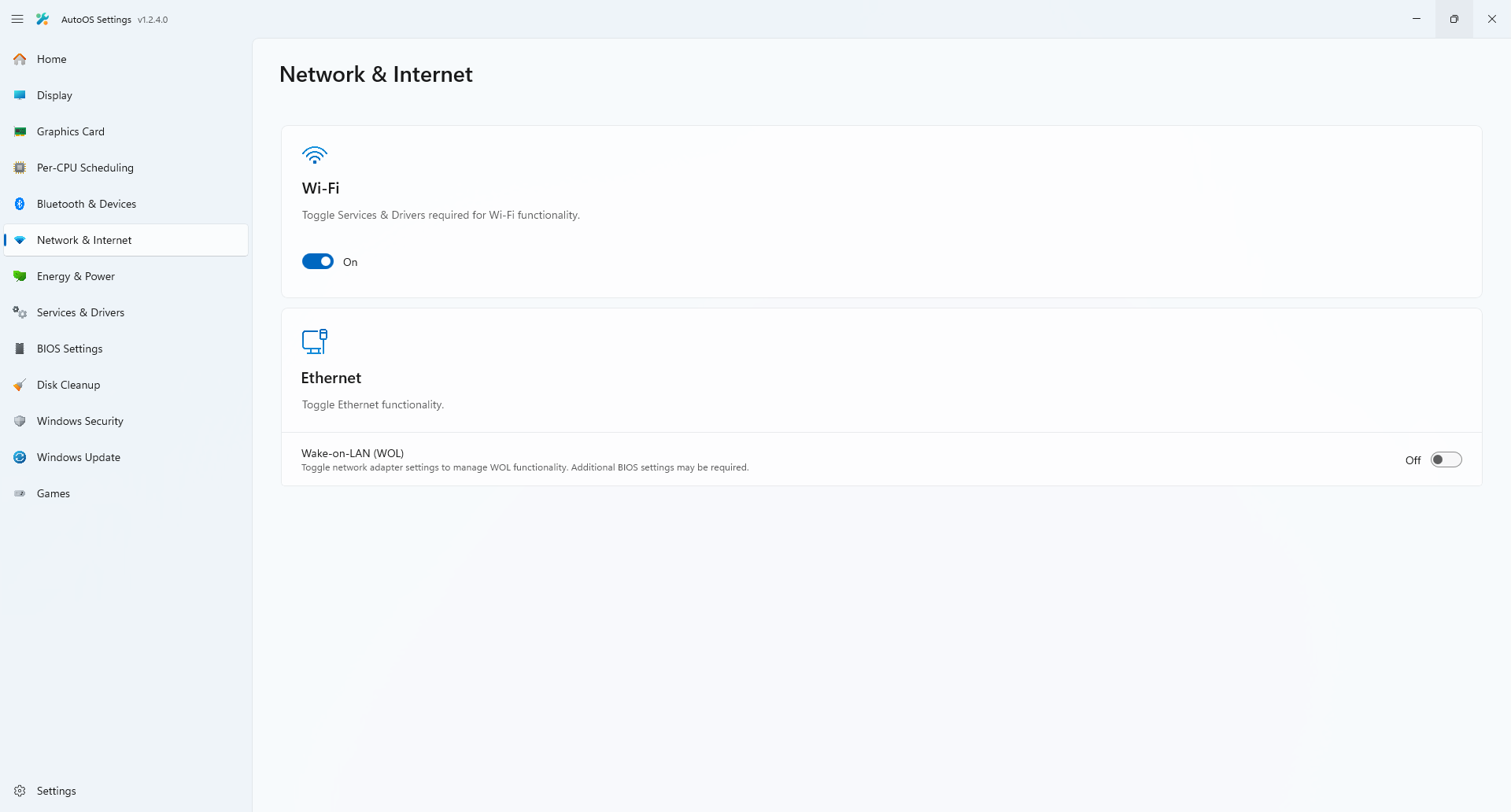
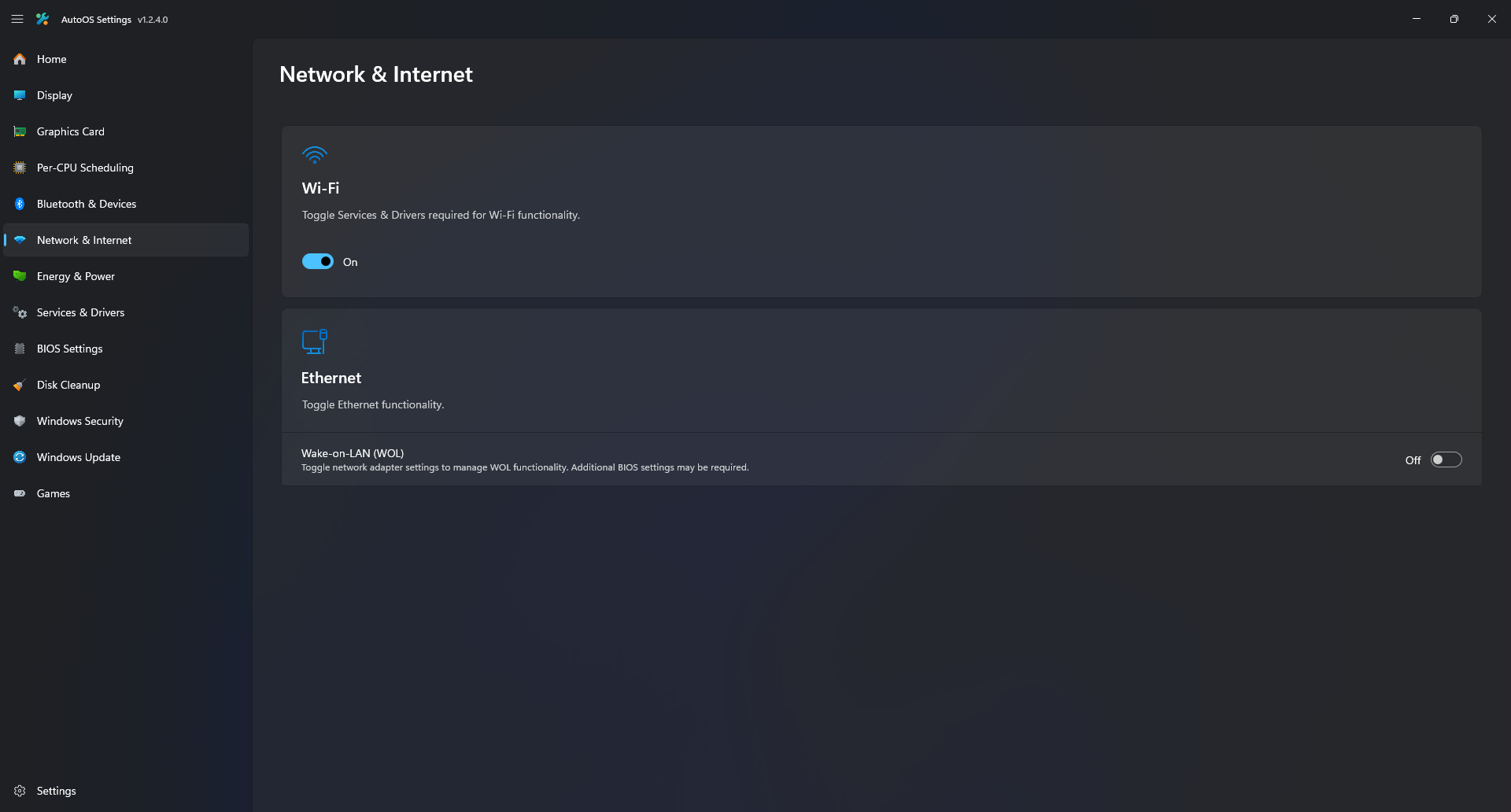
- Adjusts your Ethernet and Wi-Fi adapters advanced settings
- Disables Audio Enhancements and optimizes MMCSS settings depending on your NIC driver
- Restores the Dolby AC-3 Feature on Demand to support Dolby Atmos on newer Windows Versions
- Automatically optimizes your Audio, GPU, XHCI and NIC Affinities depending on your CPU configuration
- Enables MSI mode for supported devices, disables XHCI Interrupt Moderation (IMOD) for all USB controllers
- Disables some unneeded Scheduled Tasks
- Disables some unneeded Optional Features
- Removes some unneeded Capabilities
- Uninstalls and deprovisions unneeded AppX packages and updates all installed AppX to their latest version
- Installs Visual C++ Redistributable, Microsoft Edge WebView2, Microsoft Windows App Runtime and DirectX
- Installs selected Browsers with selected Browser Extensions
- Installs additional Image / Video Extensions
- Installs NanaZip, Everything, StartAllBack and Windhawk with Mods for Start Menu, Taskbar, File Explorer etc.
- Installs selected Apps for Office, Development, Music, Messaging, Launchers and disables their startup entries
- Imports the Epic Games Account from the old Windows installation
- Imports / Links Epic Games and Steam titles from the old Windows installation
- Sets Fortnite frame rate depending on your main monitors refresh rate
- Groups services and disables failure actions for some
- Cleans up temporary files
YouTube (AutoOS Installer Showcase)
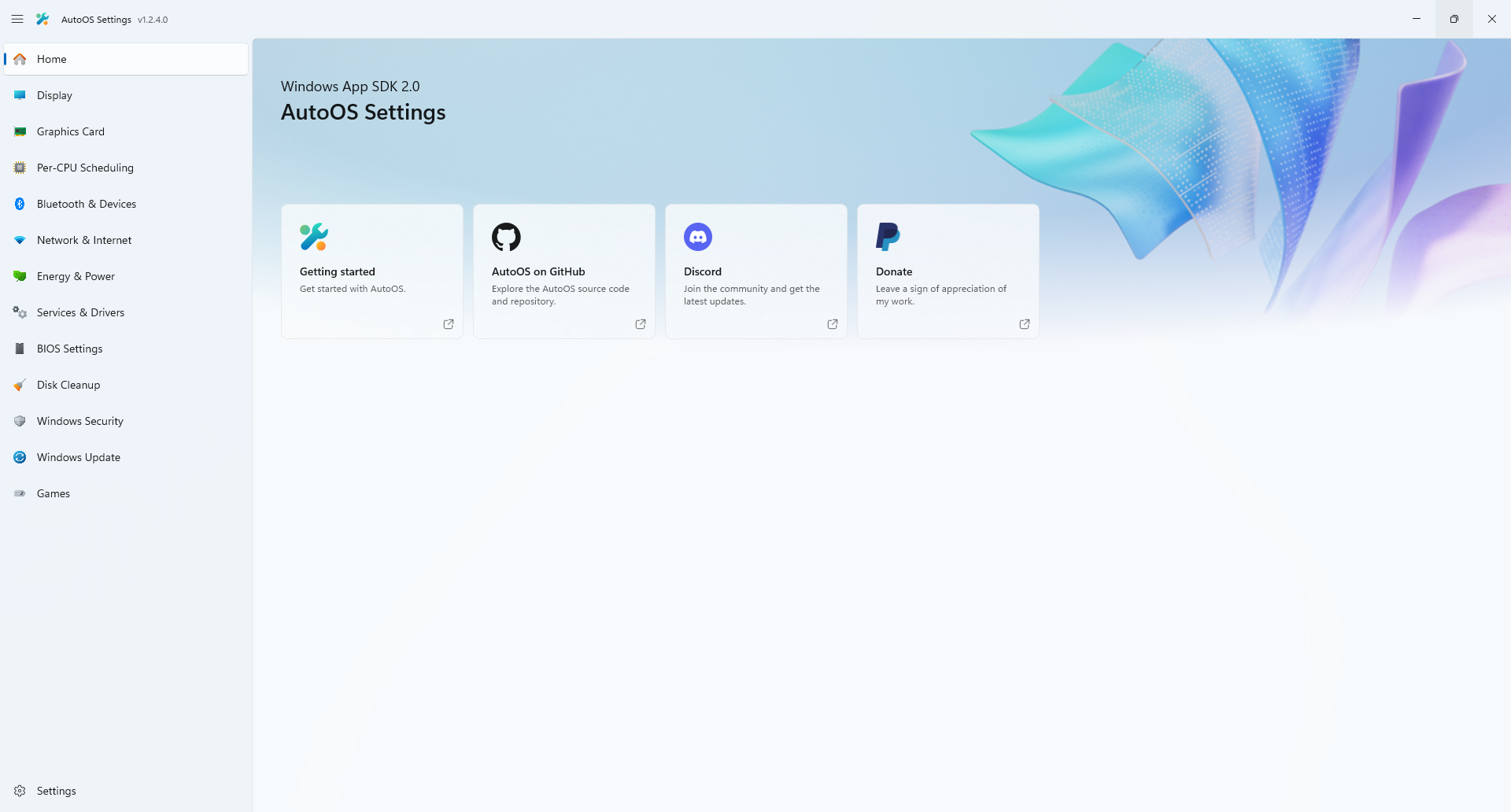
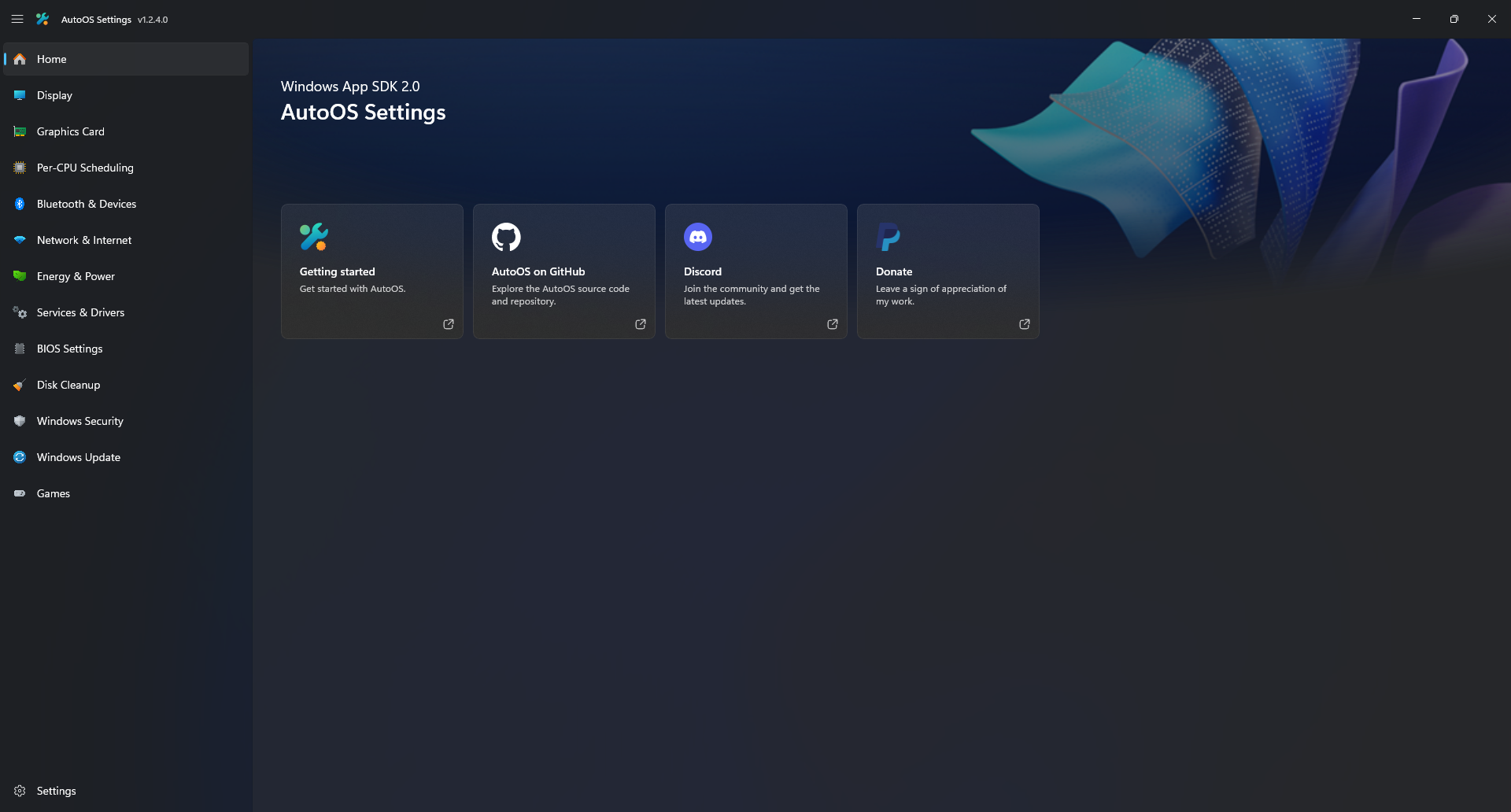
After the AutoOS Installer is done you have a fully optimized Windows installation and the AutoOS Settings app.
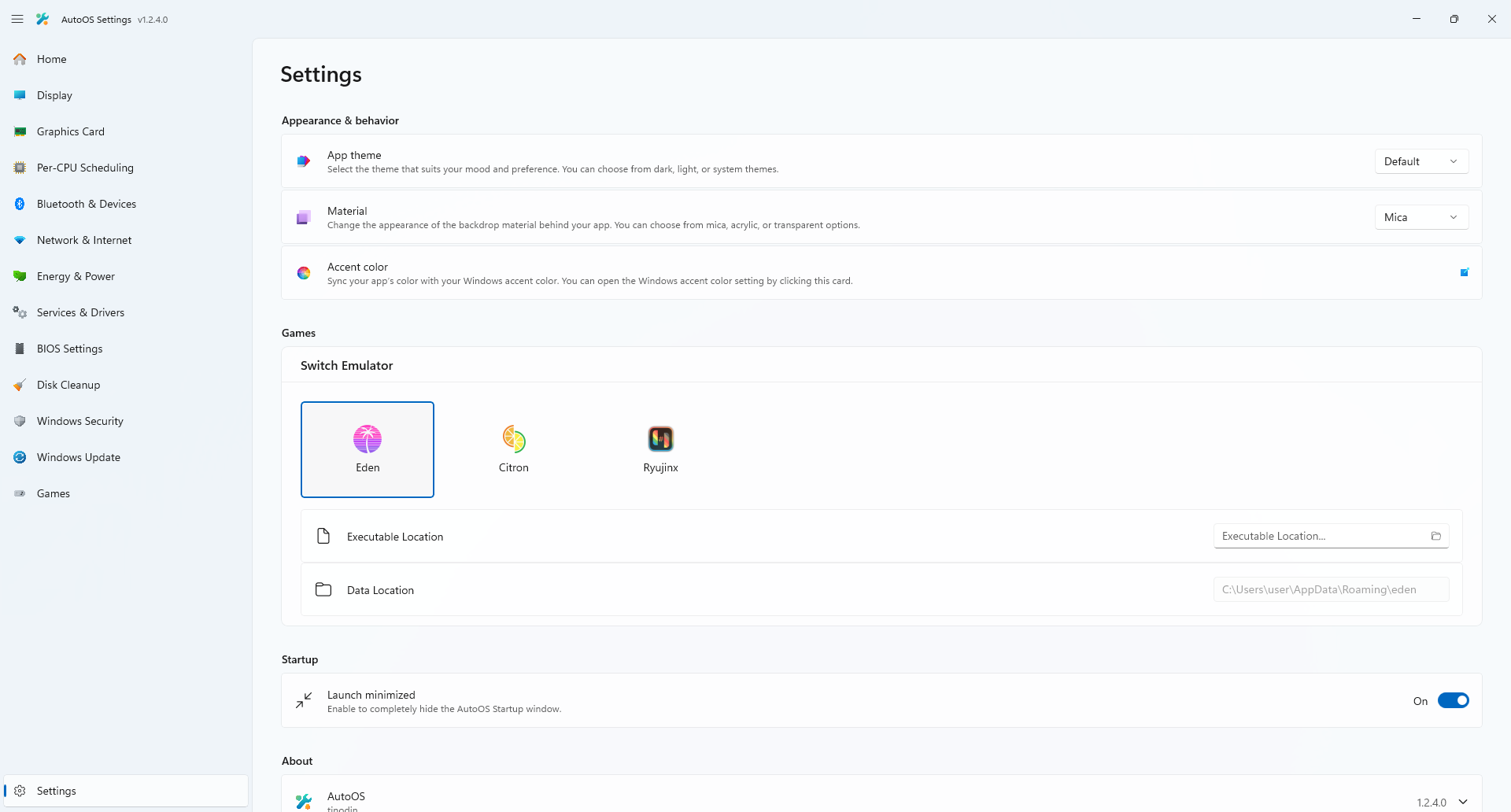
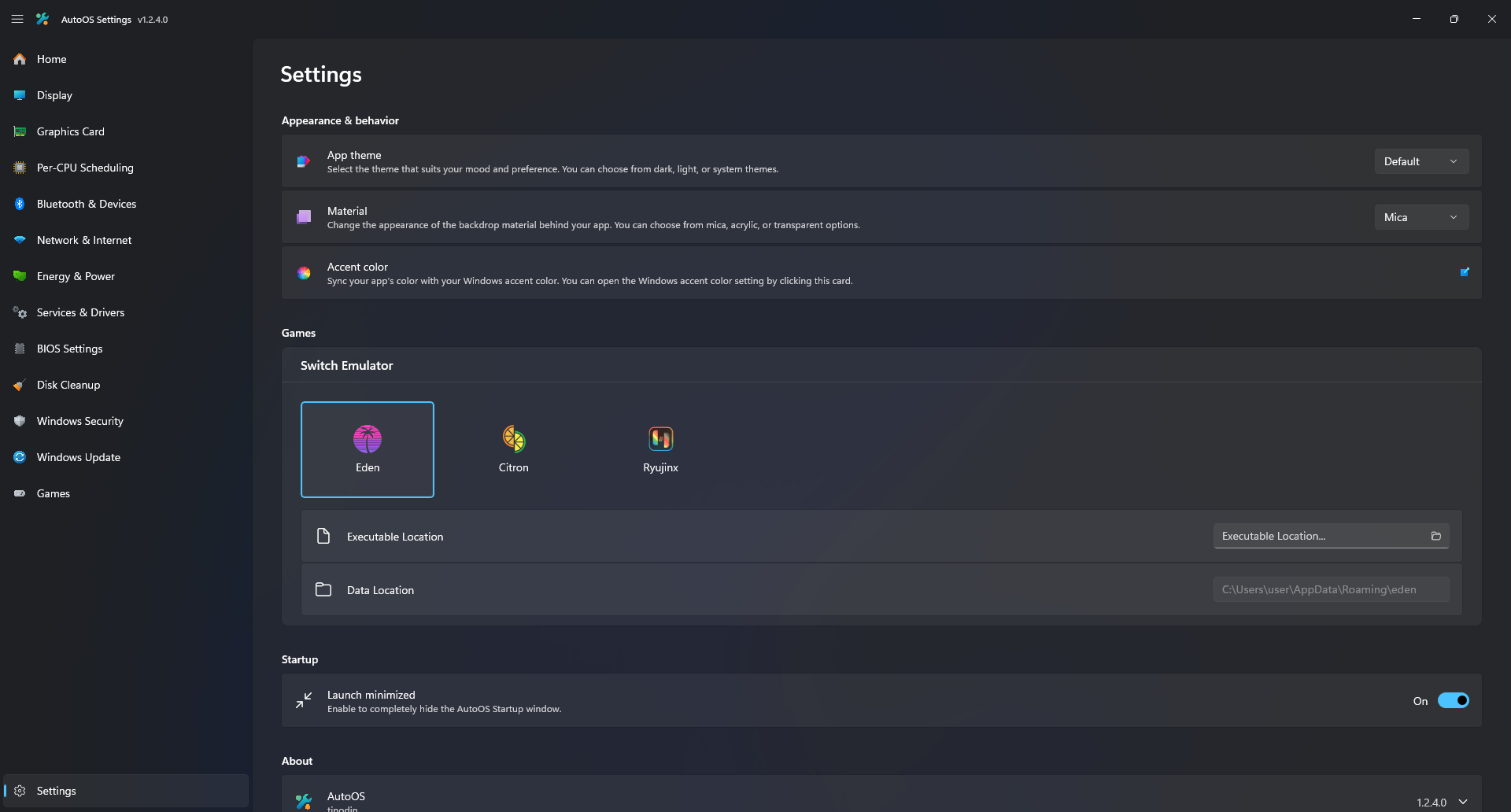
In AutoOS Settings you can:
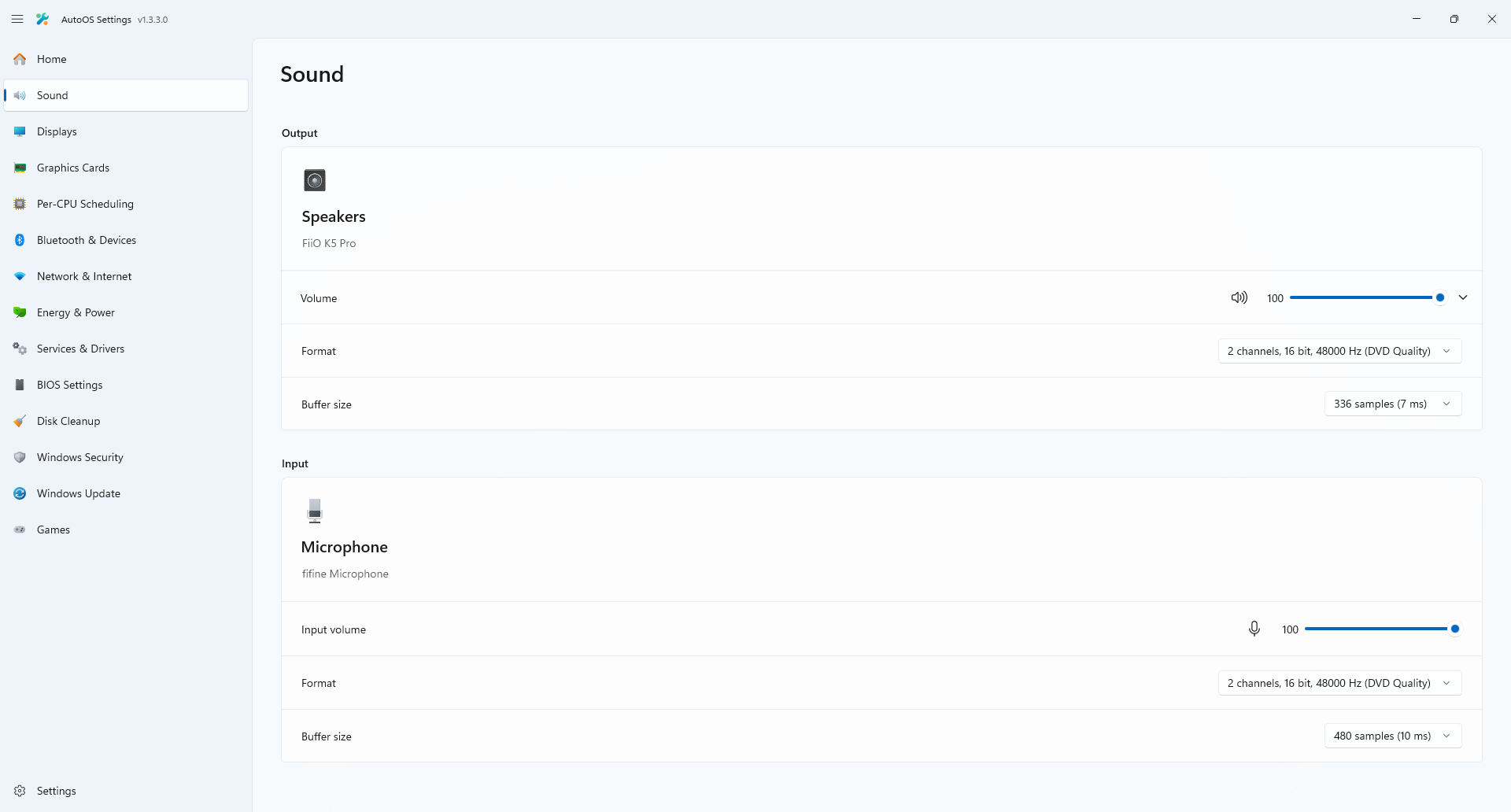
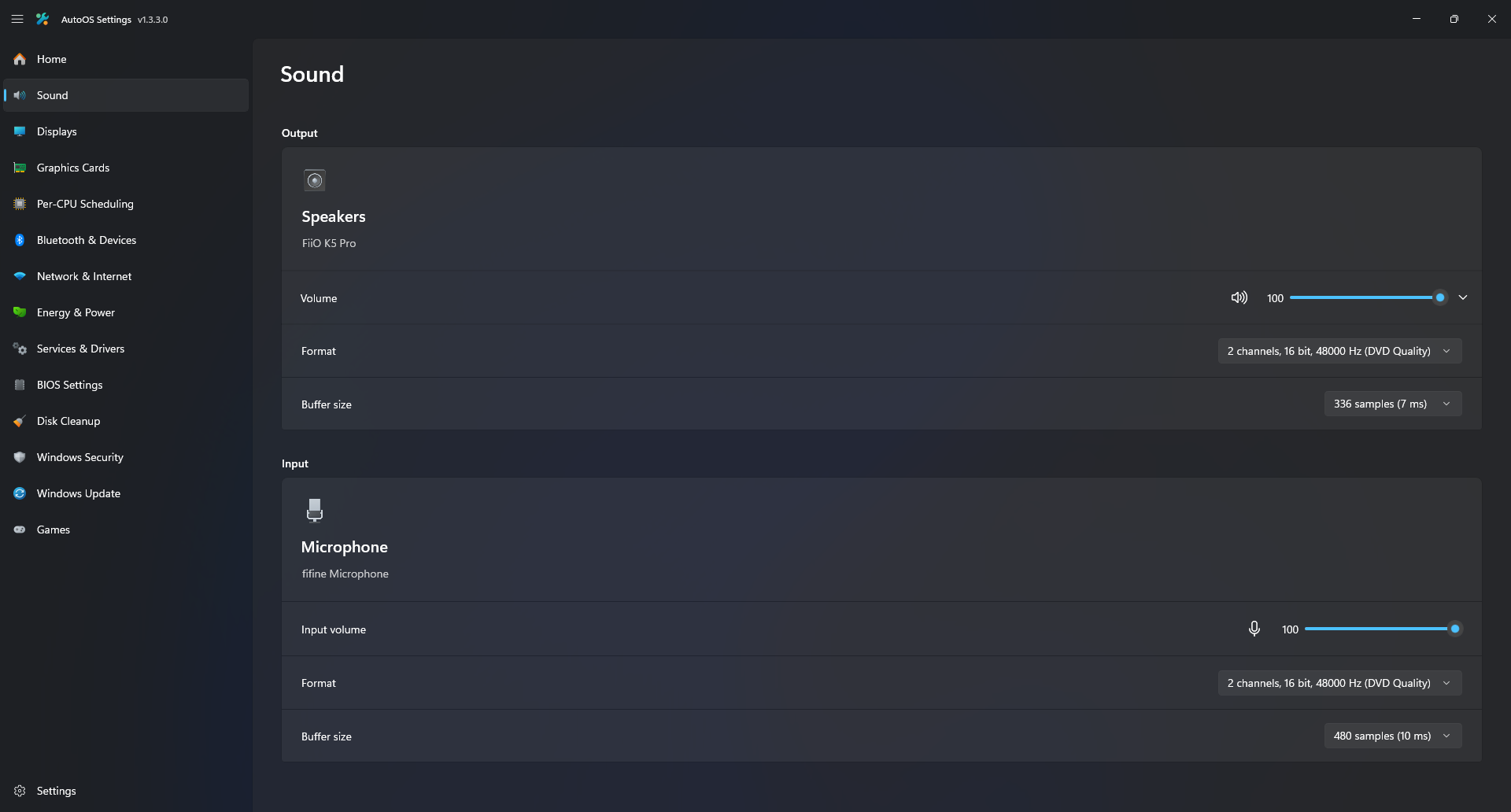
- Adjust Volume, Format and Buffer Size of your current input and output device
- Manually adjust or import a Custom Resolution Utility (CRU) profile.
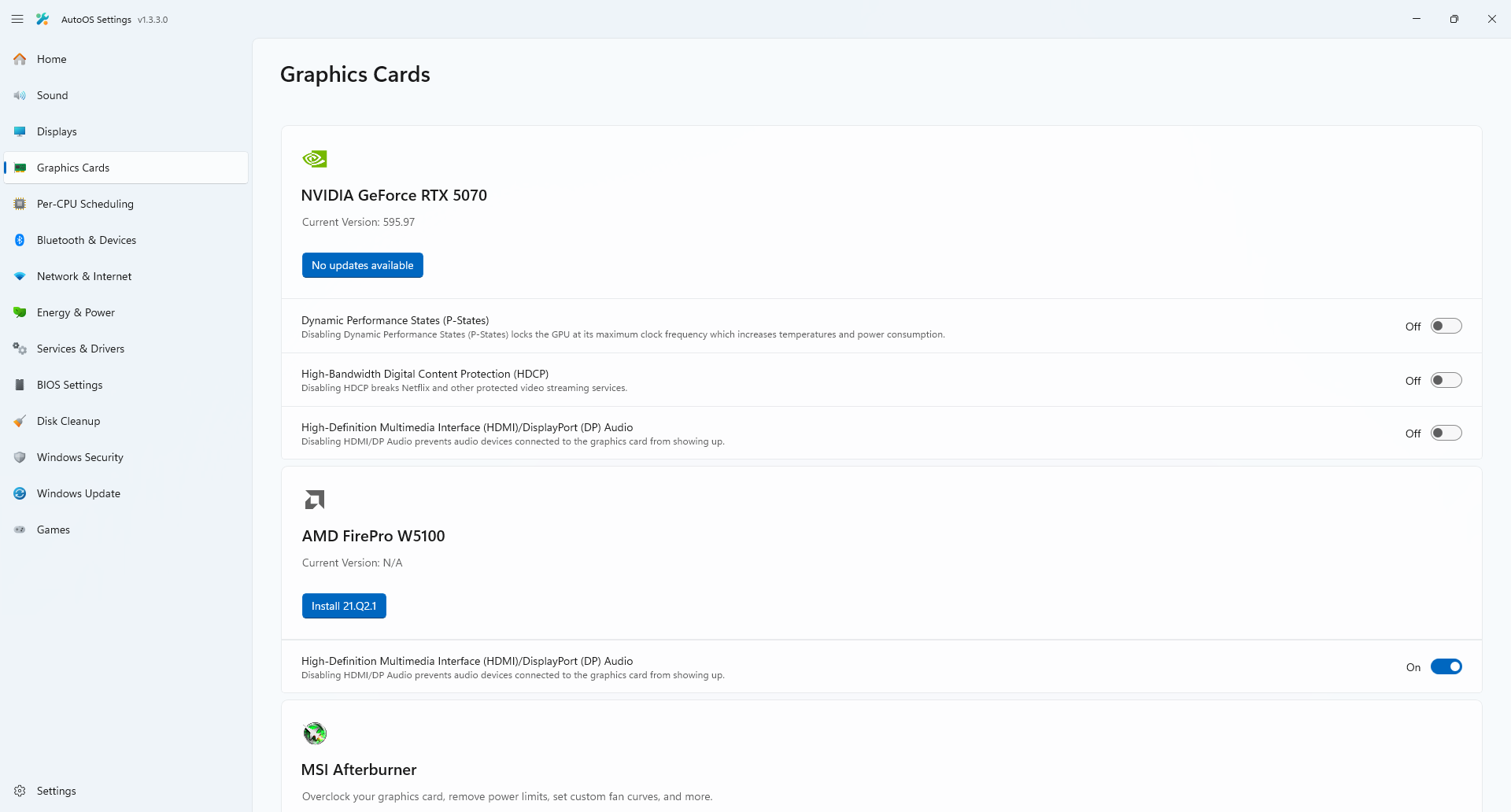
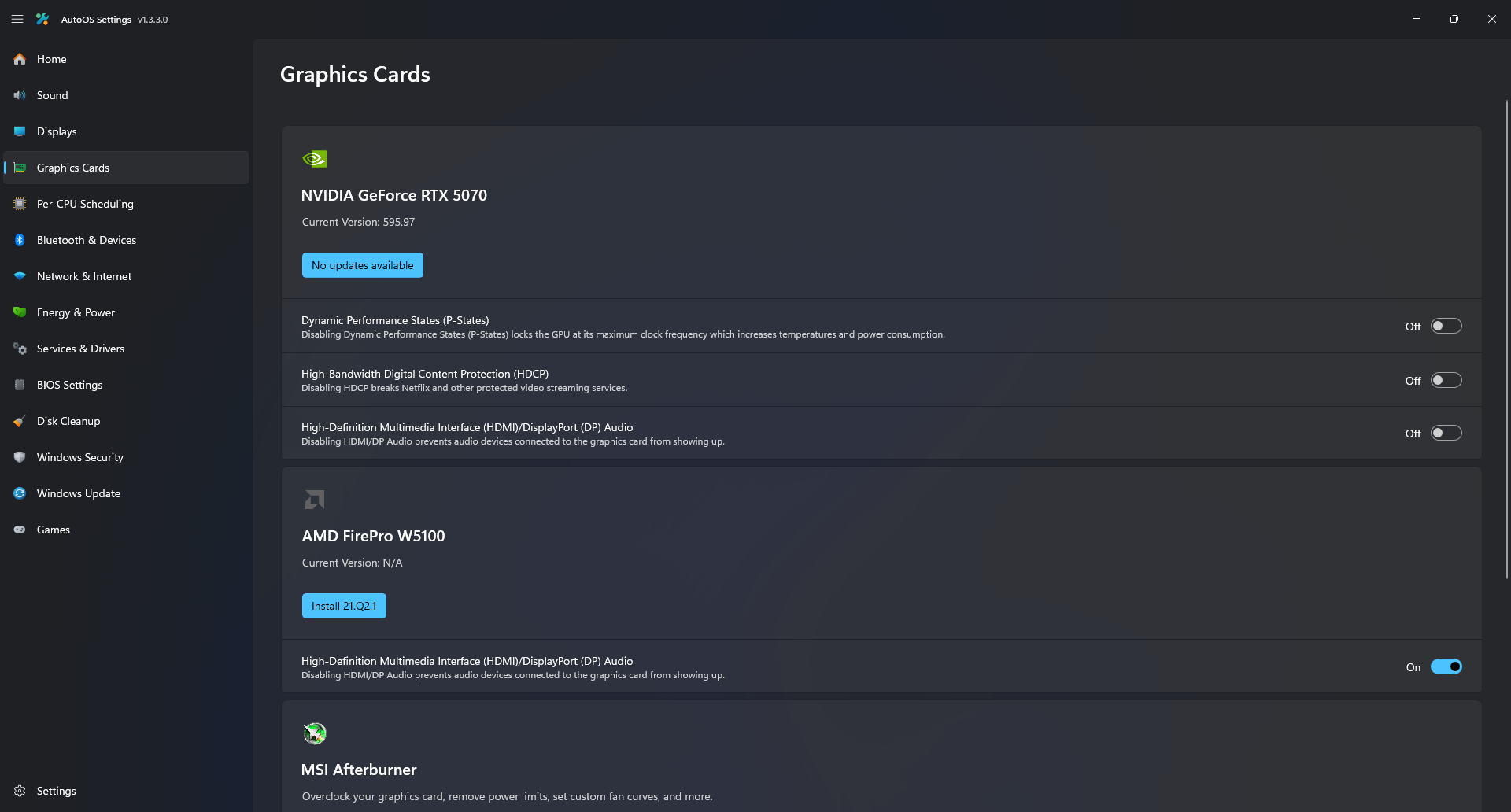
- Check for GPU Driver updates and install them while keeping the current settings.
- Toggle Dynamic P-States, HDCP and HDMI/DP Audio for your GPUs.
- Manually adjust or import an MSI Afterburner profile.
- Toggle OBS Studio Replay Buffer.
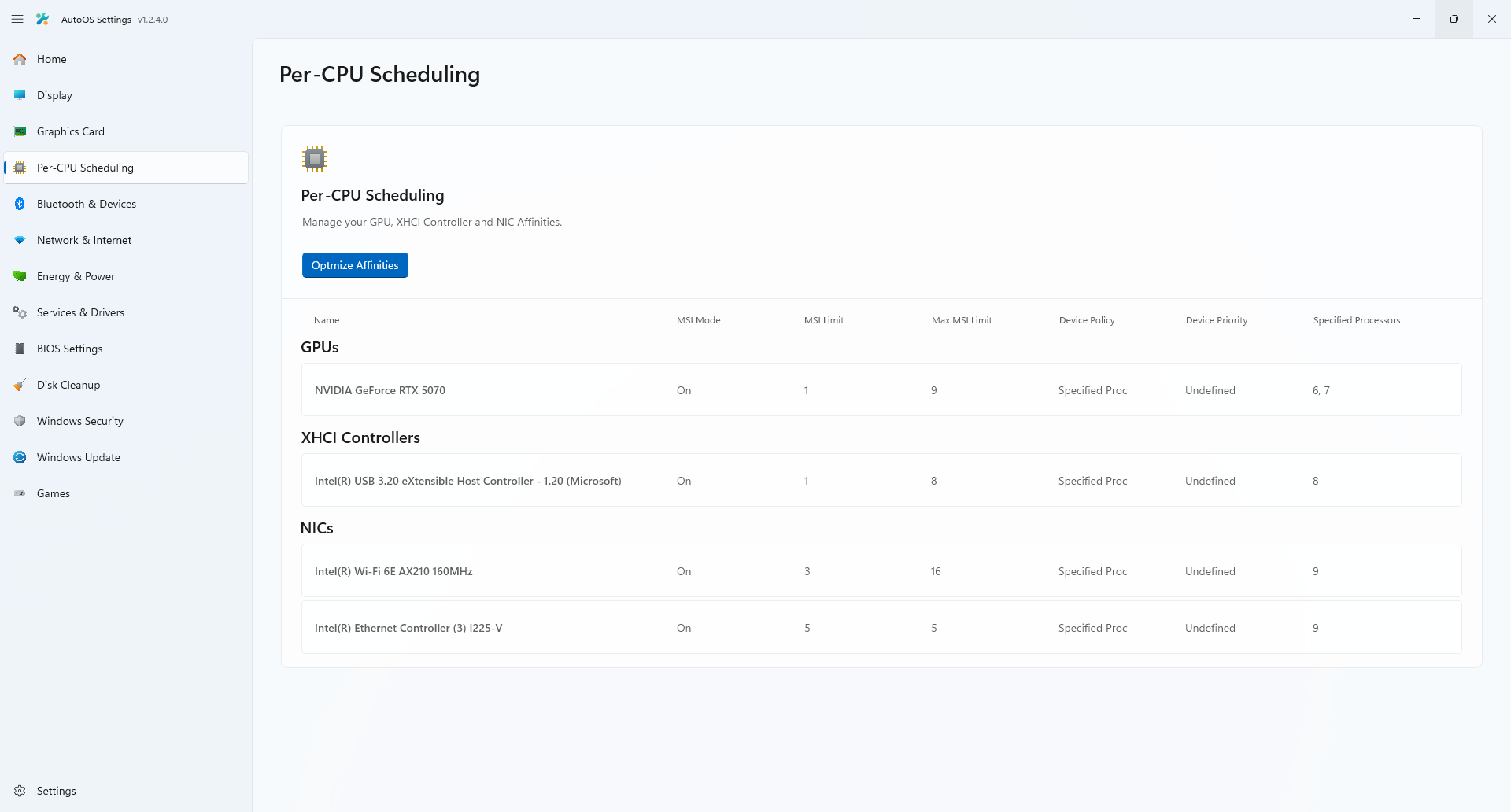
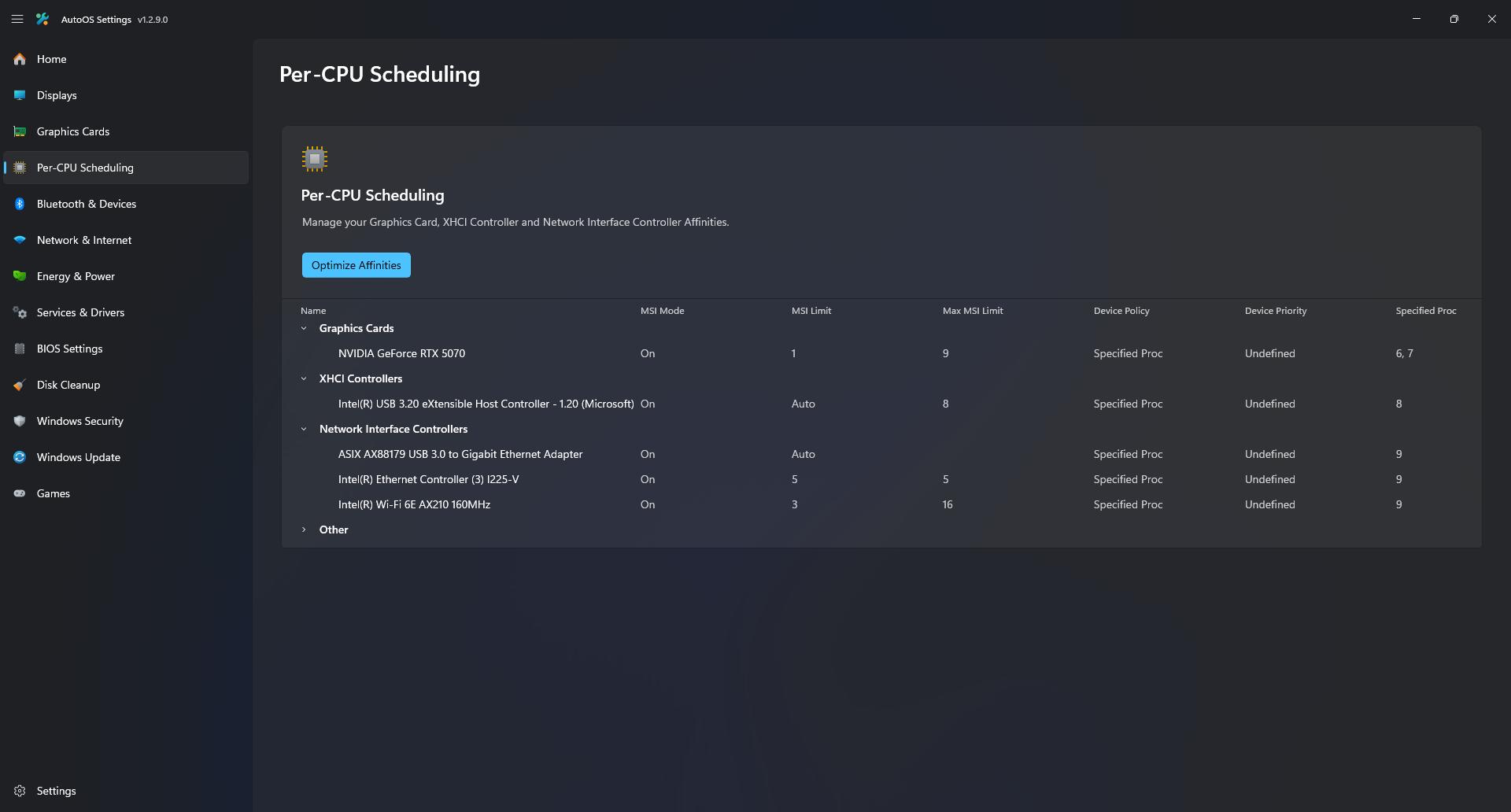
- Manually adjust or automatically optimize Audio, GPU, XHCI and NIC Affinities.
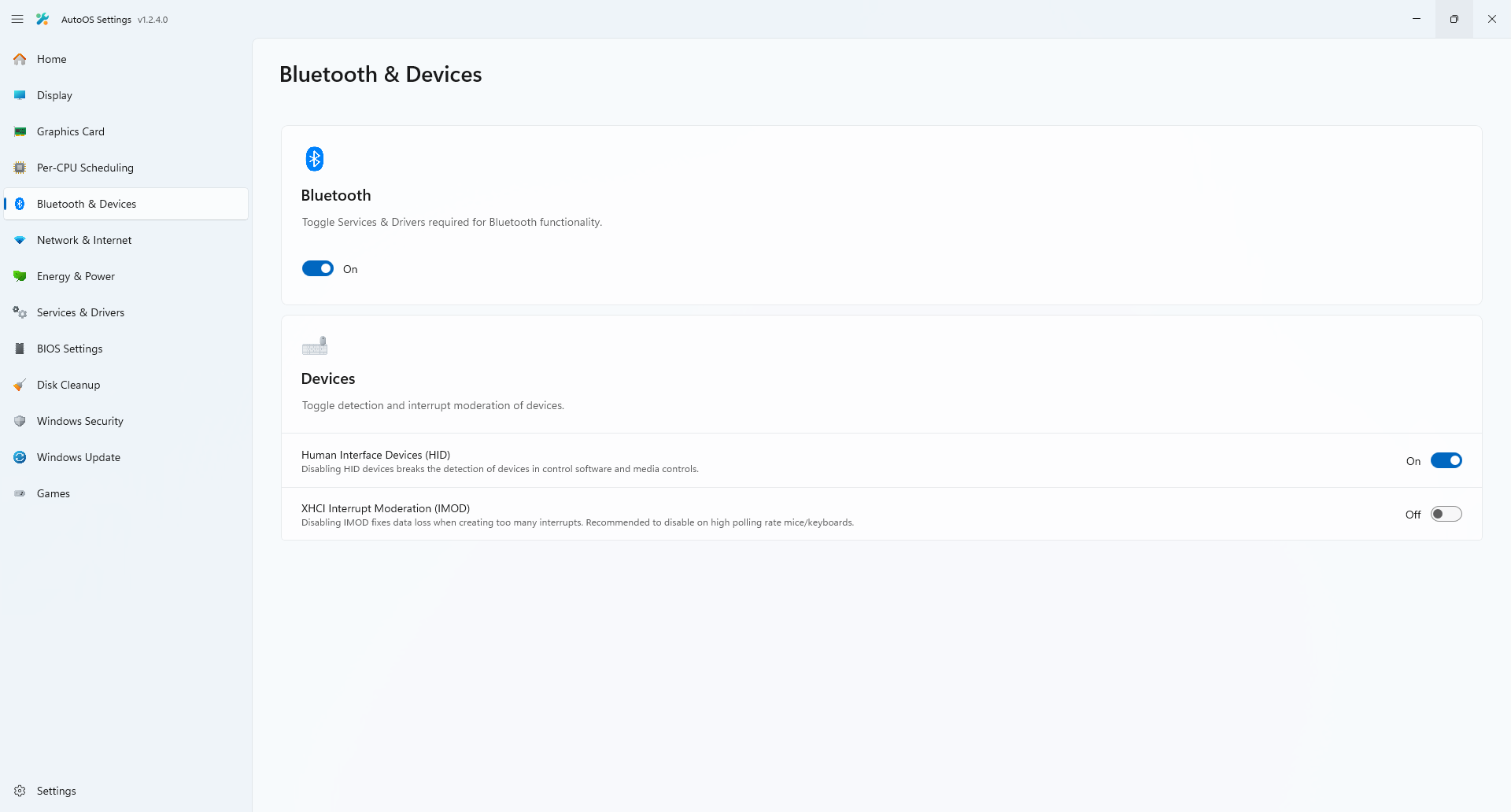
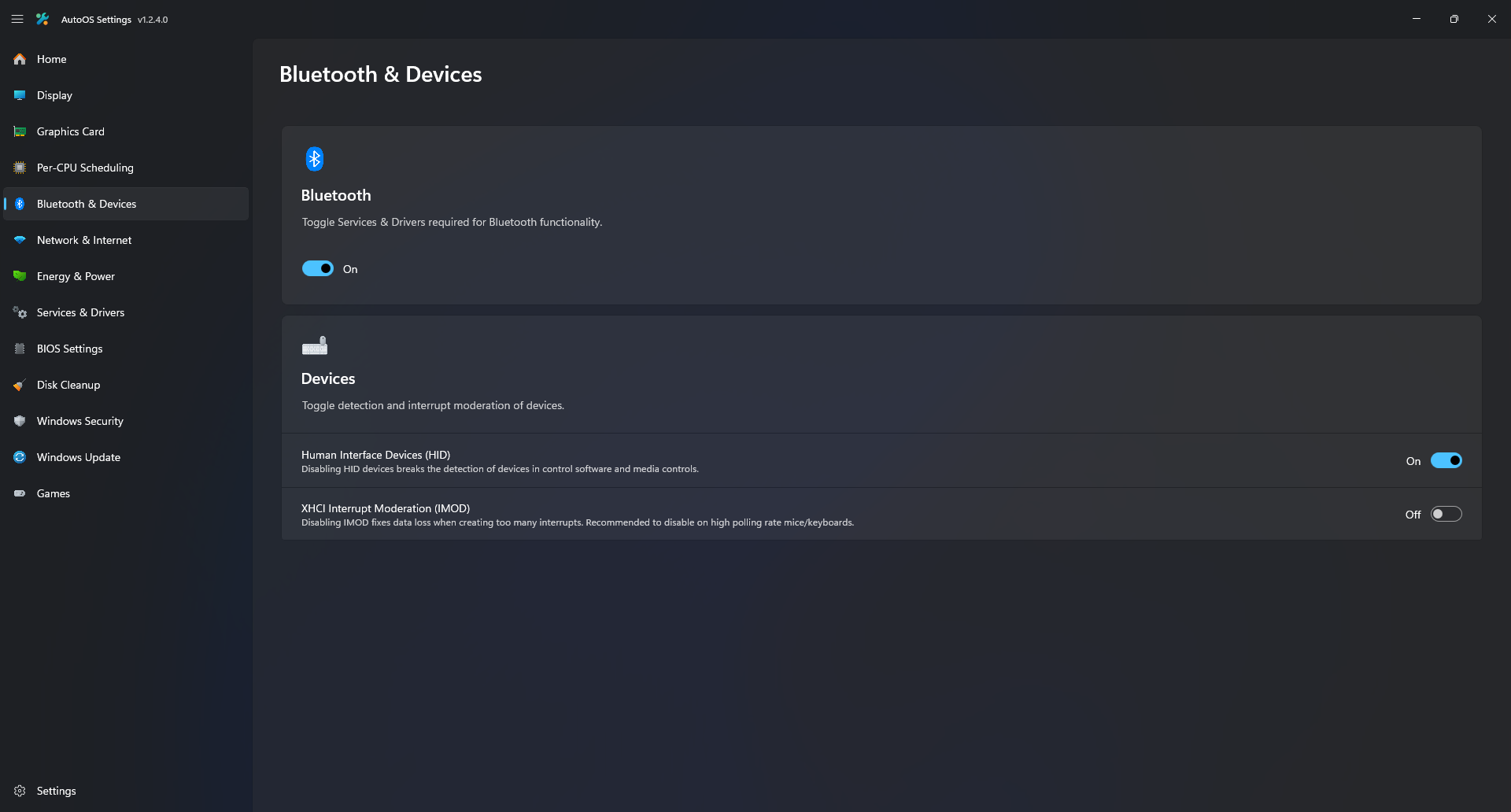
- Toggle Bluetooth Services and Drivers.
- Toggle XHCI Interrupt Moderation (IMOD) per USB controller.
- Manually adjust or automatically optimize advanced network adapter settings.
- Adjust, Edit, Delete, Restore, Export, Import Power plans and compare them.
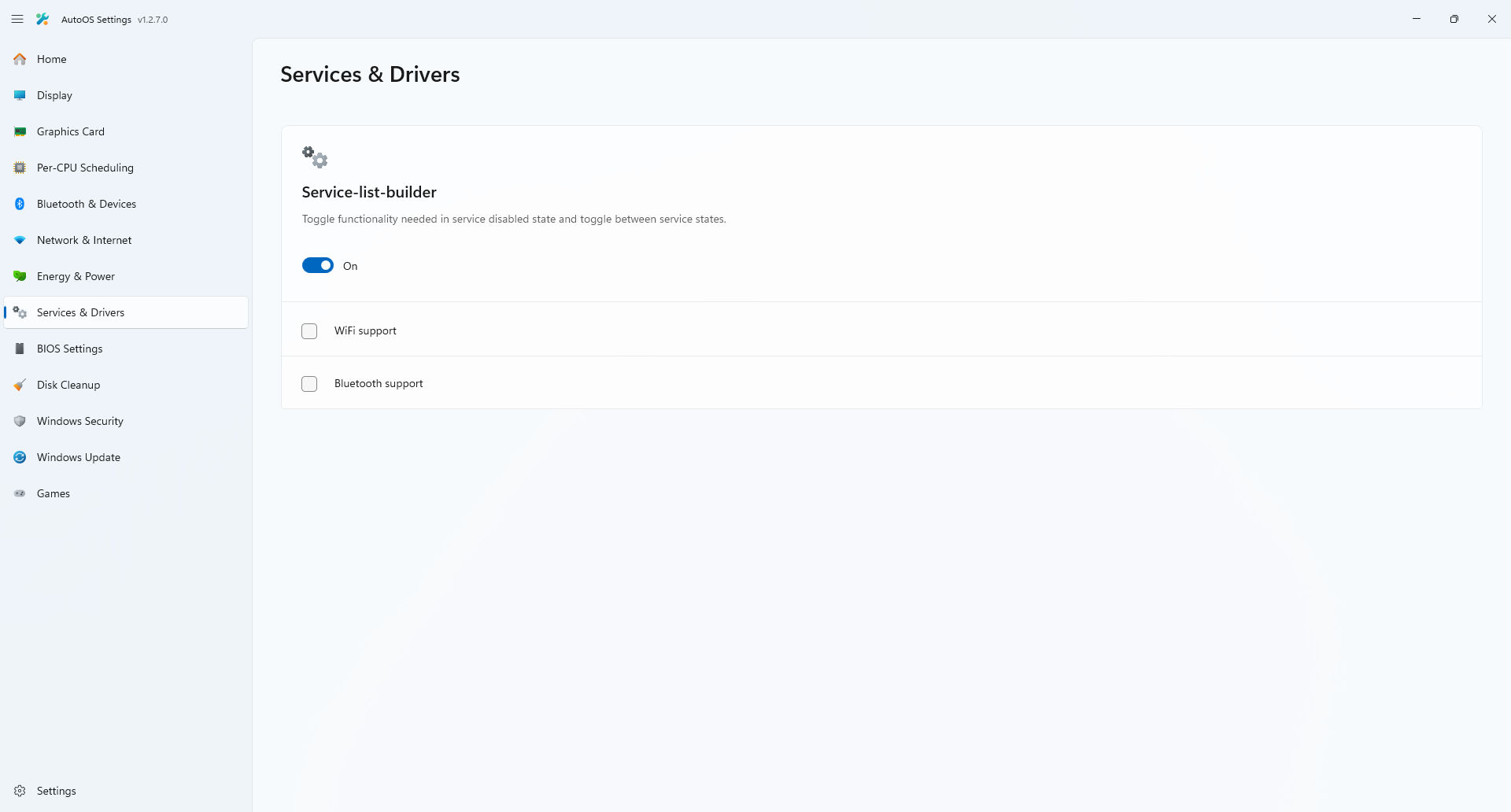
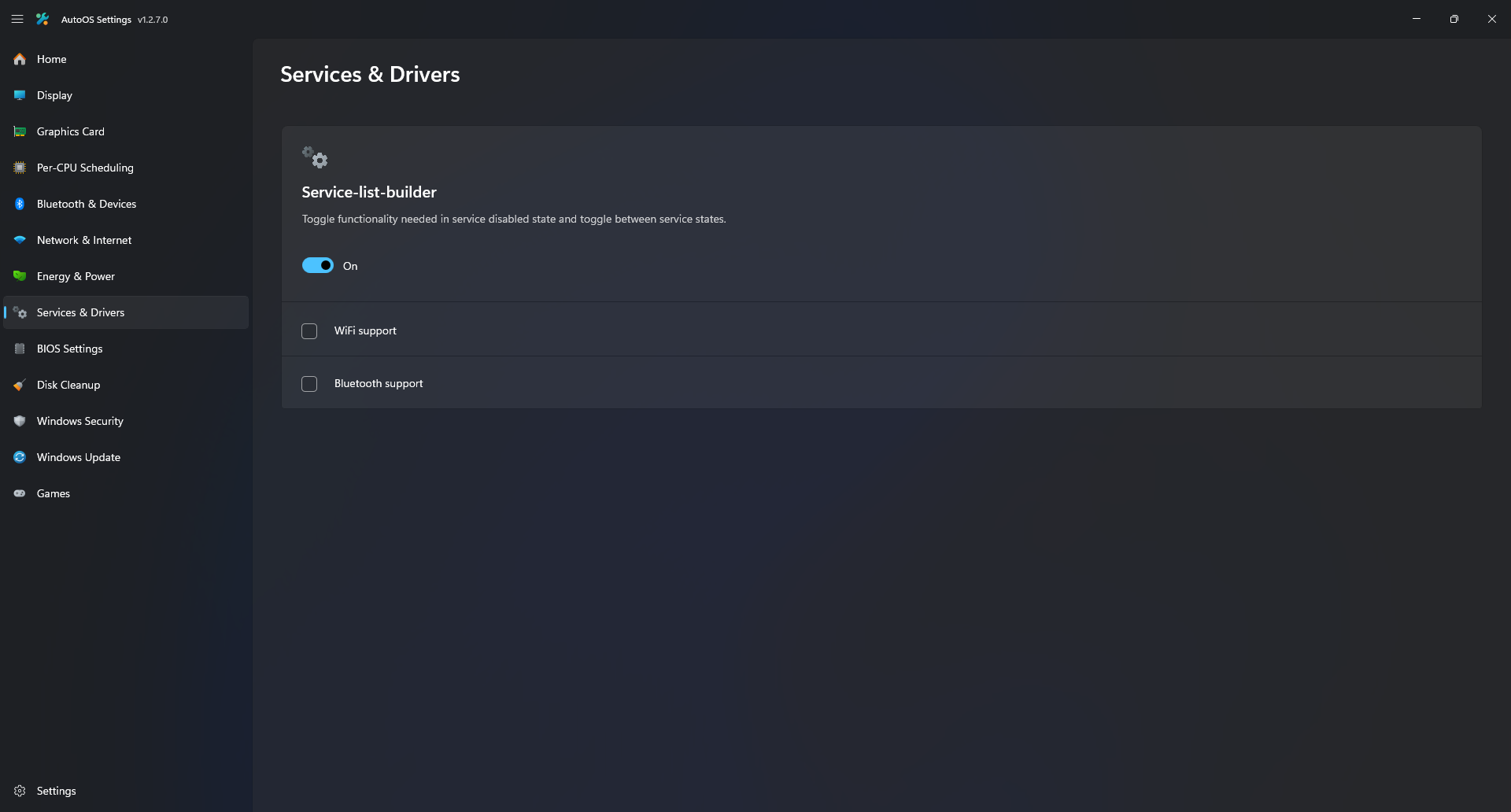
- Toggle Services & Drivers states with configured functionality.
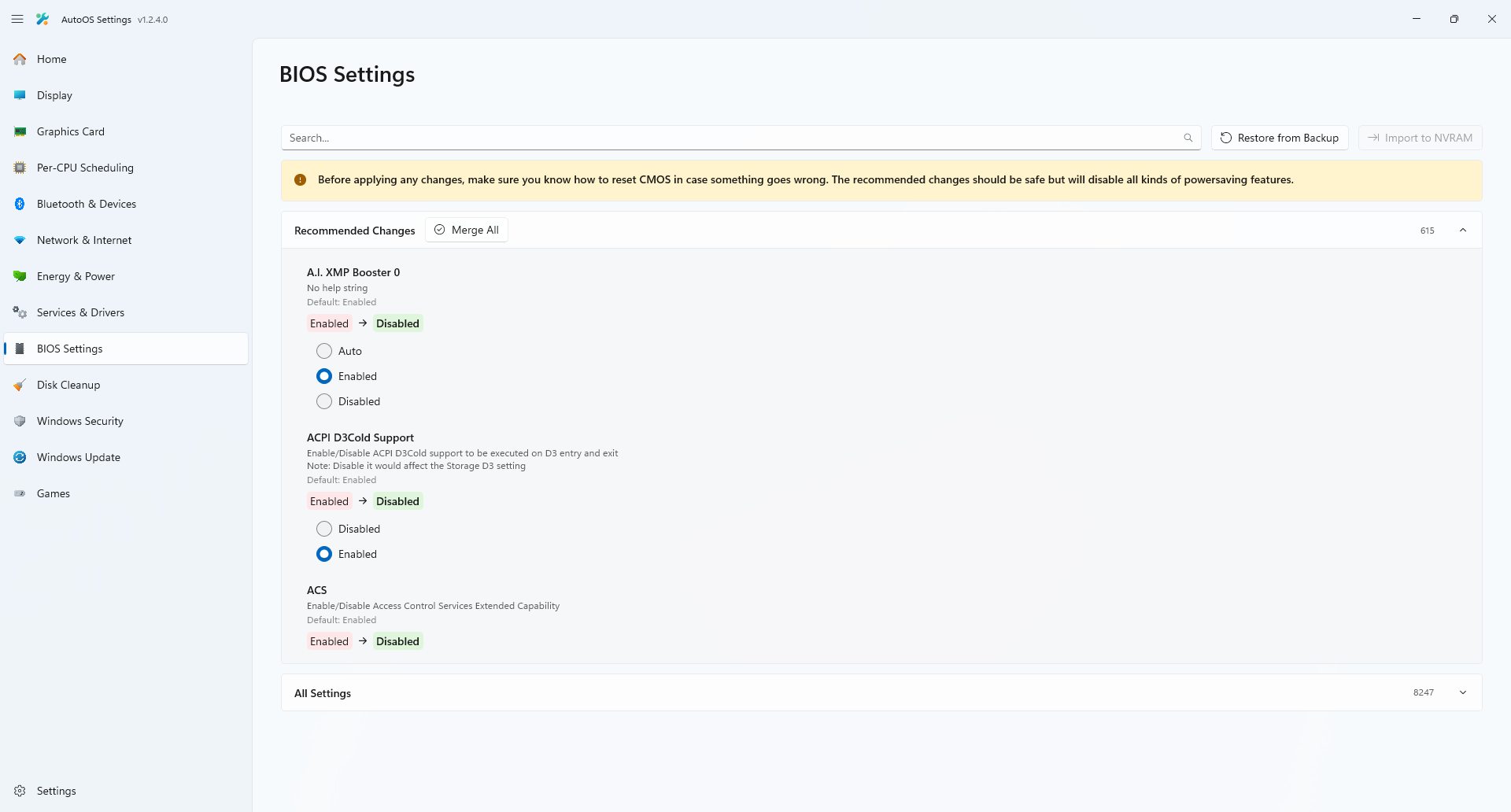
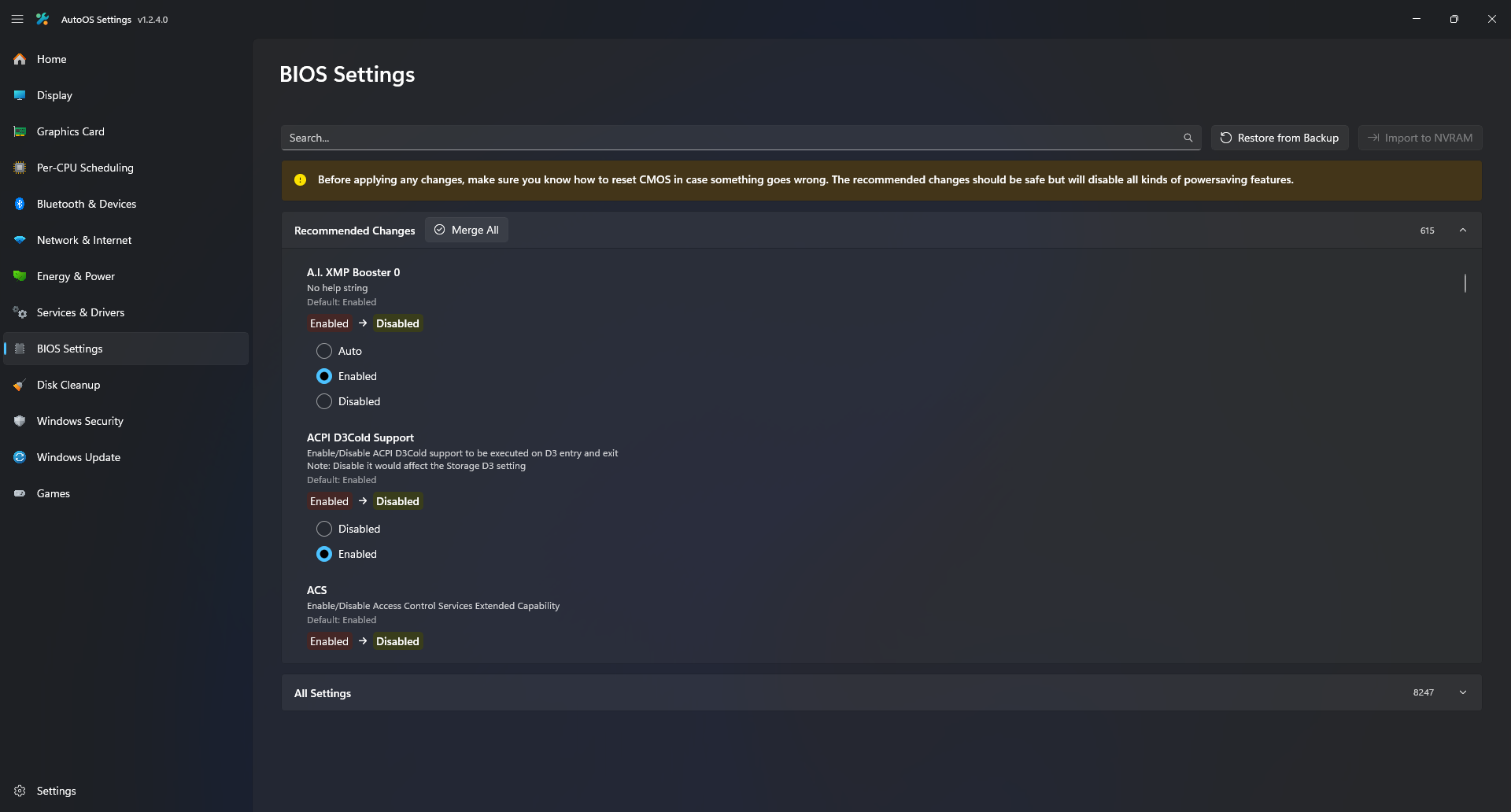
- Manually adjust or merge over 600 recommended BIOS Settings.
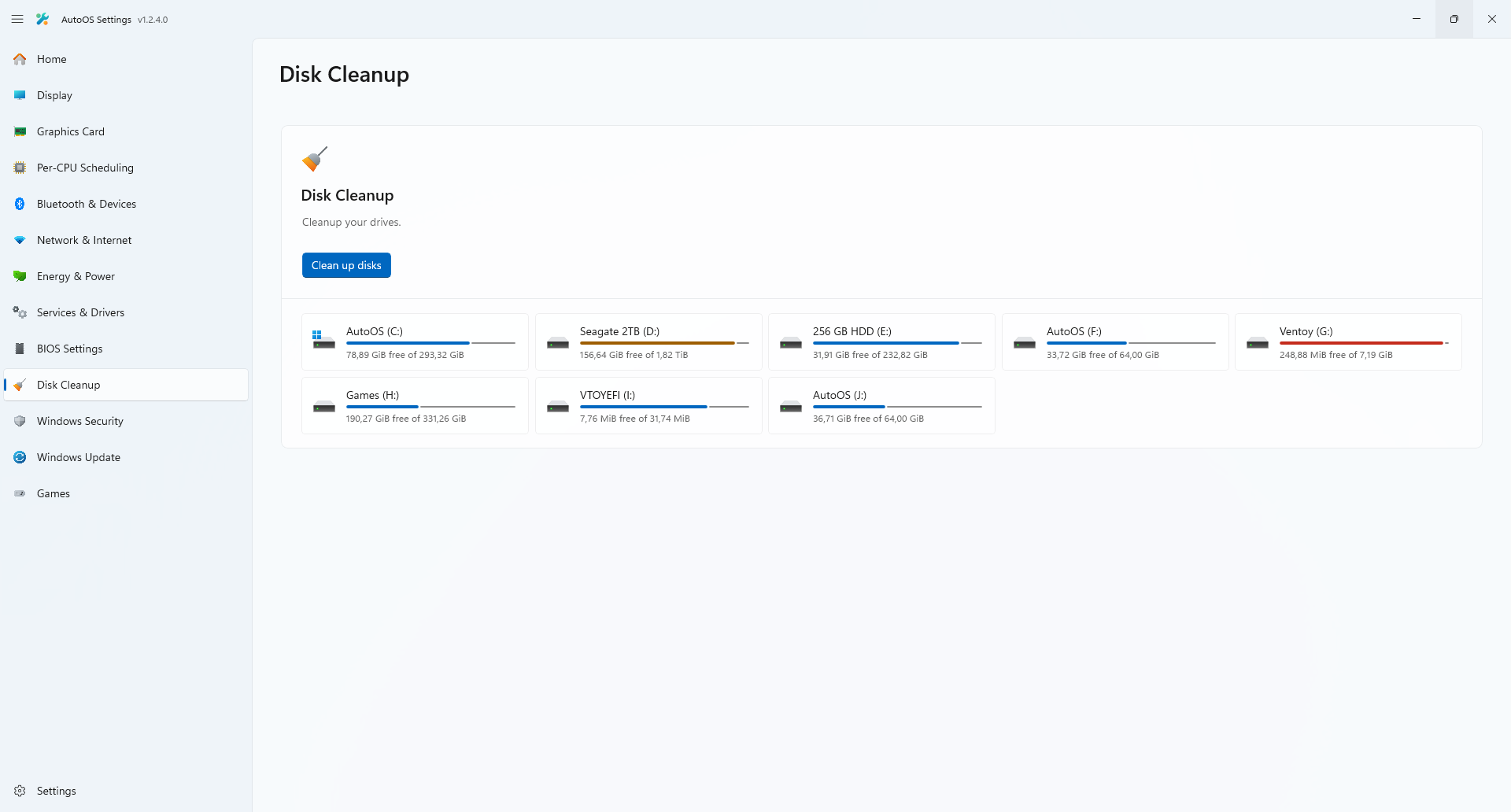
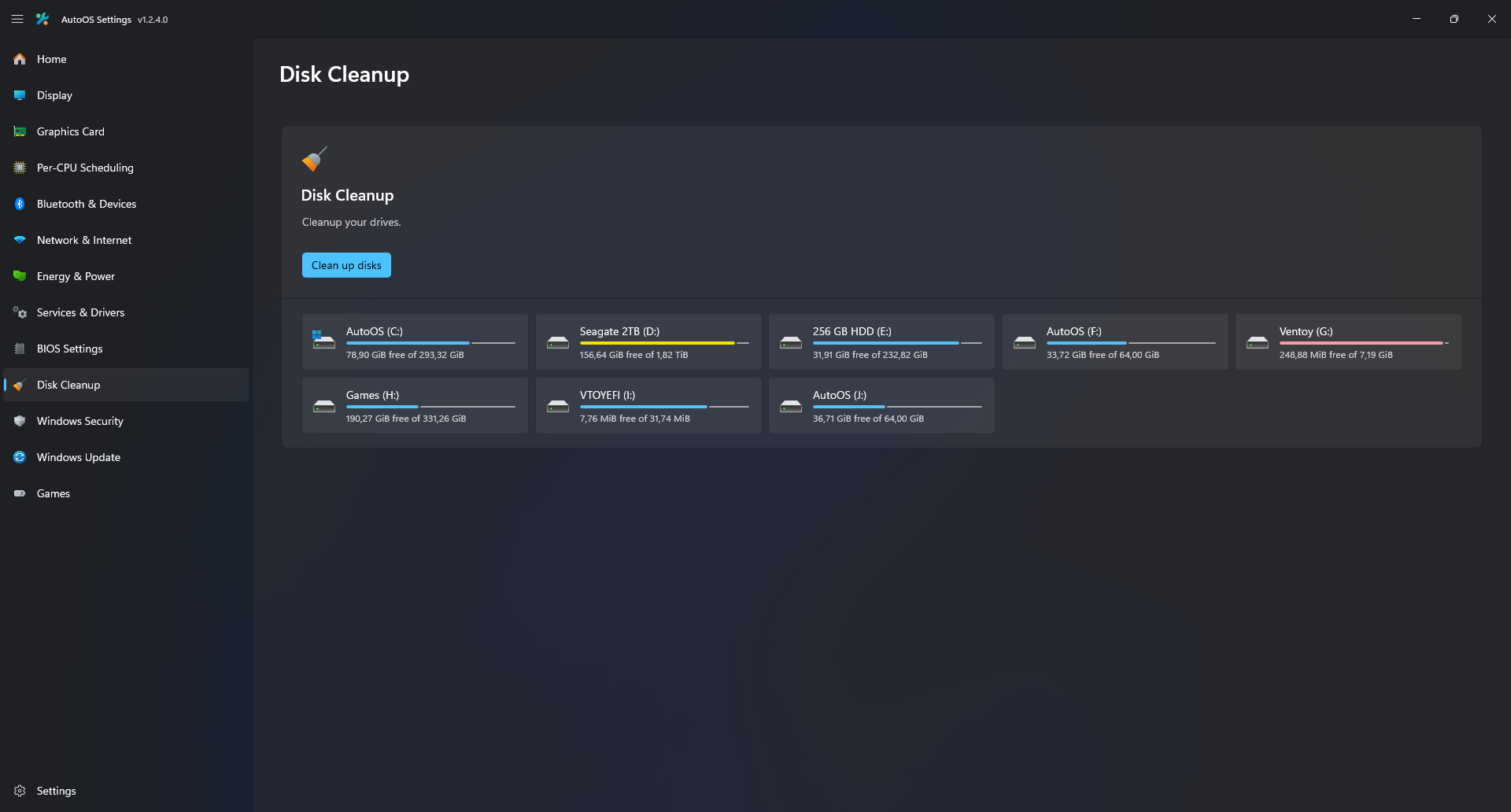
- Clean up your drives.
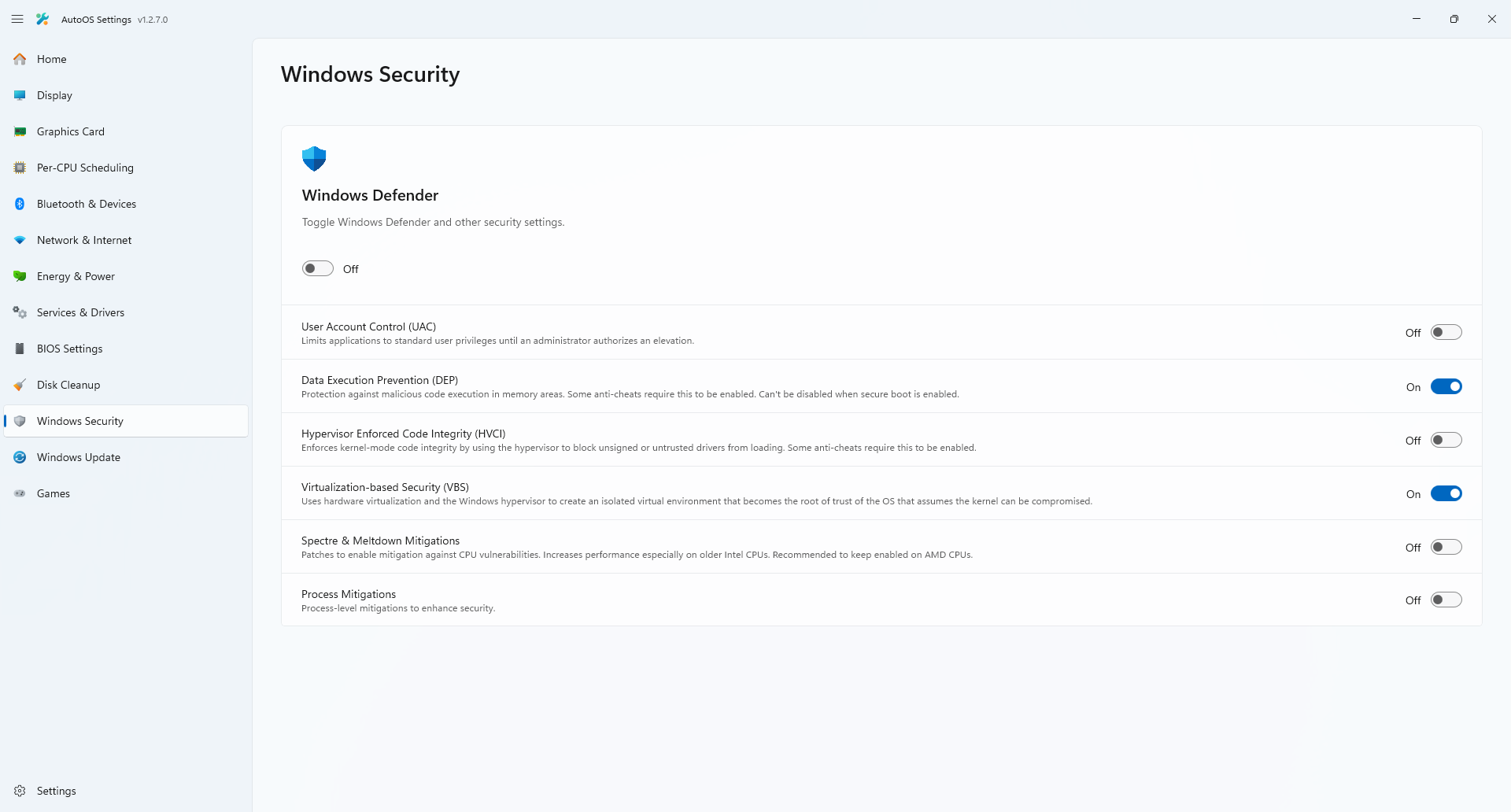
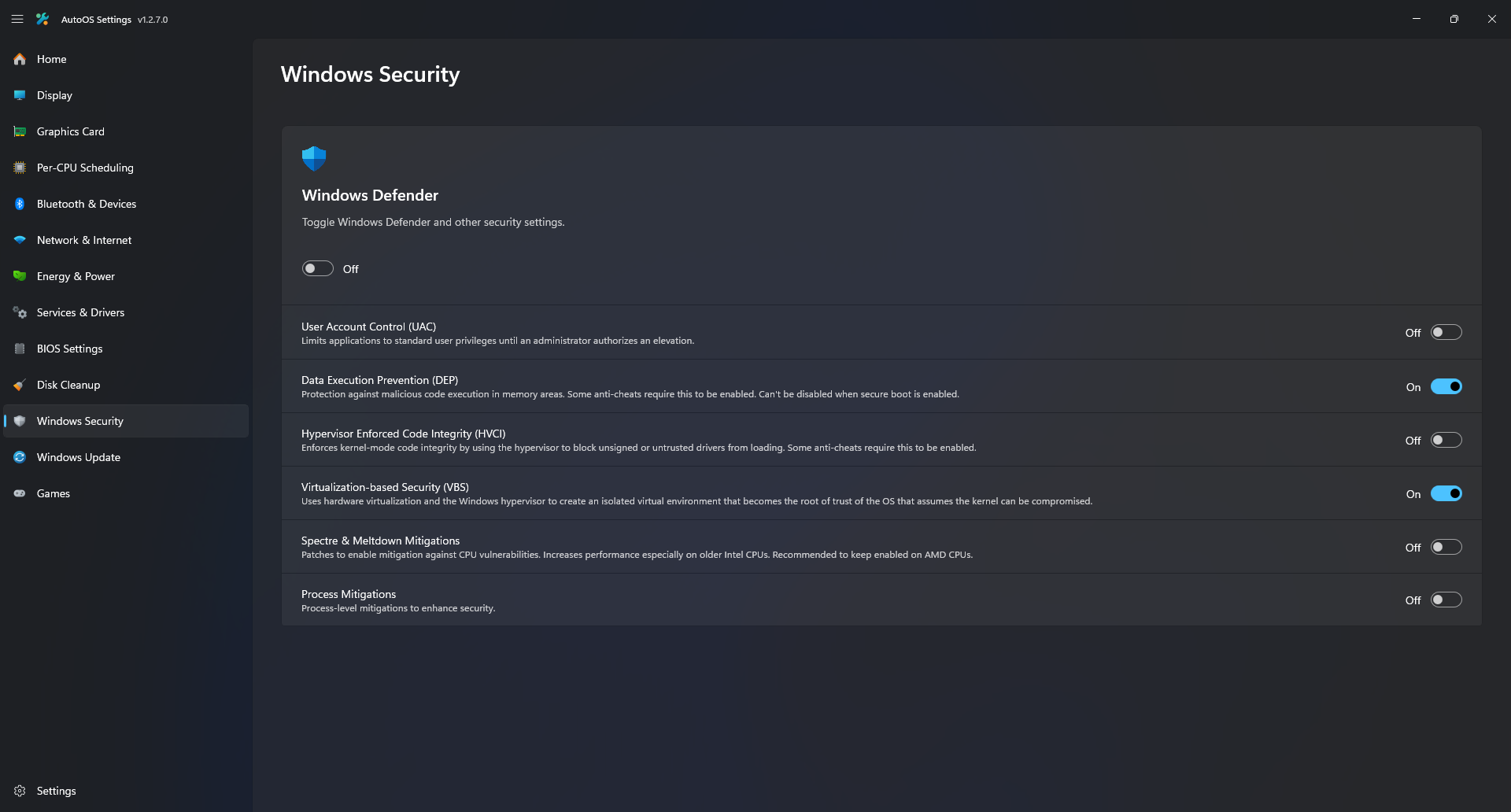
- Toggle Windows Security Options.
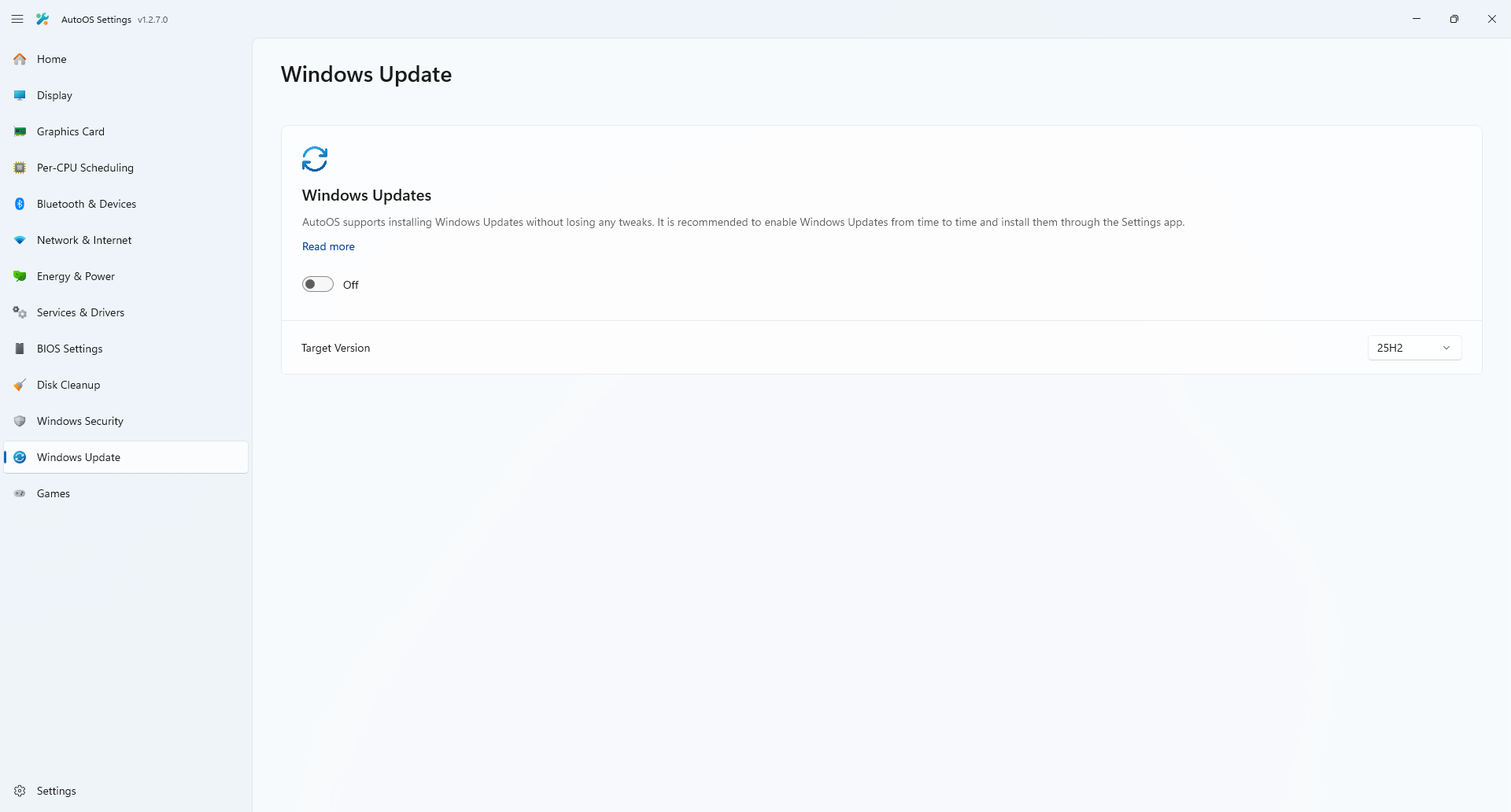
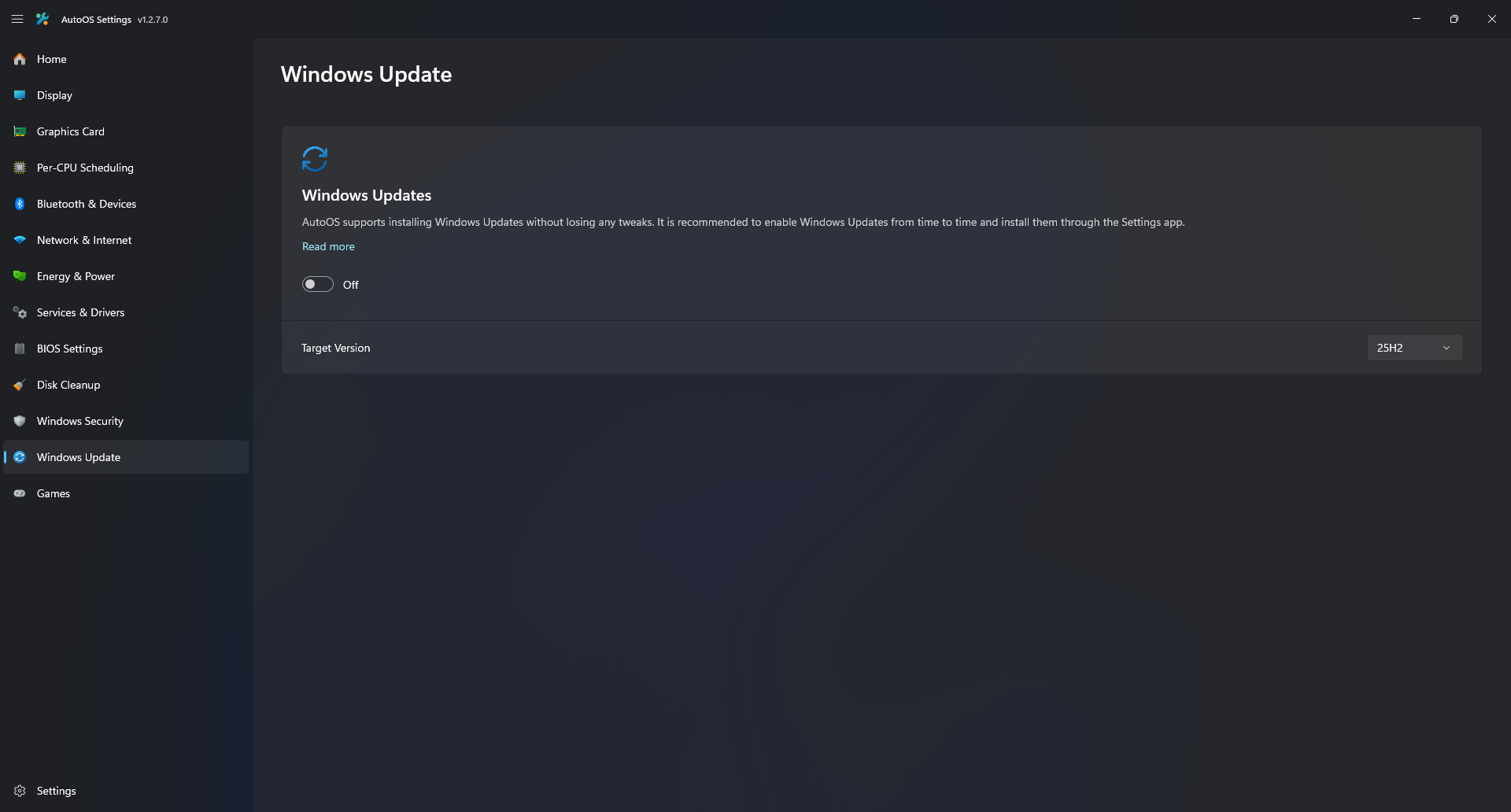
- Toggle Windows Updates and set target version.
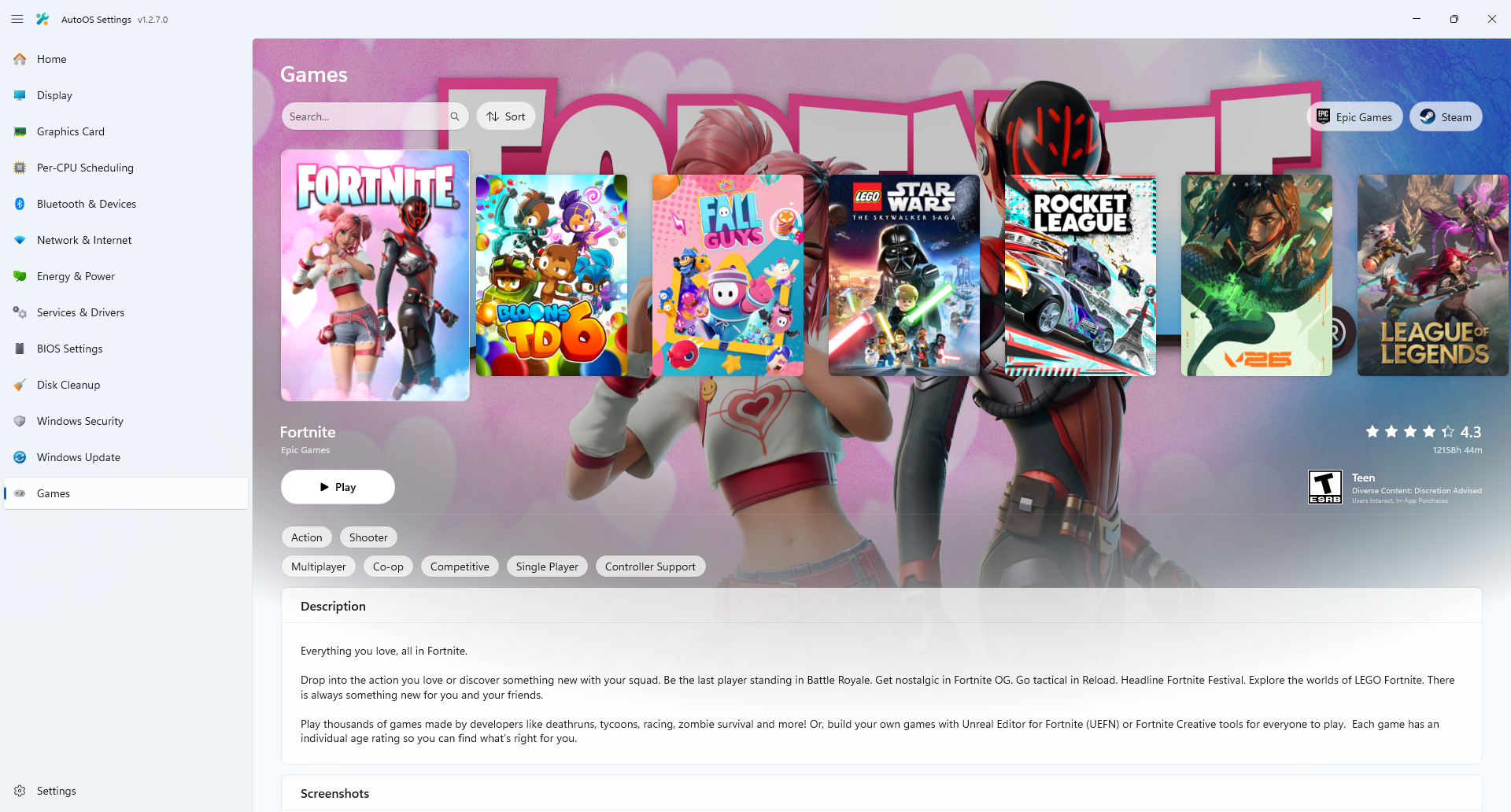
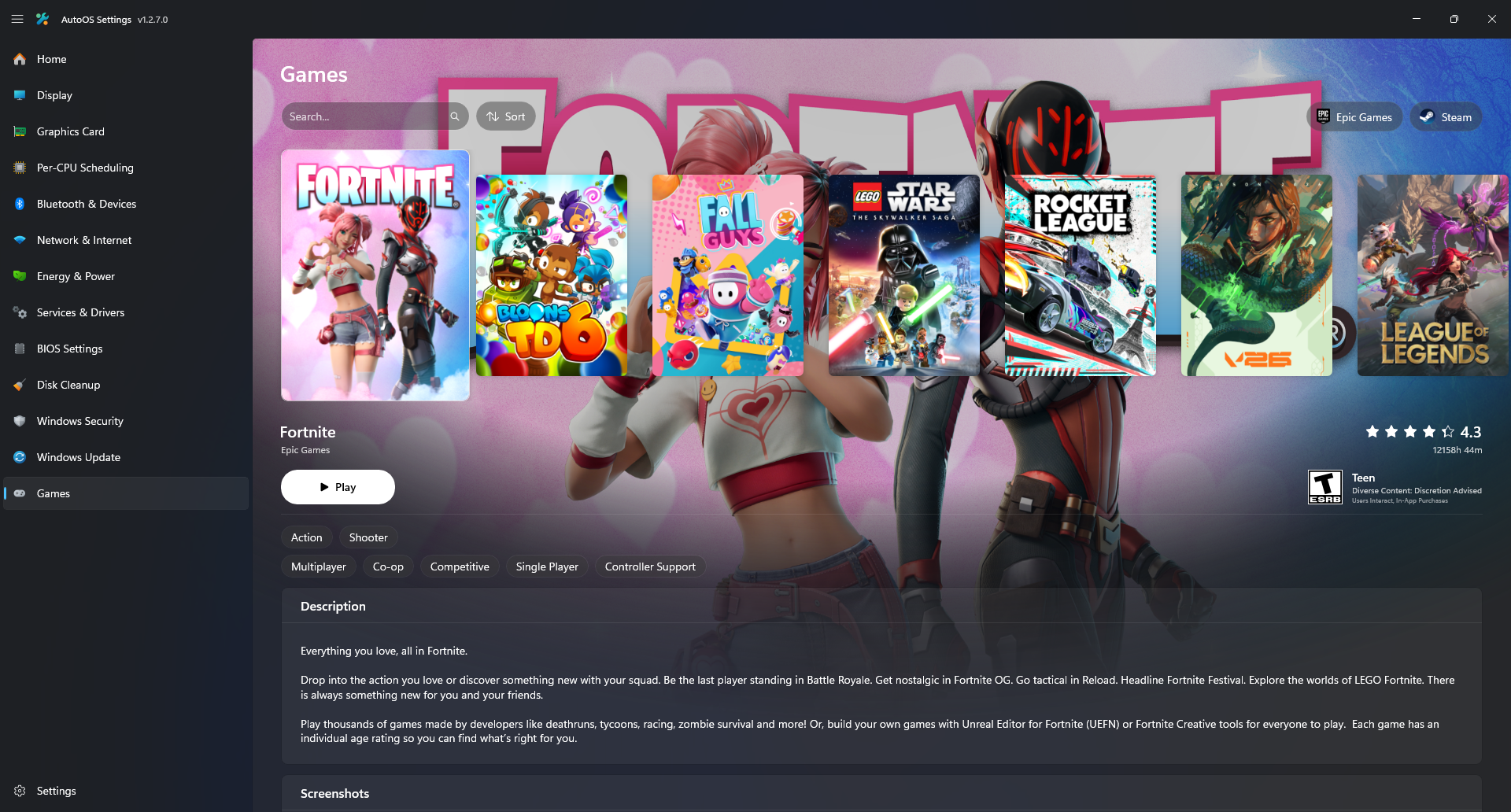
- View your Game Library (Supports Epic Games, Riot Games, EA, Ubisoft Connect, Steam, Eden, Citron and Ryujinx).
- Launch Games, Stop Processes and Restart Processes when done.
- Check for Epic Games title updates.
- Switch between Epic Games and Steam Accounts.
YouTube (AutoOS Settings Showcase)
On startup AutoOS Startup does the following:
- Syncs the time
- Applies the MSI Afterburner profile
- Applies sound buffer sizes for selected input and output devices
- Disables XHCI Interrupt Moderation (IMOD) for selected XHCI Controllers
- Launches OBS Studio if selected
- Cleans up temporary files
Up until this point all the work has been done by me and me alone. I have spent countless hours every day. There is still some work to do and I am looking for contributors or suggestions to make this a big community project.
- Blank screen after installing the Graphics Driver: You may experience a blank screen in the App after installing the Graphics Driver. To fix this, resize the window, click the navigation pane button a few times or just wait until it rerenders the UI.
Step 1: Before installing, please join my Discord Server to receive installation support and stay informed about future updates or changes.
Step 2: Download the latest Windows 25H2 ISO file from here (Log into your Google Account if you get an error). Other ISOs are not supported to guarantee consistency and the latest features.
Step 3: Download your Ethernet, Wi-Fi and Bluetooth driver (No Audio, Chipset, etc).
INTEL: Ethernet · Wi-Fi · Bluetooth
Realtek: Ethernet (Win10/Win11 Auto Installation Program (NDIS) - Not Support Power Saving)
If your Ethernet / Wi-Fi / Bluetooth adapter is not listed above, go to the Drivers / Support page or your Mainboard / PC and download them from there.
Extract all .zip files (for .exe files, there may be an extract option in the setup, otherwise use 7-Zip, NanaZip, or WinRAR to extract them) and move all extracted folders into one folder. The folder should contain each driver and their .inf files.
On Prebuilts and Laptops you may need to disable VMD Controller in your BIOS, otherwise you may get Inaccessible boot device BSOD. It might be called differently in your BIOS. For Alienware go to Storage -> SATA/NVMe Operation and change it from Disabled to AHCI/NVMe.
Alternatively download the Intel Rapid Storage Technology Driver.
Step 4: Open PowerShell as Administrator.
Step 5: Paste this into the PowerShell window to run the deployment script. Then select the ISO and your drivers folder or skip the driver installation if you are sure that you don't need them.
$PSDefaultParameterValues['Invoke-WebRequest:UseBasicParsing'] = $true
Set-ExecutionPolicy -ExecutionPolicy Bypass -Scope Process -Force
irm https://raw.githubusercontent.com/tinodin/AutoOS/master/deploy.ps1 | iex
If you get any errors during the script, it’s most likely because your current operating system has disabled services that are required. Make sure to use a default installation of Windows to run the script. If you can't figure it out leave a message in my discord server.
Step 6: Once the script finished, restart and boot into the default option. Make sure to keep your ethernet cable connected or connect to your WiFi in the setup. DO NOT BYPASS THE NETWORK REQUIREMENT! Then wait for Windows to finish installing.
Step 7: Once finished, wait for AutoOS to open up.
Step 8: Carefully look through every tab and select your preferences and apps. Then click "Install AutoOS". This process will take around 15-30 minutes.
- For
Riot Gamestitles to show up in theGamestab, install them through theEpic Games Launcheras well. - For
EAorUbisoft Connecttitles to show up in theGamestab, add them to yourEpic Games Launcherlibrary. Disablethe toggle inServices & Driverstab and restart whenever you areGaming.Enableit again and restart if you need functionality back forWorkor installing applications / drivers.- Go to the
Gamestab whileServices & Driversare disabled and press thePlaybutton. - Once you are in the
Game, press theStop Processesbutton. - Press the
Restart Processesbutton to restore the taskbar etc. - Cap your Game's
frame rate limittoa multipleof your monitor'srefresh rate(144hz, 72/144/288fps). - Use
NVIDIA Reflex Low Latencyset toOffin competetive games unless you are GPU bound with a bad GPU. - Check the
BIOS Settingstab for recommendations, clickMerge AllthenImport to NVRAM. - If you are
unstableonIntel, lower yourMax Turbo Ratios, disableE-Coresand enableHyper-Threading. - If your output supports a lower buffer size in the
Soundtab, you may lower it in exchange for higher CPU usage. - Leave a
review, sharesuggestions, or reportissueson theDiscord Server. - Donate if you appreciate the immense time and effort I have put into creating and providing this project for free.
- If you have experience with
C# and WinUI3and want to become a part of the project, let me know.
- Run other
tweaksoroptimizerslikeCTTetc. for obvious reasons. - Apply
timer resolutionbecause it does more harm than good. - Use
external frame rate limiterslikeNVCPorRTSSbecause they tradebetter 1% lowsforadded latency. - Set
visual effectstoBest Performance,disable animations / transparency / paging file. UninstallMSI Afterburner, OBS, Everything, Windhawk, StartAllBackor any of theruntimes.Install7-Zip, becauseNanaZipis already installed.Uninstallmore AppX Packages likeXbox Game BarorMicrosoft Edgebecause it breaks functionality.
To delete your old Windows partition and merge the unallocated space with the AutoOS partition:
- Move your Games to the AutoOS partition and replace the drive letters in the Game Launchers config files:
- Epic Games
C:\ProgramData\Epic\UnrealEngineLauncher\LauncherInstalled.dat"C:\ProgramData\Epic\EpicGamesLauncher\Data\Manifests"
- Steam
C:\Program Files (x86)\Steam\steamapps\libraryfolders.vdf
- Epic Games
- Open Command Prompt and paste:
bcdedit /enum
- Find the entry of your old Windows partition, copy its
identifiervalue and then run:
bcdedit /delete {identifier}
- Install Minitool Partition Wizard Free (decline each offer in the installer).
- Use the
Deletefunction on the old Windows partition - Use the
Extendfunction on the AutoOS partition, select the old Windows partition and max out the slider. - Click
Applyand thenRestart Now. After its done, deleteMinitool Partition Wizard Free.
If you are on ASUS Motherboard and get GPT header corruption has been detected message:
- Press
F1to get intoBIOS. - Press
F7to get intoadvanced mode. - Go to
Boottab, then selectBoot Configuration. - Change
Next Boot Recovery ActiontoRecovery. - Change
Boot Sector (MBR/GPT) Recovery PolicytoAuto Recoveryif it exists.
| Light | Dark |
 |
 |
 |
 |
 |
 |
 |
 |
 |
 |
 |
 |
 |
 |
 |
 |
| Light | Dark |
 |
 |
 |
 |
 |
 |
 |
 |
 |
 |
 |
 |
 |
 |
 |
 |
 |
 |
 |
 |
 |
 |
 |
 |
 |
 |
 |
 |
 |
 |
Ensure that your installation includes the appropriate workloads:
- On the Workloads tab of the Visual Studio installer, check:
- .NET Desktop Development
- .Desktop development with C++
- WinUI Application Development
Clone the repository and run this in the terminal inside of Visual Studio.
dotnet nuget add source https://pkgs.dev.azure.com/dotnet/CommunityToolkit/_packaging/CommunityToolkit-Labs/nuget/v3/index.json -n CommunityToolkit-Labs
If the debugger is not attaching to the process, you are required to set EnableLua to 0 and restart your PC. This has been a problem for 5 years and Microsoft hasn't provided a fix:
reg add "HKEY_LOCAL_MACHINE\SOFTWARE\Microsoft\Windows\CurrentVersion\Policies\System" /v EnableLUA /t REG_DWORD /d 0 /fghost1372 (Mahdi Hosseini):
Thank you for creating DevWinUI. It inspired me to learn C# and rewrite this project in WinUI 3. I appreciate your quick responses, fixes to issues, and the helpful workflow file, which I adapted for this project.
rgl (Rui Lopes):
Thank you for creating uup-dump-get-windows-iso, which I adapted to automatically build the latest Windows release in order to speed up and simplify AutoOS installation.
cschneegans (Christoph Schneegans):
Thank you for creating unattend-generator, which helps AutoOS installation to be seamless.
m417z (Michael Maltsev):
Thank you for creating Windhawk and for helping me to publish my mod Auto Theme Switcher.
Imribiy:
Thank you for creating AMD GPU Tweaks.
This project is licensed under the GNU General Public License v3.0. See the LICENSE file for details.
-
nvidiaProfileInspector
- Licensed under the MIT License.
- Source: Orbmu2k/nvidiaProfileInspector
-
RadeonSoftwareSlimmer
- Licensed under the GNU General Public License v3.0.
- Source: GSDragoon/RadeonSoftwareSlimmer
- Changes: Added command line options for preinstall
- Fork: tinodin/RadeonSoftwareSlimmer
-
Service List Builder
- Licensed under the GNU General Public License v3.0.
- Source: valleyofdoom/service-list-builder
- Changes: Removed
shutdown /r /t 0from created lists, added--output-dirswitch because of MSIX restrictions. - Fork: tinodin/service-list-builder
-
ClassicWindowSwitcher
- Licensed under the GNU General Public License v2.0.
- Source: Ingan121/ClassicWindowSwitcher
-
Custom Resolution Utility (CRU)
Copyright (C) 2012-2022 ToastyX
https://monitortests.com/custom-resolution-utility

Permission is hereby granted, free of charge, to any person obtaining a copy
of this software the rights to use, copy, and/or distribute copies of the
software subject to the following conditions:

The above copyright notice and this permission notice shall be included in
all copies of the software.

THE SOFTWARE IS PROVIDED "AS IS" WITHOUT WARRANTY OF ANY KIND, EXPRESS OR
IMPLIED. IN NO EVENT SHALL THE AUTHOR BE LIABLE FOR ANY CLAIM, DAMAGES, OR
OTHER LIABILITY IN CONNECTION WITH THE USE OF THE SOFTWARE.
- Source: Custom Resolution Utility (CRU)
- 7-Zip
  7-Zip
  ~~~~~
  License for use and distribution
  ~~~~~~~~~~~~~~~~~~~~~~~~~~~~~~~~

  7-Zip Copyright (C) 1999-2025 Igor Pavlov.

  The licenses for files are:

    - 7z.dll:
         - The "GNU LGPL" as main license for most of the code
         - The "GNU LGPL" with "unRAR license restriction" for some code
         - The "BSD 3-clause License" for some code
         - The "BSD 2-clause License" for some code
    - All other files: the "GNU LGPL".

  Redistributions in binary form must reproduce related license information from this file.

  Note:
    You can use 7-Zip on any computer, including a computer in a commercial
    organization. You don't need to register or pay for 7-Zip.


GNU LGPL information
--------------------

    This library is free software; you can redistribute it and/or
    modify it under the terms of the GNU Lesser General Public
    License as published by the Free Software Foundation; either
    version 2.1 of the License, or (at your option) any later version.

    This library is distributed in the hope that it will be useful,
    but WITHOUT ANY WARRANTY; without even the implied warranty of
    MERCHANTABILITY or FITNESS FOR A PARTICULAR PURPOSE.  See the GNU
    Lesser General Public License for more details.

    You can receive a copy of the GNU Lesser General Public License from
    http://www.gnu.org/


BSD 3-clause License in 7-Zip code
----------------------------------

  The "BSD 3-clause License" is used for the following code in 7z.dll
    1) LZFSE data decompression.
       That code was derived from the code in the "LZFSE compression library" developed by Apple Inc,
       that also uses the "BSD 3-clause License".
    2) ZSTD data decompression.
       that code was developed using original zstd decoder code as reference code.
       The original zstd decoder code was developed by Facebook Inc,
       that also uses the "BSD 3-clause License".

  Copyright (c) 2015-2016, Apple Inc. All rights reserved.
  Copyright (c) Facebook, Inc. All rights reserved.
  Copyright (c) 2023-2025 Igor Pavlov.

Text of the "BSD 3-clause License"
----------------------------------

Redistribution and use in source and binary forms, with or without modification,
are permitted provided that the following conditions are met:

1. Redistributions of source code must retain the above copyright notice, this
   list of conditions and the following disclaimer.

2. Redistributions in binary form must reproduce the above copyright notice,
   this list of conditions and the following disclaimer in the documentation
   and/or other materials provided with the distribution.

3. Neither the name of the copyright holder nor the names of its contributors may
   be used to endorse or promote products derived from this software without
   specific prior written permission.

THIS SOFTWARE IS PROVIDED BY THE COPYRIGHT HOLDERS AND CONTRIBUTORS "AS IS" AND
ANY EXPRESS OR IMPLIED WARRANTIES, INCLUDING, BUT NOT LIMITED TO, THE IMPLIED
WARRANTIES OF MERCHANTABILITY AND FITNESS FOR A PARTICULAR PURPOSE ARE
DISCLAIMED. IN NO EVENT SHALL THE COPYRIGHT HOLDER OR CONTRIBUTORS BE LIABLE FOR
ANY DIRECT, INDIRECT, INCIDENTAL, SPECIAL, EXEMPLARY, OR CONSEQUENTIAL DAMAGES
(INCLUDING, BUT NOT LIMITED TO, PROCUREMENT OF SUBSTITUTE GOODS OR SERVICES;
LOSS OF USE, DATA, OR PROFITS; OR BUSINESS INTERRUPTION) HOWEVER CAUSED AND ON
ANY THEORY OF LIABILITY, WHETHER IN CONTRACT, STRICT LIABILITY, OR TORT
(INCLUDING NEGLIGENCE OR OTHERWISE) ARISING IN ANY WAY OUT OF THE USE OF THIS
SOFTWARE, EVEN IF ADVISED OF THE POSSIBILITY OF SUCH DAMAGE.

---


BSD 2-clause License in 7-Zip code
----------------------------------

  The "BSD 2-clause License" is used for the XXH64 code in 7-Zip.

  XXH64 code in 7-Zip was derived from the original XXH64 code developed by Yann Collet.

  Copyright (c) 2012-2021 Yann Collet.
  Copyright (c) 2023-2025 Igor Pavlov.

Text of the "BSD 2-clause License"
----------------------------------

Redistribution and use in source and binary forms, with or without modification,
are permitted provided that the following conditions are met:

1. Redistributions of source code must retain the above copyright notice, this
   list of conditions and the following disclaimer.

2. Redistributions in binary form must reproduce the above copyright notice,
   this list of conditions and the following disclaimer in the documentation
   and/or other materials provided with the distribution.

THIS SOFTWARE IS PROVIDED BY THE COPYRIGHT HOLDERS AND CONTRIBUTORS "AS IS" AND
ANY EXPRESS OR IMPLIED WARRANTIES, INCLUDING, BUT NOT LIMITED TO, THE IMPLIED
WARRANTIES OF MERCHANTABILITY AND FITNESS FOR A PARTICULAR PURPOSE ARE
DISCLAIMED. IN NO EVENT SHALL THE COPYRIGHT HOLDER OR CONTRIBUTORS BE LIABLE FOR
ANY DIRECT, INDIRECT, INCIDENTAL, SPECIAL, EXEMPLARY, OR CONSEQUENTIAL DAMAGES
(INCLUDING, BUT NOT LIMITED TO, PROCUREMENT OF SUBSTITUTE GOODS OR SERVICES;
LOSS OF USE, DATA, OR PROFITS; OR BUSINESS INTERRUPTION) HOWEVER CAUSED AND ON
ANY THEORY OF LIABILITY, WHETHER IN CONTRACT, STRICT LIABILITY, OR TORT
(INCLUDING NEGLIGENCE OR OTHERWISE) ARISING IN ANY WAY OUT OF THE USE OF THIS
SOFTWARE, EVEN IF ADVISED OF THE POSSIBILITY OF SUCH DAMAGE.

---


unRAR license restriction
-------------------------

The decompression engine for RAR archives was developed using source
code of unRAR program.
All copyrights to original unRAR code are owned by Alexander Roshal.

The license for original unRAR code has the following restriction:

  The unRAR sources cannot be used to re-create the RAR compression algorithm,
  which is proprietary. Distribution of modified unRAR sources in separate form
  or as a part of other software is permitted, provided that it is clearly
  stated in the documentation and source comments that the code may
  not be used to develop a RAR (WinRAR) compatible archiver.

--
- Source: 7-Zip