-
Use useState if you have:
-
A) JavaScript primitives as state
-
B) simple state transitions
-
C) business logic within your component
-
D) different properties that don't change in any correlated way and can be managed by multiple useState hooks
-
E) state co-located to your component
-
F) a small application (but the lines are blurry here)
-
Use useReducer if you have:
-
A) JavaScript objects or arrays as state
-
B) complex state transitions
-
C) complicated business logic more suitable for a reducer function
-
D) different properties tied together that should be managed in one state object
-
E) the need to update state deep down in your component tree
-
F) a medium-sized application (NB: the lines are blurry here)
-
G) need for an easier time testing it
-
H) need for a more predictable and maintainable state architecture
This is mainly to have an extra option for sharing state and logic between components. ... Custom hooks are normal JS functions, named with the prefix 'use', that can use hooks inside of it and contain a common stateful logic to be reused in other components.
Custom hooks are a handy way to encapsulate hook-related logic that can be re-used across components when using component composition isn't really something that will help, make sense, or just "look" semantically righ
Using any list of custom hooks, research and name one that you think will be useful in your applications
useIsMounted
Put the fetchData function above in the useEffect hook and call it, like so:
useEffect(() => { const url = "https://api.adviceslip.com/advice";
const fetchData = async () => {
  try {
    const response = await fetch(url);
    const json = await response.json();
    console.log(json);
  } catch (error) {
    console.log("error", error);
  }
};
fetchData();
}, []);
- reducer : A reducer is a function that determines changes to an application's state. It uses the action it receives to determine this change. We have tools, like Redux, that help manage an application's state changes in a single store so that they behave consistently.
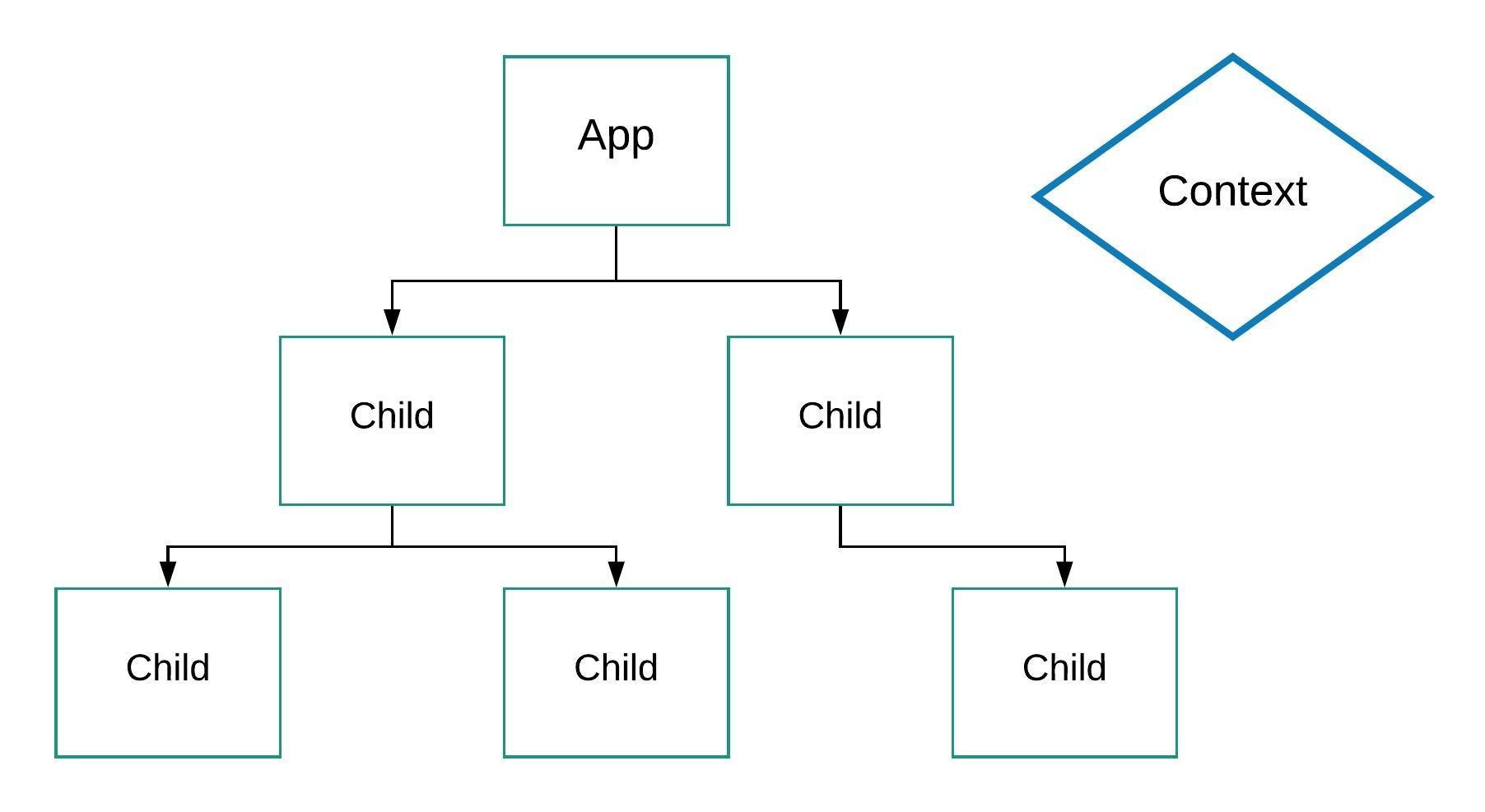
Context provides a way to pass data through the component tree without having to pass props down manually at every level.
The React Context API is a way for a React app to effectively produce global variables that can be passed around. ... Context API is a (kind of) new feature added in version 16.3 of React that allows one to share state across the entire app (or part of it) lightly and with ease.