


The Material Icon Theme provides lots of icons based on Material Design for Visual Studio Code.

After installation or update you can click on the 'Activate'-button to activate the icon theme, if you haven't already. The icons will be visible immediately.

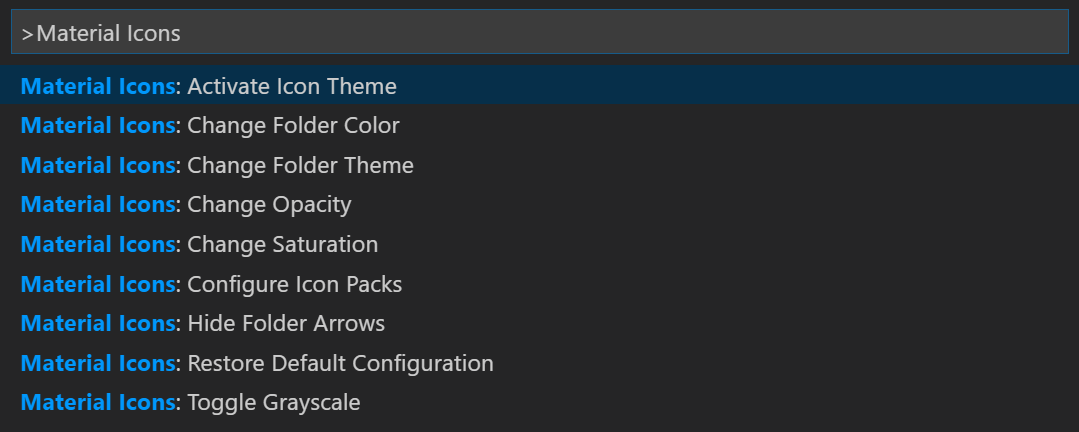
Press Ctrl-Shift-P to open the command palette and type Material Icons.
-
Activate Icon Theme: Activate the icon theme.
-
Restore Default Configuration: Reset the default configurations of the icon theme.
-
Toggle Angular Icons: Show the Angular files either with specific icons or default language icons.
-
Toggle Folder Icons: Hide or show folder icons.
You can also configure the icon theme in the user or workspace settings.
Read the contribution guidelines.
If you have some questions or icon requests open a new issue on Github.