S-CSS-P are hidden away on a dedicated options page. On Chromium-based browsers, this isn't too bad, as the options page can be accessed by right-clicking the extension in the toolbar and selecting it from the dropdown, though it's not at all intuitive. On Firefox, however, it's much more difficult - the addon doesn't even appear in the toolbar unless it has a browser_action registered, so it's buried away in the browser's settings, and then the options themselves are hidden behind a tiny button. When using addon debugging mode, I couldn't find any UI for opening the options page at all - I had to load the manifest file and then change the URL manually.
A button that lives on the page or on the toolbar would go a long way - this is browser_action:
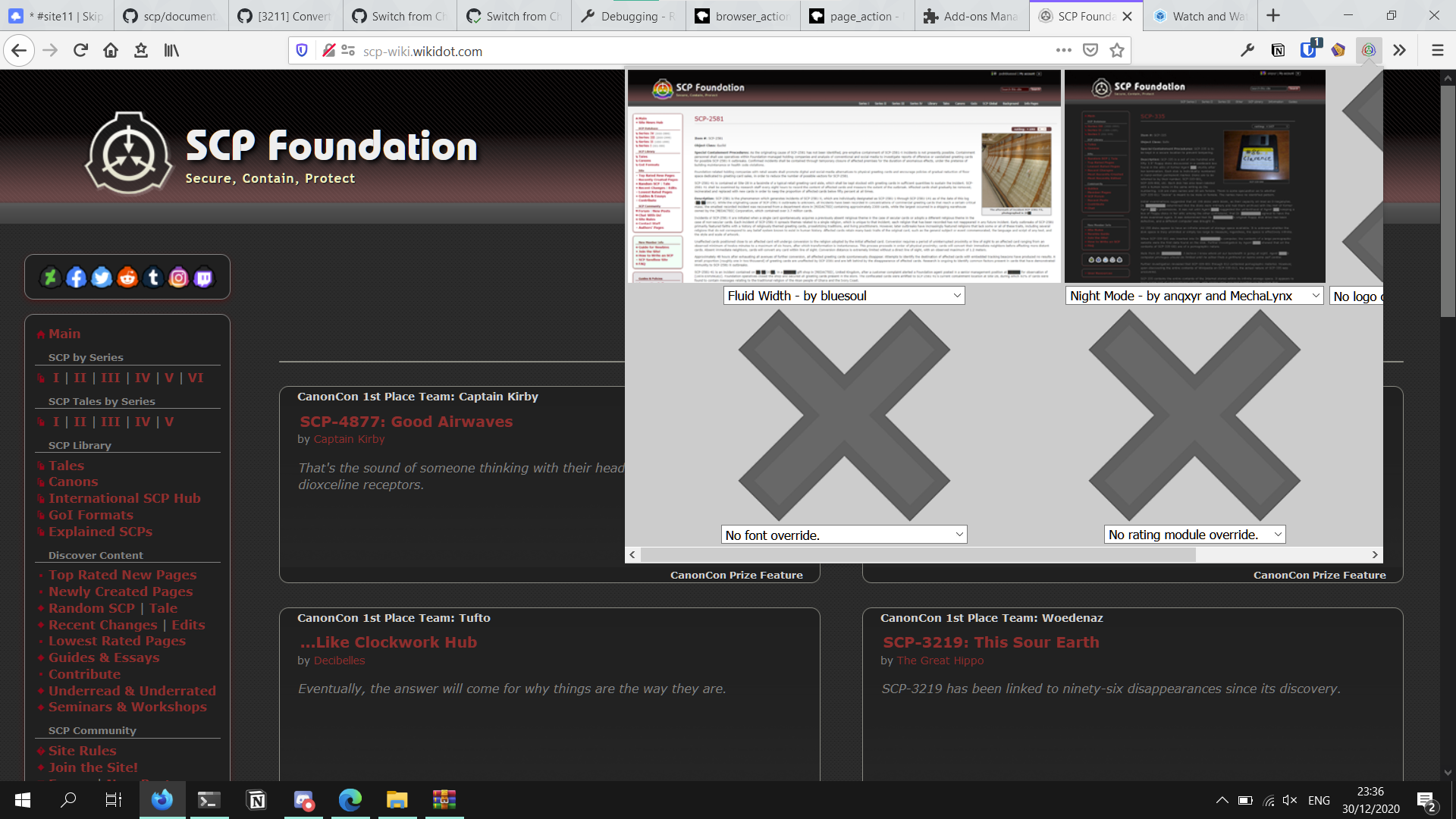
browser_action is intended for utilities that affect all pages, and there's also page_action which would be much more appropriate for S-CSS-P although it's hidden inside the menu button on the right of the URL bar. I think that would be fine so long as it's documented in the installation.
A menu that pops up on the page would be especially handy with live previewing. The preview images might not even be necessary in that case.

S-CSS-P are hidden away on a dedicated options page. On Chromium-based browsers, this isn't too bad, as the options page can be accessed by right-clicking the extension in the toolbar and selecting it from the dropdown, though it's not at all intuitive. On Firefox, however, it's much more difficult - the addon doesn't even appear in the toolbar unless it has a
browser_actionregistered, so it's buried away in the browser's settings, and then the options themselves are hidden behind a tiny button. When using addon debugging mode, I couldn't find any UI for opening the options page at all - I had to load the manifest file and then change the URL manually.A button that lives on the page or on the toolbar would go a long way - this is
browser_action:browser_actionis intended for utilities that affect all pages, and there's alsopage_actionwhich would be much more appropriate for S-CSS-P although it's hidden inside the menu button on the right of the URL bar. I think that would be fine so long as it's documented in the installation.A menu that pops up on the page would be especially handy with live previewing. The preview images might not even be necessary in that case.