 📂images
 ┃ ┃
 ┃ ┣ 📜ironhack.png
 ┃ ┗ 📜send.png
 ┃
 📂scripts
 ┃ ┃
 ┃ ┗ 📜index.js
 ┃
 📂 node_modules
 ┃
 📂styles
 ┃ ┃
 ┃ ┗ 📜main.css
 ┃
 📜index.html
If you would like to code along and create you own IronChat chatbot, you may get the starter code using one of the below options. You can either use the CodeSandbox starter repo, or as an alternative option clone this project repository to your local machine using git.
If you decide to use the starter code provided with CodeSandbox, follow the below link.
In order to be able to save your progress during the code along, make sure to create a CodeSandbox account.
As an alternative, you may fork and clone this repository using git, as described in the instructions below.
The below instructions require you to have git installed.
Clone this repository and navigate to the directory of the project.
# Fork the repository to your GitHub account, then ...

# Clone the repository
git clone https://github.com/ross-u/chatbot-tutorial-01.git

# Navigate to the directory of the project
cd chatbot-tutorial-01
This repository has 2 branches: starter-code and completed.
The default branch which you can use to code and follow the tutorial is starter-code.
The branch with the finished code is completed.
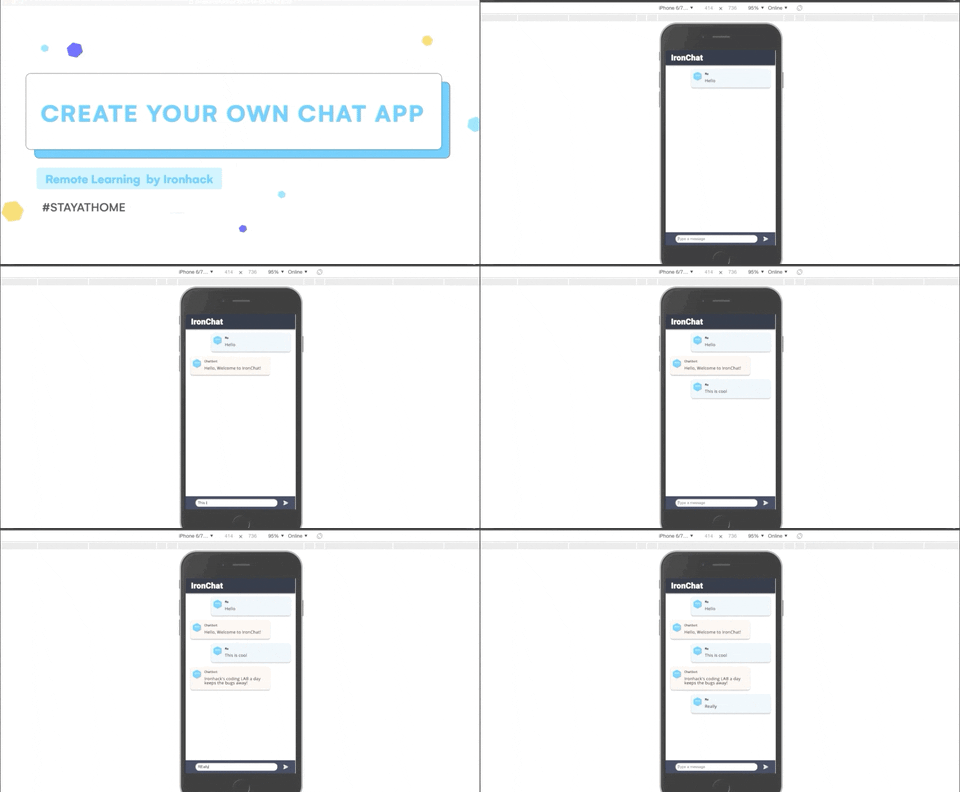
You can check the completed example by visiting the link to CodeSanbox - IronChat completed example.
If you have already cloned this repo you can check the completed example by switching to the branch completed.
# Move to the branch `completed`
git checkout completed
To get back to the working branch starter-code:
# Move to the branch `starter-code`
git checkout starter-code
Enjoy! 🚀