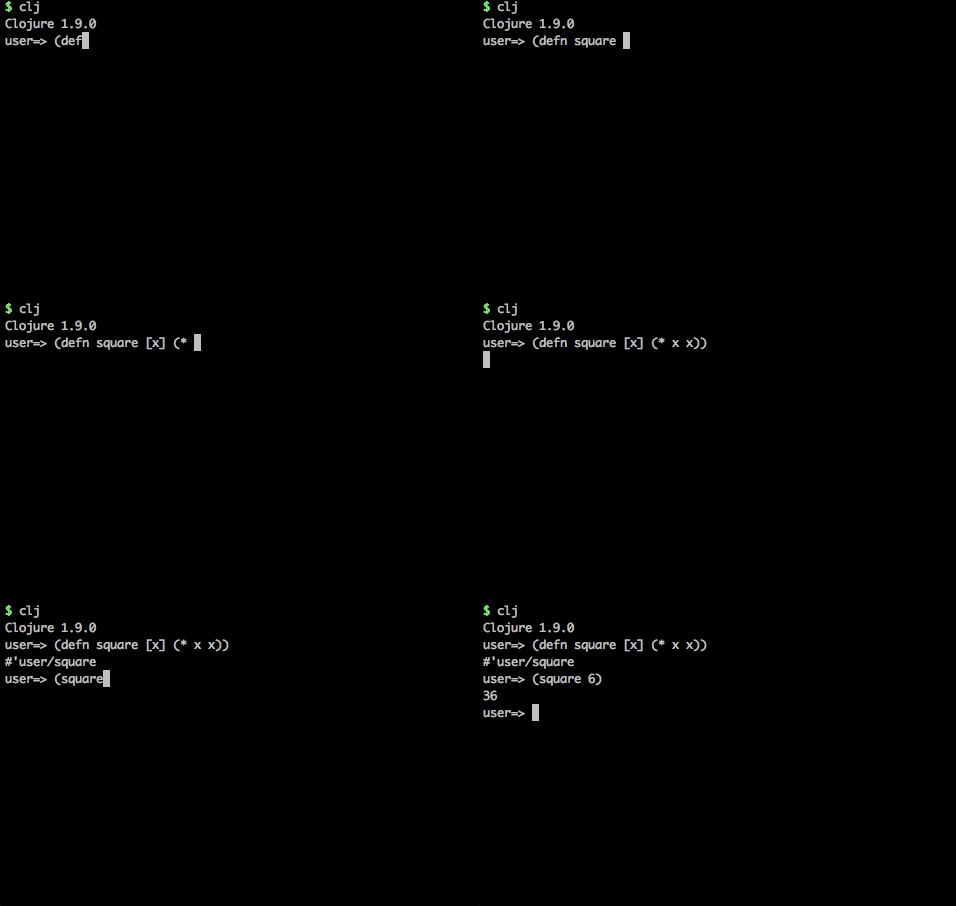
The clojure command will start a REPL by default or if given the --repl argument.
clj is a script that wraps the clojure command and uses rlwrap, an external readline command, to navigate REPL history via the ↑ and ↓ keys.
Use clj when you want to run a repl (or preferably use rebel readline instead) and clojure for everything else.
rebel readline is a command line REPL UI that provides interactive help, function autocomplete, signature prompts and many other features to provide a very rich REPL experience.
[practicalli/clojure-deps-edn]({{ book.P9IClojureDepsEdn }}) includes the
-M:repl/rebelalias to run rebel readline REPL.
clojure command in a terminal window starts a Clojure REPL and shows the version of Clojure used. The command does not need to be in a directory containing a Clojure project.
clojureType in a Clojure expression at the => user prompt and press Return to see the result

Clojure code can now be run in the REPL by typing the code and pressing the ENTER key.
Exit the REPL by typing Ctrl+D (pressing the Ctrl and D keys at the same time).