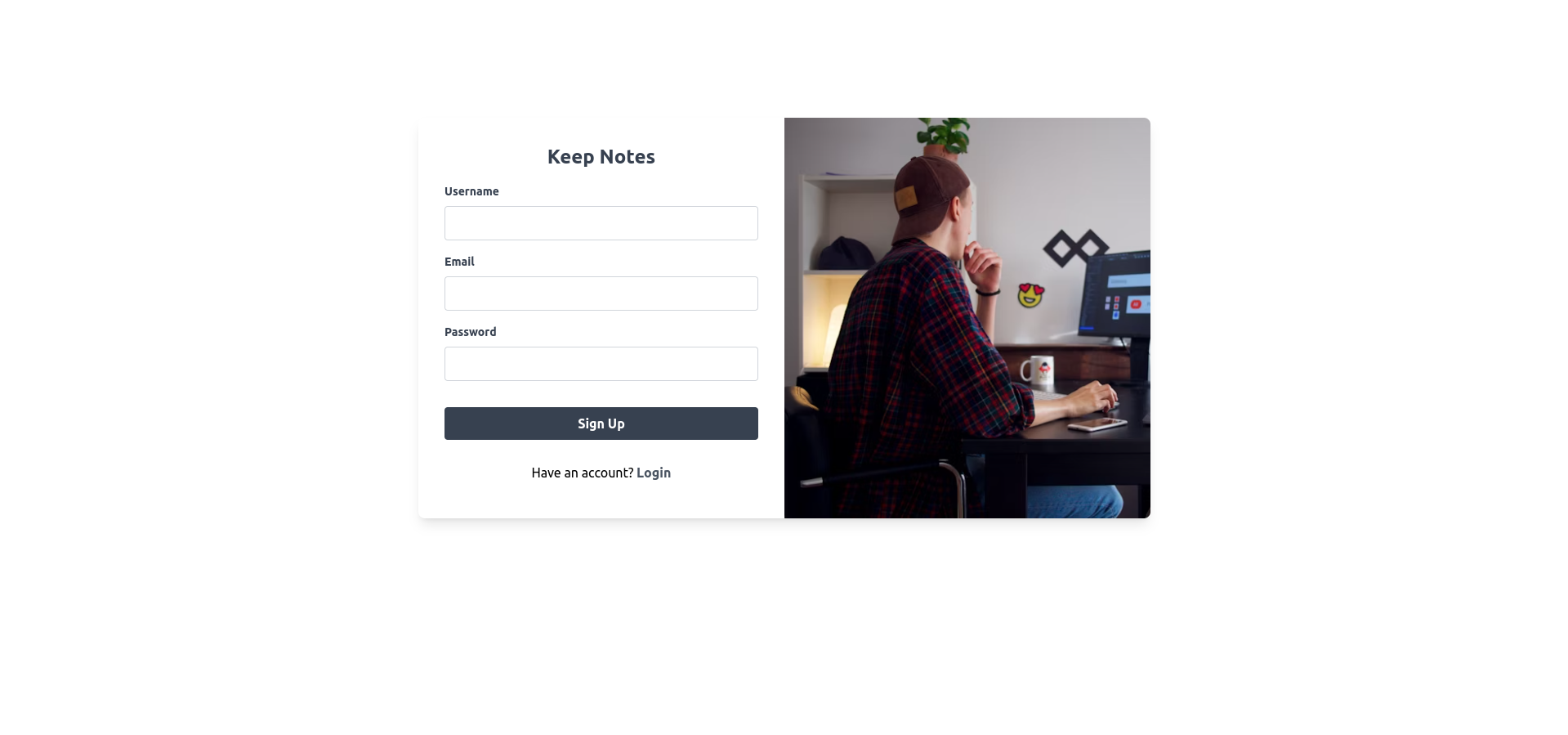
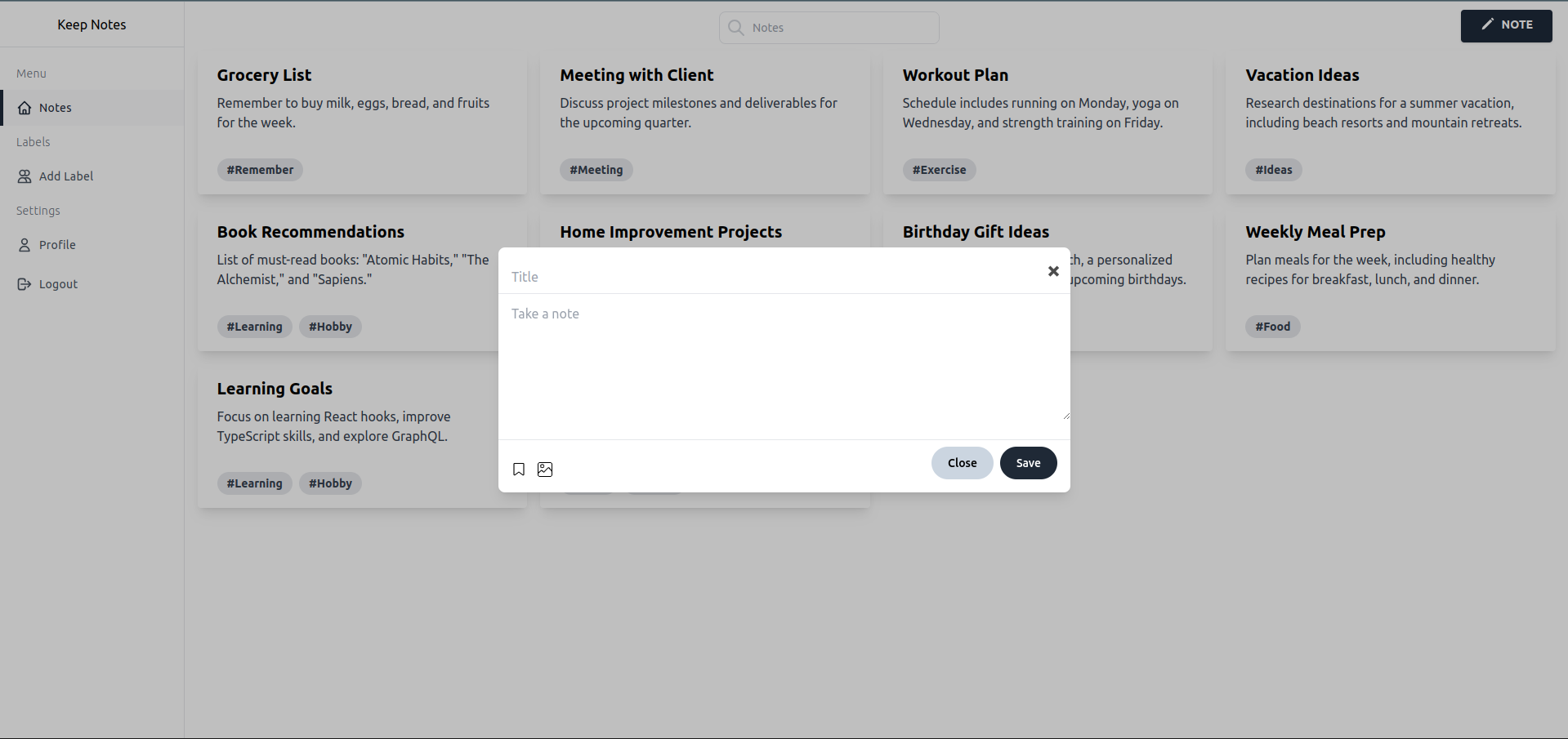
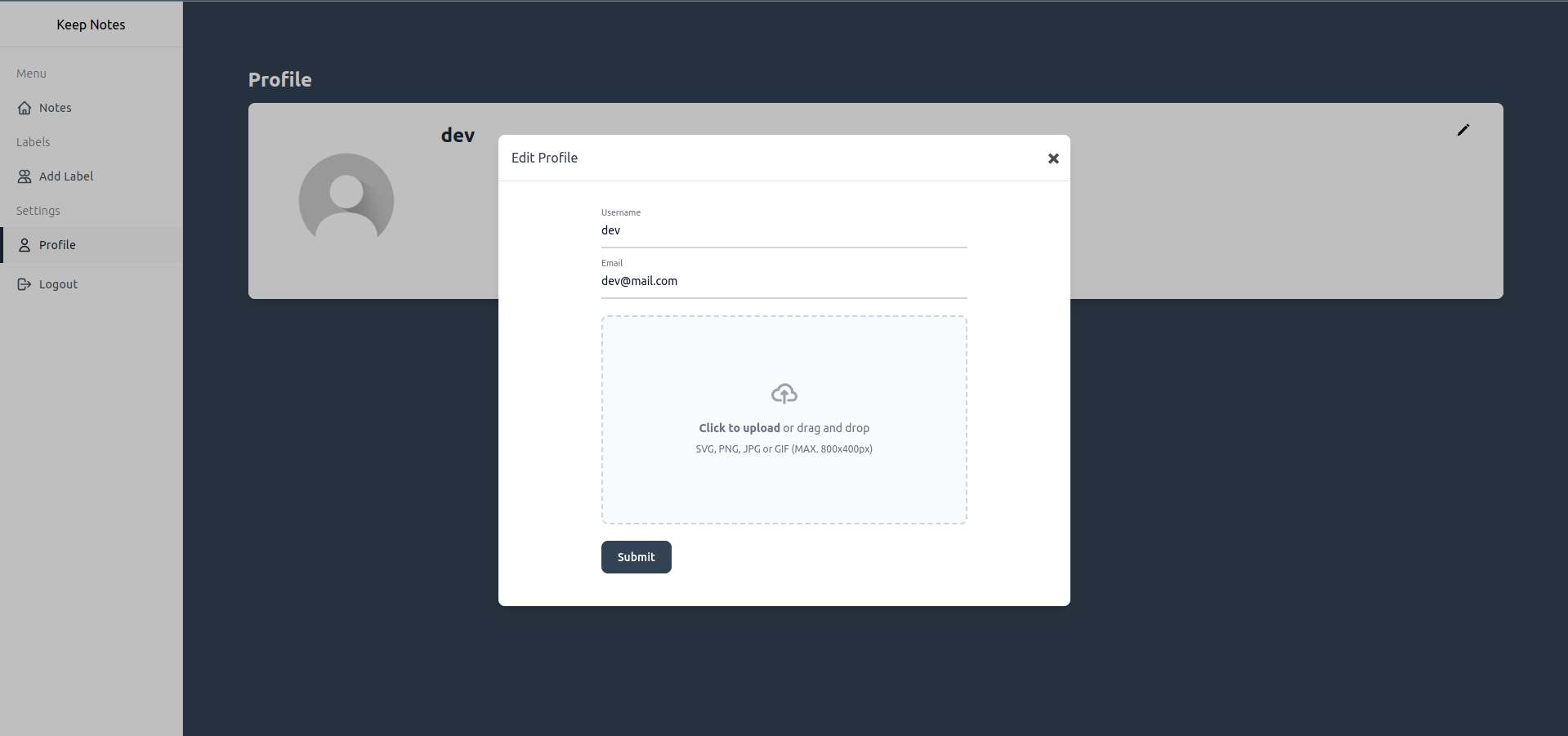
A simple notes application built using Vite, React, and Tailwind CSS. The app uses Firebase for storing notes and Firestore for storing images.
- Create, update, and delete notes
- Store notes in Firebase
- Upload and display images using Firestore
- Responsive design with Tailwind CSS



To get started with the project, follow these steps:
- Node.js (>=20.x)
-
Clone the repository:
git clone https://github.com/pratik-dabhi/keep-notes.git cd keep-notes -
Install dependencies:
npm install
-
Set up Firebase:
- Go to the Firebase Console.
- Create a new project.
- Add a web app to your project.
- Copy the Firebase configuration and create a .env file in the root directory of your project with the following variables:
VITE_FIREBASE_API_KEY=your_api_key
VITE_FIREBASE_AUTH_DOMAIN=your_auth_domain
VITE_FIREBASE_PROJECT_ID=your_project_id
VITE_FIREBASE_STORAGE_BUCKET=your_storage_bucket
VITE_FIREBASE_MESSAGING_SENDER_ID=your_messaging_sender_id
VITE_FIREBASE_APP_ID=your_app_id
VITE_FIREBASE_MEASUREMENT_ID=your_measurement_id
-
Run the development server:
npm run dev