Skip to content

Latest commit


History

History
20 lines (10 loc) · 707 Bytes

File metadata and controls

20 lines (10 loc) · 707 Bytes

Example using Visual Studio Code for Drupal projects

Requirements

Follow official instruction

Quick start

  • Open vscode command pallete and type "Clone Repository"
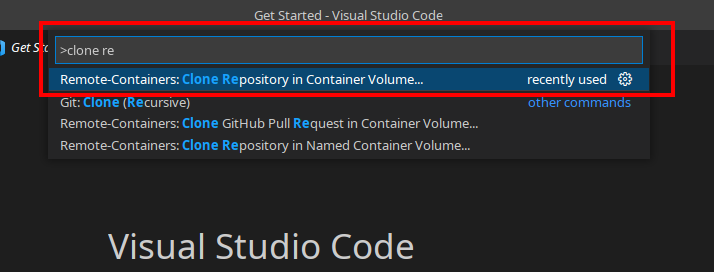
clone remote

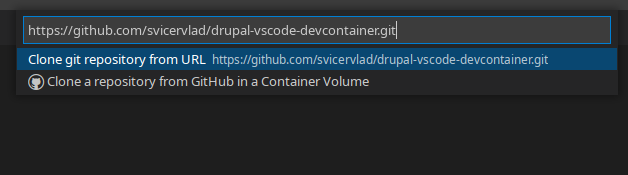
  • Copy https://github.com/svicervlad/drupal-vscode-devcontainer.git 2022-01-22_14-49
  • Wait to "composer install" and "drush site-install" commands is done

  • You can open http://localhost:8080 in your browser to see installed drupal