- Ruby 1.9.3+
- Rails 3.2.6+
- RVM
- Memcache
Make sure all the required libraries (memcache in particular) are installed before proceeding.
The first thing you'll want to do is clone the application to your computer.
git clone https://github.com/iovino/ruby-forum.git /path/to/install
Next, you need to create an RVM gemset for this app
rvm gemset create ruby-forums
Then create a .rvmrc file in the application's root folder
touch /path/to/install/.rvmrc
The contents of your .rvmrc file should look like this
rvm use ruby-1.9.3-p194@ruby-forums --create
Install all the gems
bundle install
Edit config/database.yml accordingly and create the databases
rake db:create
Migrate the database
rake db:migrate
Seed the database
rake db:seed
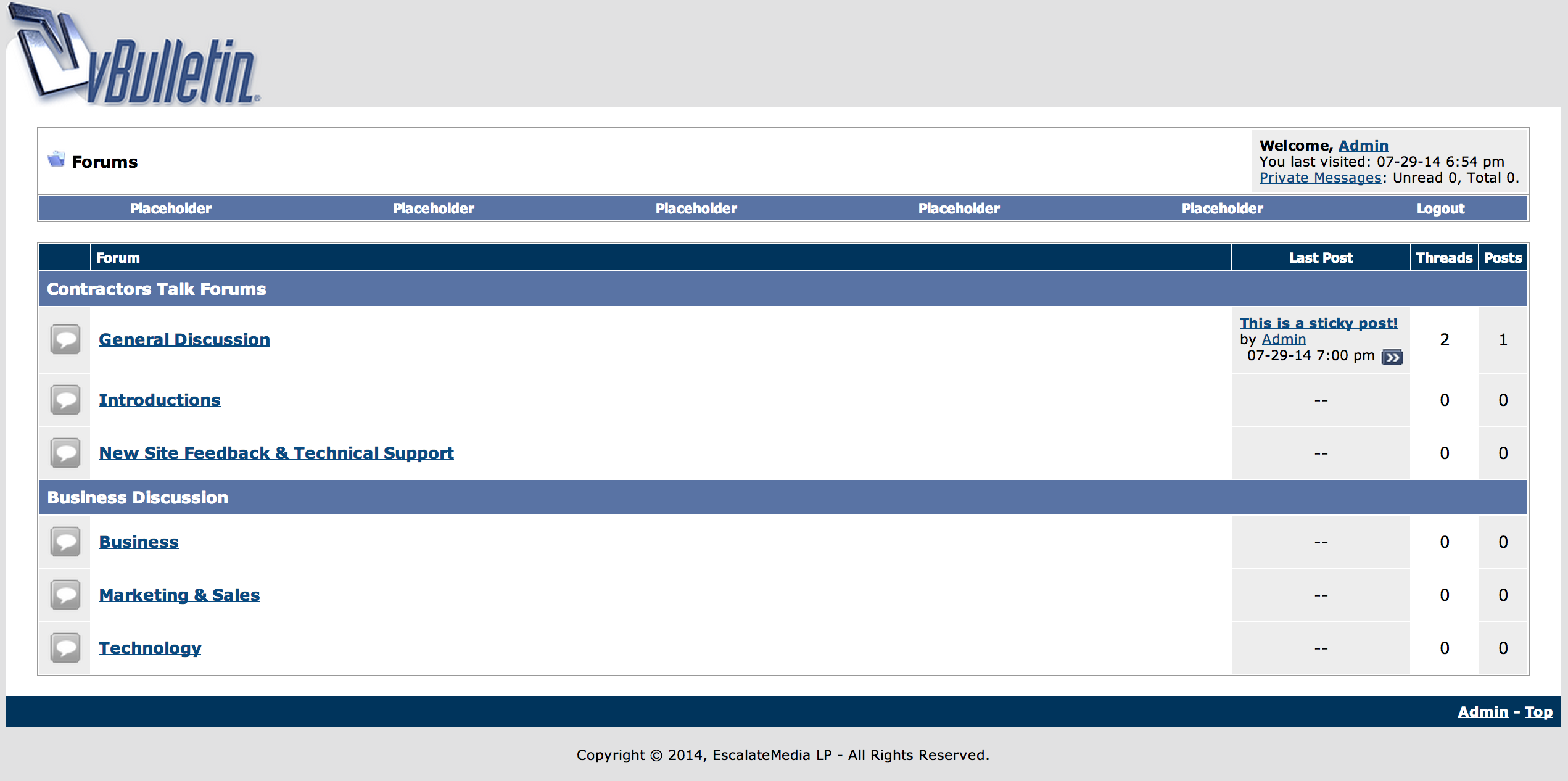
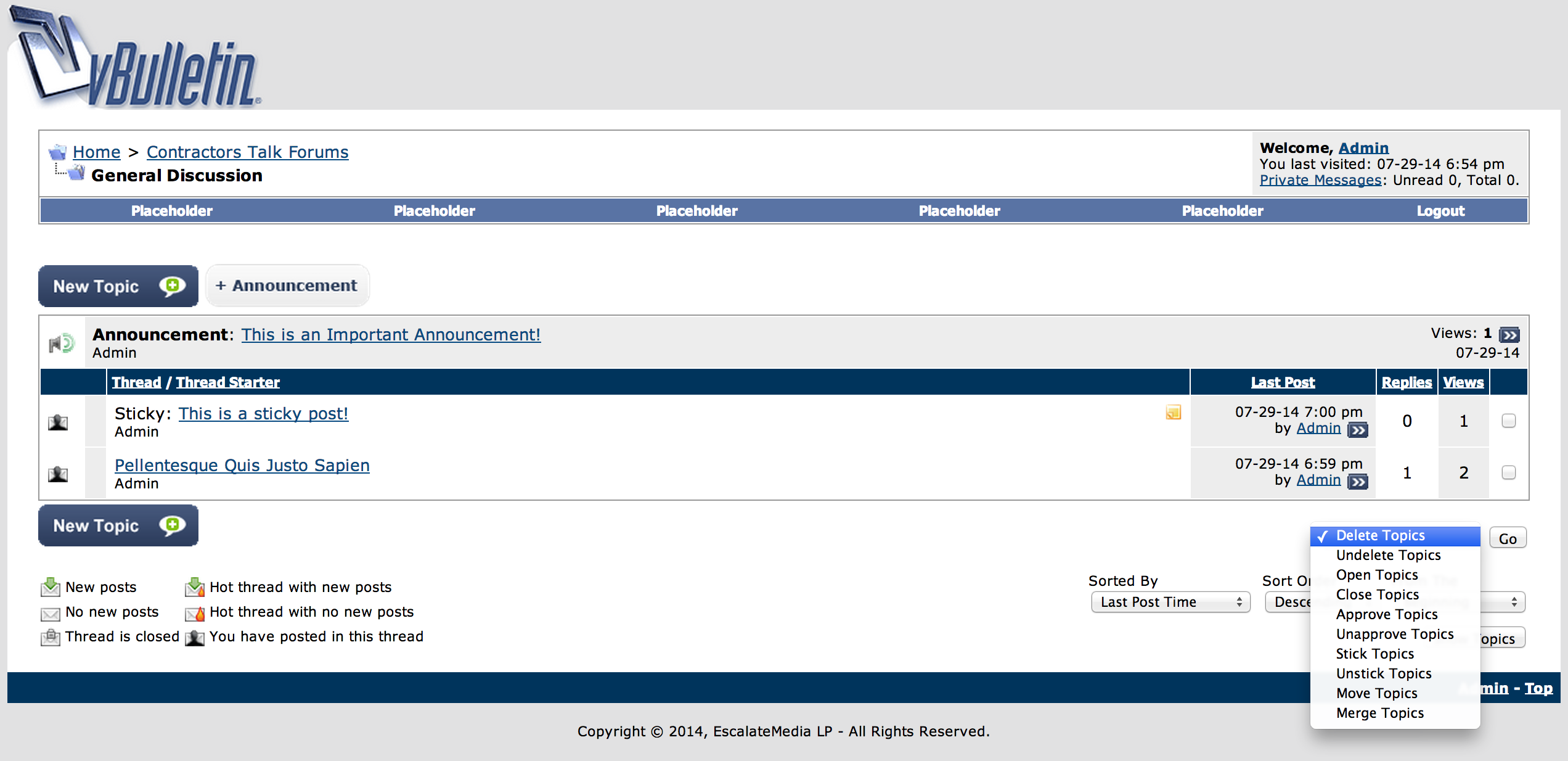
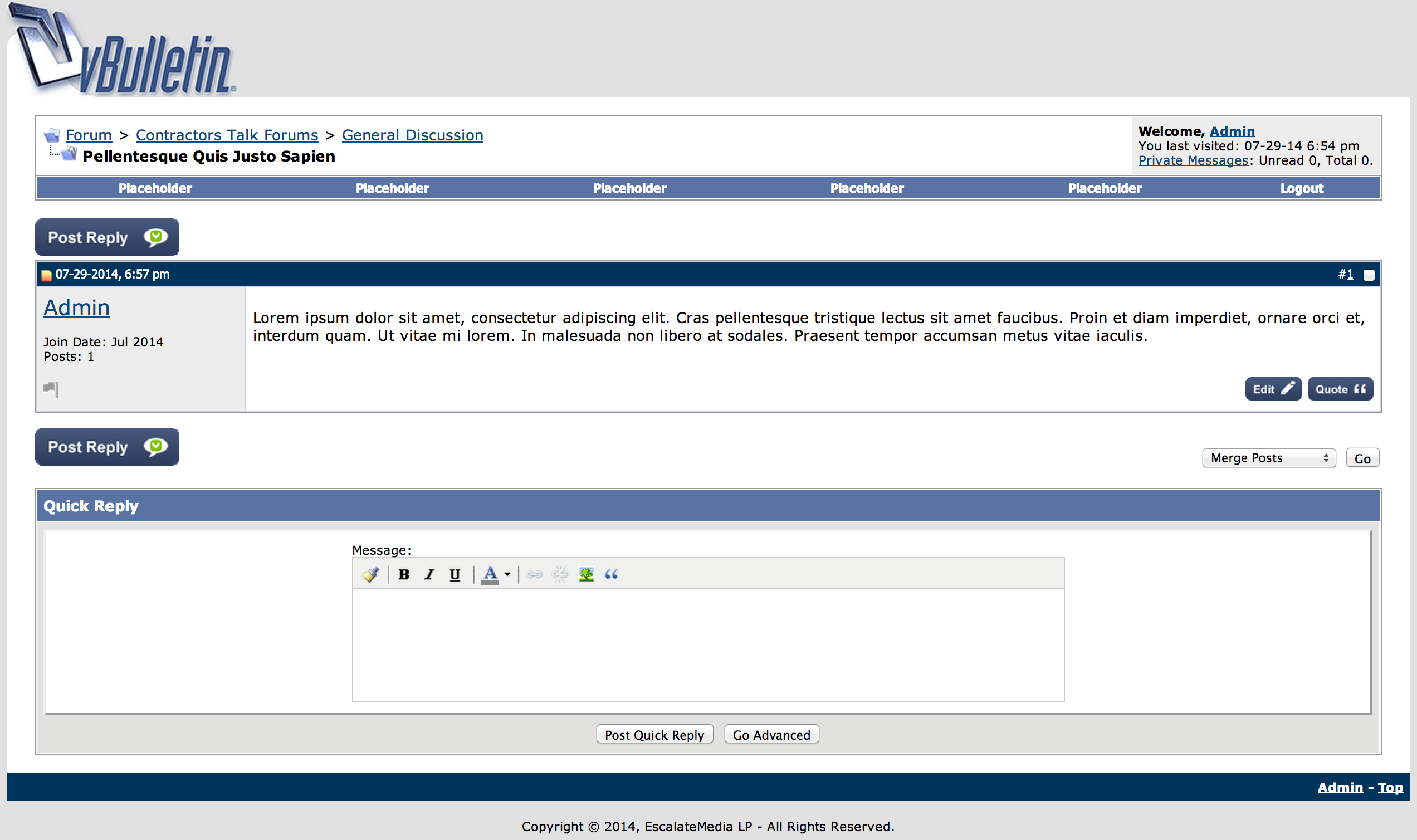
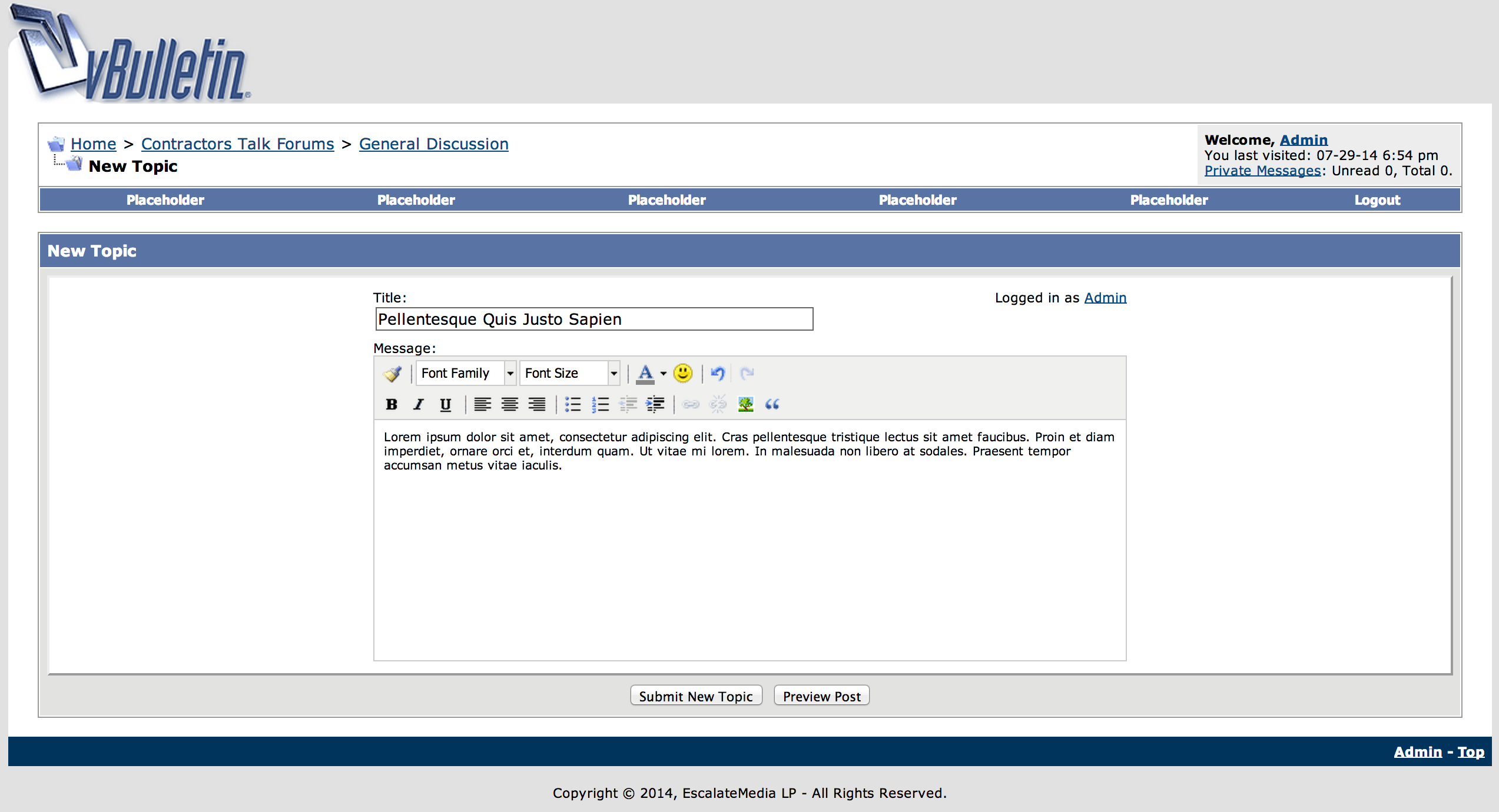
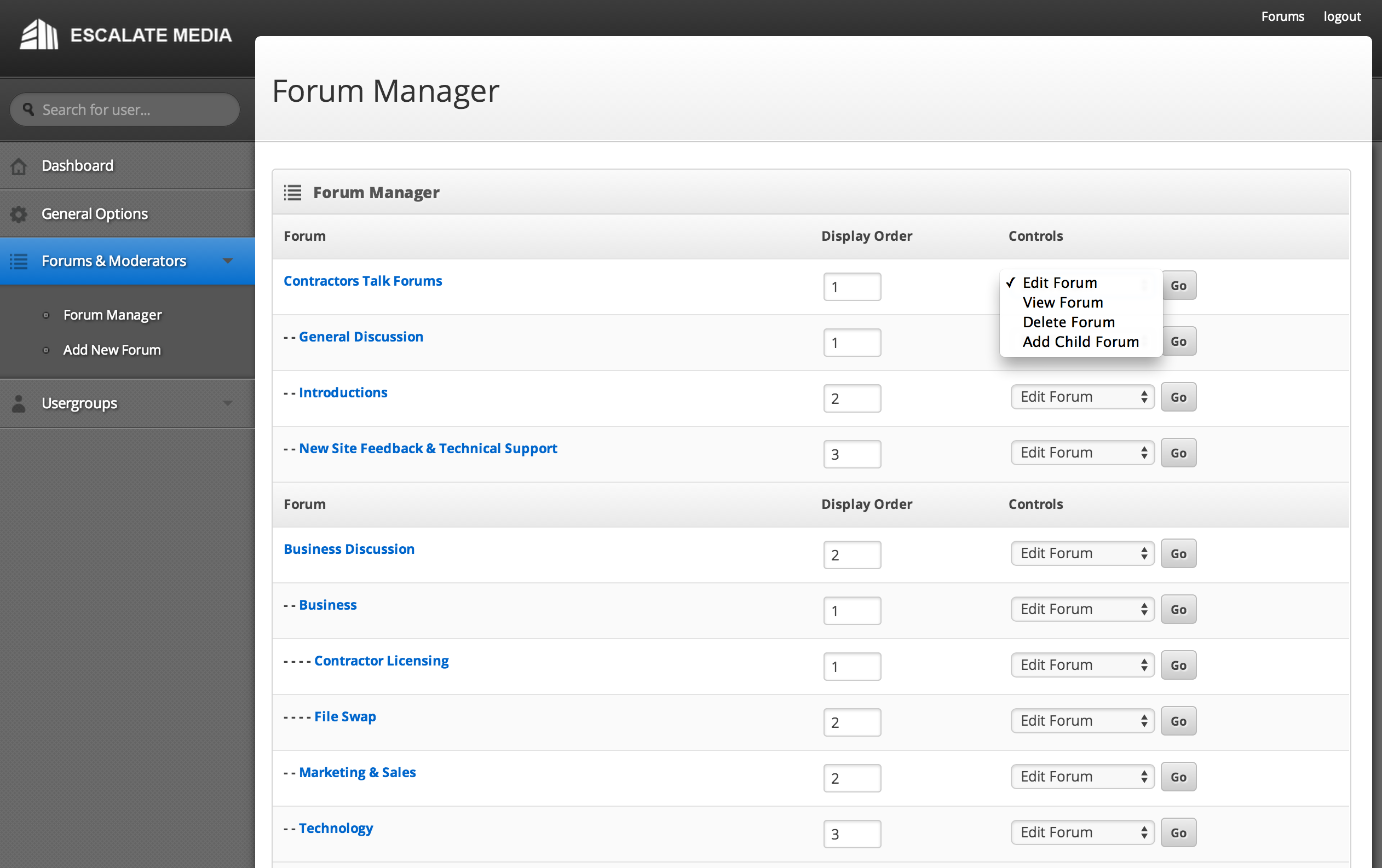
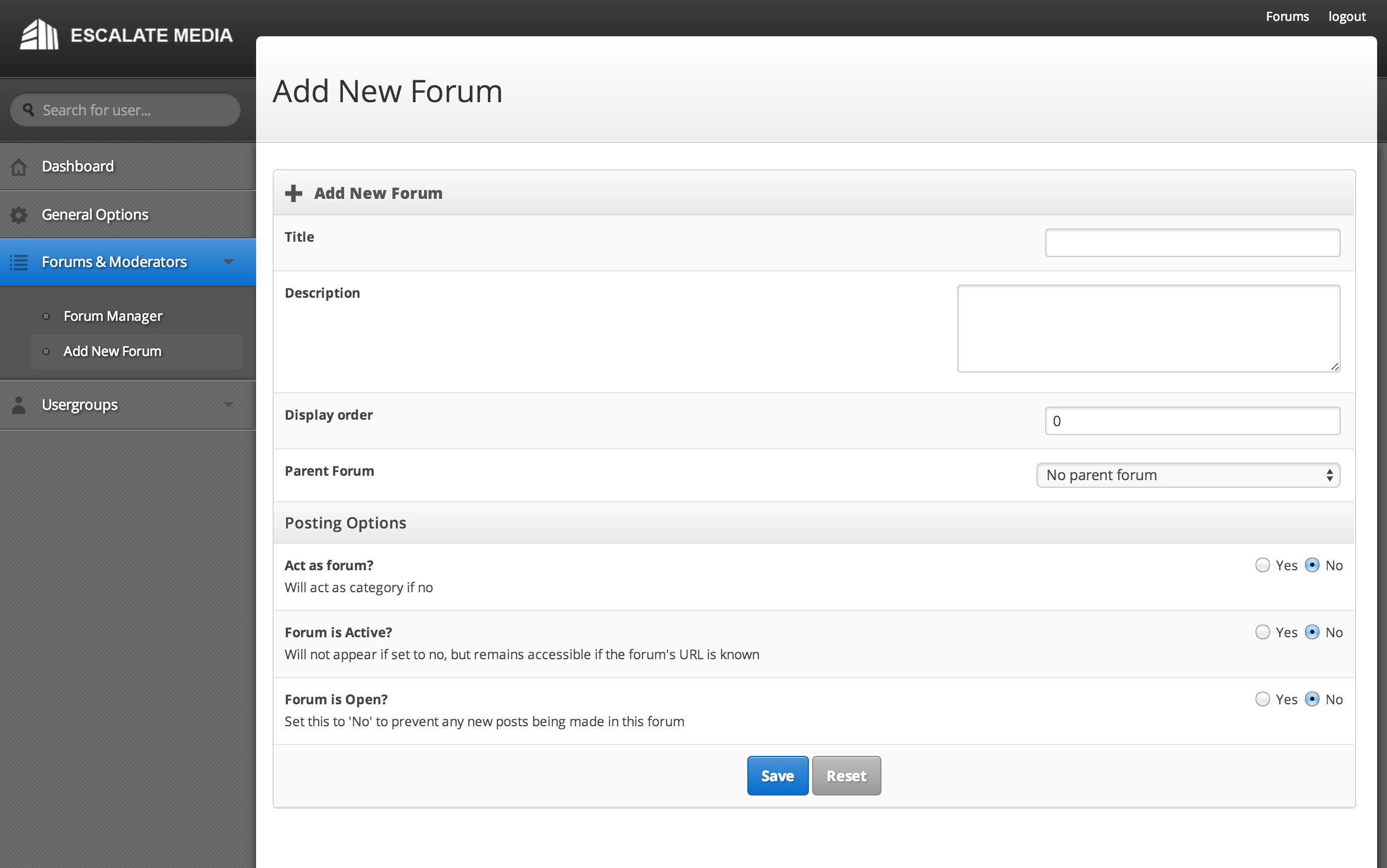
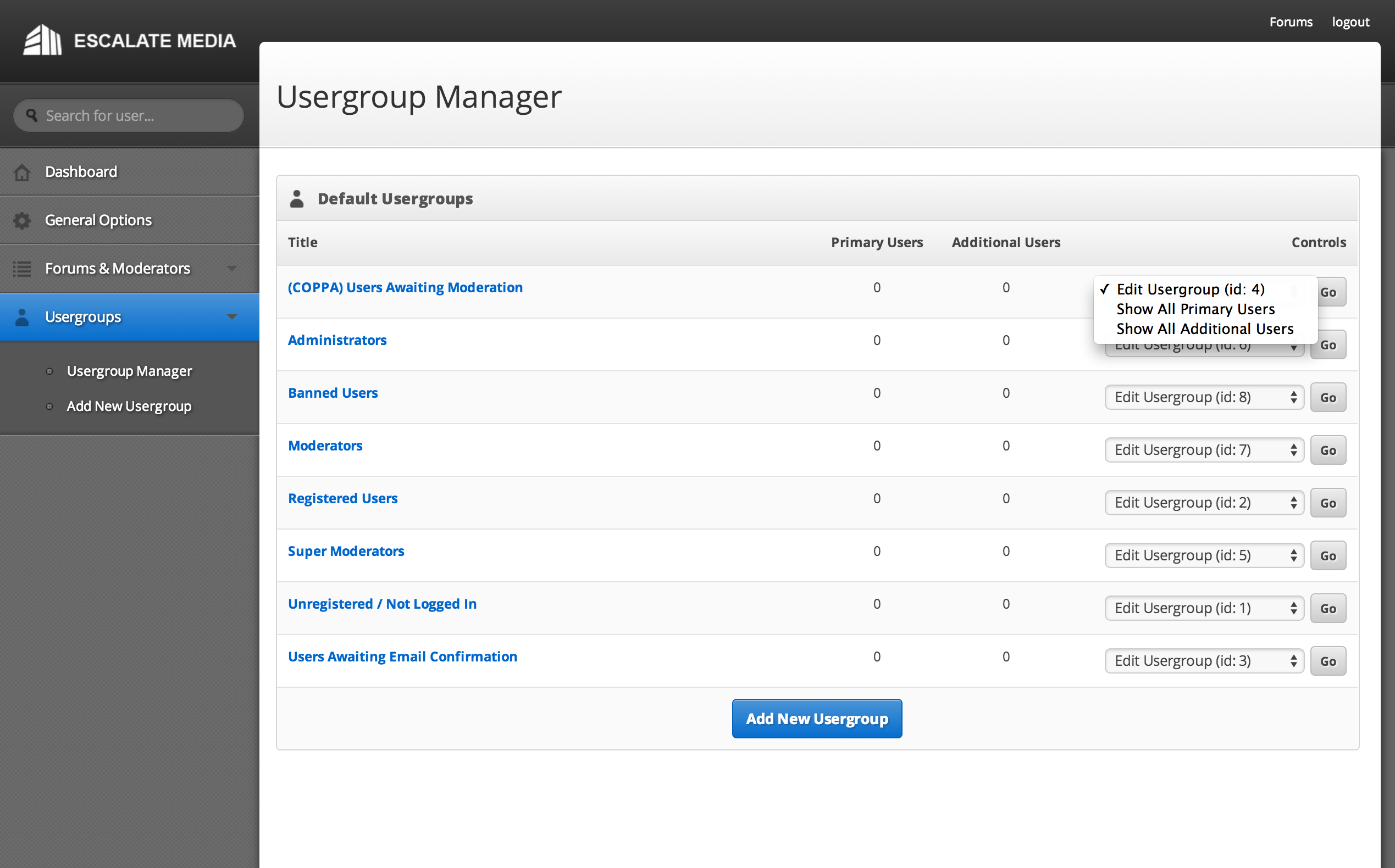
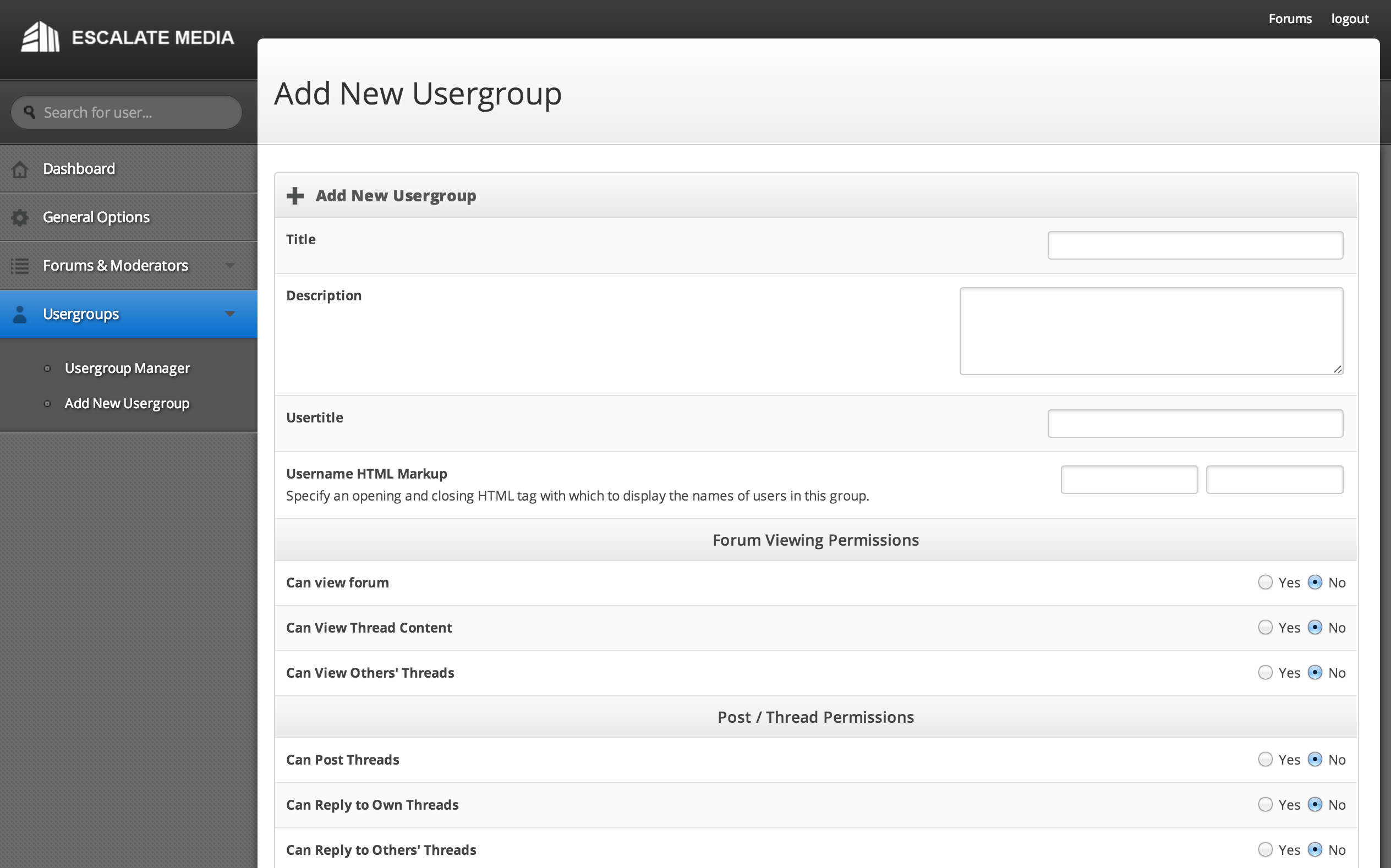
Start the server and log into the forums using the following credentials:
admin@escalatemedia.com / admin