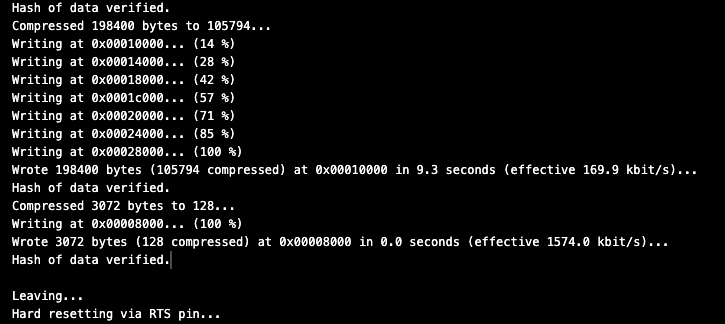
Documentation showing that programming the ESP32 is successful
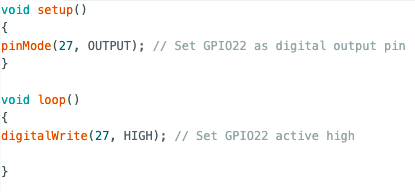
Basic code to set GPIO high:
Programming:
Multimeter:
IMG_1272.MOV
To program the ESP32:
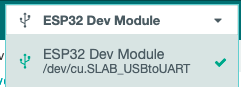
- Set upload speed to 115200 and flash frequency to 80MHz
- Connect the USB to serial converter to the UART wires (careful not to connect 5V or the board will fry)
- Hold the Reset and Boot buttons together
- Press the upload code button on the Arduino IDE while still holding both buttons
- Once "uploading" pops up on the terminal release the Reset button
- Once "connectinng" displays on the terminal release the Boot button
- It may be necessary to reset the board after uploading code
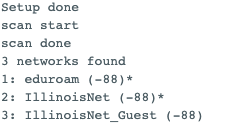
The Arduino IDE has a wifi scan example and it worked as expected: