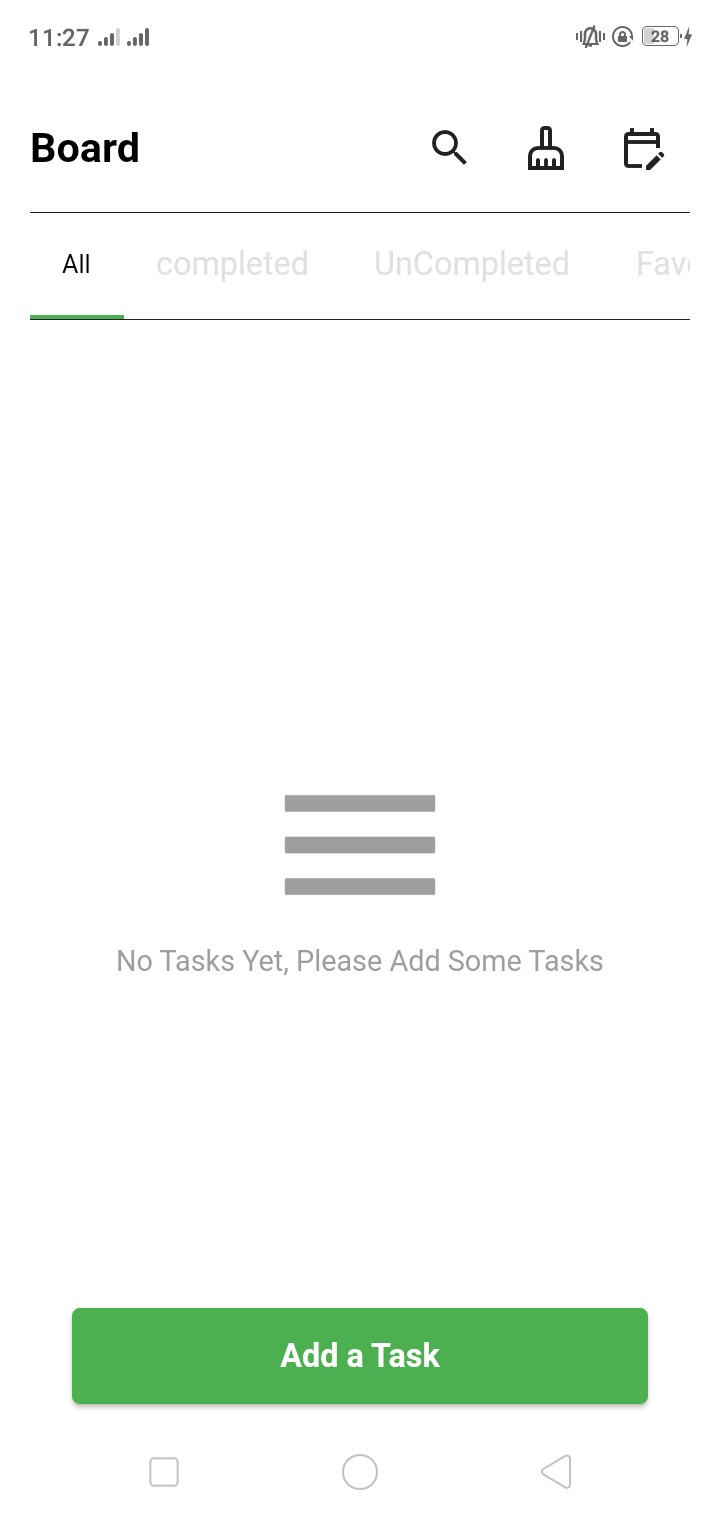
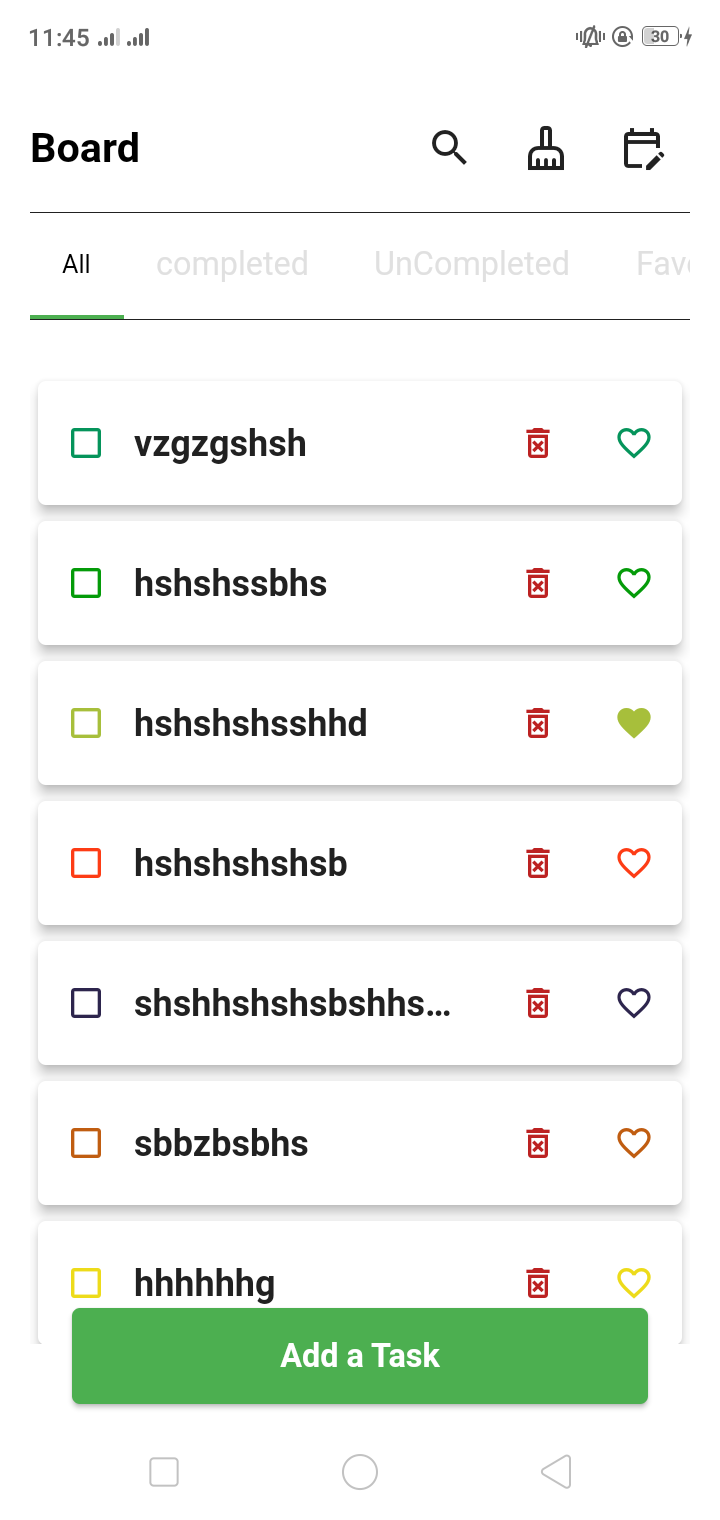
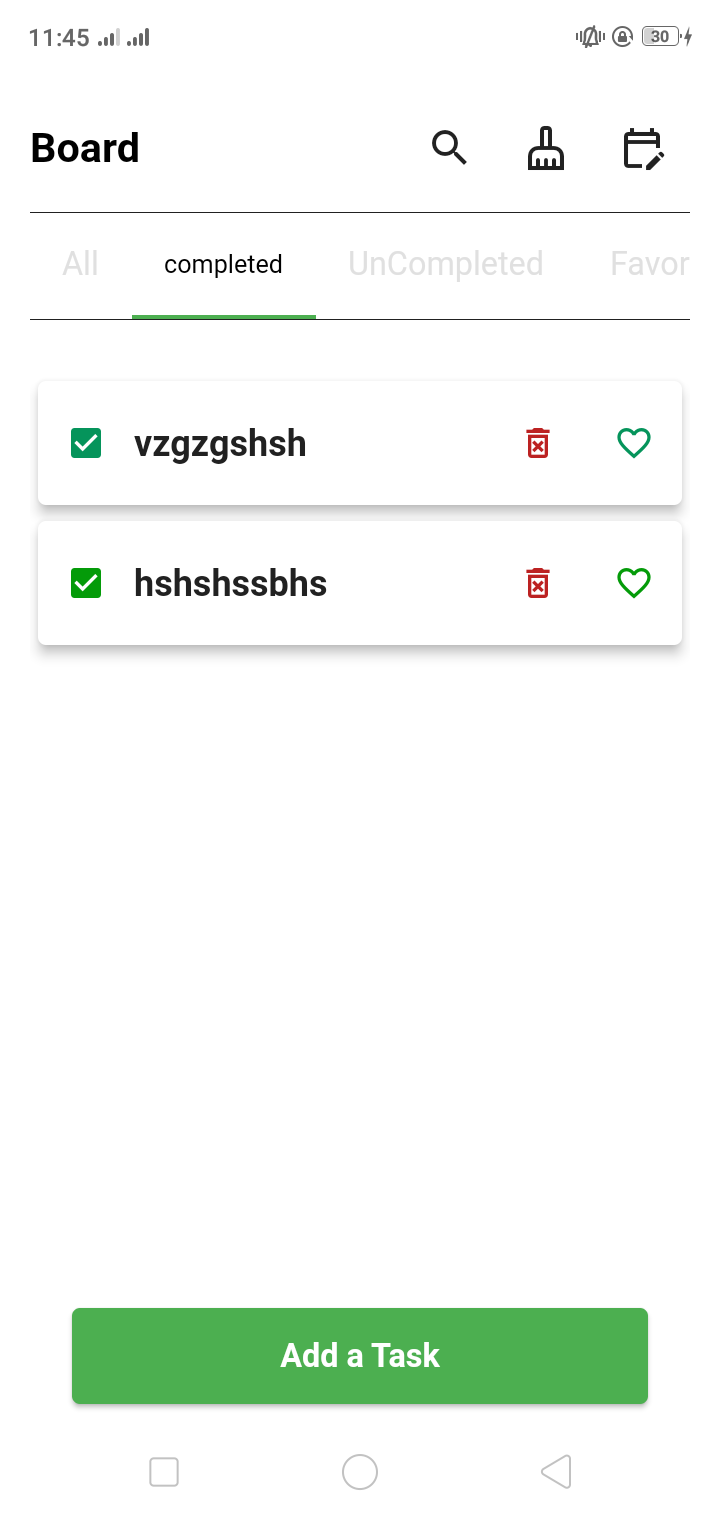
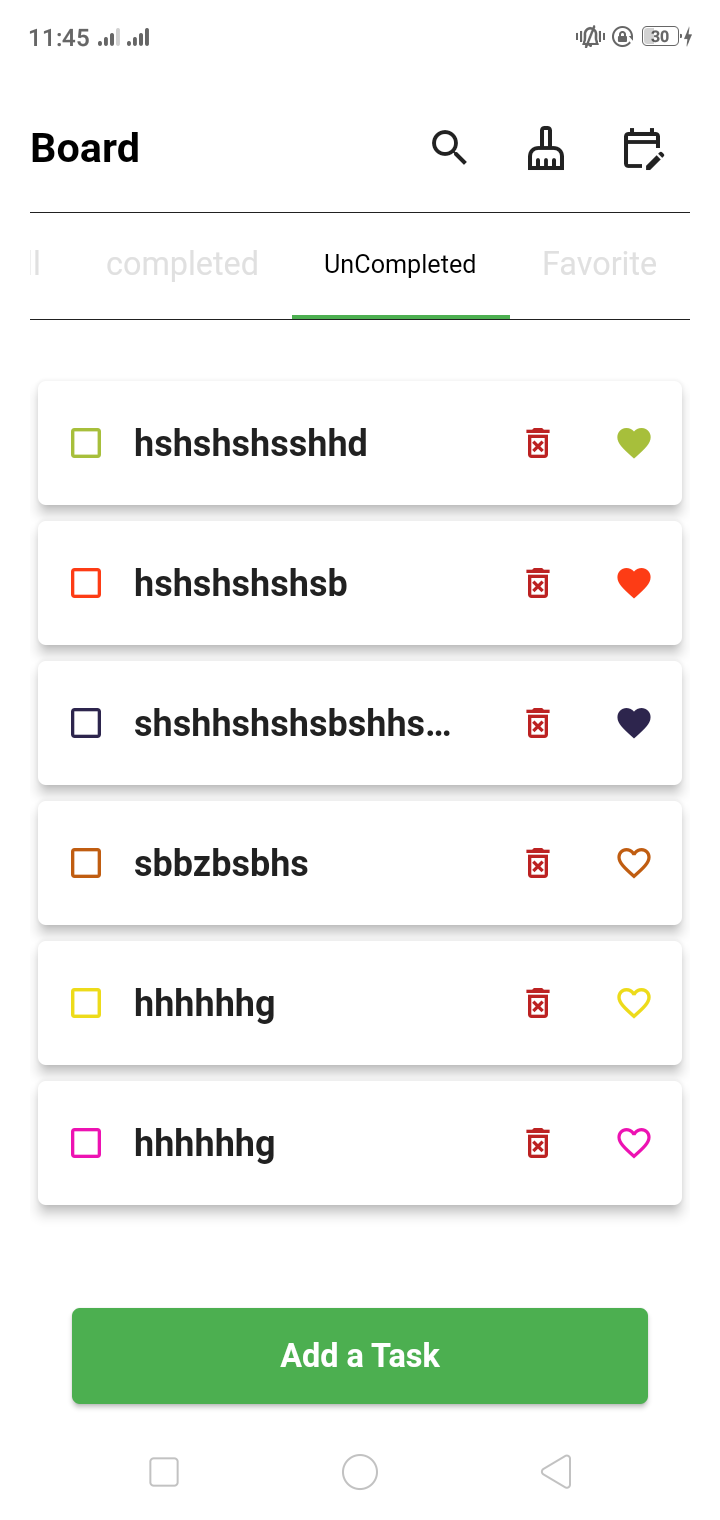
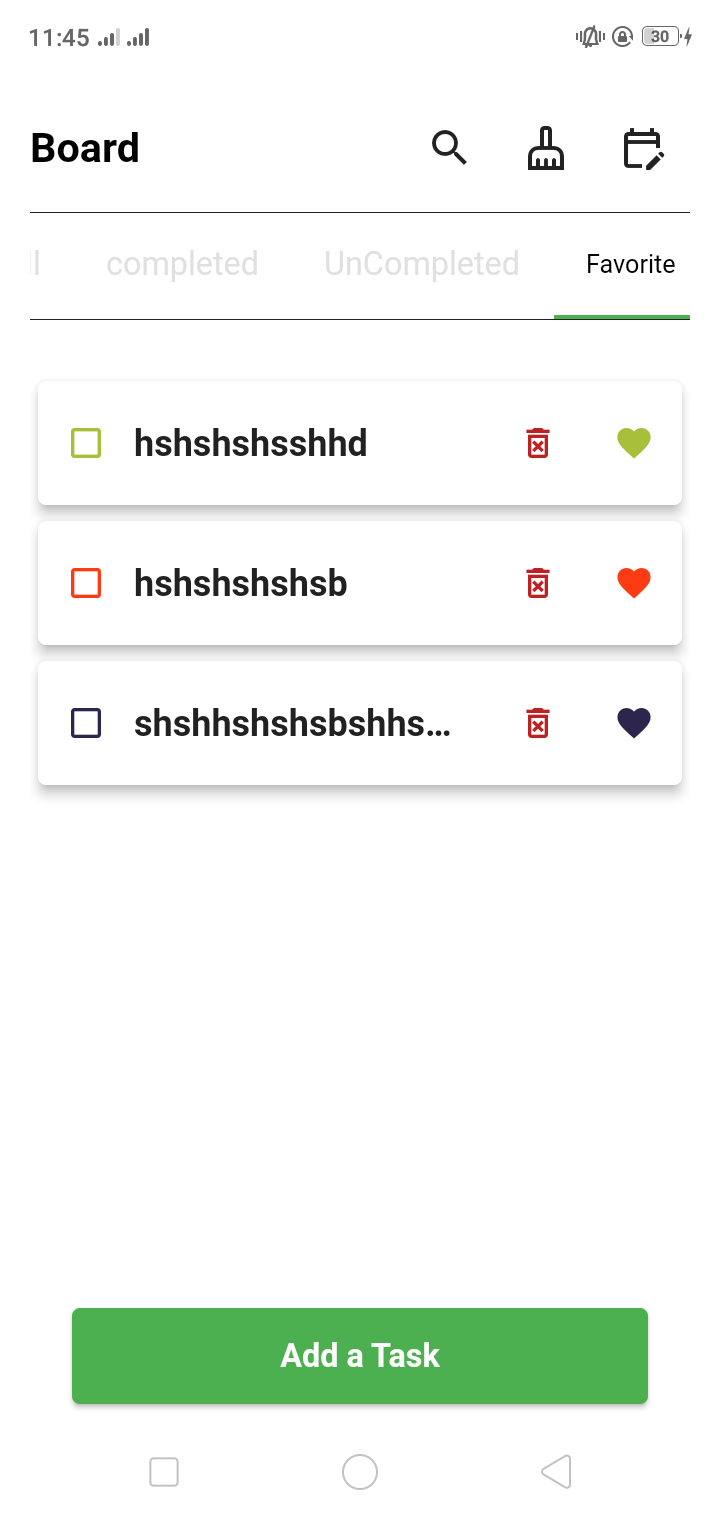
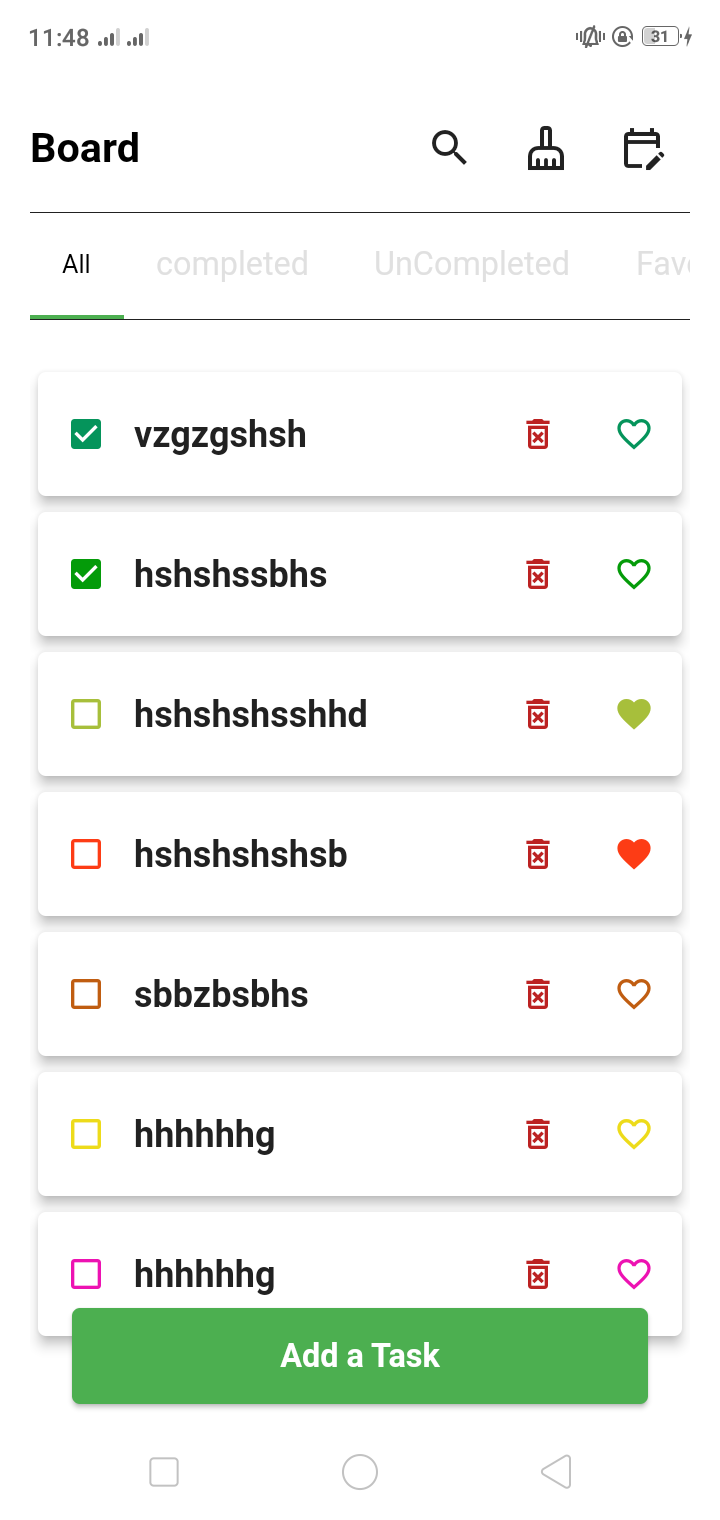
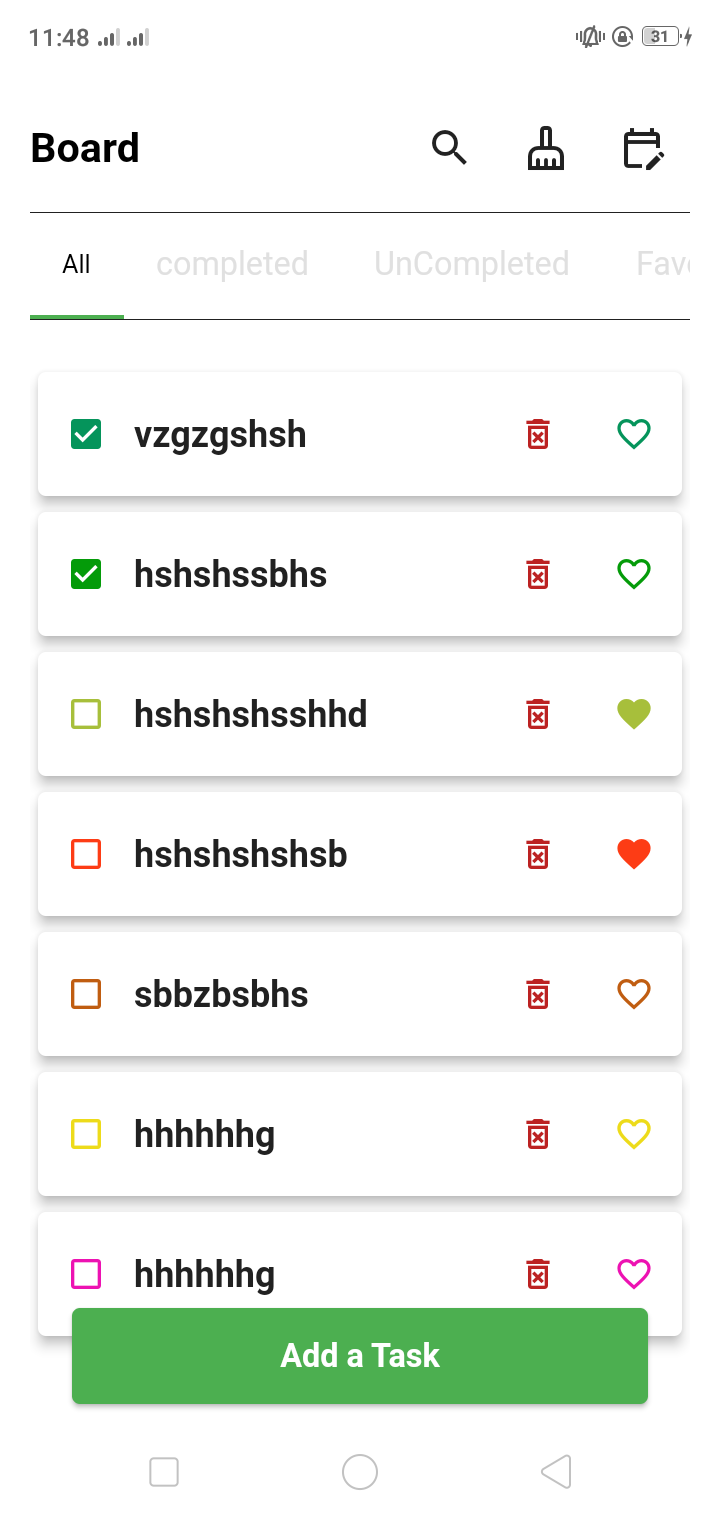
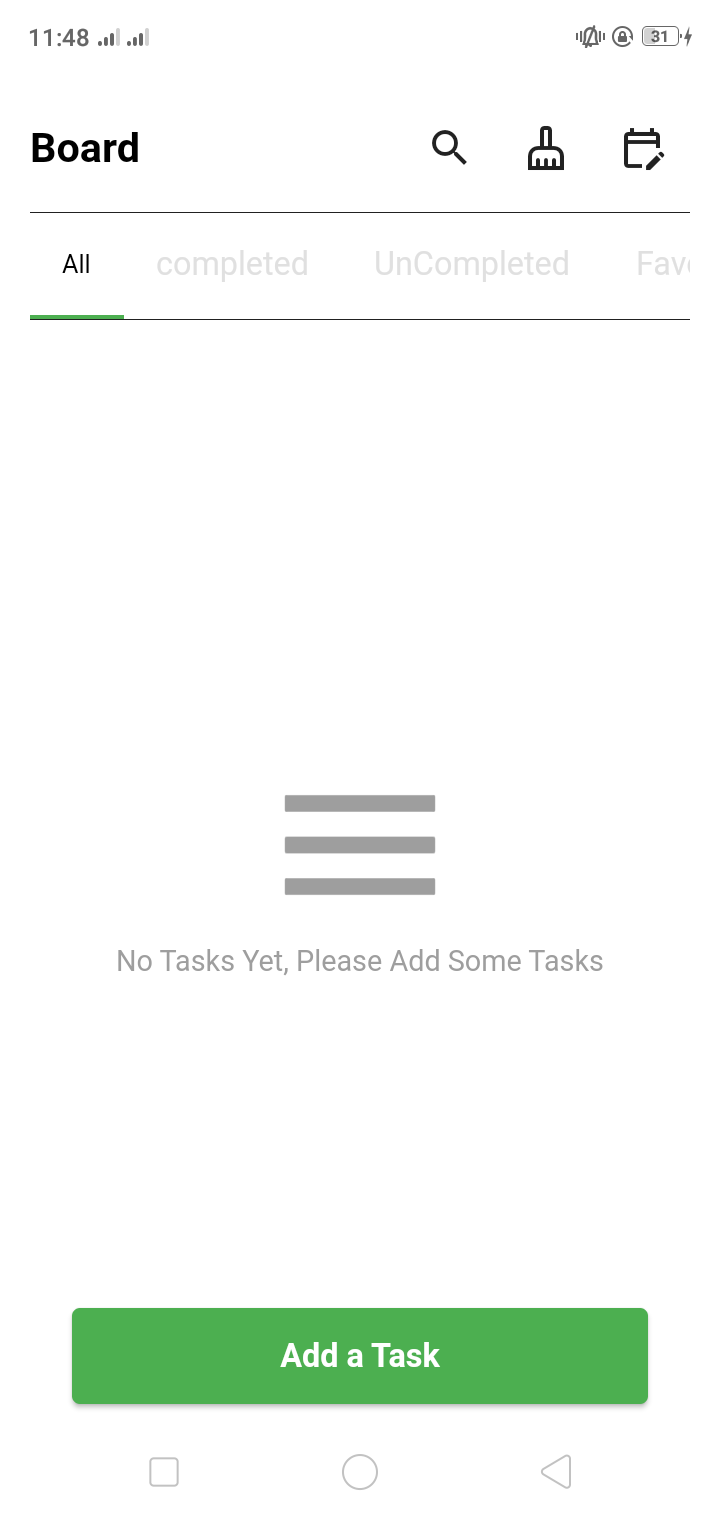
- board :
- all tasks
- completed
- uncompleted
- favorite
- navigation to
- scheduale
- search
- add new task
- delete all tasks
- details
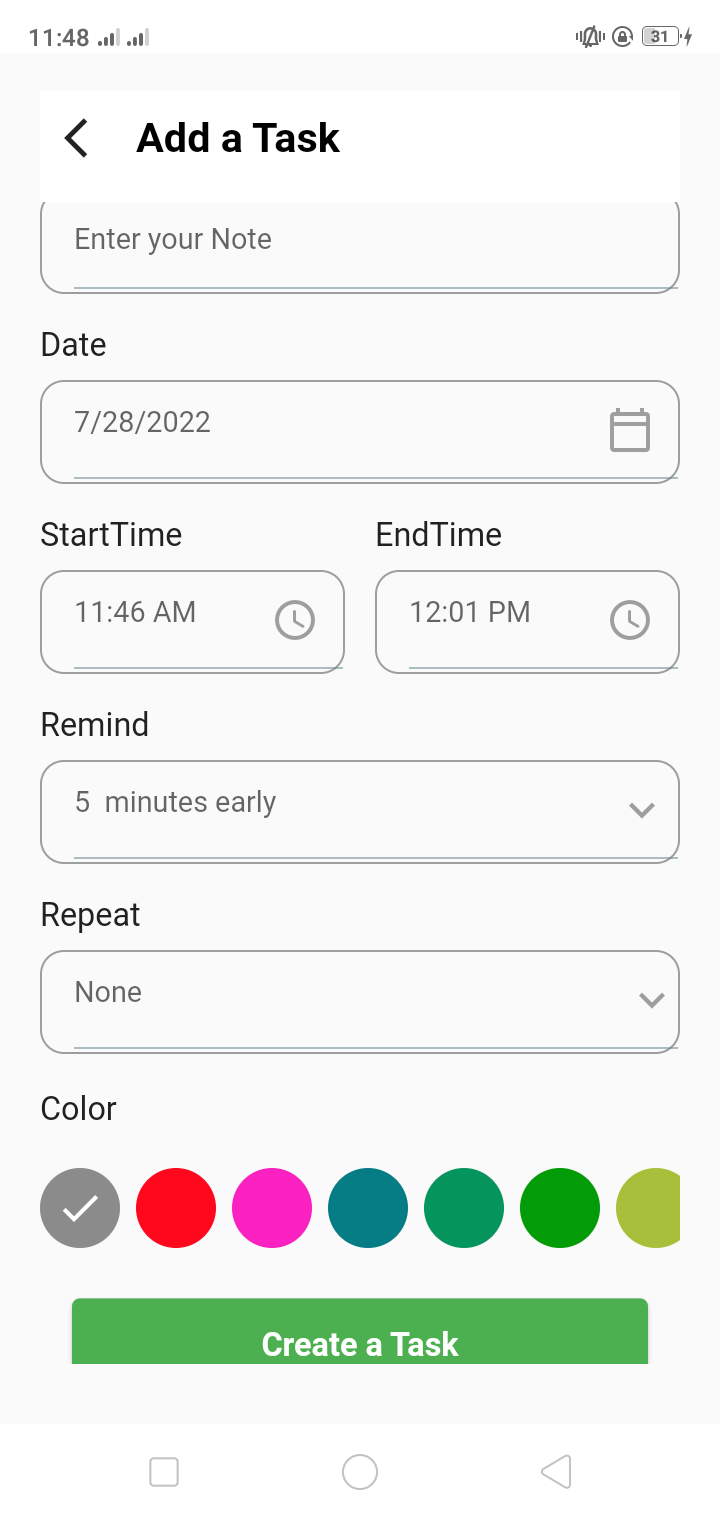
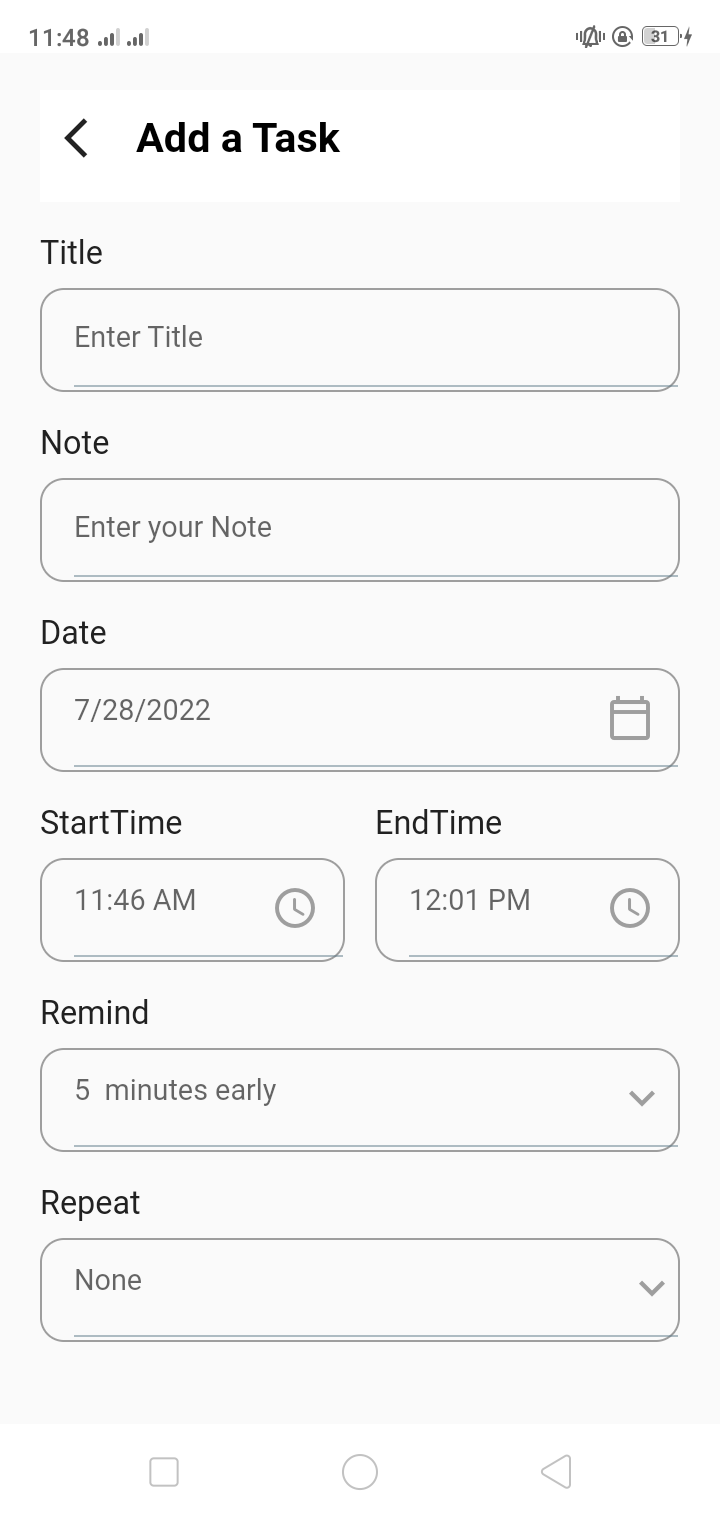
- add new tasks :
- fields and button to add
- the same page when you navigate to it by edit button it will be to update all feilds of the task
- schedule :
- date timeline scroll infinite to show all taks at its date time
- all date time and tasks interactive
- details :
- that have all task details you can navigate to it any wher you click on the task card
- it have an edit button to edit all task feilds
- when you click on notifications you go to the task schedual by its date time
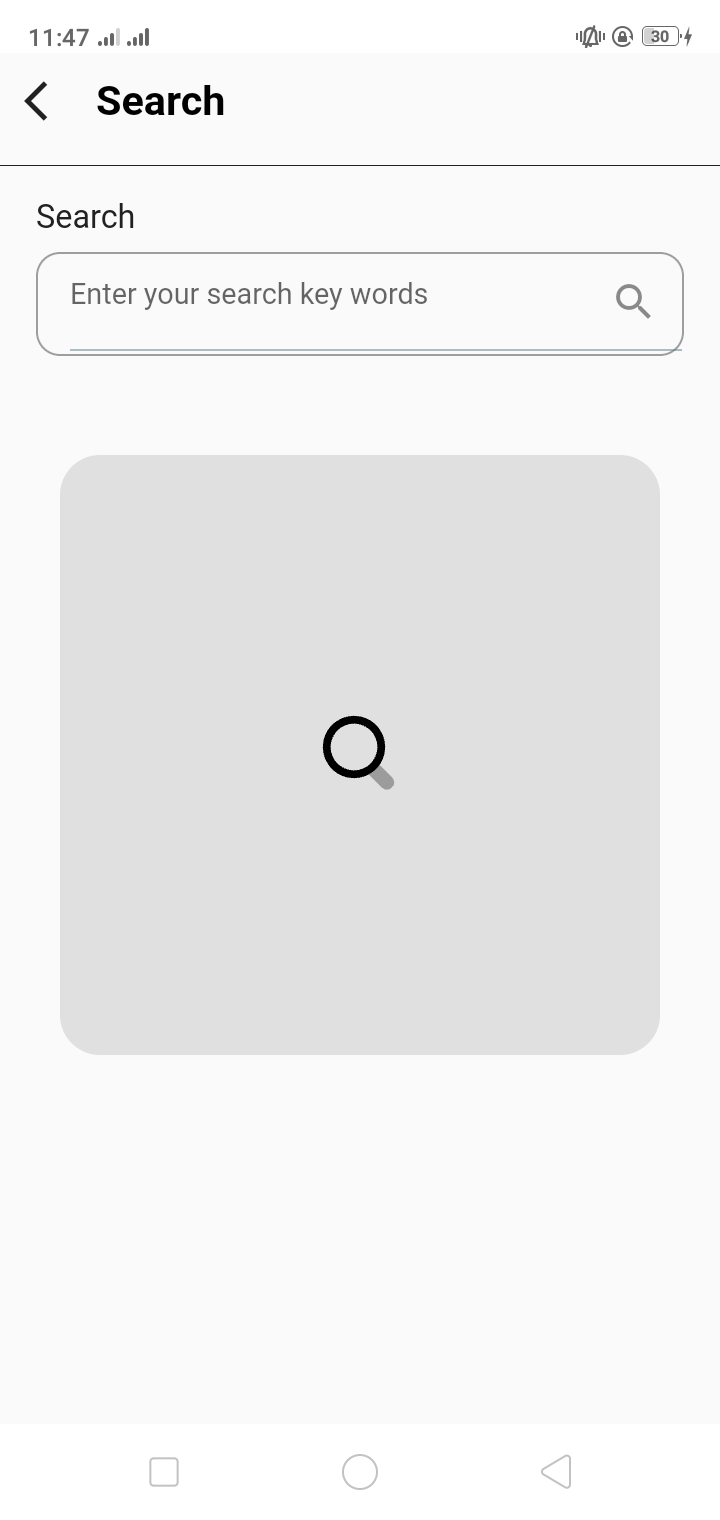
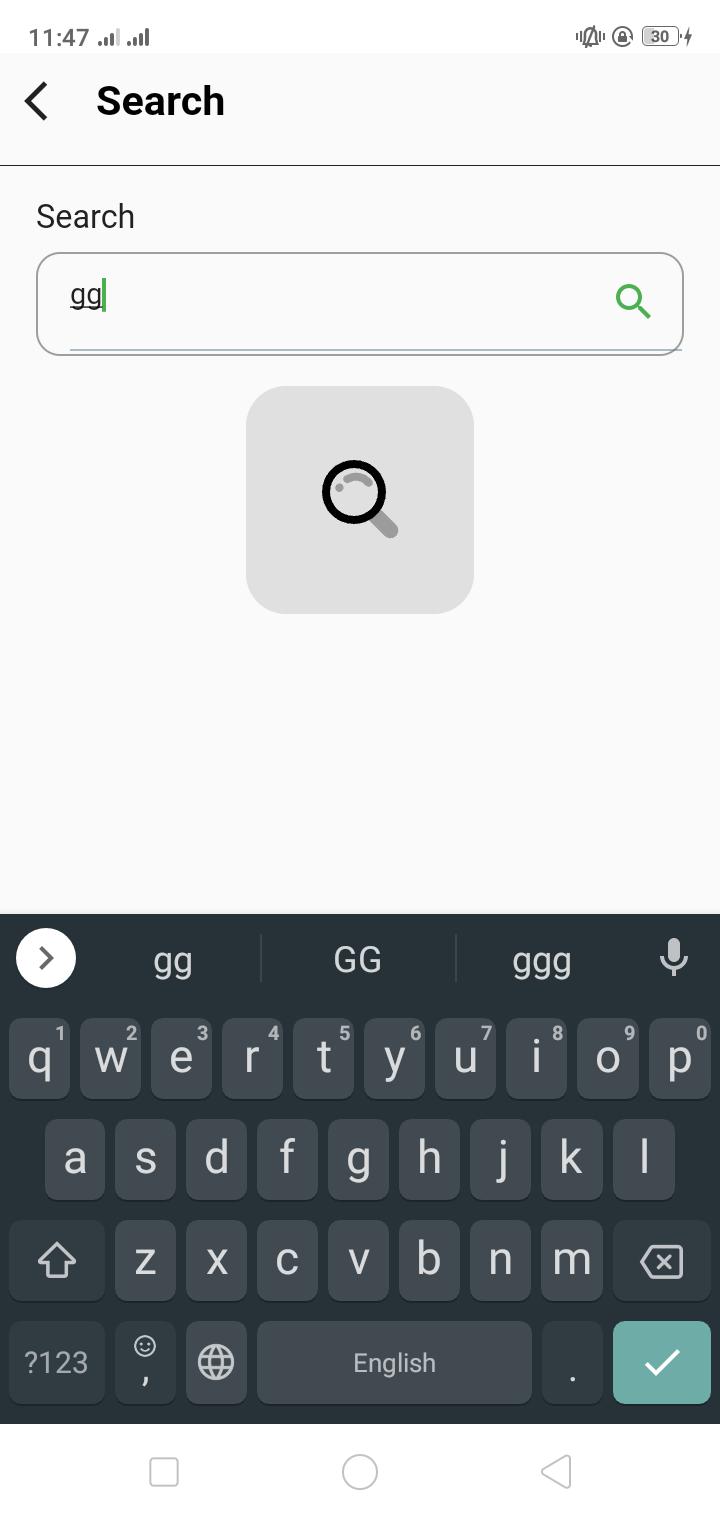
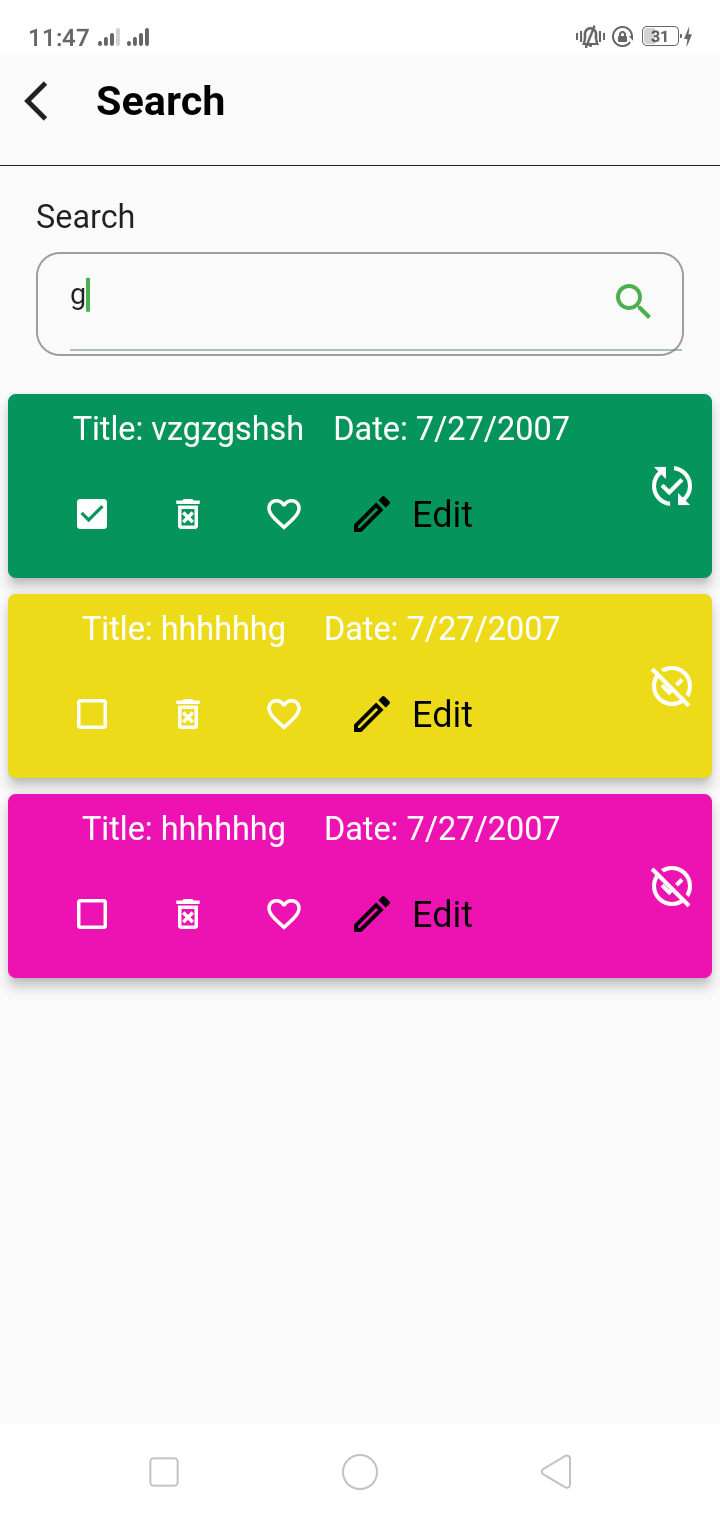
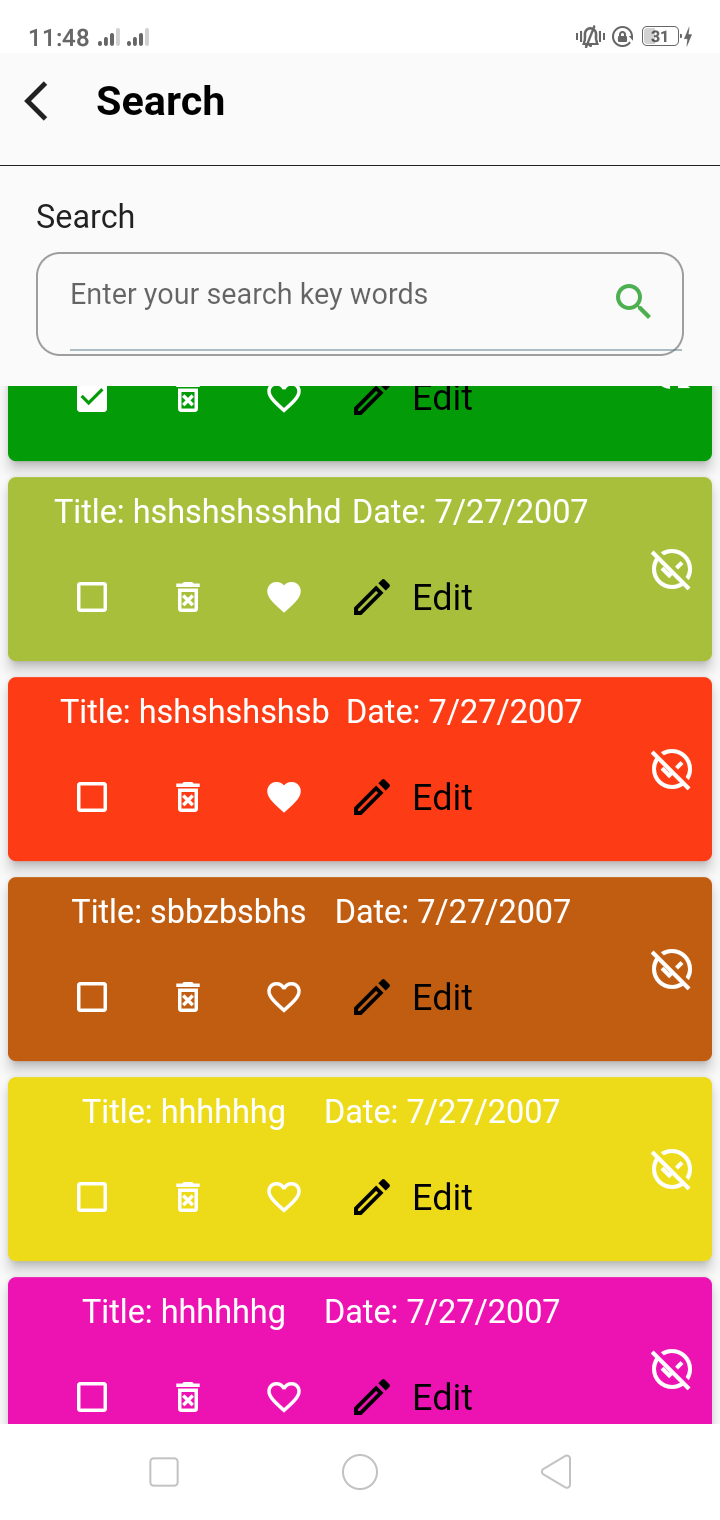
- search
- search by key words and click search to have all tasks is there no tasks it will be show you an empty value
- delete all tasks with the delete button on the head of the boerd screen
20220728_112230.mp4
This project is a starting point for a Flutter application.
A few resources to get you started if this is your first Flutter project:
For help getting started with Flutter development, view the online documentation, which offers tutorials, samples, guidance on mobile development, and a full API reference.