
BSHighlightableTextView is an easy way to add highlight functionality to UITextView.
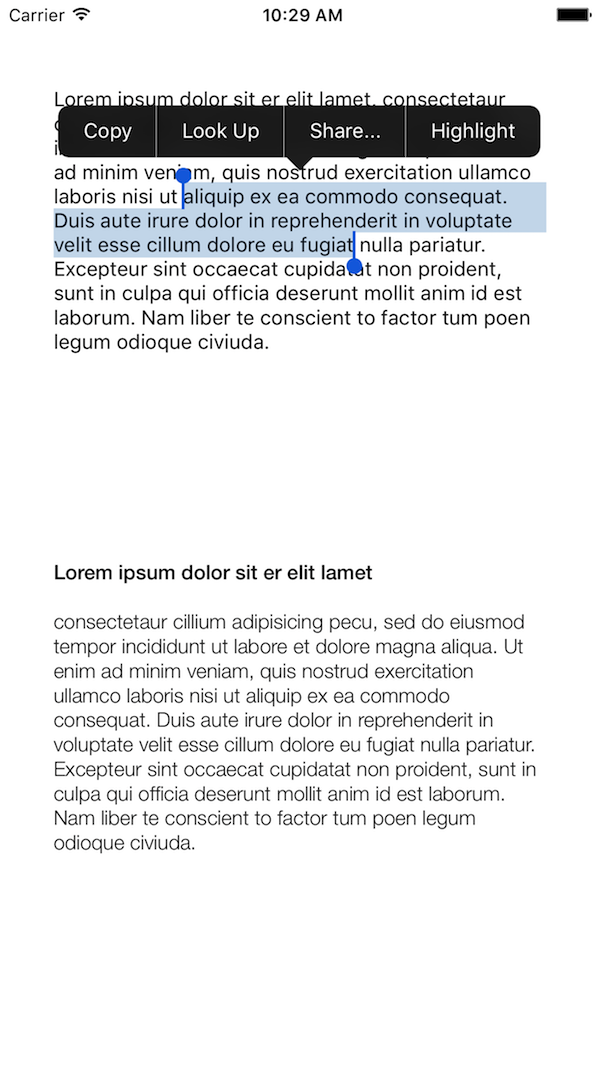
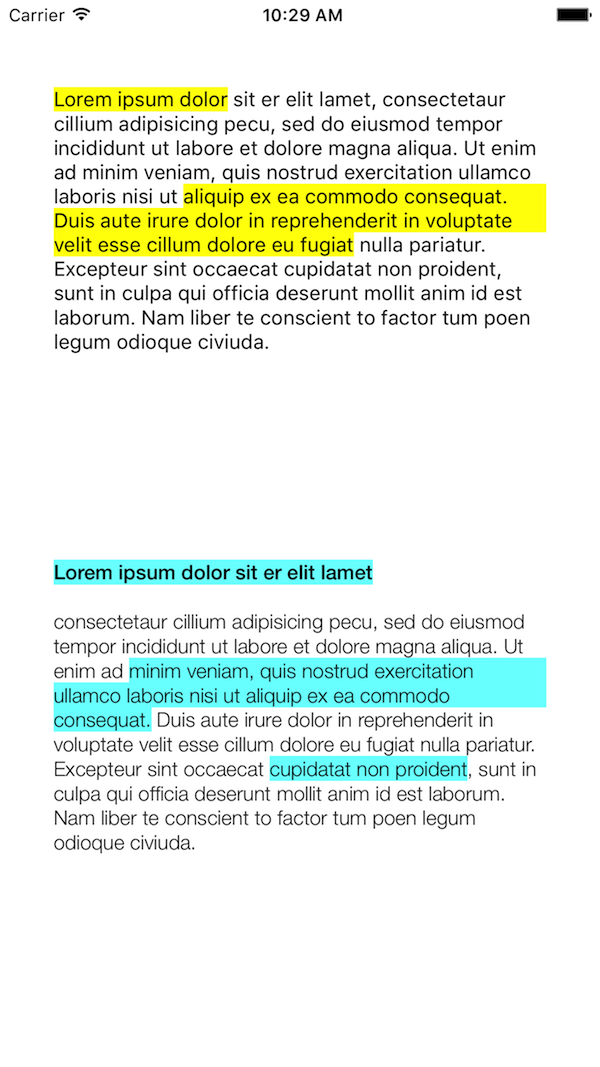
- Regular
UITextViewfunctionality - Custom title for "Highlight" menu
- Custom color for highlight
- Easy implementation
- Works with attributted text without changing format
- Swift
- CocoaPods support
- Persistence
- Swift 4.2
- iOS 9 or higher
To install BSHighlightableTextView using CocoaPods, please integrate it in your existing Podfile, or create a new Podfile:
platform :ios, '9.0'
use_frameworks!

target 'MyApp' do
  pod 'BSHighlightableTextView'
end
Then run pod install.
BSHighlightableTextView is written in Swift. You can use Interface Builder to set the properties of the view or you can do it programmatically:
//'highlightText' can be nil, the default value will be "Highlight".
//'highlightColor' can be nil, the default value will be Yellow.
let textView = BSHighlightableTextView(aFrame: CGRect(x: 0, y: 0, width: 100, height: 100), aTextContainer: nil, viewIdentifier: "myTextView1", highlightText: "Highlight", highlightColor: UIColor.red)
self.view.addSubview(textView)
If you user Interface Builder, just make sure to set the property "viewIdentifier". This is super important for persistence to work.
If you have any question of feature request feel free to reach out on Twitter @Makias or on Stack Overflow with the tag BSHighlightableTextView. If you find any bug please post an issue or submit a pull request.
BSHighlightableTextView is distributed under the MIT license.