Hello, I've been having issues using hardware rendering, and can't seem to debug further.
Using software rendering with the environment variable QT_QUICK_BACKEND=software, the rendering is basically perfect:
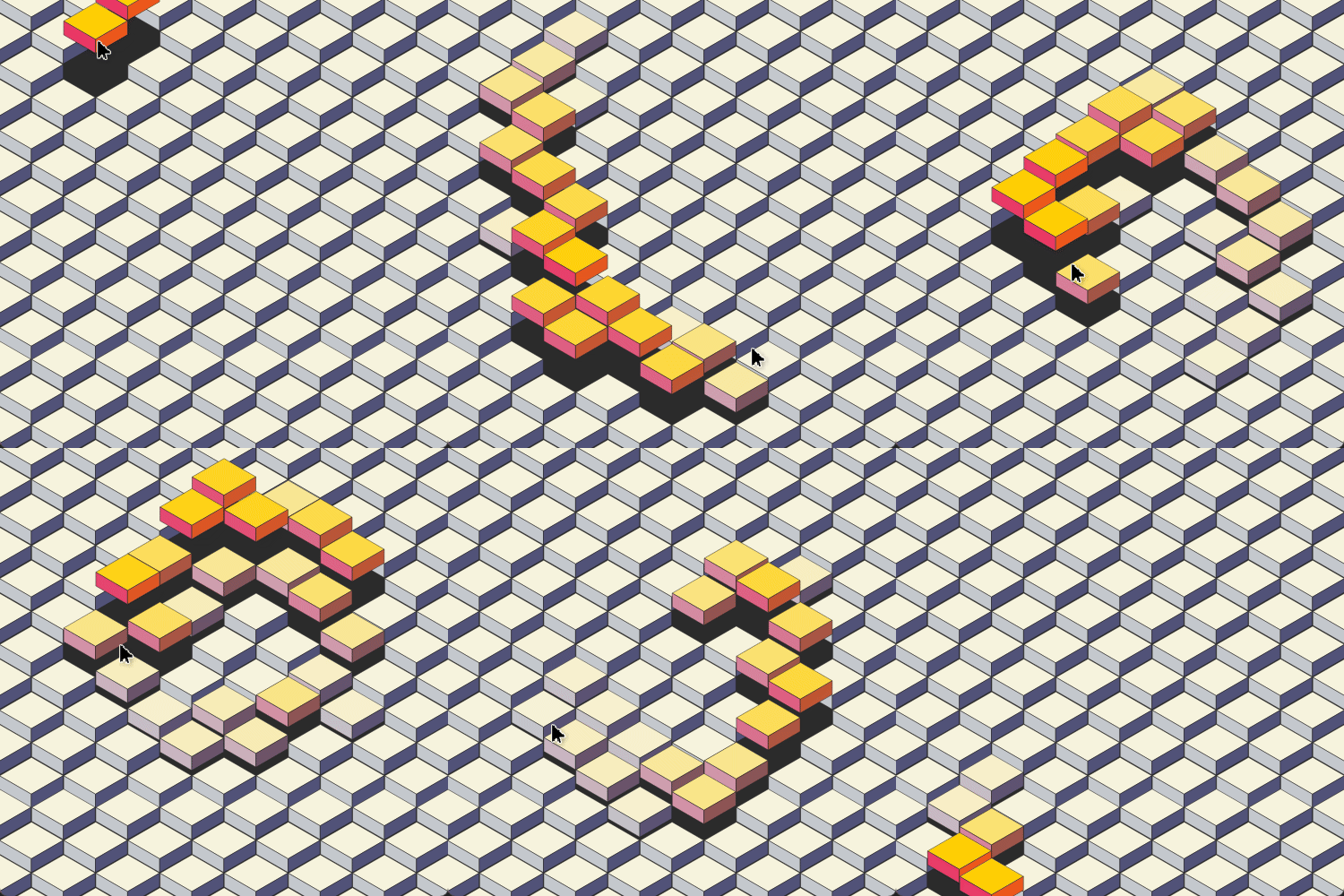
But using hardware rendering, the quality of the render drops and everything is laggy.
So on Windows 11 and Qt 6.8.2 I've tested all three OpenGL, Vulkan, and Direct3D, on both my RTX 2060 and Intel RENDERER: Intel(R) UHD Graphics.
On all tests I've enabled the QSG_INFO=1 environment variable to see whether the specified rendering is being used.
The settings for the RiveQtQuickItem were:
RiveQtQuickItem {
        anchors.fill: parent
        fileSource: "C:/Users/gusta/Downloads/isotoy.riv"
        renderQuality: RiveQtQuickItem.Medium
        postprocessingMode: RiveQtQuickItem.SMAA
    }
The rive file used: https://rive.app/marketplace/14713-27761-iso-toy-001/
Using QSG_RHI_BACKEND=opengl:
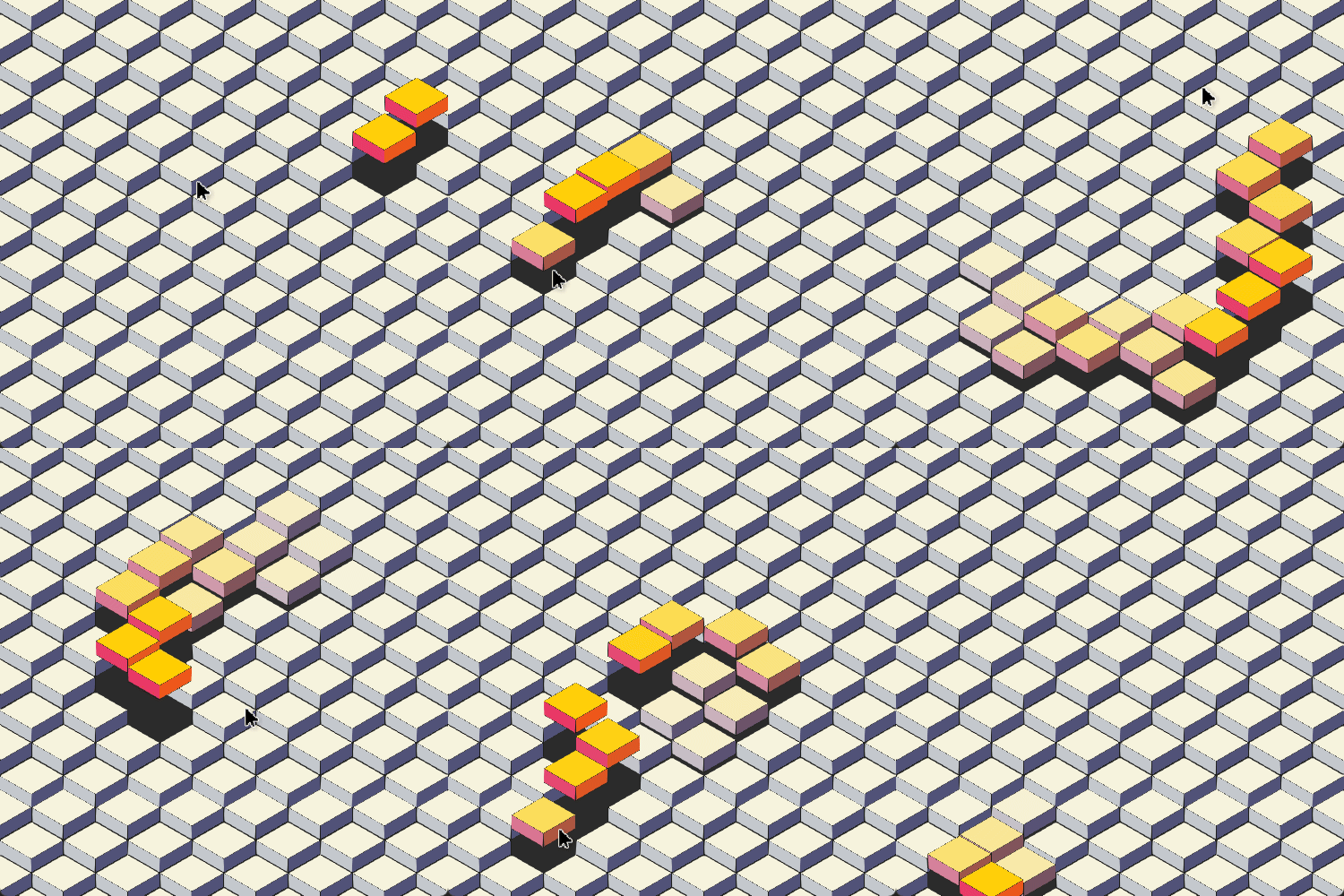
Using QSG_RHI_BACKEND=vulkan:
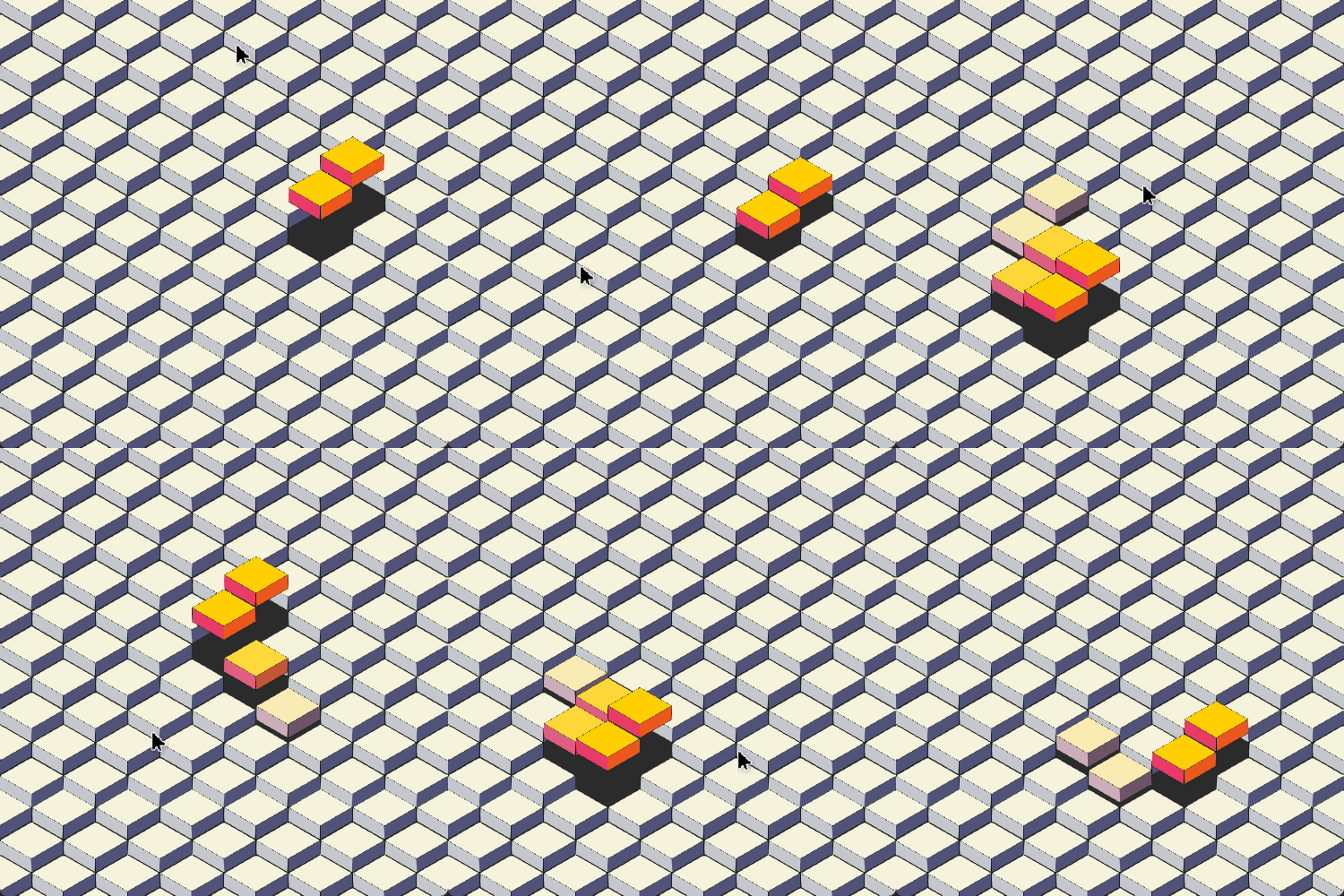
Using QSG_RHI_BACKEND=d3d11:
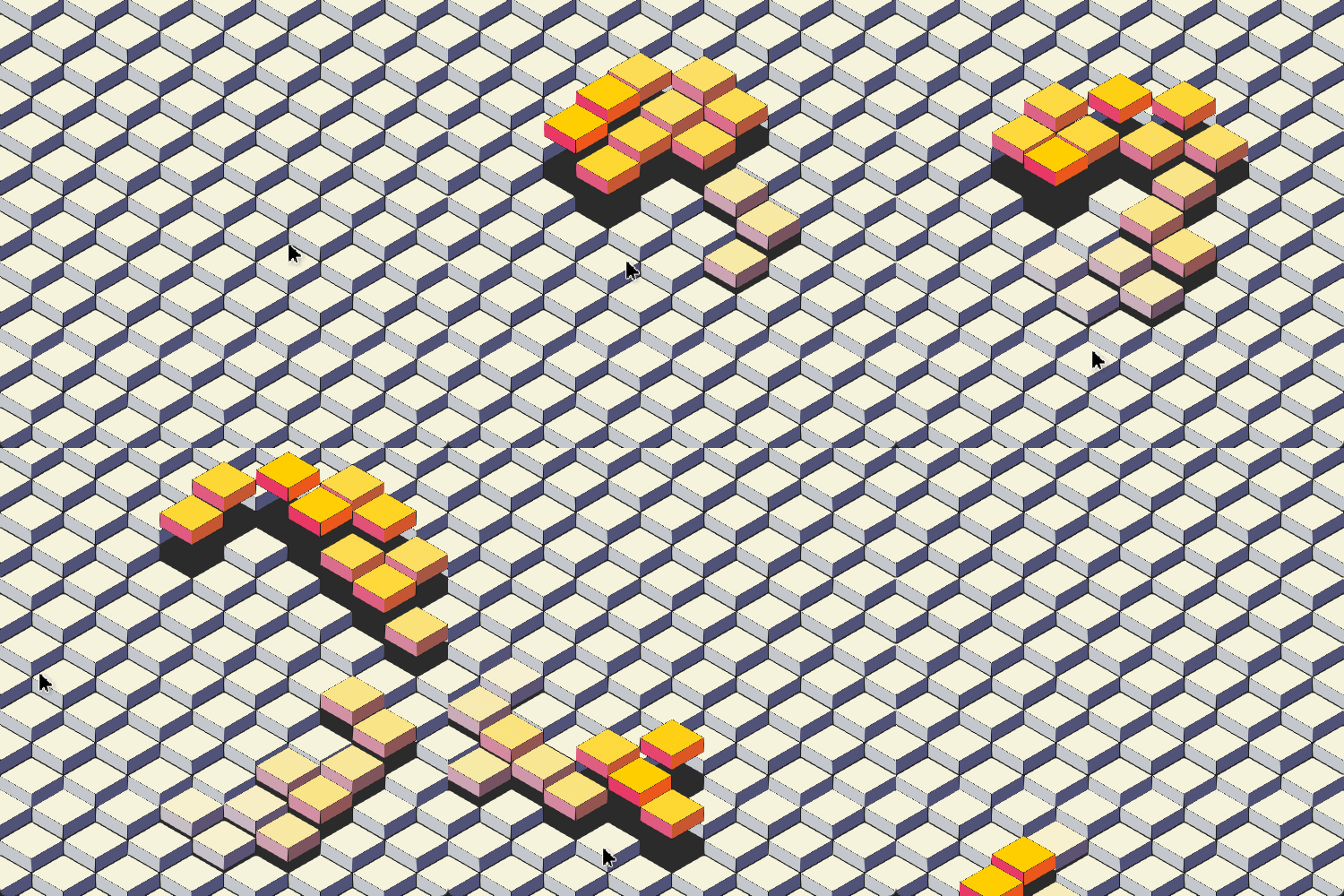
Full example debug output for OpenGL:
QML debugging is enabled. Only use this in a safe environment.
Info: Starting QML Runtime
Debug: QML Debugger: Connecting to socket C:/Users/gusta/AppData/Local/Temp/QtDesignStudio-haLMOX/qtc-socket.prRaxj...
Warning: No window found
Debug: threaded render loop
Debug: Using sg animation driver
Debug: Animation Driver: using vsync: 6.94 ms
Debug: ArtBoardInfo 0 found.	Name: "Artboard"
Debug: ArtBoardInfo 1 found.	Name: "isocube"
Debug: void __cdecl RiveQtQuickItem::updateCurrentArtboardIndex(void)
Debug: Trying to set default artboard index
Debug: Default artboard: 0
Debug: Setting current artboard index to 0
Debug: Successfully imported Rive file.
Warning: No window found
Debug: ArtBoardInfo 0 found.	Name: "Artboard"
Debug: ArtBoardInfo 1 found.	Name: "isocube"
Debug: void __cdecl RiveQtQuickItem::updateCurrentArtboardIndex(void)
Debug: Trying to set default artboard index
Debug: Default artboard: 0
Debug: Setting current artboard index to 0
Debug: Successfully imported Rive file.
Warning: No window found
Debug: ArtBoardInfo 0 found.	Name: "Artboard"
Debug: ArtBoardInfo 1 found.	Name: "isocube"
Debug: void __cdecl RiveQtQuickItem::updateCurrentArtboardIndex(void)
Debug: Trying to set default artboard index
Debug: Default artboard: 0
Debug: Setting current artboard index to 0
Debug: Successfully imported Rive file.
Debug: Using sg animation driver
Debug: Animation Driver: using vsync: 6.94 ms
Debug: Creating QRhi with backend OpenGL for window 0x182d97c09f0 (wflags 0x804F001)
  Graphics API debug/validation layers: 0
  Debug markers: 0
  Timestamps: 0
  Prefer software device: 0
  Shader/pipeline cache collection: 1
Debug: Created OpenGL context QSurfaceFormat(version 4.6, options QFlags<QSurfaceFormat::FormatOption>(DeprecatedFunctions), depthBufferSize 24, redBufferSize 8, greenBufferSize 8, blueBufferSize 8, alphaBufferSize 8, stencilBufferSize 8, samples 0, swapBehavior QSurfaceFormat::DoubleBuffer, swapInterval 1, colorSpace QColorSpace(QColorSpace::SRgb, QColorSpace::Primaries::SRgb, QColorSpace::TransferFunction::SRgb), profile  QSurfaceFormat::CompatibilityProfile)
Debug: OpenGL VENDOR: NVIDIA Corporation RENDERER: NVIDIA GeForce RTX 2060/PCIe/SSE2 VERSION: 4.6.0 NVIDIA 561.09
Debug: Created QRhi 0x182df3c5a50 for window 0x182d97c09f0
Debug: Attempting to seed pipeline cache for QRhi 0x182df3c5a50 from 'C:/Users/gusta/AppData/Local/qmlpuppet-4/cache/qtpipelinecache-x86_64-little_endian-llp64/qqpc_opengl'
Debug: Seeded pipeline cache with 7 program binaries
Debug: MSAA sample count for the swapchain is 1. Alpha channel requested = no.
Debug: rhi texture atlas dimensions: 512x512
Debug: void __cdecl RiveQtQuickItem::updateCurrentStateMachineIndex(void)
Debug: Setting default state machine: 0
Debug: void __cdecl RiveQtQuickItem::setCurrentStateMachineIndex(const int) 0
Debug: property "objectname" was not found in rive animation. Not connected
Debug: property "riveinputs" was not found in rive animation. Not connected
Debug: Animation 0 found.	Duration: 60 	FPS: 60 	Name: "Timeline 1"
Debug: StateMachineInfo 0 found.	Name: "State Machine 1"
Debug: Total time spent on pipeline creation during the lifetime of the QRhi 0x182df3c5a50 was 4 ms
Debug: Writing pipeline cache contents (118457 bytes) for QRhi 0x182df3c5a50 to 'C:/Users/gusta/AppData/Local/qmlpuppet-4/cache/qtpipelinecache-x86_64-little_endian-llp64/qqpc_opengl'
15:24:02: C:\Qt\Tools\QtDesignStudio\qt6_design_studio_reduced_version\bin\qmlpuppet-4.7.0.exe exited with code 0

Hello, I've been having issues using hardware rendering, and can't seem to debug further.
Using software rendering with the environment variable

QT_QUICK_BACKEND=software, the rendering is basically perfect:But using hardware rendering, the quality of the render drops and everything is laggy.
So on Windows 11 and Qt 6.8.2 I've tested all three OpenGL, Vulkan, and Direct3D, on both my RTX 2060 and Intel RENDERER: Intel(R) UHD Graphics.
On all tests I've enabled the
QSG_INFO=1environment variable to see whether the specified rendering is being used.The settings for the
RiveQtQuickItemwere:The rive file used: https://rive.app/marketplace/14713-27761-iso-toy-001/
Using

QSG_RHI_BACKEND=opengl:Using

QSG_RHI_BACKEND=vulkan:Using

QSG_RHI_BACKEND=d3d11:Full example debug output for OpenGL: