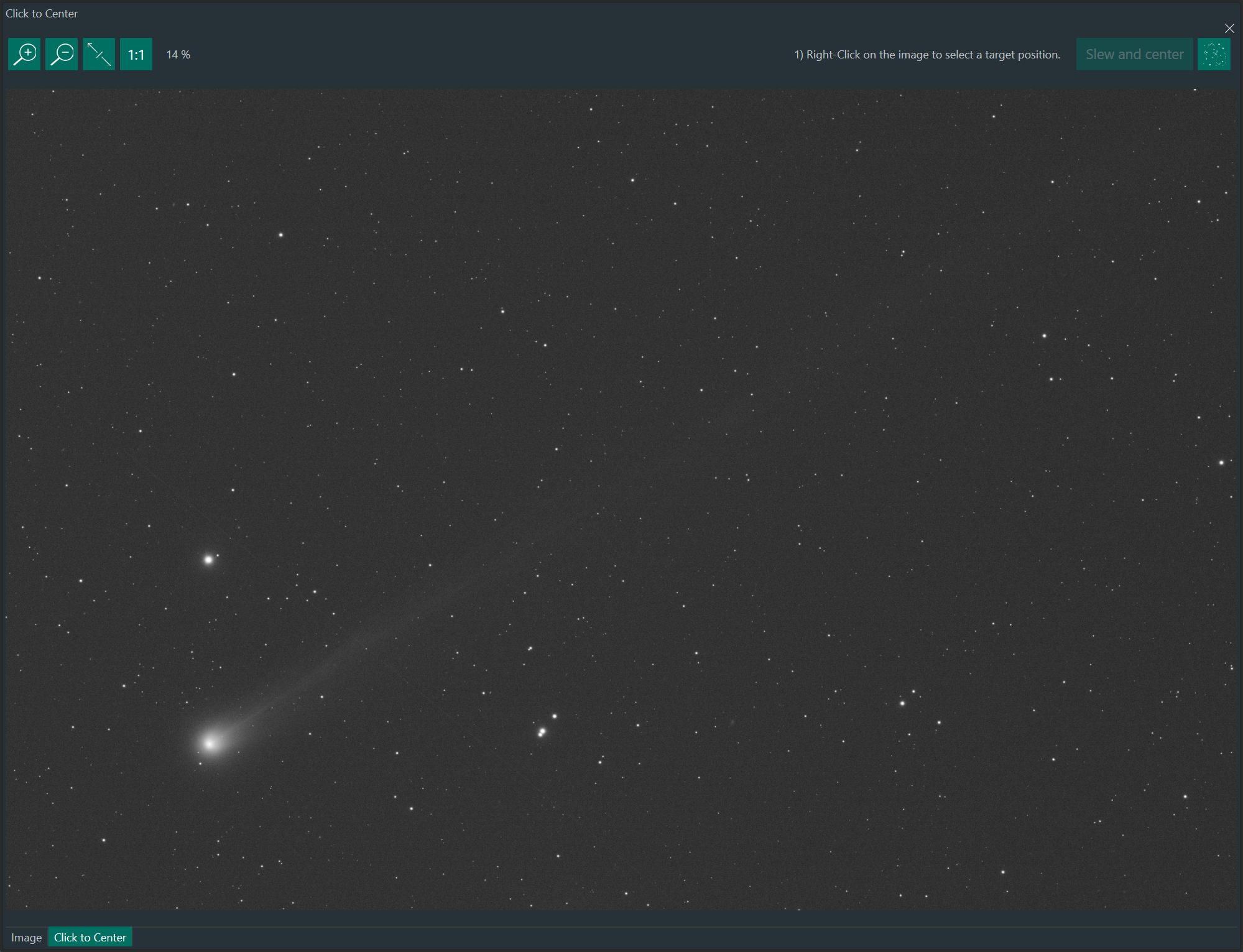
A plugin for N.I.N.A. that lets you click a point in the currently displayed image and slew/center the telescope on that target position.
- Right-click a point in the image of the Click to Center dockable window
- A crosshair marker indicates the selected point
- The plugin plate-solves the image and converts the clicked position to target coordinates and a slew/center is triggered.
- N.I.N.A. minimun version 3.0 installed
- Working plate solving configuration in N.I.N.A.
- Mount and camera connected
- Use N.I.N.A. plugin downloader or download the latest release
.zipfrom GitHub Releases. - Extract the plugin folder with its dll into your N.I.N.A. plugins folder (typical path):
%LOCALAPPDATA%\NINA\Plugins\ - Restart N.I.N.A.
- Open the dockable:
Click-to-Center - Capture an image
- Right-Click on the desired position in the image
- Click Button Slew and center