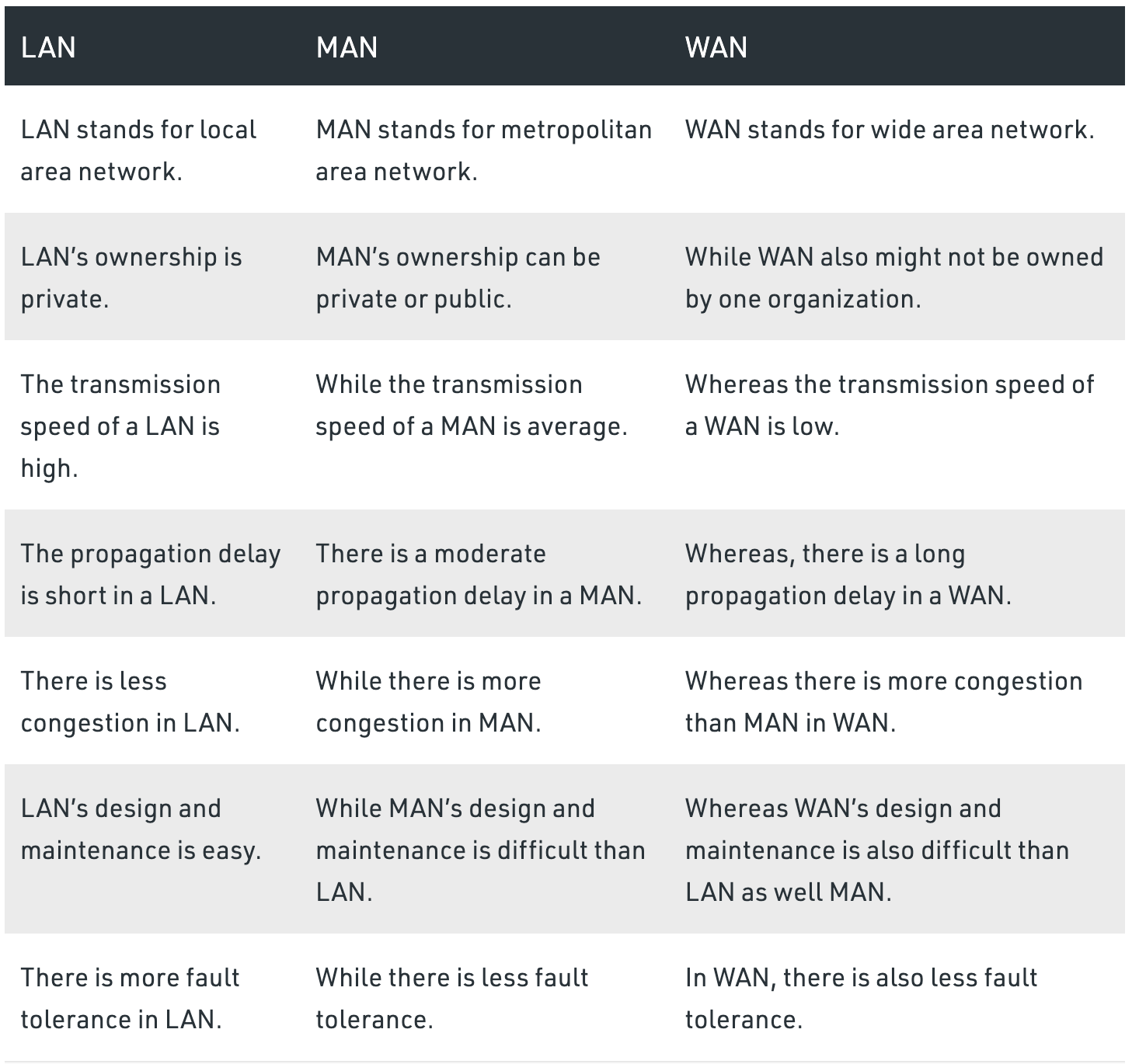
- This type of information transfer is usefull in One-to-One transmission,
  i.e When there is a participation of single sender and a single reciever.
-
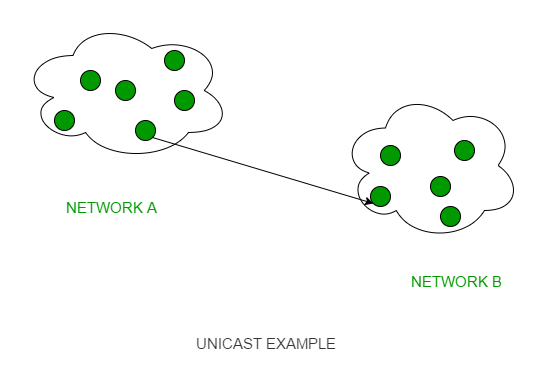
Limited Broadcasting:
- when we have to send stream of packets to all the devices in the same network then this type
  of casting is used.
- We achieve limited broadcasting by appending the Limited broadcast address
  (i.e by making all the 32 bits of IP address set to 1 ==> 255.255.255.255) in the destination address
  of a packet header which is reserved for information transfer to all the recipients from
  a single sender over the network.
-
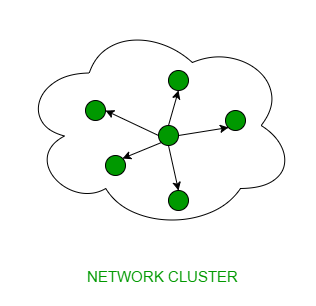
Direct Broadcasting:
 - This is useful when a device in one network wants to transfer packet stream to all the devices
   over the other network.
 - This is achieved by translating all the Host ID part bits of the destination address to 1,
   referred as Direct Broadcast Address in the datagram header for information transfer.
 - This mode is mainly utilized by television networks for video and audio distribution.
 - One important protocol of this class in Computer Networks is Address Resolution Pr
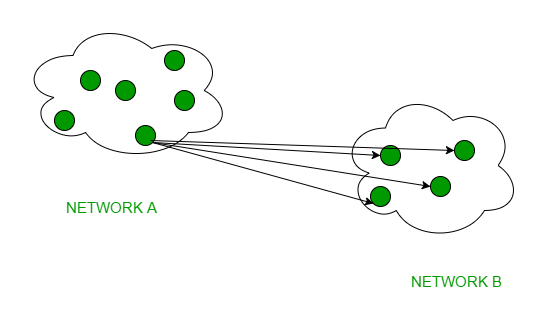
- In multicasting, one/more senders and one/more recipients participate in data transfer traffic.

- Point-to-point topology is the easiest of all the network topologies. In this method, the network consists of a direct link between two computers.
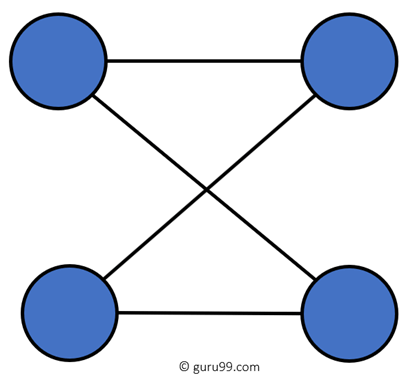
- This is faster and highly reliable than other types of connections since there is a direct connection.
- No need for a network operating system.
- Does not need an expensive server as individual workstations are used to access the files
- No need for any dedicated network technicians because each user sets their permissions.
- The biggest drawback is that it only be used for small areas where computers are in close proximity.
- You can't back up files and folders centrally
- There is no security besides the permissions. Users often do not require to log onto their workstations.
- Bus topology uses a single cable which connects all the included nodes.
- The main cable acts as a spine for the entire network. One of the computers in the network acts as the computer server.
- When it has two endpoints, it is known as a linear bus topology.

- Cost of the cable is very less as compared to other topology, so it is widely used to build small networks.
- Famous for LAN network because they are inexpensive and easy to install.
- It is widely used when a network installation is small, simple, or temporary.
- It is one of the passive topologies. So computers on the bus only listen for data being sent, that are not responsible for moving the data from one computer to others.
- In case if the common cable fails, then the entire system will crash down.
- When network traffic is heavy, it develops collisions in the network.
- Whenever network traffic is heavy, or nodes are too many, the performance time of the network significantly decreases. Cables are always of a limited length.
- In a ring network, every device has exactly two neighboring devices for communication purpose.
- It is called a ring topology as its formation is like a ring. In this topology, every computer is connected to another computer.
- Here, the last node is combined with a first one.
- This topology uses token to pass the information from one computer to another.
- In this topology, all the messages travel through a ring in the same direction.

- Easy to install and reconfigure.
- Adding or deleting a device in-ring topology needs you to move only two connections.
- The troubleshooting process is difficult in a ring topology.
- Failure of one computer can disturb the whole network.
- Offers equal access to all the computers of the networks
- Faster error checking and acknowledgment.
- Unidirectional traffic.
- Break in a single ring can risk the breaking of the entire network
- Modern days high-speed LANs made this topology less popular.
- In the ring, topology signals are circulating at all times, which develops unwanted power consumption.
- It is very difficult to troubleshoot the ring network.
- Adding or removing the computers can disturb the network activity.
- In the star topology, all the computers connect with the help of a hub.
- This cable is called a central node, and all other nodes are connected using this central node. It is most popular on LAN networks as they are inexpensive
and easy to install.

- Easy to troubleshoot, set up, and modify.
- Only those nodes are affected, that has failed. Other nodes still work.
- Fast performance with few nodes and very low network traffic.
- In Star topology, addition, deletion, and moving of the devices are easy.
- If the hub or concentrator fails, attached nodes are disabled.
- Cost of installation of star topology is costly.
- Heavy network traffic can sometimes slow the bus considerably.
- Performance depends on the hub's capacity
- A damaged cable or lack of proper termination may bring the network down.
- The mesh topology has a unique network design in which each computer on the network connects to every other.
- It is develops a P2P (point-to-point) connection between all the devices of the network.
- It offers a high level of redundancy, so even if one network cable fails, still data has an alternative path to reach its destination.
- The network can be expanded without disrupting current users.
- Need extra capable compared with other LAN topologies.
- Complicated implementation.
- No traffic problem as nodes has dedicated links.
- It has multiple links, so if any single route is blocked, then other routes should be used for data communication.
- P2P links make the fault identification isolation process easy.
- It helps you to avoid the chances of network failure by connecting all the systems to a central node.
- Installation is complex because every node is connected to every node.
- Dedicated links help you to eliminate the traffic problem.
- A mesh topology is robust.
- Every system has its privacy and security
- It is expensive due to the use of more cables. No proper utilization of systems.
- It requires more space for dedicated links.
- Because of the amount of cabling and the number of input-outputs, it is expensive to implement.
- It requires a large space to run the cables.
- Tree topologies have a root node, and all other nodes are connected which form a hierarchy.
- So it is also known as hierarchical topology. This topology integrates various star topologies together in a single bus, so it is known as a Star Bus
topology. - Tree topology is a very common network which is similar to a bus and star topology.

- Failure of one node never affects the rest of the network.
- Node expansion is fast and easy.
- Detection of error is an easy process
- It is easy to manage and maintain
- It is heavily cabled topology
- If more nodes are added, then its maintenance is difficult
- If the hub or concentrator fails, attached nodes are also disabled.
- Hybrid topology combines two or more topologies. You can see in the above architecture in such a manner that the resulting network does not exhibit one of
the standard topologies. - For example, as you can see in the above image that in an office in one department, Star and P2P topology is used. A hybrid topology is always produced when two different basic network topologies are connected.

- Offers the easiest method for error detecting and troubleshooting
- Highly effective and flexible networking topology
- It is scalable so you can increase your network size
- The design of hybrid topology is complex
- It is one of the costliest processes