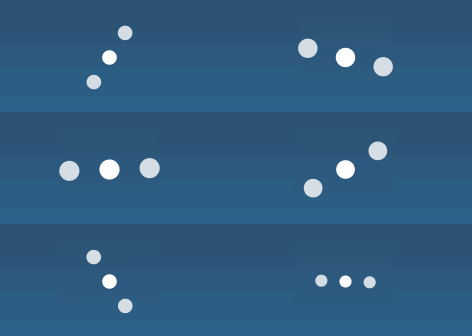
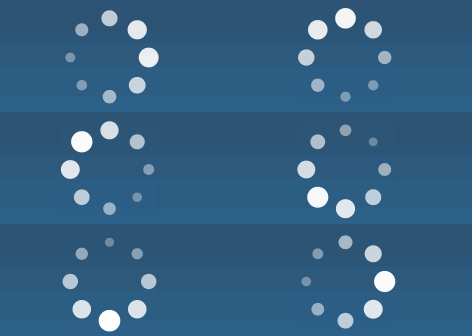
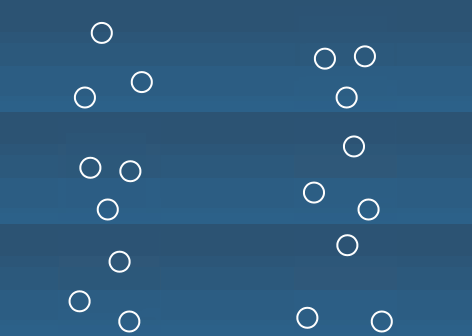
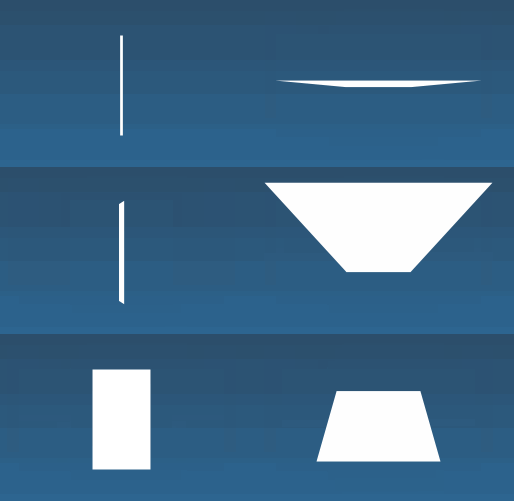
IBAnimatable provides a broad set of nice loading animations. We can use them in Interface Builder as well as in code by using AnimatableActivityIndicatorView.
You can see an example of each animation in the demo app. Launch the app, then tap on "Playground" button, and tap on "Activity Indicator" cell. Choose your animation, and see the result.
| Property name | Data type | Description |
|---|---|---|
| animationType | String | Supported activity indicator animations. Take a look at the supported animations |
| color | UIColor | Color of the activity indicator. Default is black. |
| hidesWhenStopped | Bool | Controls whether the receiver is hidden when the animation is stopped. Default is true |
| isAnimating | Bool | Wether the activityIndicator is animating or not |
| Method name | Description |
|---|---|
| startAnimating() | Start the animation |
| stopAnimating() | Stop the animation. The activityIndicator will be hidden if hidesWhenStopped value is true. |
###Supported animation:
- AudioEqualizer
- BallBeat
- BallClipRotate
- BallClipRotateMultiple
- BallClipRotatePulse
- BallGridBeat
- BallGridPulse
- BallPulse
- BallPulseRise
- BallPulseSync
- BallRotate
- BallRotateChase
- BallScale
- BallScaleMultiple
- BallScaleRipple
- BallScaleRippleMultiple
- BallSpinFadeLoader
- BallTrianglePath
- BallZigZag
- BallZigZagDeflect
- CubeTransition
- LineScale
- LineScaleParty
- LineScalePulseOut
- LineScalePulseOutRapid
- LineSpinFadeLoader
- Orbit
- Pacman
- SemiCircleSpin
- SquareSpin
- TriangleSkewSpin