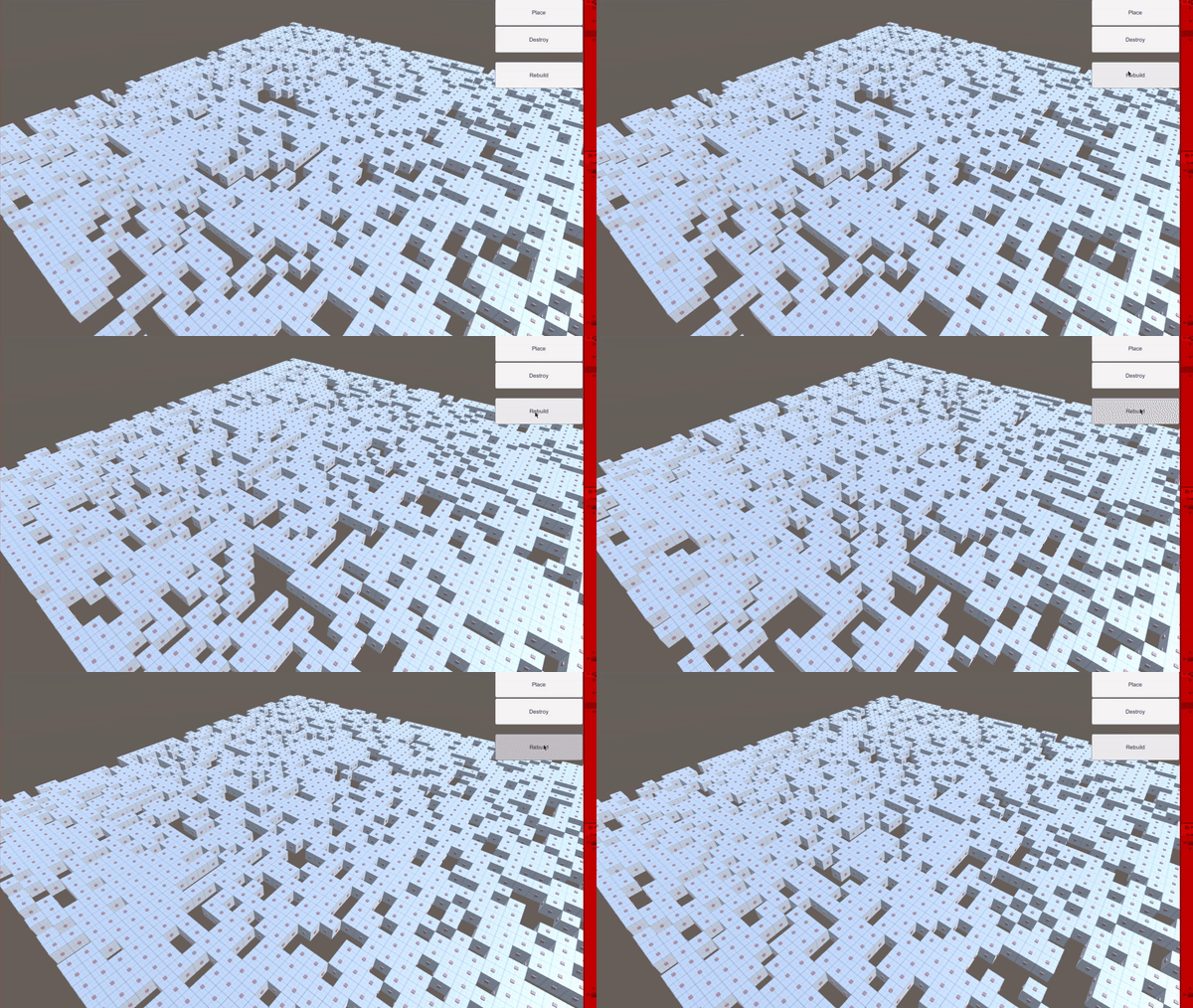
This project contains a scene where a certain number of blocks(50 x 50 by default) appear at the start, there is a probablity value that is used to make blocks not spawn at random places.
The scene has a Camera (Player) that can move using the usual Unity Editor Camera controls.
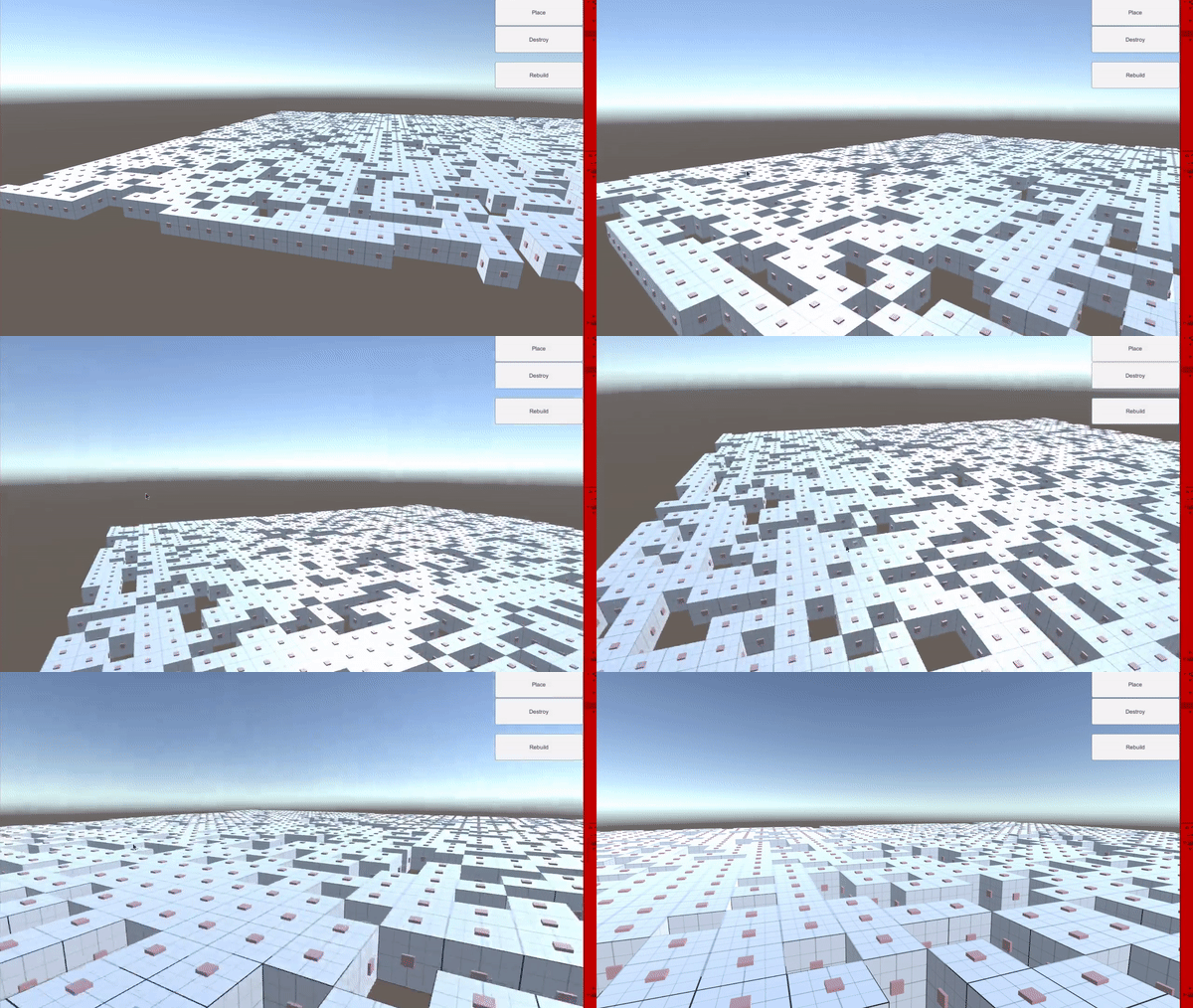
You can also press B to enter place mode, where you can click on nodes (Little red dots) to place a block on them.

Aside from that, there is also destroy mode (R) where you can click on the nodes to destroy blocks.
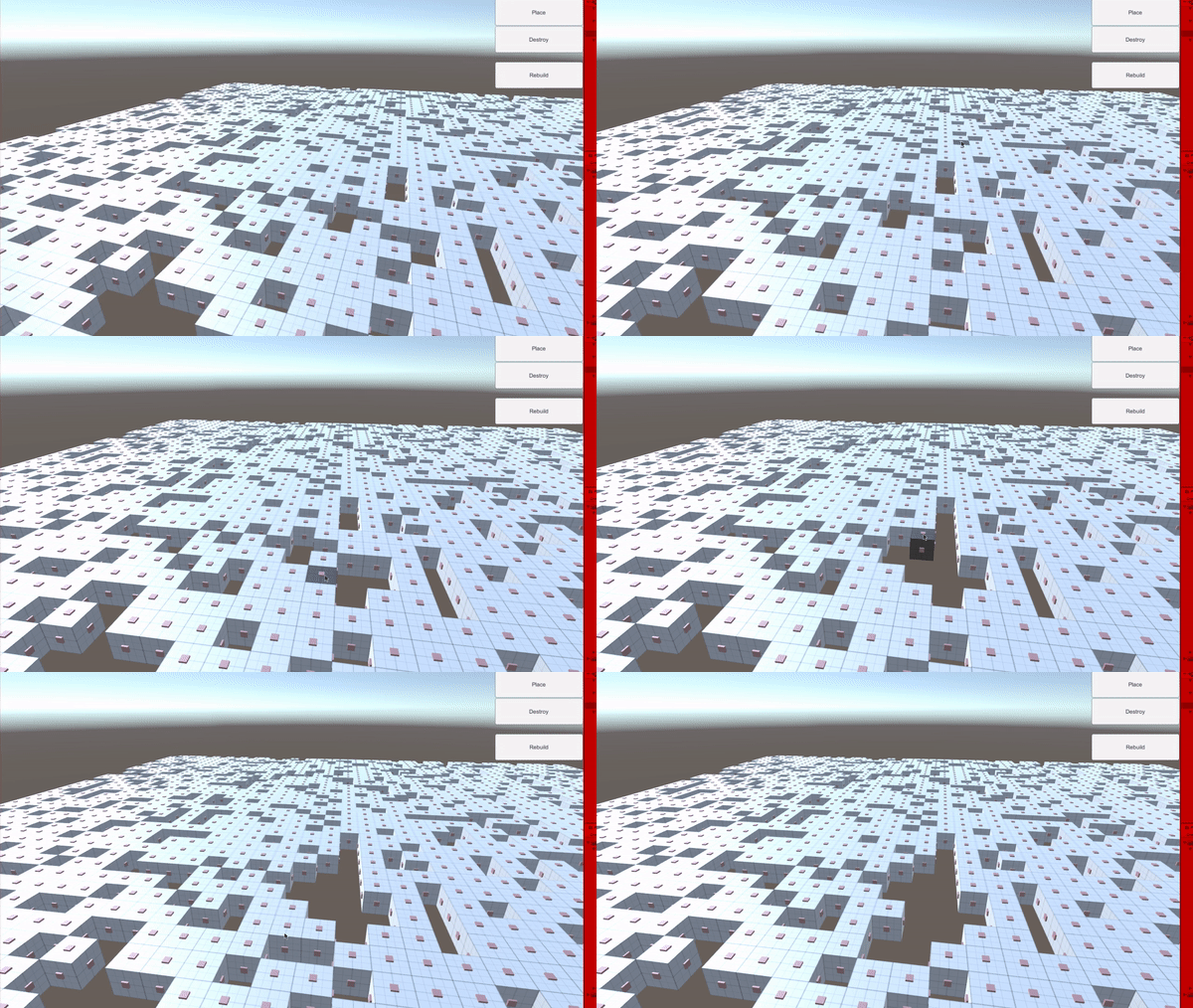
And finally, you can rebuild the foundation by pressing the UI.(Rebuild)