


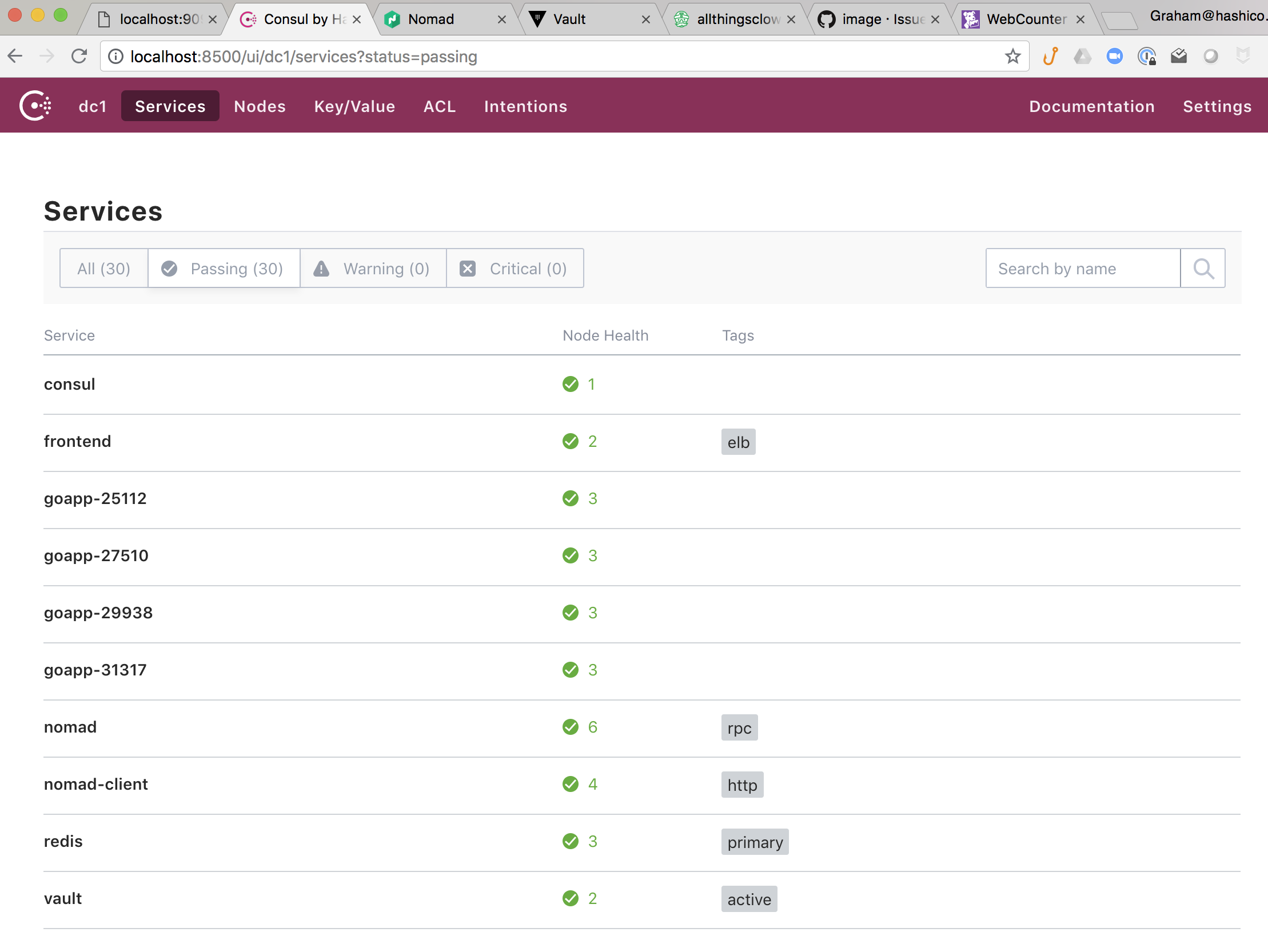
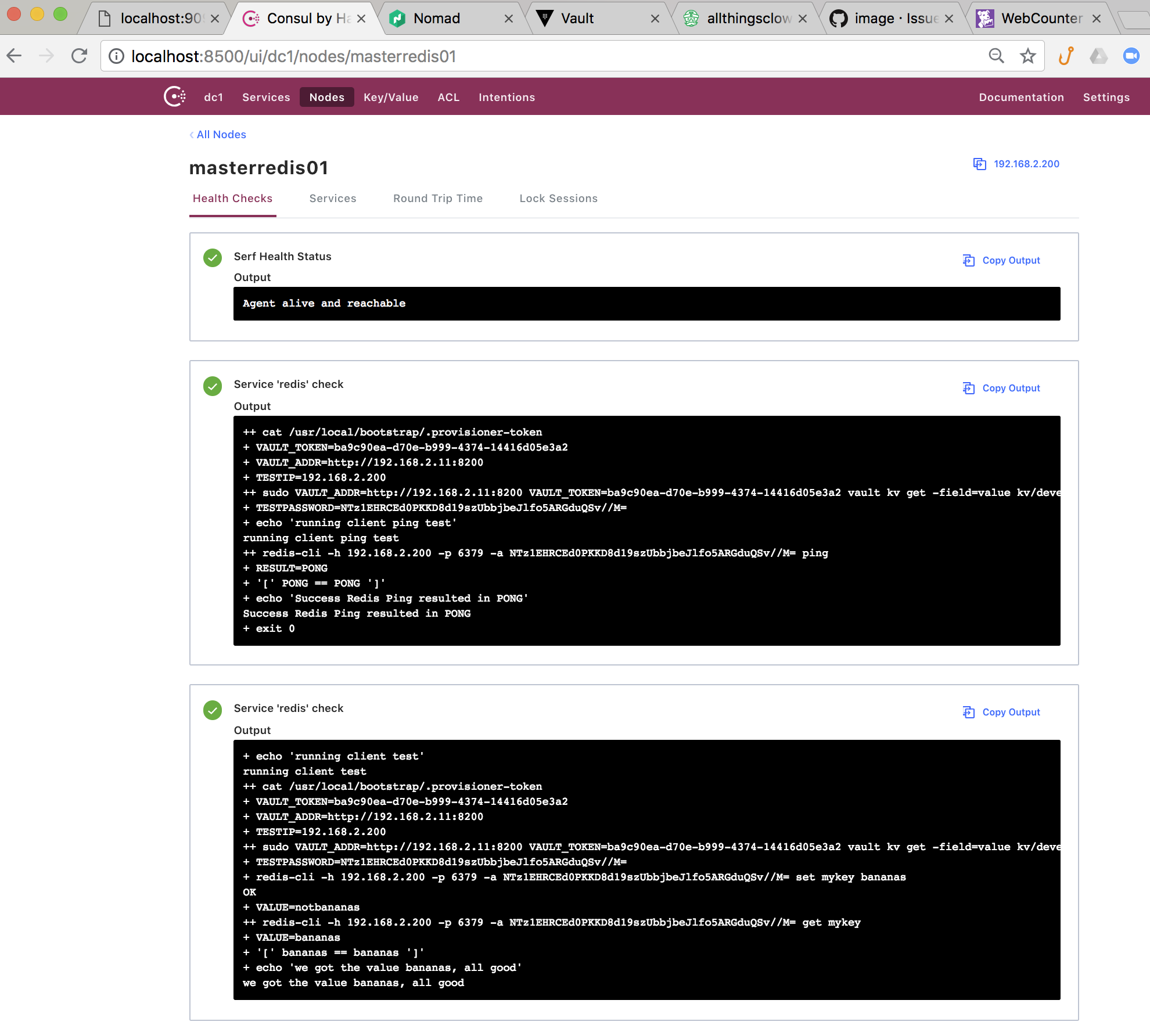
We've loaded the infrastructure environment variables into Consul's Key Vaule Store for access by the application. We also use Consul to register the new web counter application instances along with their individual healthchecks once they're started. The Redis database server also has two healthchecks registered on Consul once it's installed.
Consul-Template has been used in two areas of this application:
- Dynamically configure the NGINX web frontend when WebCounter instances start or stop nginx.ctpl
upstream goapp {
{{range services}}{{if .Name | regexMatch "goapp*"}}{{range service .Name}}
   server {{.Address}}:{{.Port}} max_fails=3 fail_timeout=60 weight=1; {{end}}{{end}}
{{else}}server 127.0.0.1:65535; # force a 502{{end}}
}

server {
listen 9090 default_server;

location / {
  proxy_pass http://goapp;
  proxy_set_header X-Forwarded-For $proxy_add_x_forwarded_for;
  proxy_set_header Host $host;
  proxy_set_header X-Real-IP $remote_addr;
}
}- Dynamically read Redis password from Vault and update Redis.conf file during Redis database deployment redis.master.ctpl
.
.
.
# When a child rewrites the AOF file, if the following option is enabled
# the file will be fsync-ed every 32 MB of data generated. This is useful
# in order to commit the file to the disk more incrementally and avoid
# big latency spikes.
aof-rewrite-incremental-fsync yes
maxmemory-policy noeviction
{{- with secret "kv/development/redispassword" }}
requirepass "{{ .Data.value }}"
{{- end}}