- Install Docker
- Install Maven
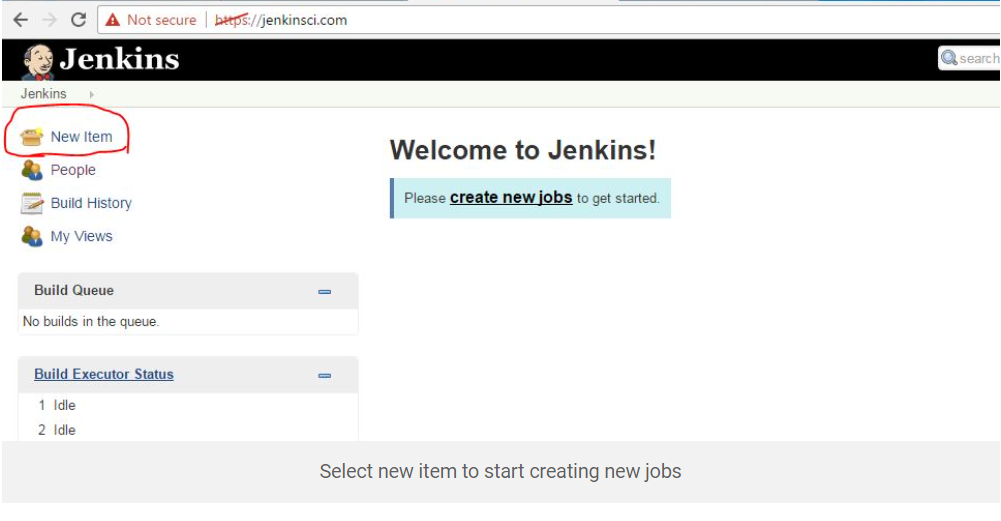
- Create first jenkins jobs
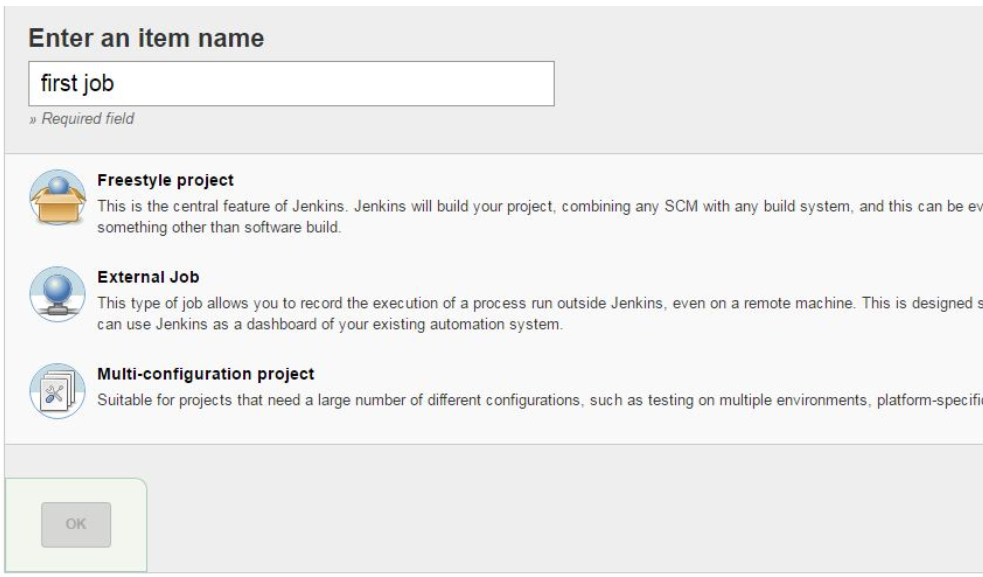 move to build and select execute shell if you want to run linux command.
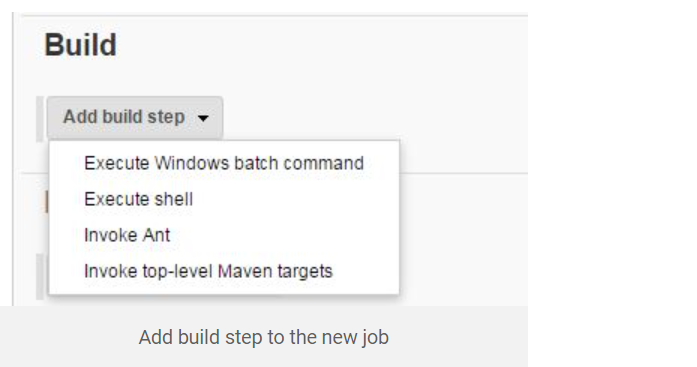 ** you can write command like ls,whoami etc**
save and apply
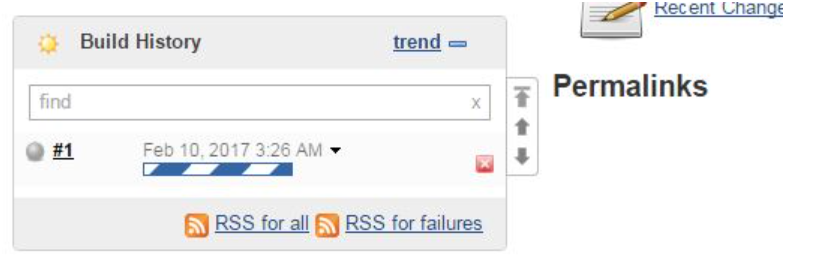
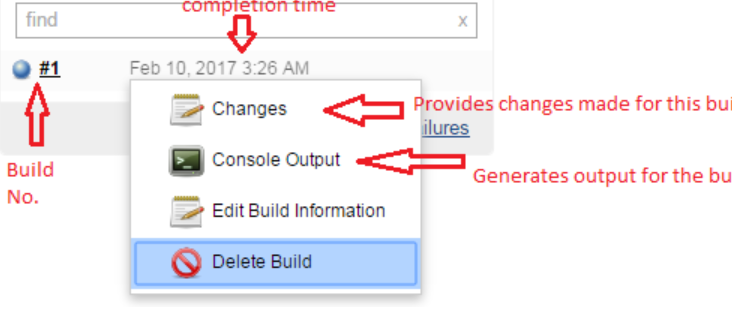
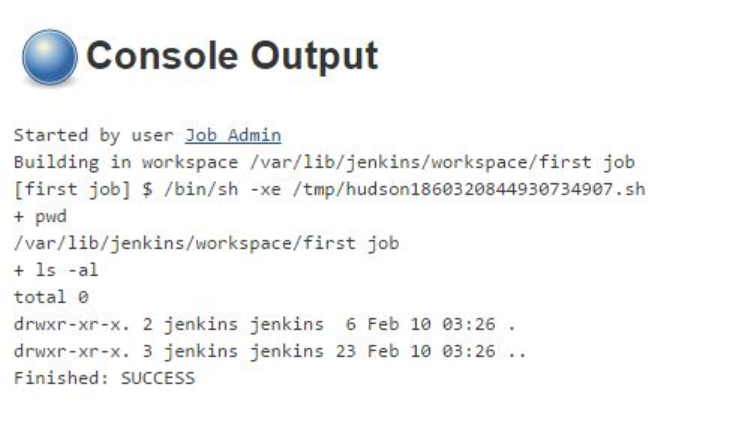
-
Create a war file using jenkins
-
Login to your jenkins Server then Select free style and click on Ok
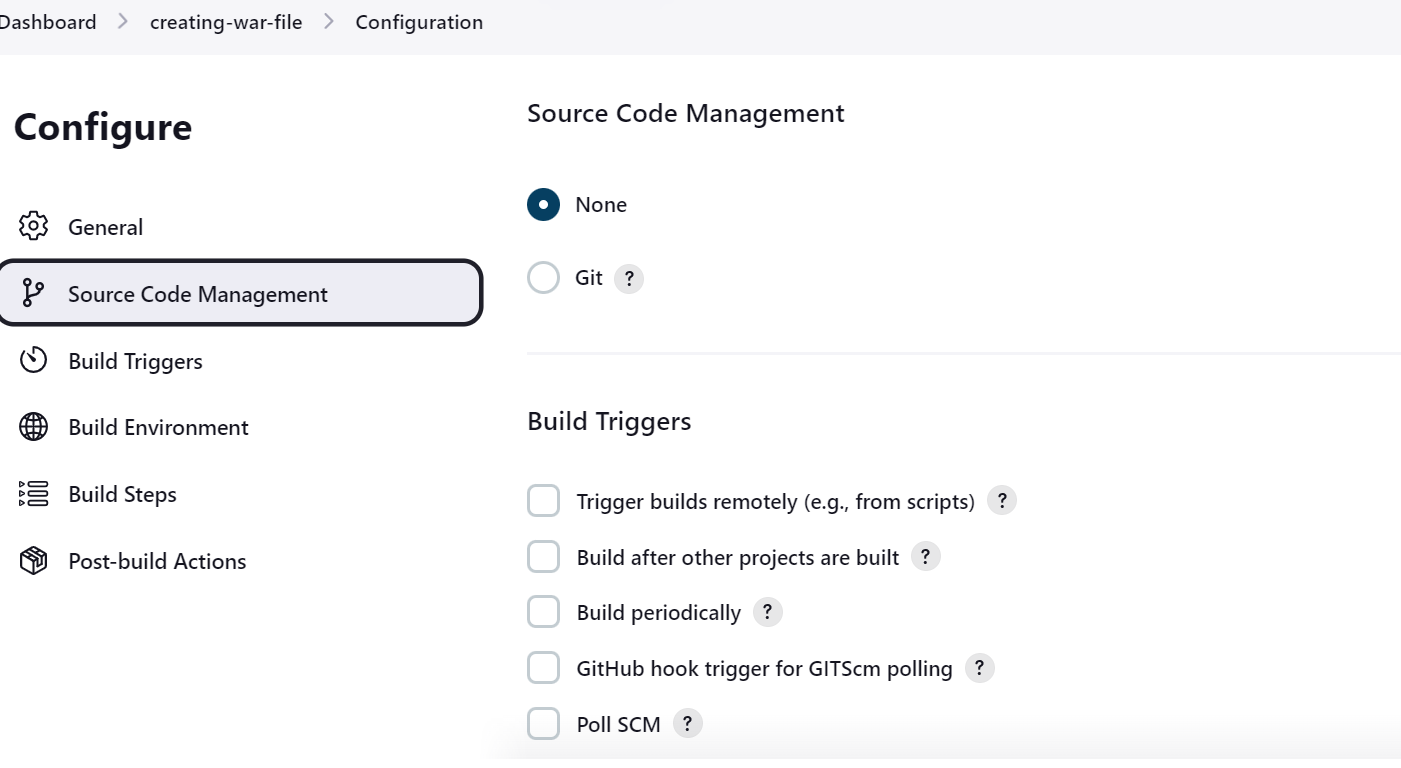
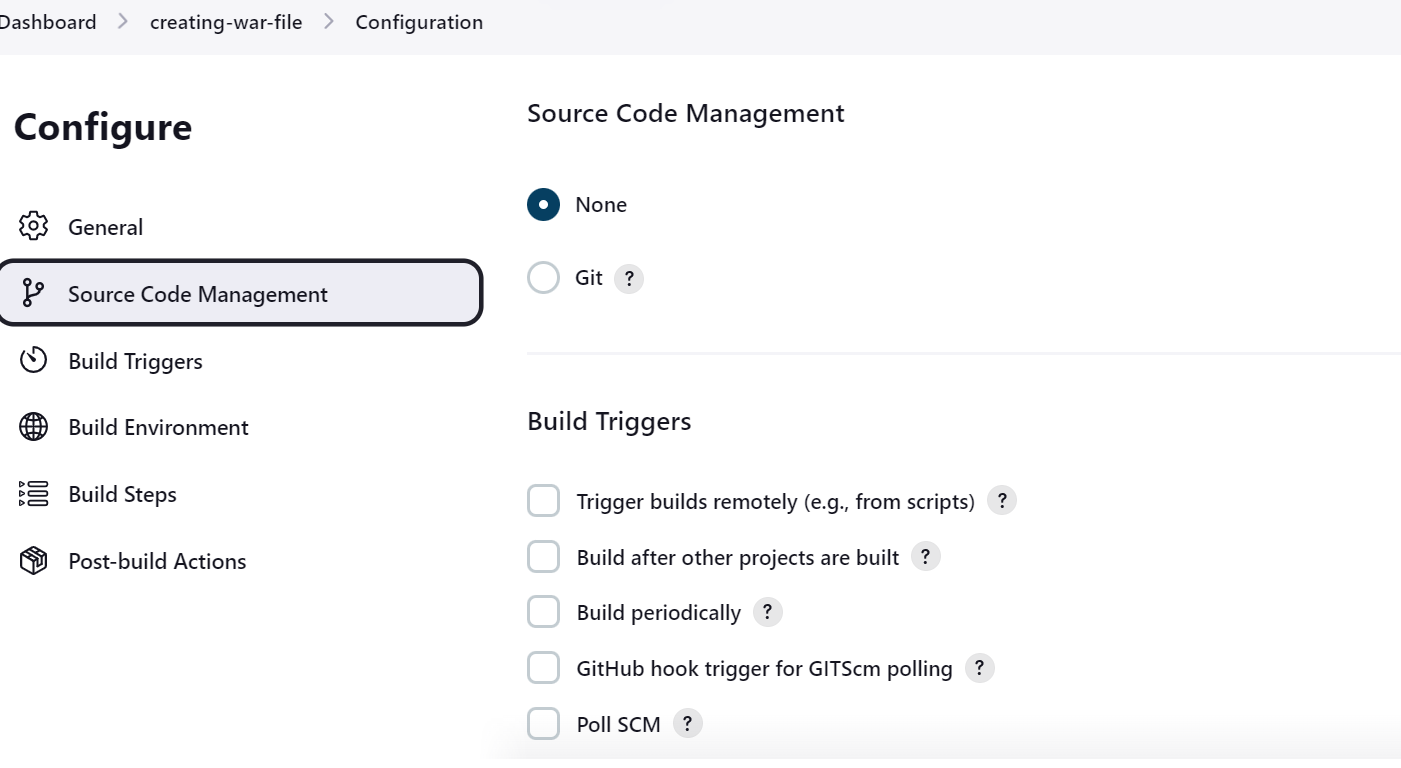
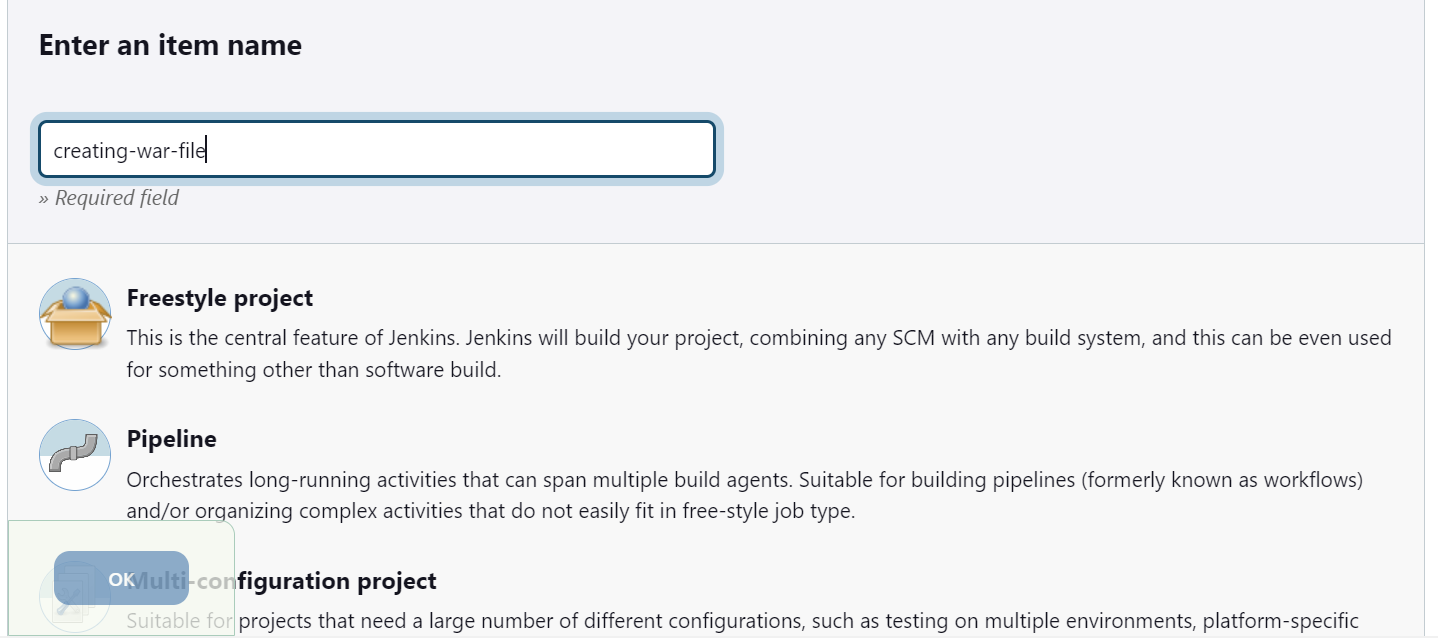 Select Source Code Management
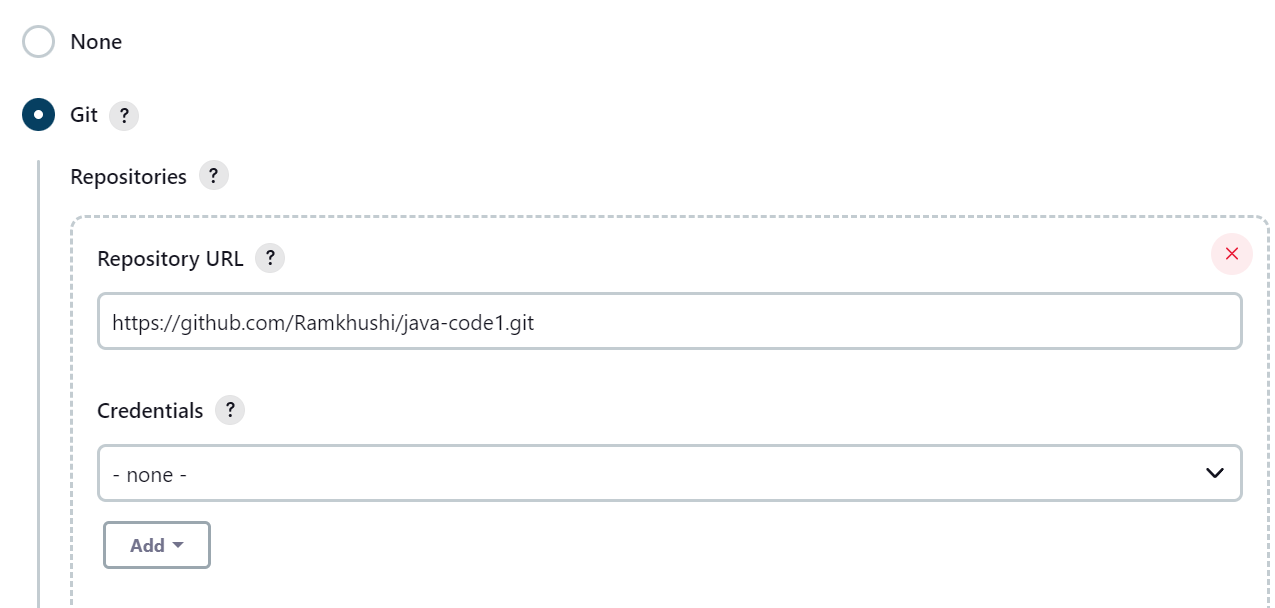
 click on Git and provide repo url
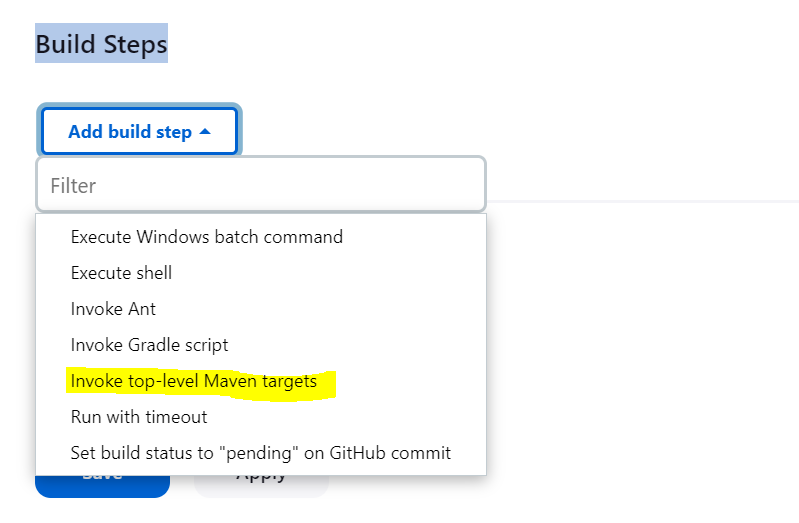
 Now got to build step and select maven target
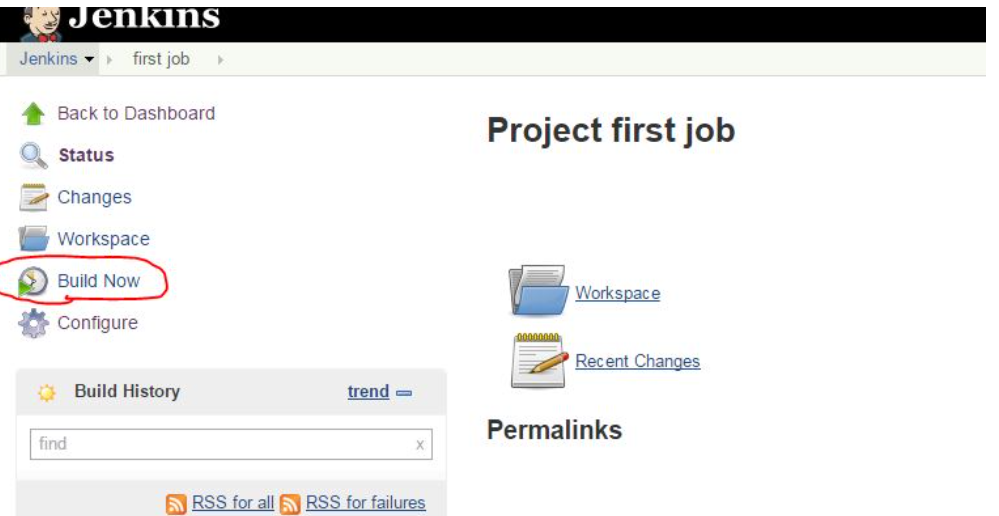
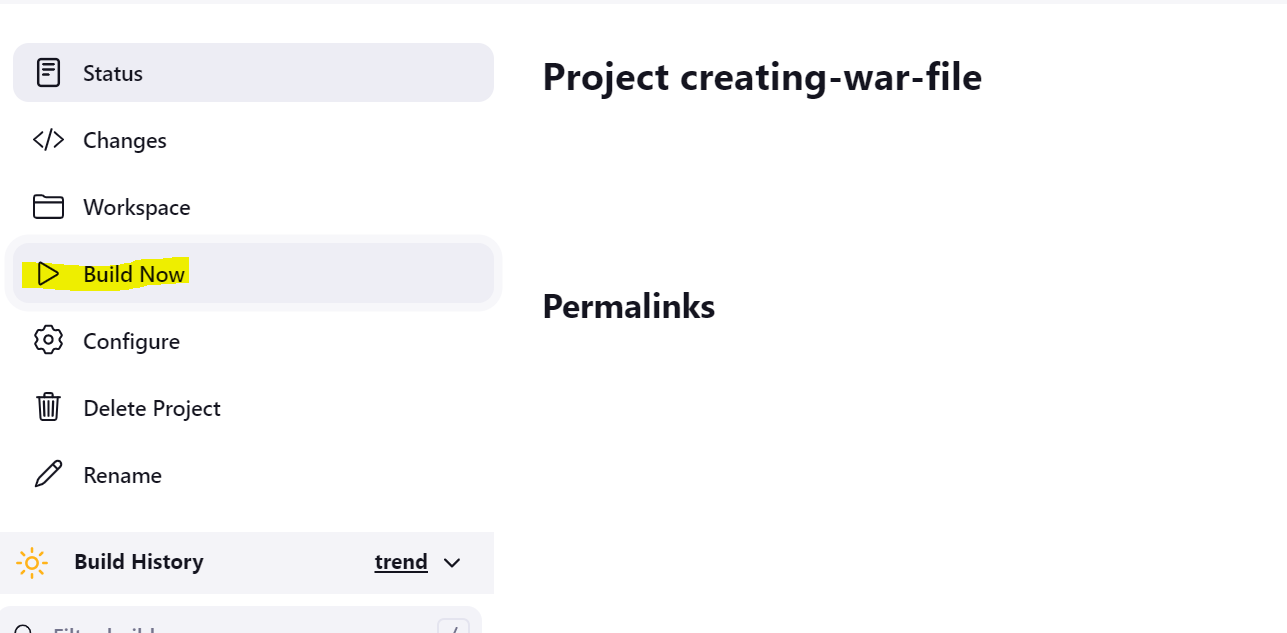
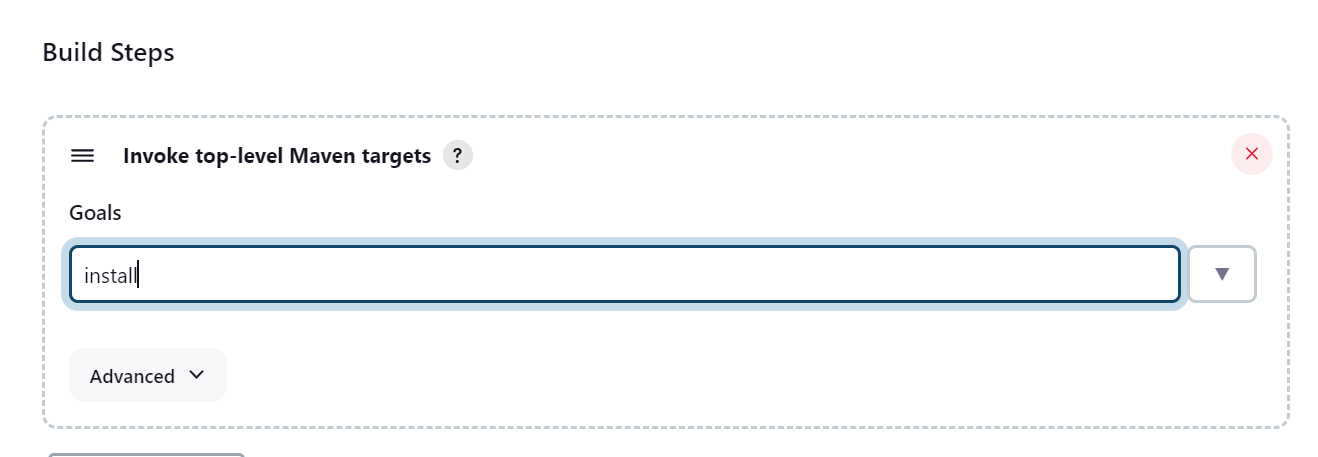 Save and apply click on build now
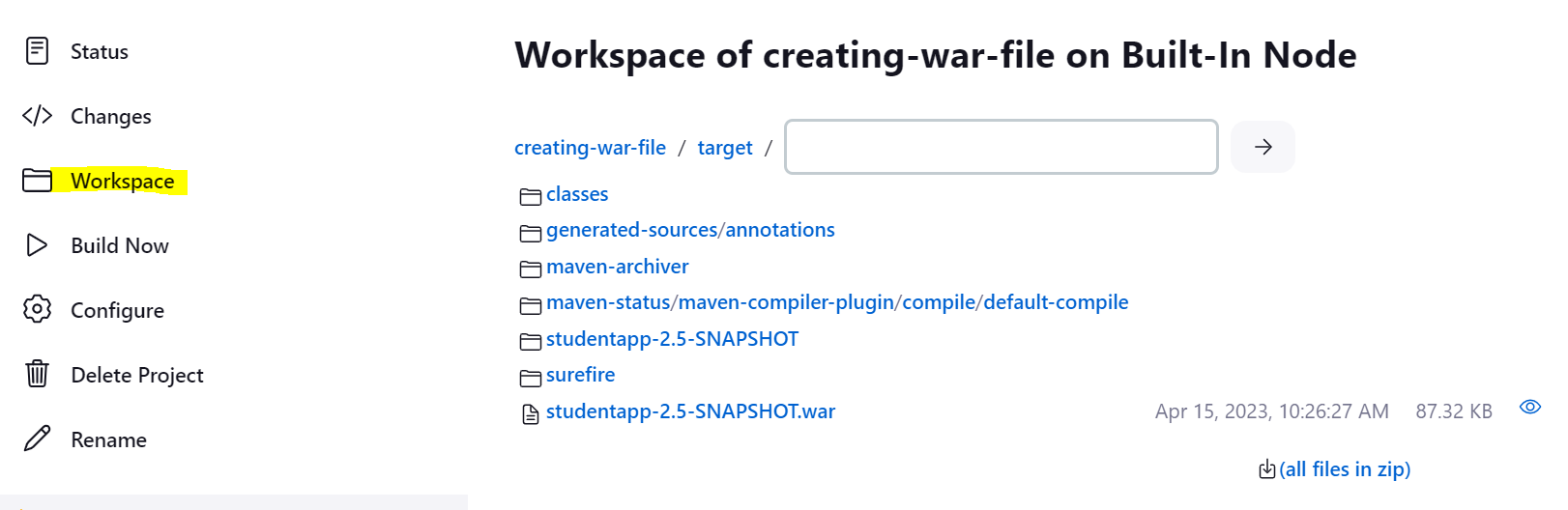
 in Workspce you can check your war file created
-
Set up build trigger
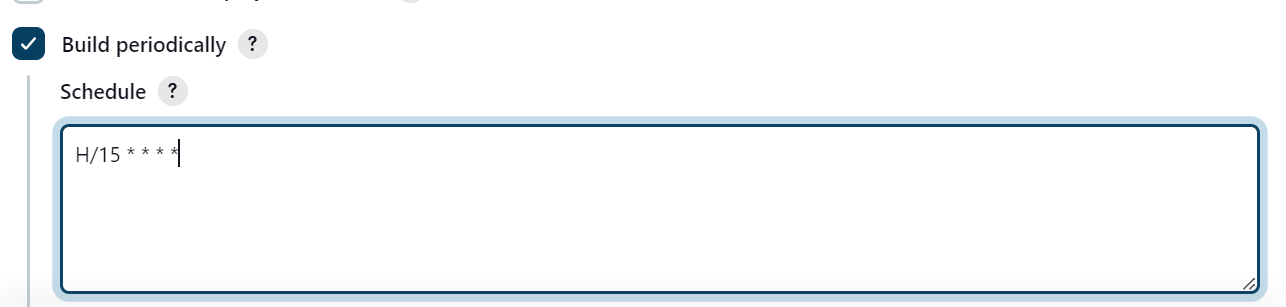
Go to build trigger and select build periodically
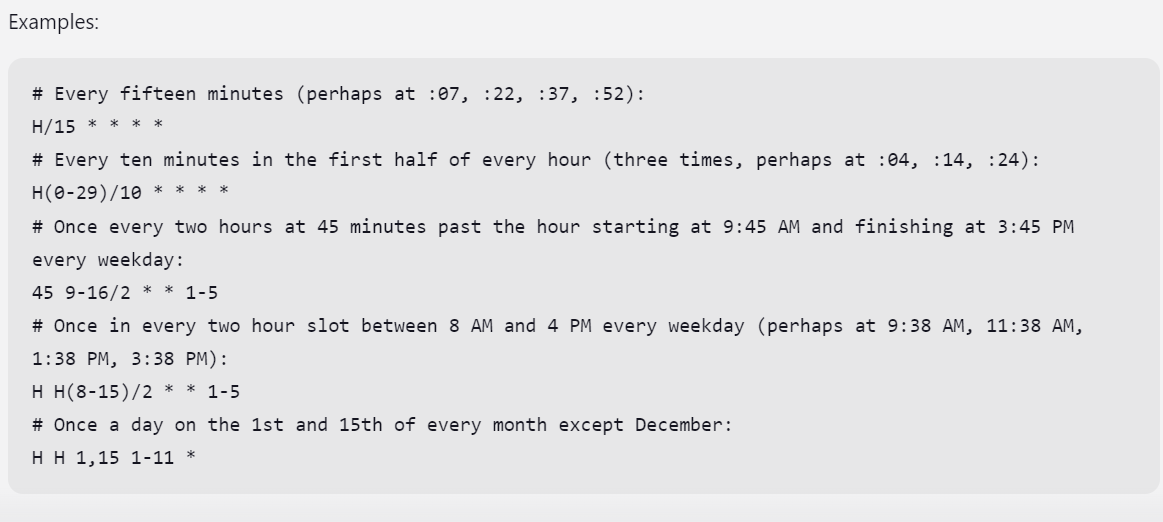
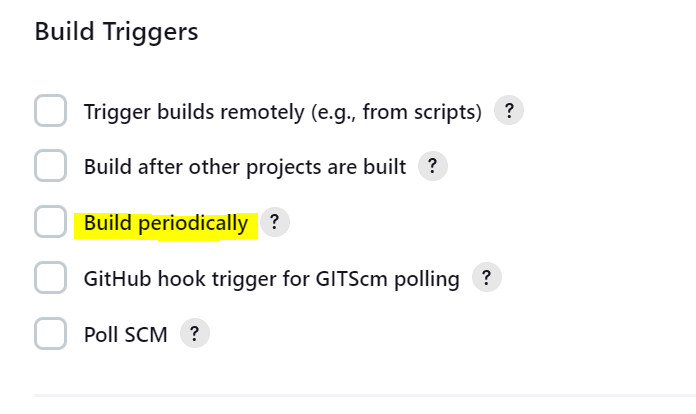 Modify any schedule as per your need
 This will trigger after every 15 mins
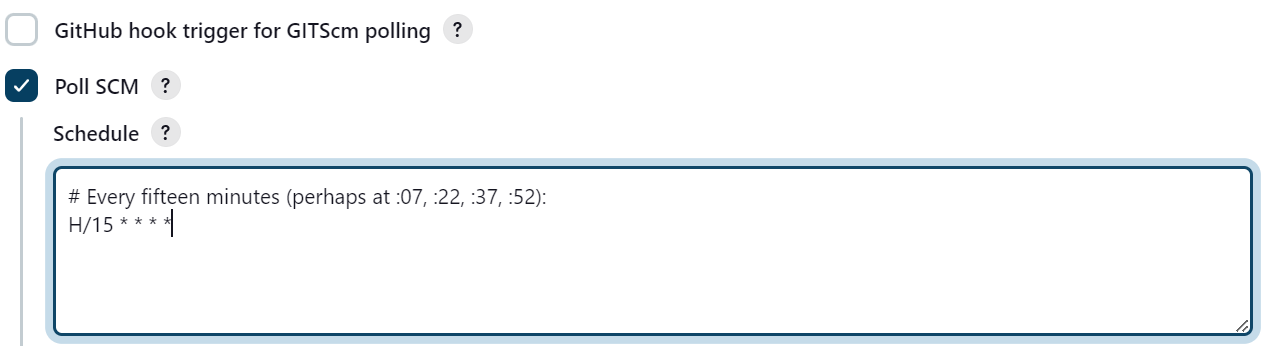
 Same for SCM poll
- Test Environment variable for Jenkins
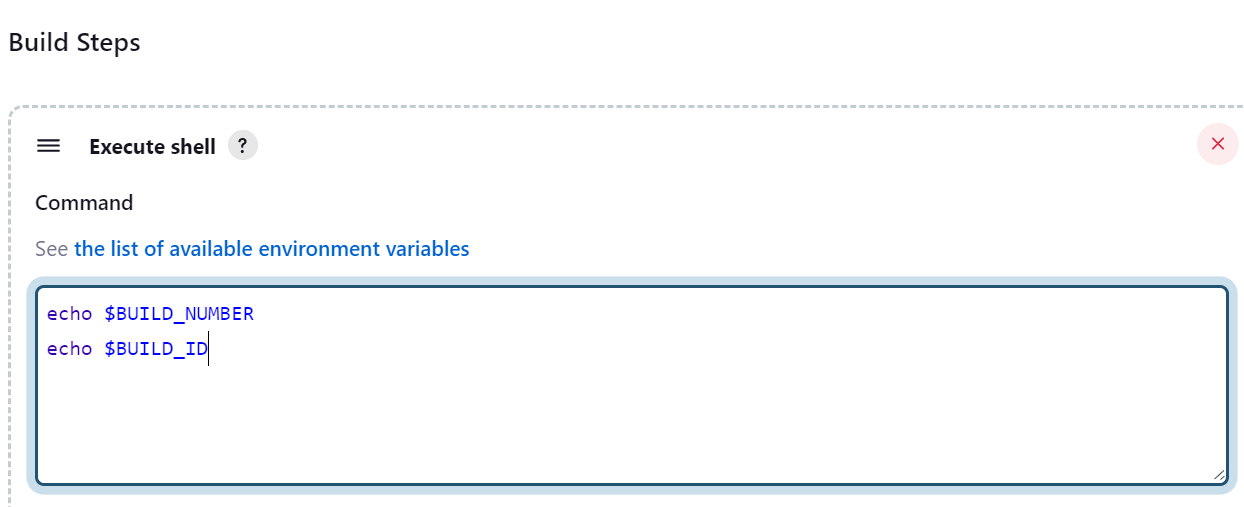
To access Jenkins Environemenr variable Please go to Build steps and select Execute shell
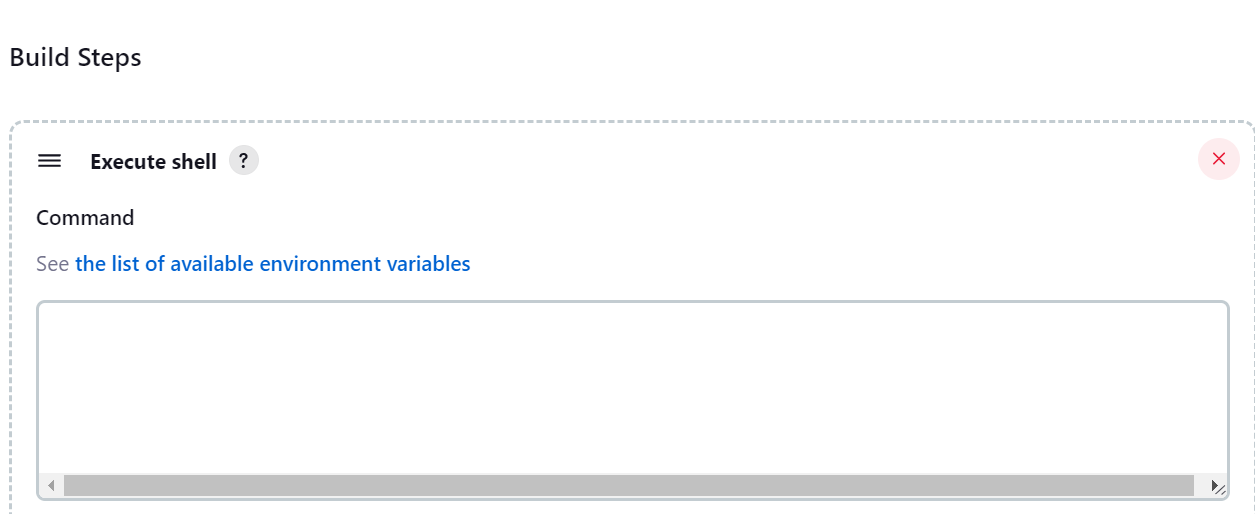 ** Click on See the list of available environment variables**
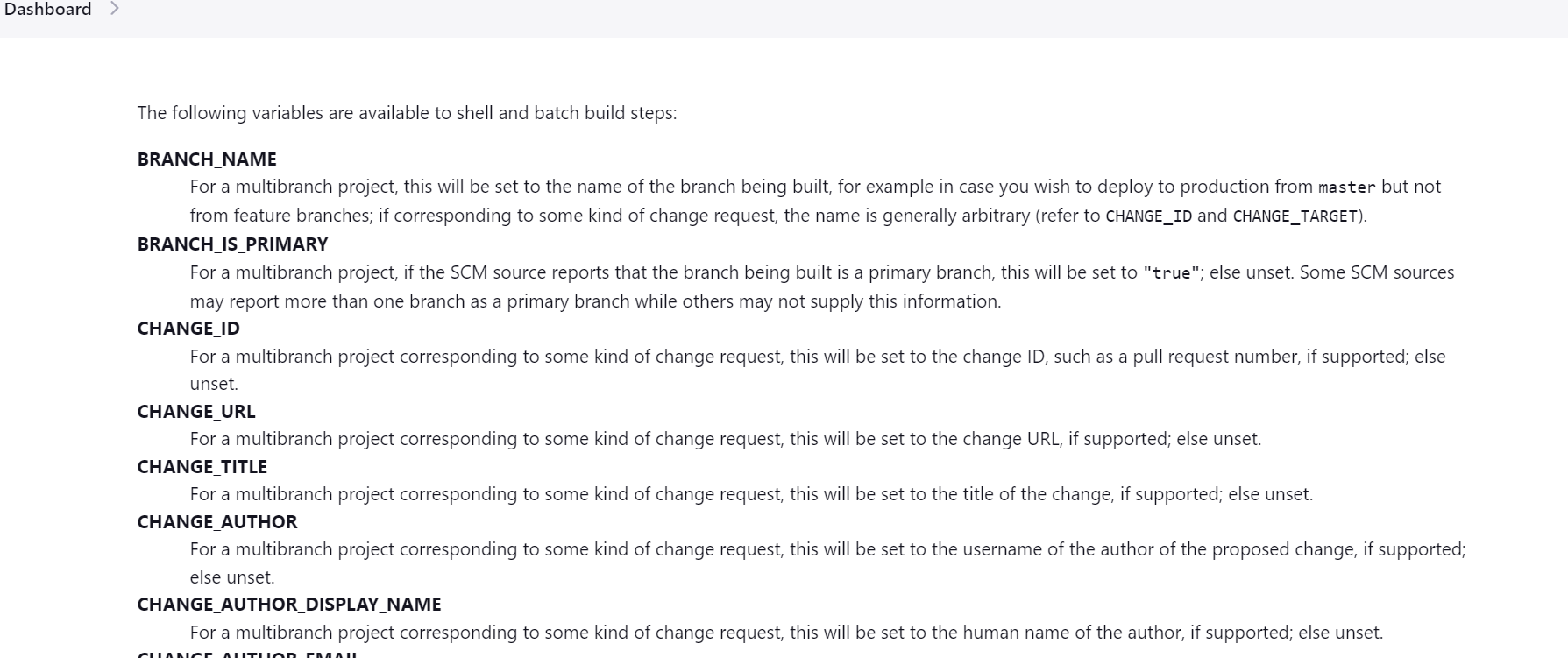
Test any environment varaible
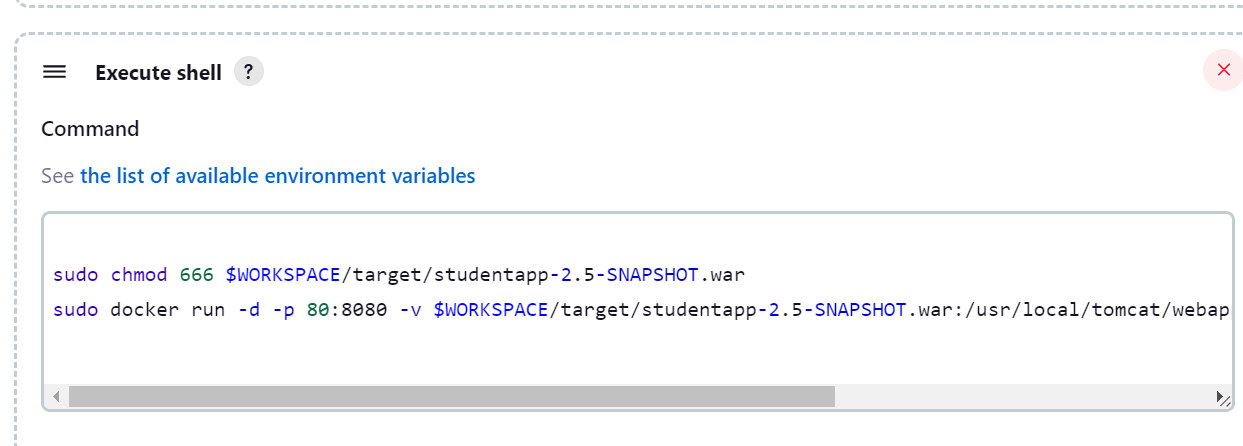
- Deploy war file to tomcat server
- Add Jenikins user to sudo file using below options so that jenkins user can execute command with sudo
visudo

jenkins ALL=(ALL) NOPASSWD: ALL
Now check the commands below
Dockerfile to deploy
FROM tomcat:8.0-alpine
LABEL maintainer=""

ADD studentapp-2.5-SNAPSHOT.war /usr/local/tomcat/webapps/

EXPOSE 8080
CMD ["catalina.sh", "run"]
- Create a docker image and run that
docker build -t myapp .
docker run dit -p 80:8080 myapp
- Make a test
ip address:port/warfile