Strapi is a pre-baked CMS that can be used with any kind of static / dynamic web pages.
- nodejs
- yarn
# nodejs need to be installed first
npm i -g yarn
- heroku cli (if you want to do a manual deployment)
# macOS
brew tap heroku/brew && brew install heroku
Please contact @vtno, @georgically or @jean to get access to the Strapi admin panel.
Start development server by running
yarn develop
Strapi should be accessible via http://localhost:1337/admin If you access it for the first time you need to create an account.
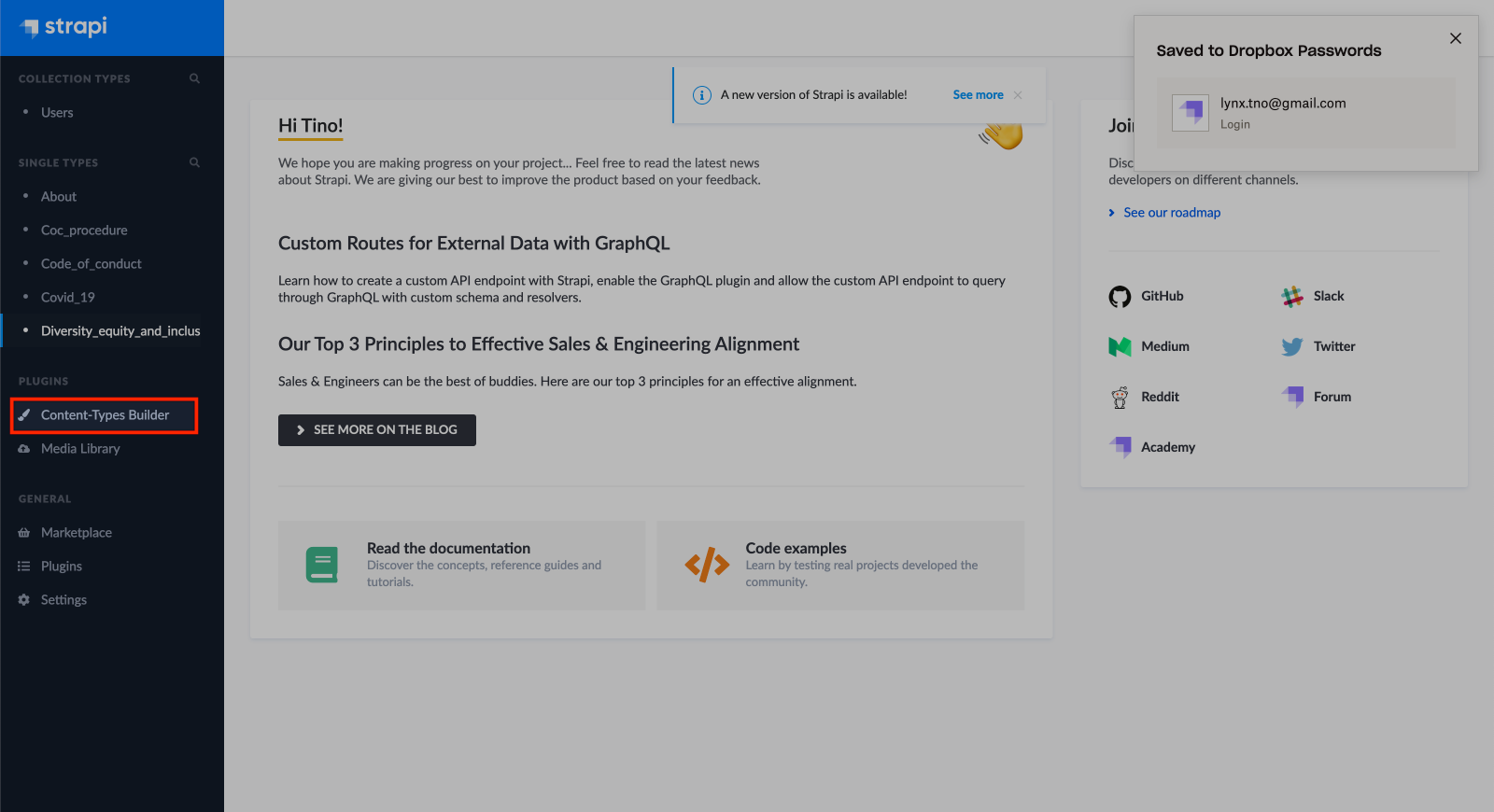
Then click go to content type builder
Click create new single type
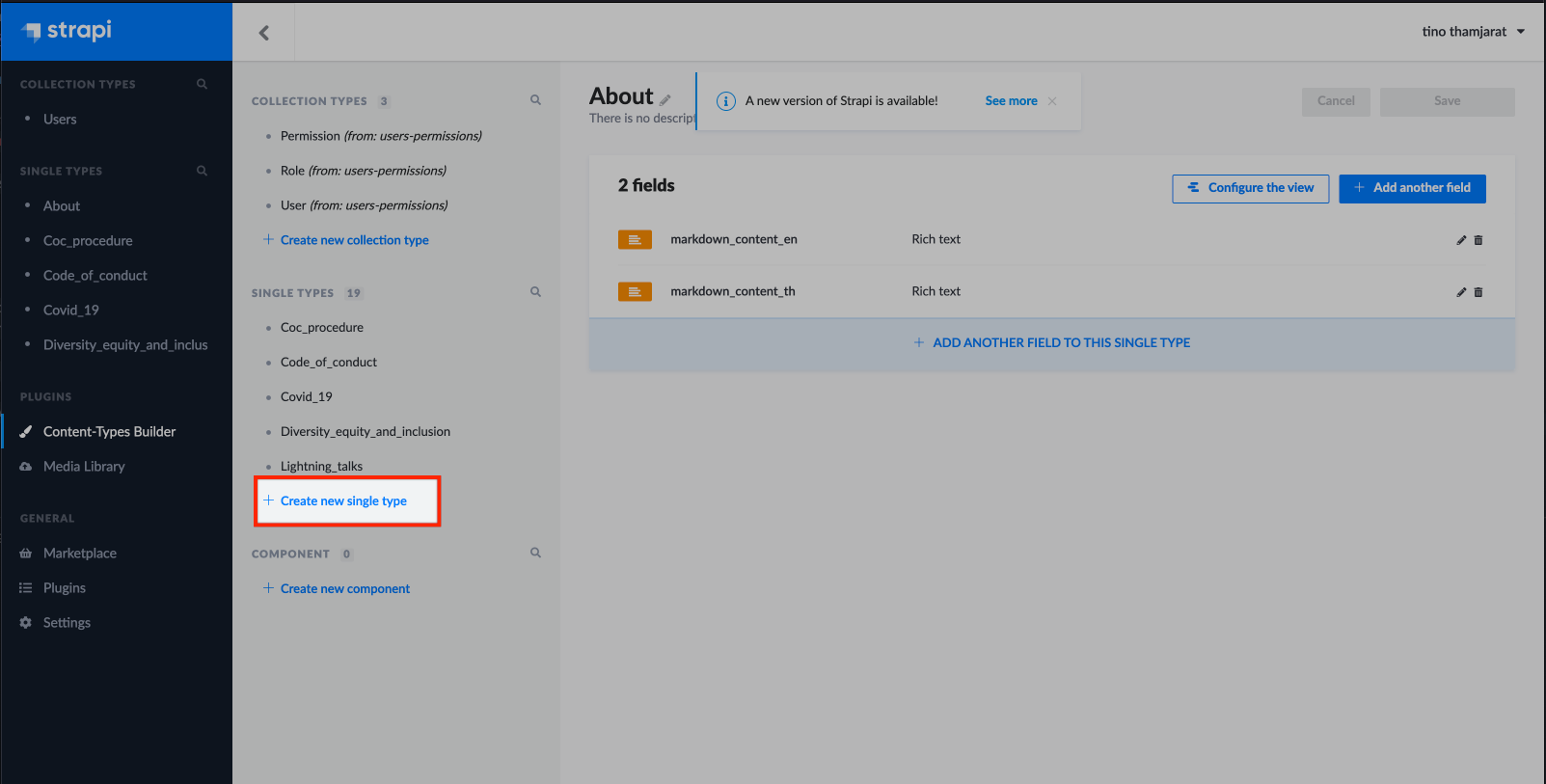
Then add your page name as the display name and add 2 fields for the content type:
- markdown_content_th
- markdown_content_en
Then commit and push the code. When the code is merged, the changes will be applied on https://pyconth-strapi.herokuapp.com/admin/
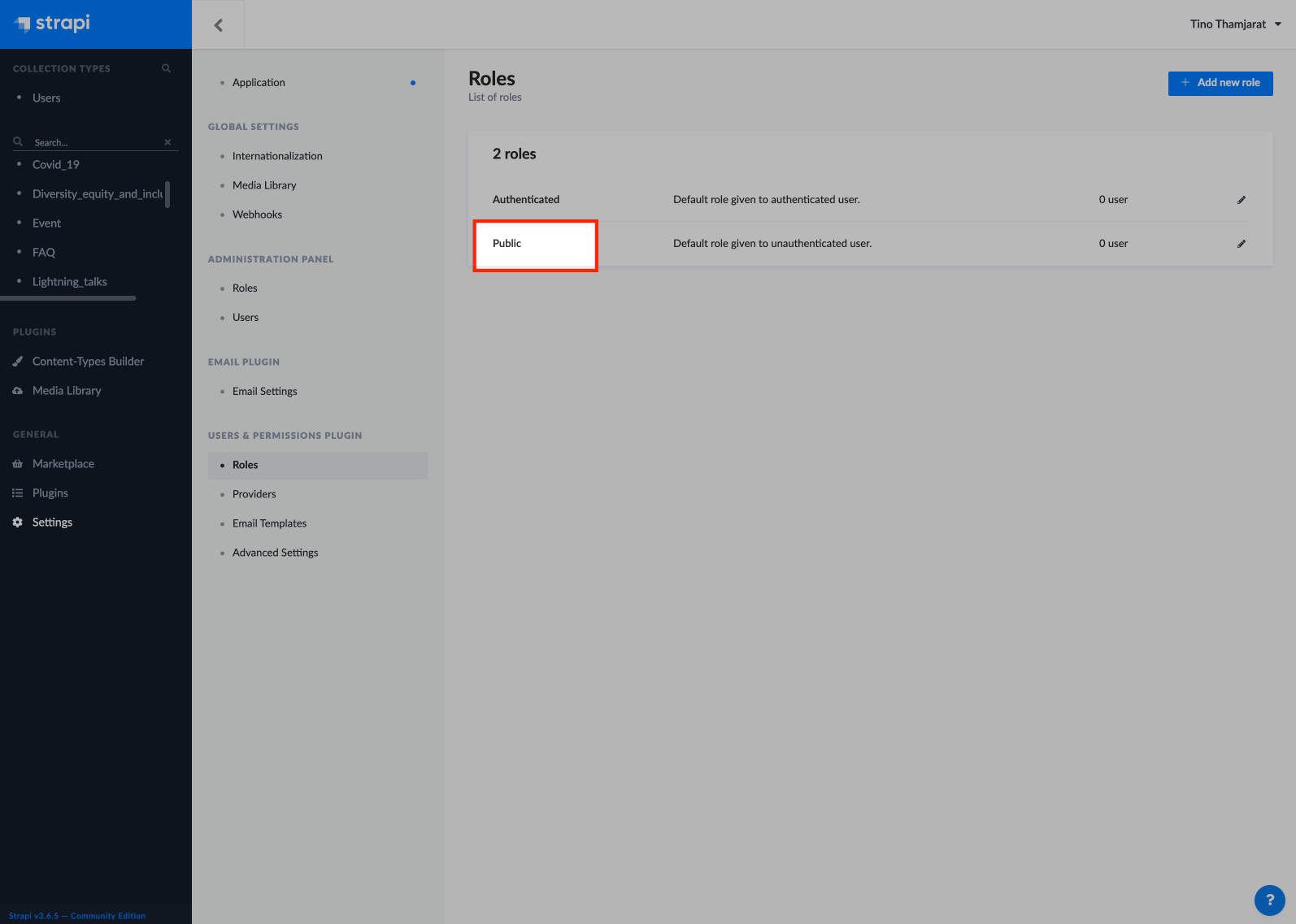
Go their and allow the APIs to be accessed by going to https://pyconth-strapi.herokuapp.com/admin/settings/users-permissions/roles then click on public:
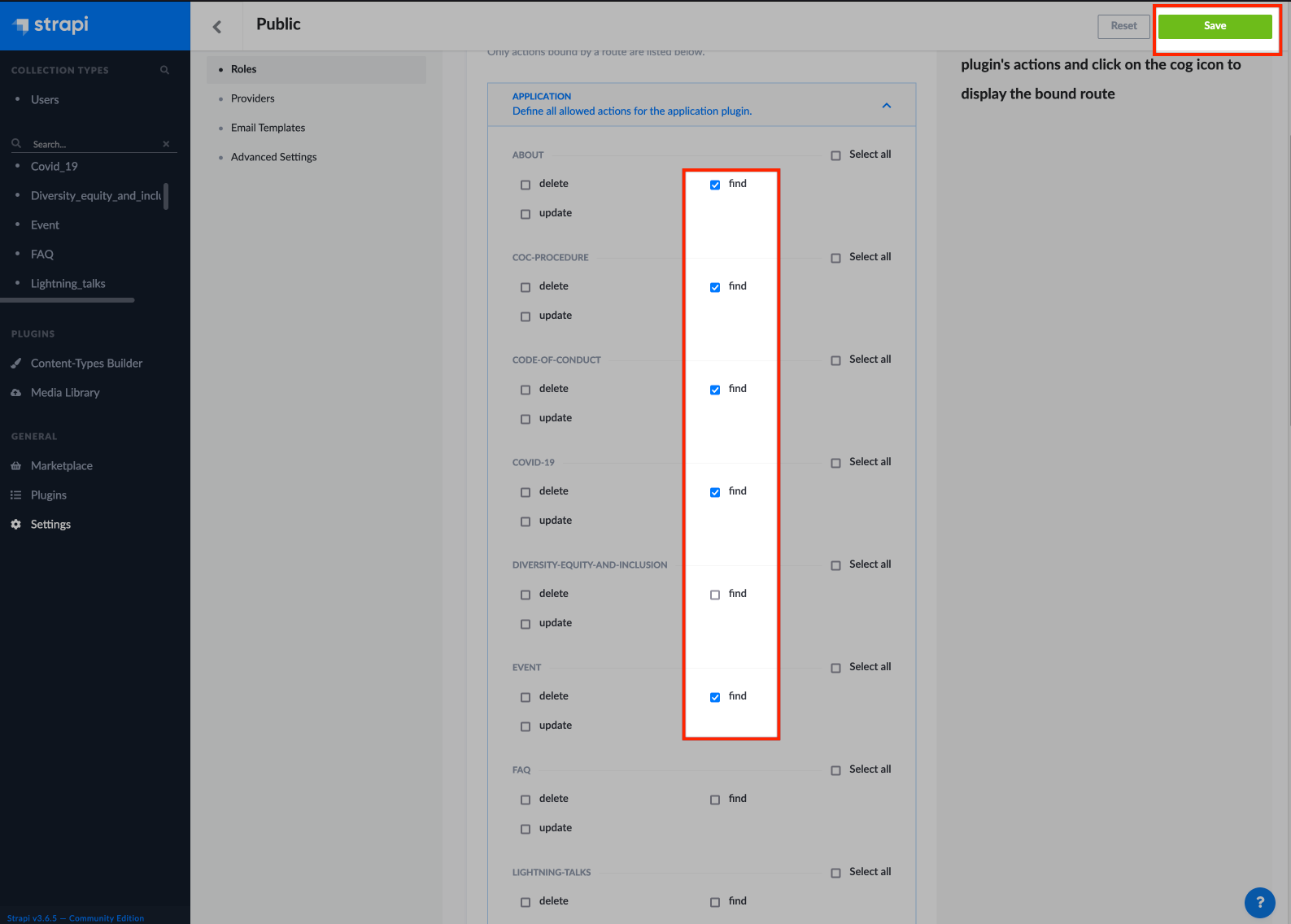
Tick the find checkbox and click save:
Then you're done. Try out the API by running:
curl https://pyconth-strapi.herokuapp.com/<content-type>
# e.g
curl https://pyconth-strapi.herokuapp.com/faq
curl https://pyconth-strapi.herokuapp.com/about
To make the website aware of the change, add your page name in: https://github.com/PyConTH/www2021/blob/master/get_content_from_strapi.py then trigger the deployment to Netlify.
At the root dir of the project
make strapi/deploy
For more detail please see: strapi heroku deployment
Please contact @vtno to get access to the Heroku app.