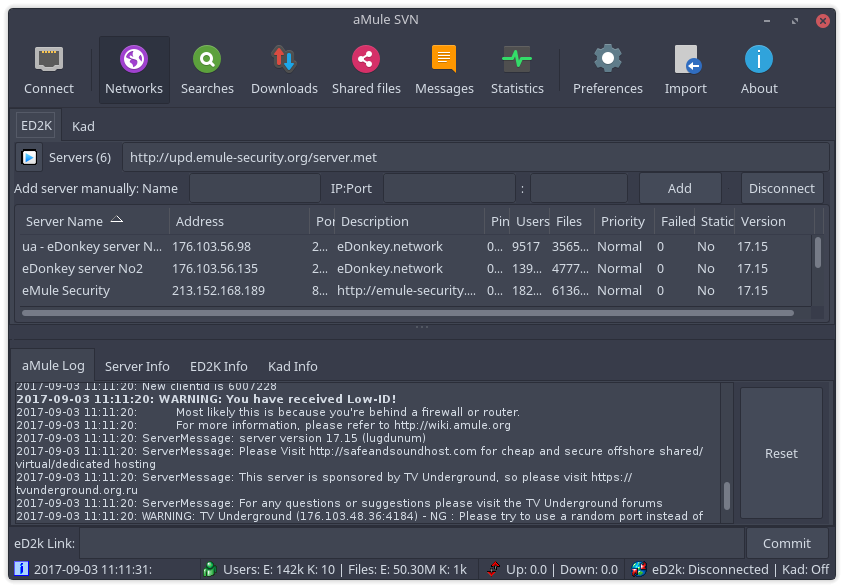
-
Install dependencies:
- git
- make
- librsvg2-bin
- zip
-
Run the following commands:
git clone https://github.com/PapirusDevelopmentTeam/papirus-amule-theme.git cd papirus-amule-theme make build sudo make install -
Start aMule and choose a theme in
Preferences → Interface → Skin to use.