Fork the repo by clicking on the fork button on the top of the page.

clone the repo to your machine by clicking on clone button.
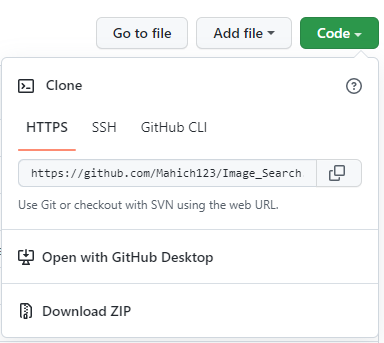
Open Terminal and run the command bellow to clone the repo
git clone "url you just copied"
Now Create a Branch using the command bellow
git checkout -b <add-your-name>
After Updating or completing word you need to commit those changes you have to use these commands to commit
git add Contributors.md
or
git add .
git commit -m "Add a commnent like what you did or added"
Now you need to push all your works to github.
git push origin <add-your-name>
If you go to your repository on GitHub, you’ll see a Compare & pull request button. Click on that button.

Now submit the pull request.

After reviewing you changes I will merge your codes in main branch.
If you come to do any more contribution your folders need to be update with repo In order keep that work flow updated you have to run the command as given bellow
git pull upstream master
It will fetch all the updates .
After getting all the files in your machine run npm install it will install all node modules in you directory and run npm start to check is project running or not .
Congratulations!! You Just made a contribution . Keep oncontributing