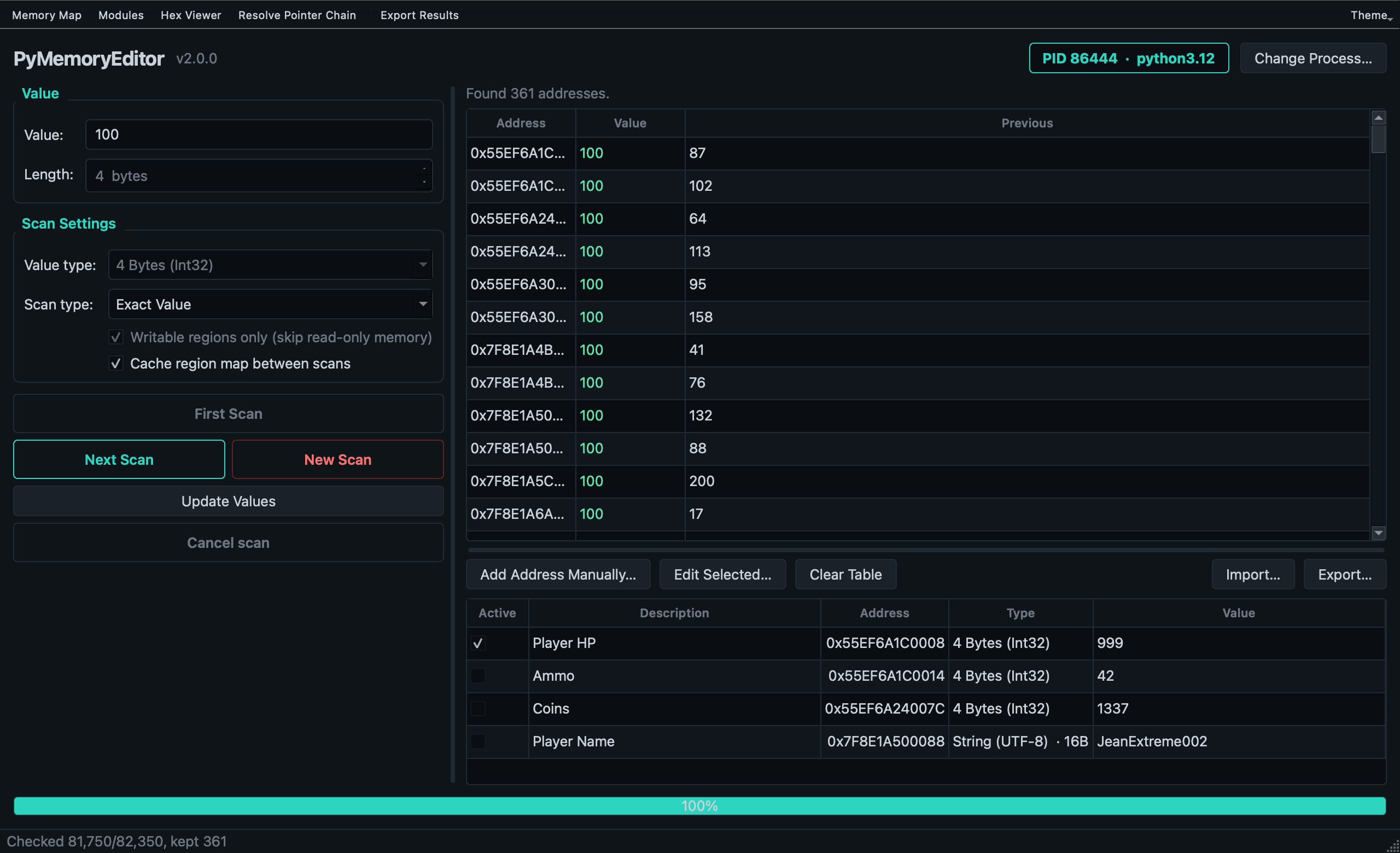
PyMemoryEditor ships with a polished cross-platform GUI built on PySide6 (Qt for Python). It's a Cheat Engine-inspired memory scanner that exercises every public surface of the library — so it doubles as a living demo and a teaching tool.
If you're new to memory editing, start with the app before writing code.
pip install "PyMemoryEditor[app]"The app extra adds PySide6 to the install. The library itself stays
dependency-free.
From any terminal:
pymemoryeditorThe app opens with the Open Process dialog, where you pick a target by name or PID.
|
|
:class: tip

The app ships with a dark theme that follows the system on macOS and Windows
11 and uses a manual toggle elsewhere. Themes live under
**View → Theme**.
- Open a process from the dialog (or
File → Open Process). - Run a First Scan: pick the value type, type the value you can see, hit First Scan.
- Refine with Next Scan after the value changes — pick Exact Value with the new number, or one of the increased / decreased / changed shortcuts.
- When the list is small, double-click a result to add it to the Cheat Table.
- Freeze the value with the checkbox or change it from the Cheat Table.
- (Optional) Run a Pointer Scan on the result to find a chain that survives restarts.
The Cheat Table and Pointer Scan results are stored as plain JSON, so you can:
- Share a cheat table with a friend.
- Version-control your saved pointer scans.
- Diff scans by hand.
The pointer-scan format is documented in PointerPath.
Use the GUI when…
- You're exploring a target interactively.
- You're learning memory editing.
- You want to inspect what's available before writing code.
Use the library when…
- You want to script a workflow or build a tool.
- You want to embed memory access into a bigger application.
- You need batch processing, automation, or CI integration.
- [Quick Start](quickstart.md) — the same workflow, in code.
- [Logging](guide/logging.md) — the Log Console exposes the library's logger.