Installallation on Raspberry Pi #9
coyan
started this conversation in
Show and tell

Replies: 0 comments
Sign up for free
to join this conversation on GitHub.
Already have an account?
Sign in to comment

Uh oh!
There was an error while loading. Please reload this page.
-
I want to install on a Raspberry Pi (version 4 with 2GB of RAM) but I'm new with Docker. First I explain the steps to reproduce it and then I show what errors I found.
Installation
Download the Raspbian (aka: Raspberry Pi OS) from Raspberry Pi official webpage and flash on the microSD, and start pasting commands:
If you don't reboot after a firmware update docker fails to install, so reboot allways to be sure.
Now Docker is correctly installed and it is working (last line deletes the example dock). So we start to install Partkeepr, we can't use the instructions provided on this repository because the mariadb doesn't work on Raspberry Pi. The imported files will be stored on a folder, that we create (I copy the files using VNC and an USB flash memory):
Now we create the BD, on the network, using a docker that runs on Raspberry and using the 3310 port:
Optionally install the phpmyadmin to see the BD and make the backups (webpage port 8081):
Finally start the partkeepr web on our Raspberry Pi:
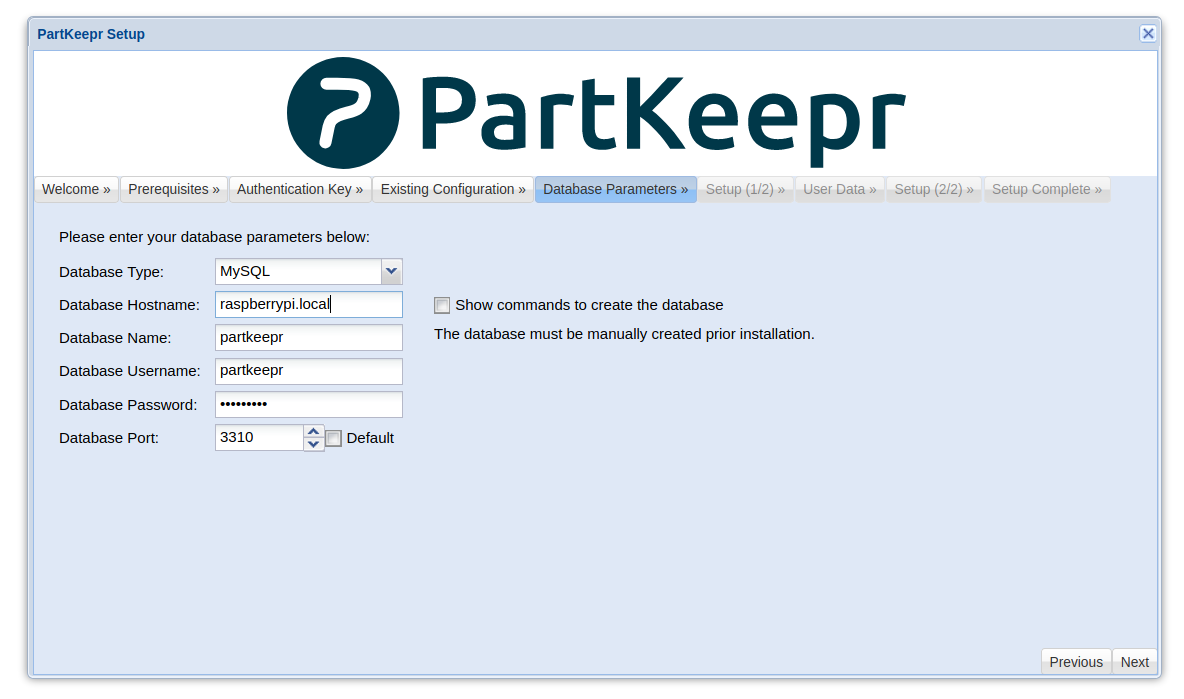
Go to http://raspberrypi.local:8080/setup/ and install Partkeepr, on Database Parameters use this:

Do not close your console, we still need some commands (last one is mandatory while the setup process):
Finally, if we reboot the Raspberry Pi, with this simple command we can start all again:
docker start pkdb pkweb pkdbadminNow found problems or possible improvements:
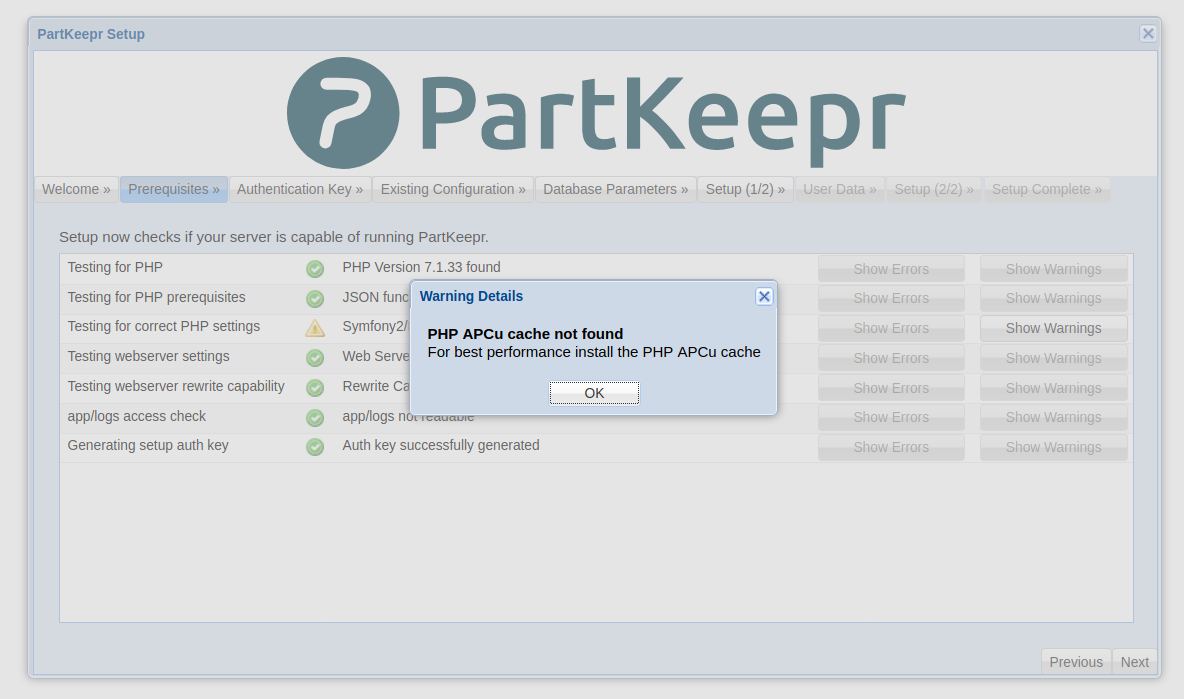
PHP warning on setup
I don't know how to fix this PHP error with APCu cache:
Importing database
My old database is a 270KiB file, it fails to import using the phpmyadmin and importing using the Partkeepr setup (I think that is a timeout). I tried using the console with this command and takes about 45 minutes but it works:
Importing files
I think that is related with the cache or maybe some timeout (it takes a lot of time "Warming up the cache") but I can't finish the install if I import my old data (10MiB the "data" folder and 110KiB the "config" folder):

When use next command it works, but there is any way to do this step default when we choose multiarch-latest?
docker exec -it pkweb php /app/app/console cache:warmupNetwork
I made a network called partkeepr to improve the connection on setup but it doesn't work and on the DB step. It works when I use the router's network IP or the Raspberry hostname:
I'm very new on Docker I know that this install can be improved with your help (and fix some or all of problems that I found). If we make an easy instructions and provide some way to export the data to make regular backups it will be very useful to make this docker the better choice as main install of partkeepr (maybe when we finish this we can think on improve security using Let's Encrypt but now we will suppose that our internal network is secure and if we need external access we can use any VPN Docker to see the webpage).
Beta Was this translation helpful? Give feedback.
All reactions