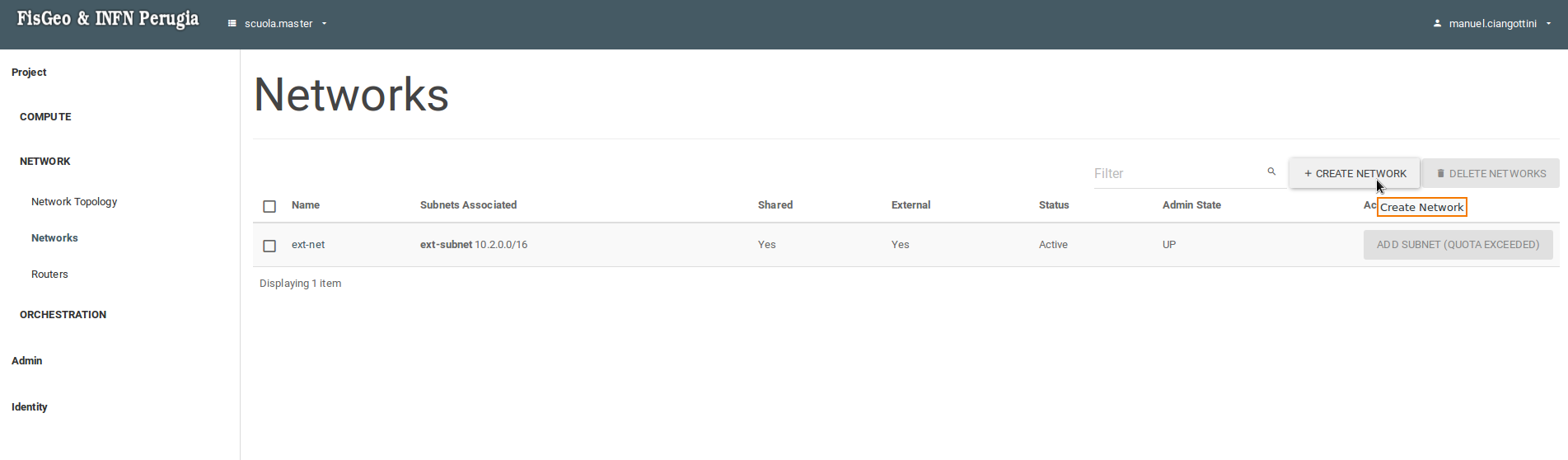
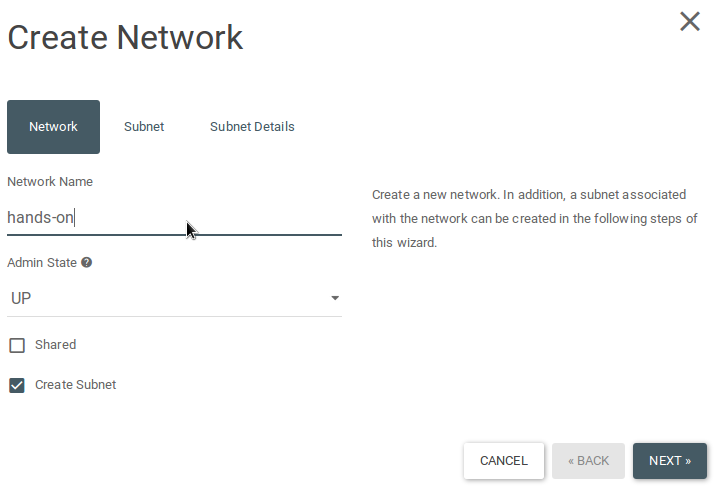
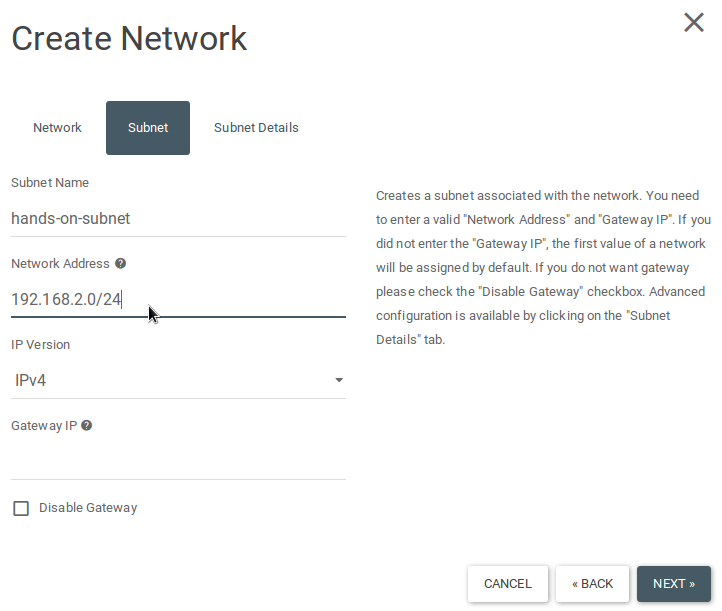
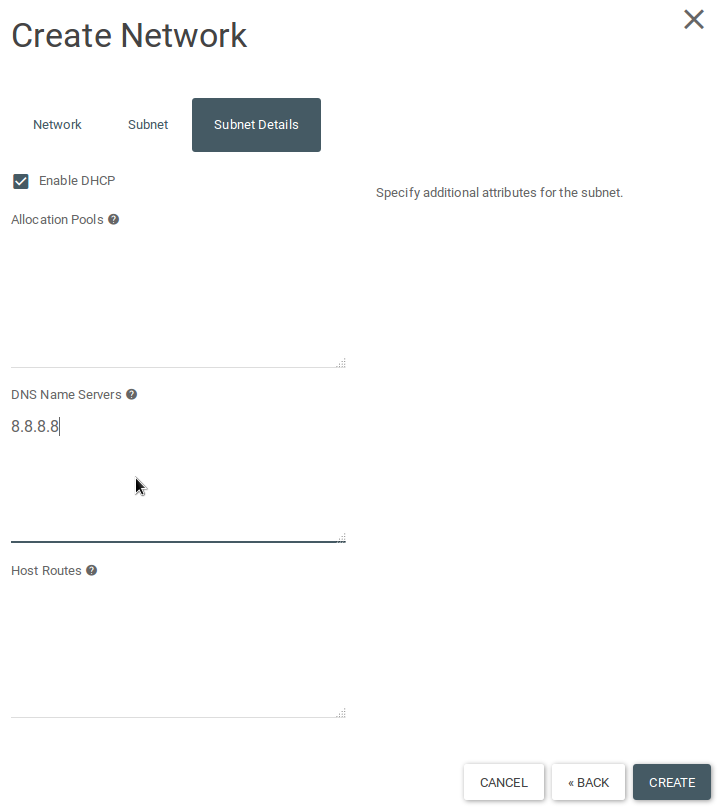
Section Network -> Networks -> Create network. At the prompt enter a name for your network, go to the Subnet tab, enter a name and a network address for your subnet, go to the Subnet details tab and add "8.8.8.8" in the DNS nameservers section.
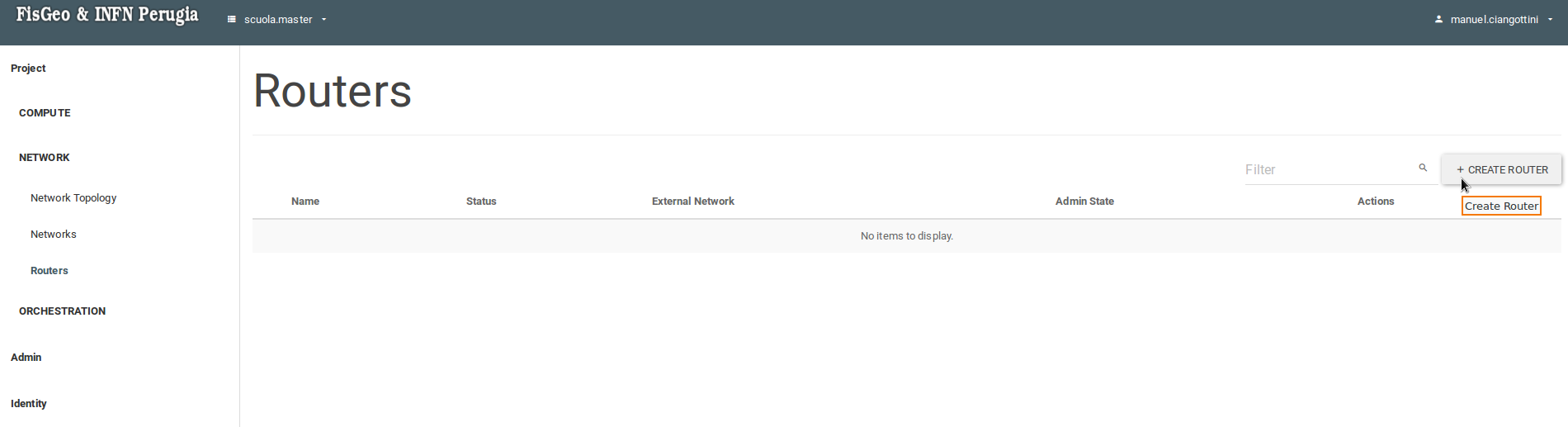
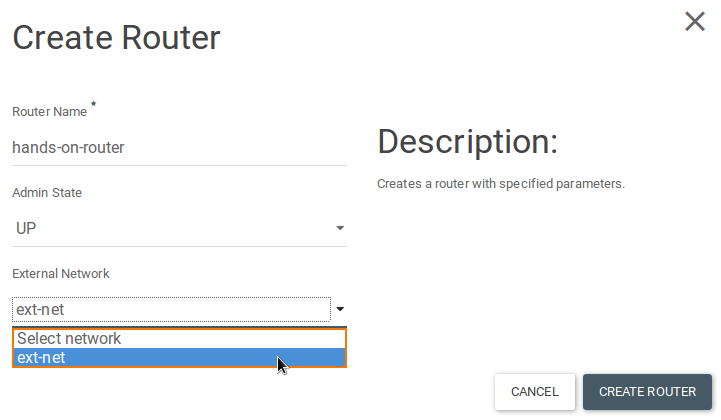
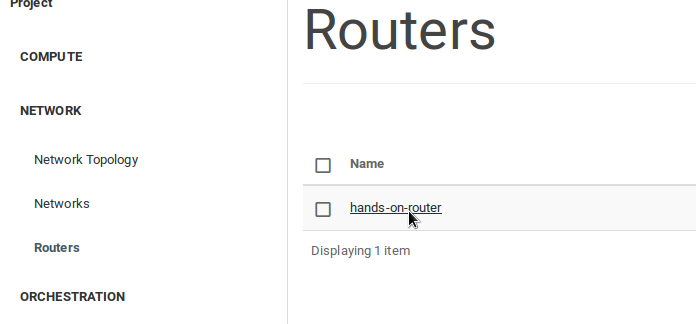
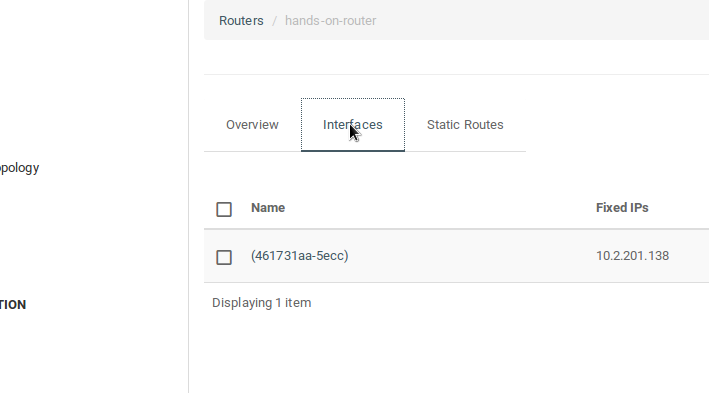
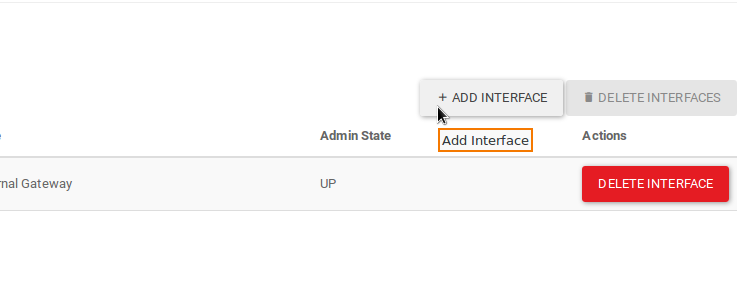
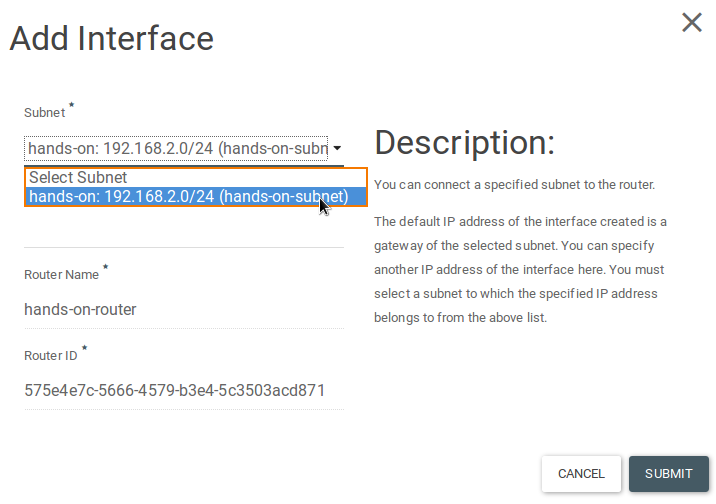
Section Network -> Router -> Create router. At the prompt, enter a name for the router, select ext-net from the dropdown menu and click Create. After creating the router, you need to attach it to a local network (the one we just created) so click on the router name, go to the Interfaces tab, click on Add interface, select the subnet we created earlier and submit.
We have now a private network connected to the outside world.
Next section: Virtual machine creation